
I want a laptop for school, but I don't want to blow the budget — and I don't want something so cheap it struggles either. Ideally I want something that'll still hold up once I'm at uni. Does that exist?
Hey, Takumi here from ZippyLaptop.
Now you're at secondary school, you're probably starting to think about getting your own laptop — but it's easy to get stuck on what actually matters. Here's the problem, though: settle for whatever the school hands you, or grab the cheapest model going, and you'll likely find it can't keep up the moment you start uni — not enough grunt for essays or coding assignments, and you'll be replacing it almost straight away.
So having gone hands-on with loads of laptops over the years, I've boiled down what makes a laptop that'll stay useful right through your seven years of school, from sixth form to uni into three simple conditions, and picked out my recommendations. Stick with it to the end and you'll know exactly what not to compromise on when choosing a laptop for school.
Right, let's get into it! 🏃♂️
Quick Answer
I'll get straight to the point.
For sixth formers, the sweet spot is Intel Core 5/AMD Ryzen 5 or better, 16GB+ RAM, and a budget around £1,000!
Based on the conclusion above, here are the 3 laptops I'd recommend first.
If you're stuck deciding, picking from this shortlist will rarely lead you wrong.
The rest of the article breaks down the differences and how to choose.
Our TOP 3 Picks
OLED display, 16GB of RAM, and ~19.8 hours of battery — a value pick that lasts from school through uni
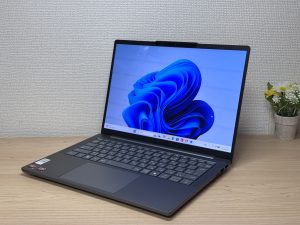
OLED display, class-leading keyboard feel — genuinely good value for the money.
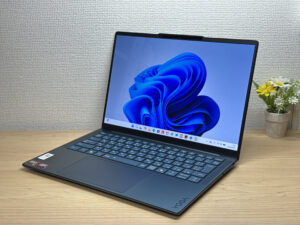
A true 1kg laptop that's quick and light enough to last from school through uni
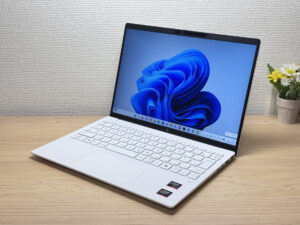
Buying Guide
Specs: 16GB+ RAM and a mid-range CPU are the bare minimum to see you through uni
If you want a laptop that lasts from secondary school right through university, it's safest to go with a fairly recent-gen CPU — Intel Core 5 / AMD Ryzen 5 or better (M4 chip or better for Macs) — and at least 16GB of RAM.
- CPU: Intel Core 5 / AMD Ryzen 5 or better (M4 chip or better for Mac)
- RAM: 16GB or more
- Storage: 256GB minimum, 512GB recommended
- Display: IPS or better, OLED if you can stretch to it
A really common mistake is picking a cheap 8GB model on price alone, only to find it grinds to a halt the moment you've got a few apps open at once at uni. Things you got away with at school — a paper notebook, printed handouts — turn into juggling essays, research and coding assignments all at once at university, with your browser, Word and an AI tool all open together as standard.
On top of that, coding is now compulsory in a lot of schools, and it comes up in exams too. So if you want something that runs Python without a fuss, aim for at least an Intel Core 5 / AMD Ryzen 5-class CPU, or M4 or better for Mac. Personally, if you're going for a Mac at school, I reckon the MacBook Neo still holds up just fine.
Hit this spec bar and you're covered from school homework and coding right through uni essays, for years to come.
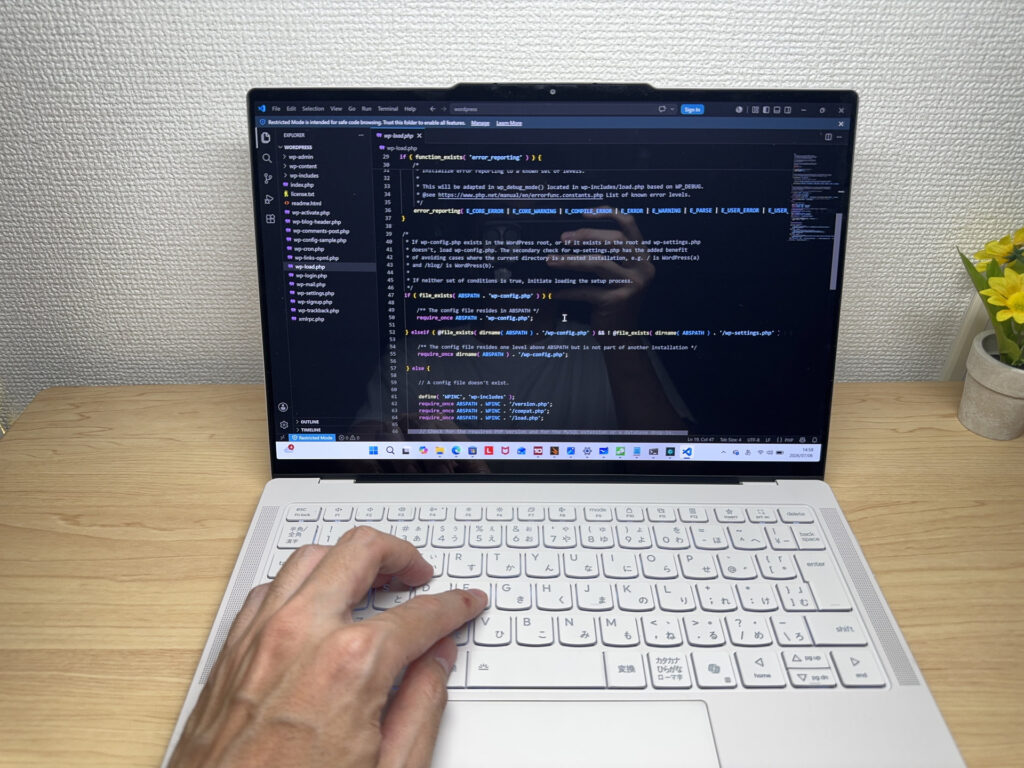 With a reasonably recent CPU and 16GB of RAM, you shouldn't have any trouble with coding
Everyday use: a light 13–14 inch model sees you through uni too
For portability, you can't go wrong with a 13–14 inch model on the lighter side.
- Screen size: 13–14 inches
- Weight: under 1.4 kg — ideally around 1.2 kg
- OS: Windows or Mac (the two real options if you're thinking as far as uni)
A common pattern is writing off your own laptop because "the school Chromebook covers it," then scrambling to pick one in a rush once essays and research pile up at uni. A school-issued laptop might get you through lessons, but once you factor in studying at home, using AI tools, and carrying one to lectures, the library and cafés at uni, having your own Windows or Mac machine really pays off. Think about chucking it in your bag between lectures — light really is right. 😊
Also, some schools run BYAD (Bring Your Own Approved Device) schemes, so check with your school before buying anything yourself — don't skip this step.
And you're at school — you deserve to game a bit too. Integrated GPUs have come on a lot lately, so lighter games like Fortnite or Minecraft run just fine. 🎮 Heavy, properly 3D-intensive PC games are another matter though — for that, you'll want a dedicated gaming laptop instead.
Tick these boxes and you're set for lugging it around at school and well into uni life, without the hassle.
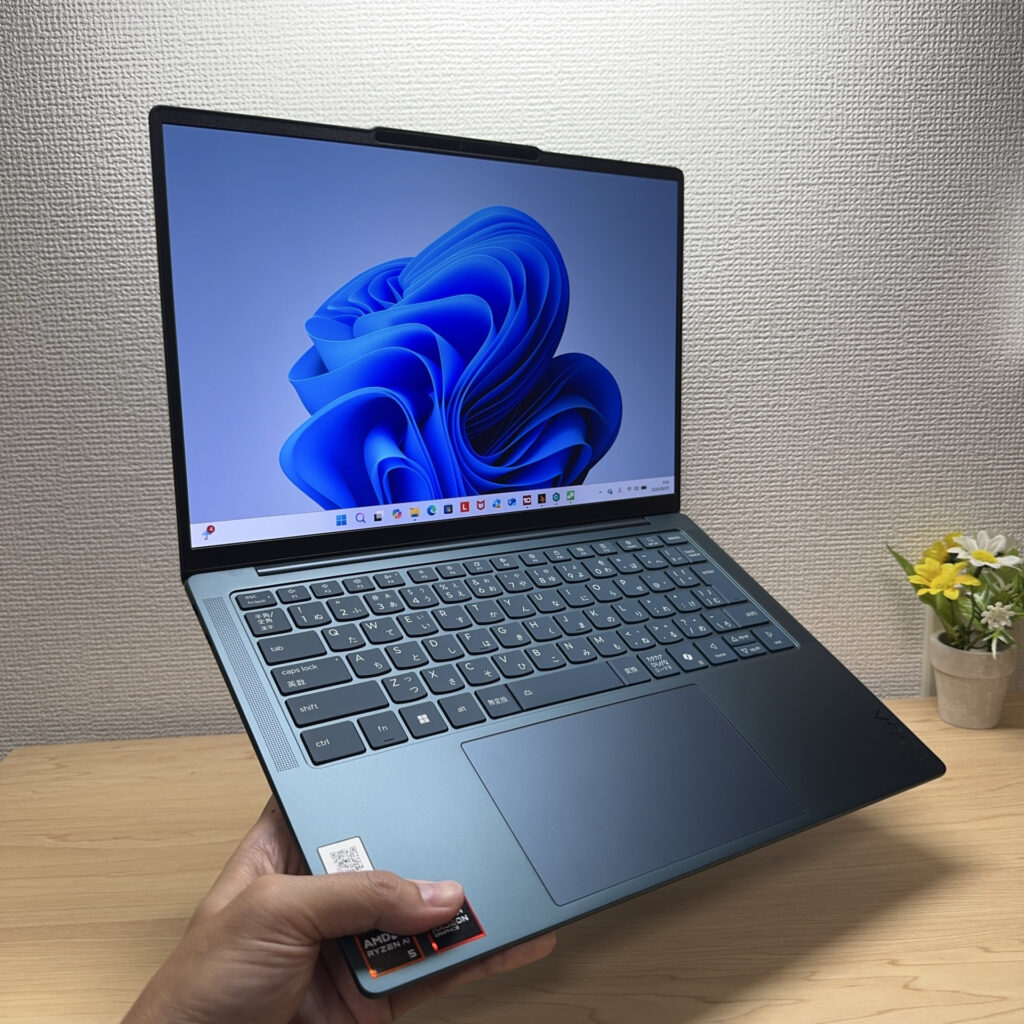 A laptop you can grab and carry one-handed is genuinely handy
Price: cheap laptops end up costing more. Budget around £1,000
Aim for a budget of around £1,000. "That much for a school laptop?" you might think — but if you're using it right through uni, not skimping here is actually the biggest saving in the long run.
- Budget: around £1,000
- Avoid: used laptops, extremely cheap models
- Microsoft Office: skip it for now (buy a one-off licence later if you need it)
That's because if you go for a used or ultra-cheap model just to save money, you often end up with something underpowered, or with hidden wear you can't spot from the outside — and you're stuck replacing it almost straight away. Used laptops can have surprisingly worn-out batteries, and even brand-new bargain models usually skimp on RAM, the display, or storage somewhere. Buying cheap now and replacing it later ends up costing more overall — that's the trap to avoid.
That's why setting aside a budget of around £1,000 lets you comfortably tick off everything covered so far — 16GB+ RAM, a mid-range CPU, an IPS or OLED display — without compromise. If you're using it right through uni, this price range is where you get the most for your money, in my experience.
By the way, you don't need to buy Microsoft Office (Word, Excel, etc.) right now. Once you're at uni, most universities give students free access to a licence, so it's fine to wait until you actually need it. If you do need it sooner, though, I'd recommend a one-off purchase version of Office from Amazon rather than paying for a Microsoft 365 subscription every year. One purchase covers up to two devices, and the licence carries over if you upgrade laptops later.
Get one laptop in the £1,000 range and you can ride it all the way through uni with zero replacement costs along the way.
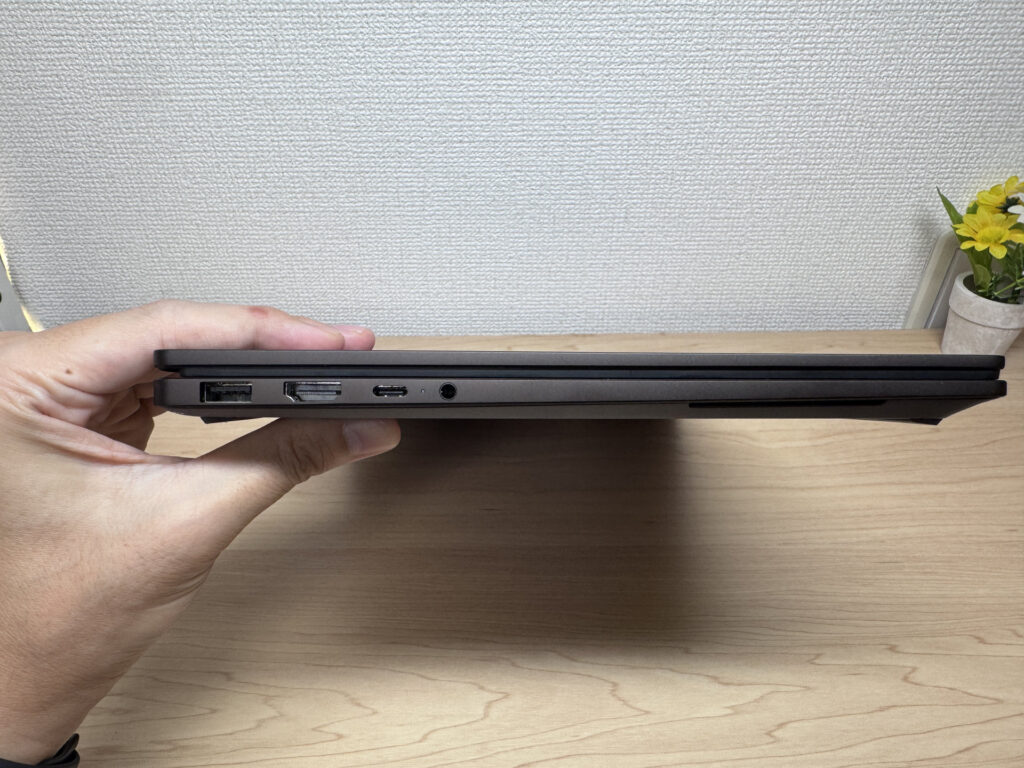 Spend a bit more up front and you also get a slimmer, easier-to-use laptop
So, here's the bottom line for picking a laptop at school — nail these three things and you're sorted.
- CPU: Intel Core 5 / AMD Ryzen 5 or better (M4 chip or better for Mac), 16GB+ RAM
- 13–14 inch, on the lighter side (Windows or Mac)
- Budget around £1,000, skip Office until you need it at uni (buy a one-off licence then)
Hit these three and you'll have a laptop that carries you from school through uni without any replacement regrets. No "hang on, this isn't powerful enough, I need a new one" moment once you get to uni — just less stress and more focus on lectures and assignments.
And in this article, I've rounded up laptops that tick all these boxes, so take a look below.
Our Picks
#1Lenovo IdeaPad Slim 5 Gen 10 (14-inch AMD)
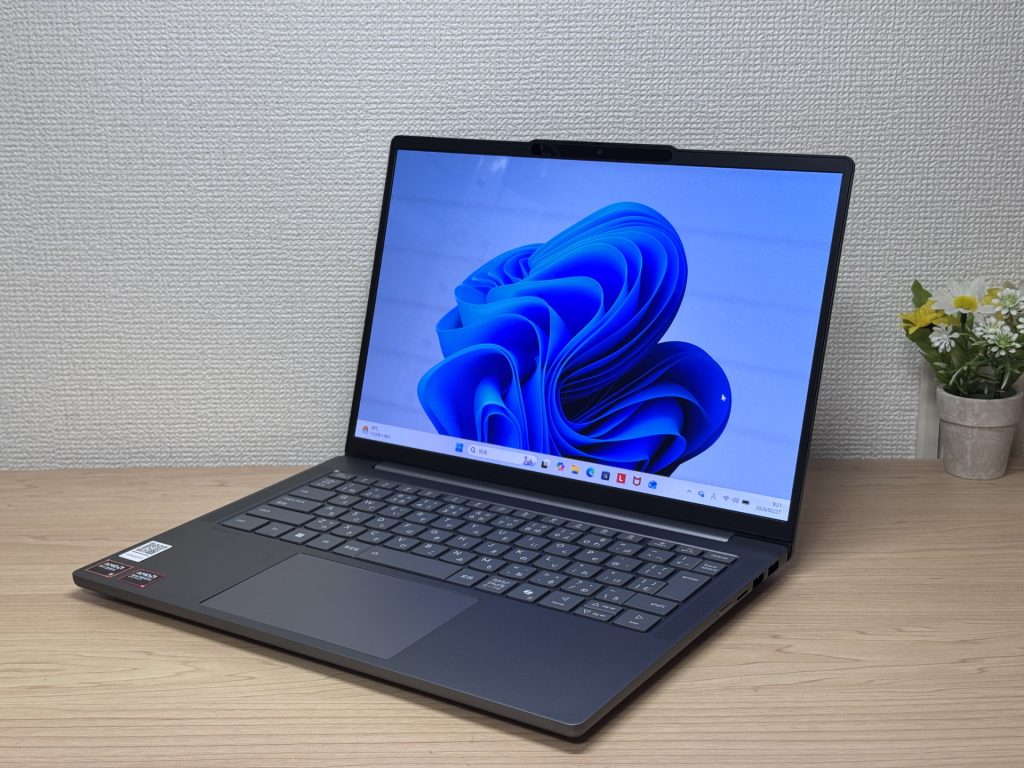
- ·You carry your laptop to work or uni every day
- ·You want a great screen for films and streaming
- ·You need all-day battery life away from a power socket
- ·You need to connect up quickly in meetings or lectures
- ·Demanding gaming or heavy video editing is your primary use case
- ·You regularly do intensive tasks in quiet environments
Key Specs
- CPU
- AMD Ryzen AI 5
- Display
- 14.0-inch
- RAM
- 16GB
- Weight
- 1.39 kg (3.06 lbs)
- Storage
- 512GB SSD
- Battery
- ~19.8h
Why We Picked It
Hitting an OLED display, 16GB of RAM, and roughly 19.8 hours of battery life all at this price point makes this one of the strongest contenders on our school list.
The AMD Ryzen 5 8645HS paired with 16GB of RAM handles the "do everything at once" reality of uni — a dozen browser tabs open, running your Python coursework, and looking things up with an AI tool — without breaking a sweat. The 512GB SSD hits blistering 6,581 MB/s read speeds, so saving and loading files feels instant, which is oddly satisfying. And with a rated battery life of around 19.8 hours, you can go from lectures to the library to a café and back without needing a charger — a full day, no plug required. It supports USB-C charging too, so chucking one small USB-C charger in your bag is all the backup you need. The OLED screen's blacks are on a different level from IPS, which makes watching something between lectures feel a lot more worthwhile.
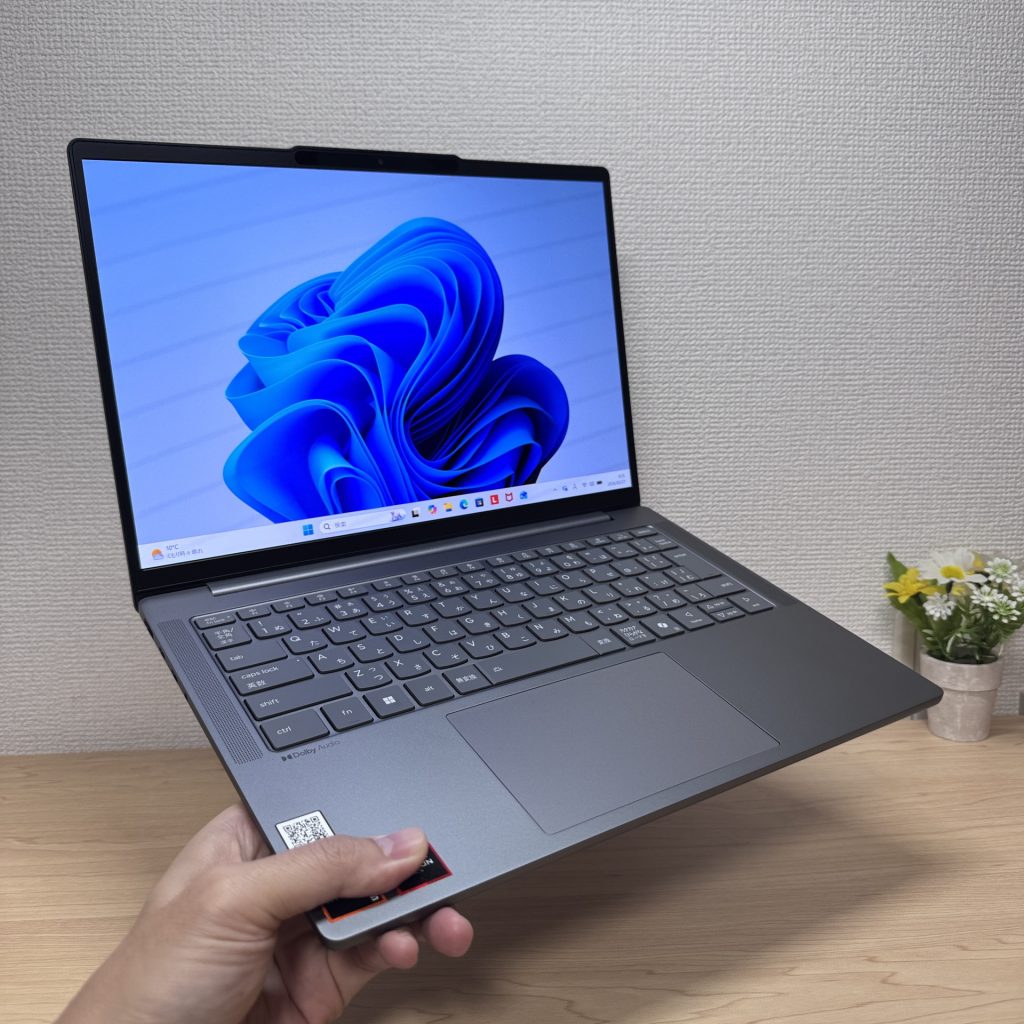 A touch on the heavier side for one-handed carrying
One thing worth flagging honestly: the glossy display can pick up noticeable glare in bright spots, like near a window. That's partly the trade-off for OLED's vivid colours, though, and angling your seat slightly usually sorts most of it.
If you're after these specs — good enough to last from school through uni — without stretching your budget, this is your answer. 😊
#2Lenovo Yoga Slim 7a Gen 11 (14-inch AMD)
- ·You carry your laptop every day and want something genuinely light
- ·You want a sharp, vivid display for streaming films and shows
- ·You need a reliable daily machine for work, uni, and general productivity
- ·You want an OLED laptop that's slim, light, and won't break the bank
- ·Your main use is demanding gaming or heavy video editing work
- ·You rely on USB-A, HDMI, or have lots of peripherals to connect directly
Key Specs
- CPU
- AMD Ryzen AI 5 430
- Display
- 14.0-inch 1920x1200 OLED touch
- RAM
- 16GB
- Weight
- 1.14 kg (2.54 lbs)
- Storage
- 512GB SSD
- Battery
- ~19.0h
Why We Picked It
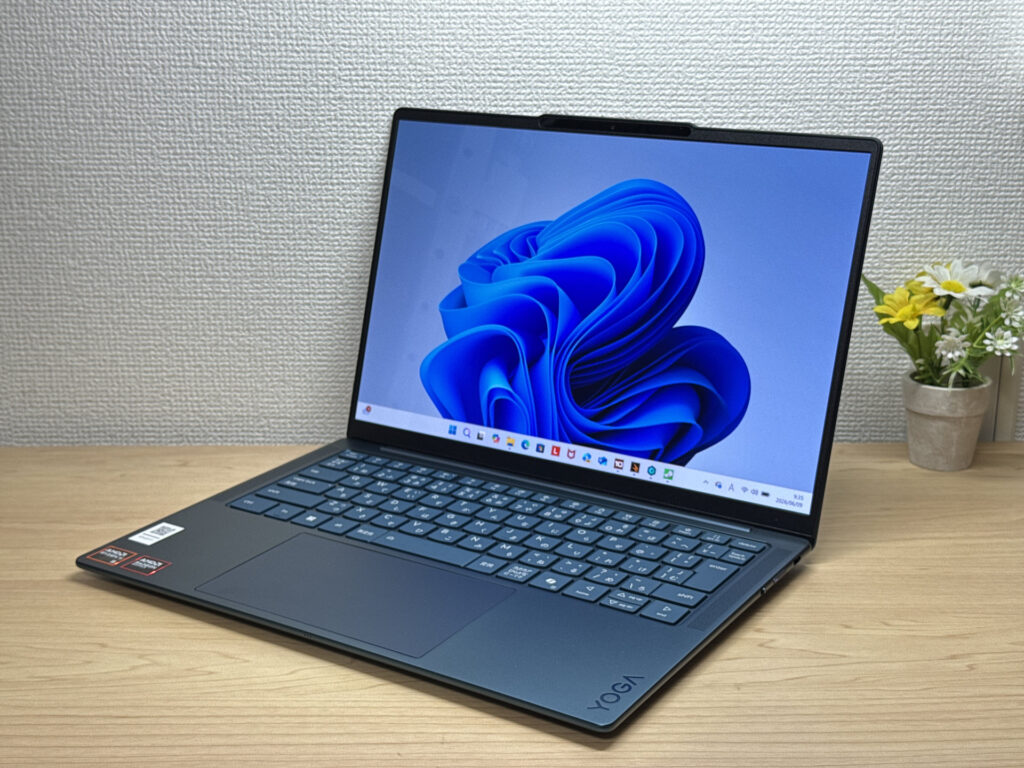
Yoga Slim 7 Gen 11 (14-inch AMD) is a slim 14-inch laptop with an OLED display — 1.15 kg and 13.9 mm thin, at a price that genuinely impresses for the spec you're getting. Hands-on, the keyboard feel was a personal highlight — noticeably better than expected for this tier. The downside is that there's no headphone jack and you're limited to USB-C ports only, so anyone with lots of peripherals will need a hub. But at this price point, the value is hard to argue with. A great shout for uni students working on essays, or anyone who wants a reliable daily carry for work, streaming, and café sessions.
An OLED at this price? You don't see that from other brands very often.
#3HP OmniBook 7 Aero 13-bg
- ·You carry your laptop everywhere and want something genuinely lightweight
- ·You want a solid machine for essays, browsing, and video calls
- ·You often work from cafés, lectures, or anywhere outside the office
- ·You need a machine for heavy gaming or video editing
- ·You're regularly away from a charger for long stretches
Key Specs
- CPU
- AMD Ryzen AI 7 350
- Display
- 13.3-inch 1920x1200 IPS
- RAM
- 16GB
- Weight
- 0.97 kg (2.14 lbs)
- Storage
- 1TB SSD
- Battery
- ~15.5h
Why We Picked It
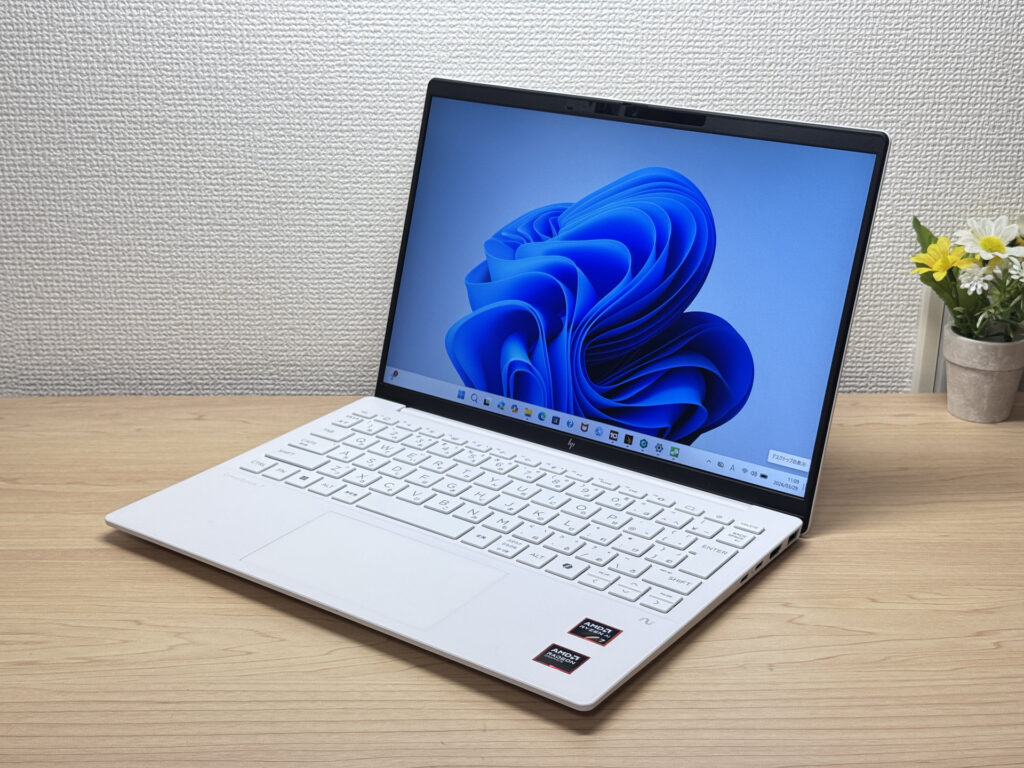
If you want a laptop that ticks all three boxes for school — light, genuinely capable, and built to last — the OmniBook 7 Aero 13-bg is it.
Its biggest strength is packing 16GB of RAM and a 512GB SSD into a body that weighs in at roughly 1kg, so it breezes through uni essays, coding assignments, and running an AI tool at the same time. The AMD Ryzen AI 5 340 handles Python from your school computer science lessons without breaking a sweat, and it stays snappy even with loads of browser tabs open. The 13.3-inch 16:10 IPS display gives you more vertical space, which means less scrolling and more of each document visible at once — a small thing that adds up when you're revising at home. The ceramic white design looks sharp when you pull it out in class or at a café, and it's light enough that you'll barely notice it in your bag — a real bonus once you're lugging it round campus every day at uni.
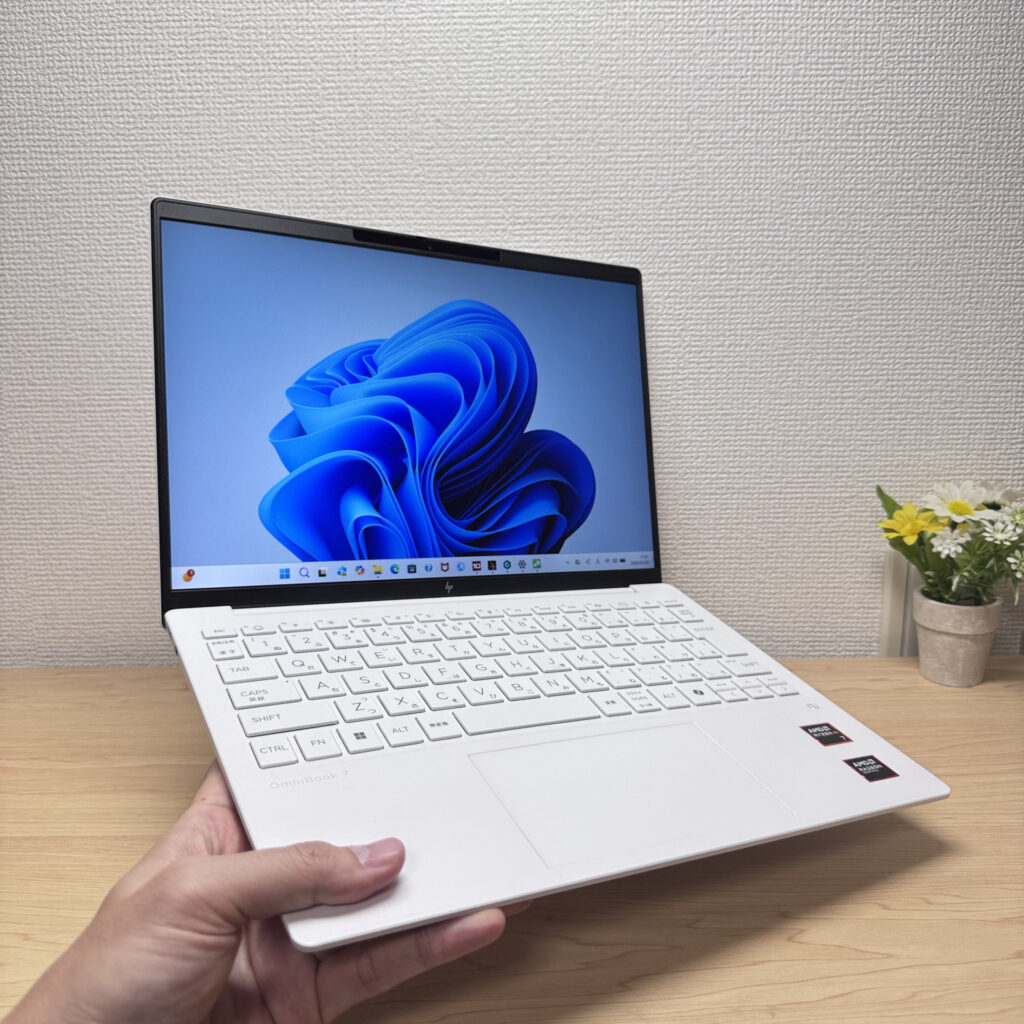
One thing worth flagging: battery capacity sits at 43Wh, which isn't huge, so on heavy workload days you might burn through it faster. That said, chucking a small, lightweight USB-C charger in your bag covers it easily — and since the laptop itself is this light, even with the charger added your total load stays nice and light.
If you're after something you won't need to replace once you're at uni, this balance of weight and specs is about as close to ideal as it gets 😊
More Recommended Models
If our TOP 3 didn't quite click, take a look here too. These are picked with the same criteria, so you won't go far wrong either.
The budget 14-inch that holds its own every single day.
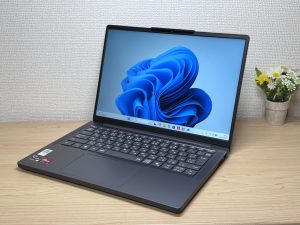
About 1.2 kg (2.6 lbs) and a 3K OLED — pricey, but you can see exactly where it went.

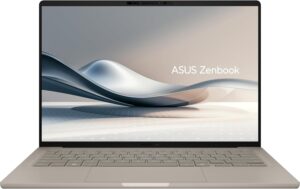
Under a kilo at 0.98 kg (2.2 lbs) and a claimed 32 hours — a 14-inch built around portability.
Spec Comparison
Compare specs of all 6 recommended models at a glance.
Note: This table is ordered by our editors' picks for this use case, not by ZippyScore.
| Model | Image | Stores | Highlights | ZippyScore | CPU | RAM | Storage | Display | Battery | Weight | Full Review |
|---|---|---|---|---|---|---|---|---|---|---|---|
|
🥇 Best Overall
Lenovo
IdeaPad Slim 5 Gen 10 (14-inch AMD)
|
|
Amazon | OLED display, 16GB of RAM, and ~19.8 hours of battery — a value pick that lasts from school through uni | Best 4.8/5 | AMD Ryzen AI 5 Passmark: 19,356 | 16GB | 512GB |
14.0"
|
~19.8h | 1.39 kg (3.06 lbs) | Full Review |
|
🥈 Best Balanced Pick
Lenovo
Yoga Slim 7a Gen 11 (14-inch AMD)
|
|
Amazon | OLED display, class-leading keyboard feel — genuinely good value for the money. | 4.6/5 | AMD Ryzen AI 5 430 Passmark: 13,437 | 16GB | 512GB |
14.0"
1920x1200
OLED
|
~19.0h | 1.14 kg (2.54 lbs) | Full Review |
|
🥉 Best Value Pick
HP
OmniBook 7 Aero 13-bg
|
|
Amazon | A true 1kg laptop that's quick and light enough to last from school through uni | 4.5/5 | Best AMD Ryzen AI 7 350 Passmark: 24,959 | 16GB | Best 1TB |
13.3"
1920x1200
IPS
|
~15.5h | Best 0.97 kg (2.14 lbs) | Full Review |
|
Lenovo
IdeaPad Slim 3 Gen 10 (14-inch AMD)
|
|
Amazon | The budget 14-inch that holds its own every single day. | 4.6/5 | AMD Ryzen 7 8840HS Passmark: 24,834 | 16GB | 512GB |
14.0"
1920x1200
IPS
|
~17.0h | 1.39 kg (3.06 lbs) | Full Review |
|
ASUS
Zenbook S 14 (UX5406SA)
|
|
Amazon | About 1.2 kg (2.6 lbs) and a 3K OLED — pricey, but you can see exactly where it went. | 4.3/5 | Intel Core Ultra 7 256V Passmark: 19,556 | 16GB | Best 1TB |
Best 14.0"
2880x1800
OLED
|
~23.3h | 1.20 kg (2.65 lbs) | — |
|
ASUS
Zenbook A14 (UX3407QA)
|
|
Amazon | Under a kilo at 0.98 kg (2.2 lbs) and a claimed 32 hours — a 14-inch built around portability. | 4.1/5 | Snapdragon X X1-26-100 | 16GB | Best 1TB |
14.0"
1920x1200
OLED
|
Best ~32.0h | 0.98 kg (2.16 lbs) | — |
Frequently Asked Questions
Is 8GB of RAM not enough?
How much storage do I actually need?
Windows or Mac — which is better?
Can I game on it?
Is it worth buying Microsoft Office?
Summary
Here's a quick recap of the conclusion from this article:
These are the models that meet those criteria:
- #1 Lenovo IdeaPad Slim 5 Gen 10 (14-inch AMD)
- #2 Lenovo Yoga Slim 7a Gen 11 (14-inch AMD)
- #3 HP OmniBook 7 Aero 13-bg
- #4 Lenovo IdeaPad Slim 3 Gen 10 (14-inch AMD)
- #5 ASUS Zenbook S 14 (UX5406SA)
- #6 ASUS Zenbook A14 (UX3407QA)
We hope you find the laptop that's right for you here.
Happy laptop hunting!
About the author
