

I want a laptop for under £700, but I really don't want to end up with something so cheap it's basically useless... Ideally I'd like to pick the best laptop out of all the budget options, but I've no idea which one to go for. Someone please just tell me😂
Hello there, it's Takumi from ZippyLaptop.
You started out thinking, 'I'd like to buy a laptop for under £700 if I can', but the budget models all have wildly different specs and you can't work out what you should actually be judging them on... sound familiar? Honestly, prices have gone up quite a bit lately, so finding a decent laptop under £700 gets harder every year😂.
And if you go in without any real knowledge and just grab whatever's cheapest, you tend to end up with a laptop so sluggish it's a proper false economy. A laptop's a big purchase, so it's not something you want to get wrong.
So, for something like this, let's hear from someone who knows the field👍 I've reviewed over 100 laptops and given plenty of people advice on buying one, and in this piece I'll walk you through three tips for choosing a laptop under £700, plus the ones I'd genuinely recommend from that bunch. Read to the end and you'll know exactly how to pick a laptop you won't regret, even on a tight budget.
Right then, let's get into it! Let's get started !
Quick Answer
I'll get straight to the point.
Under £700? Go new, get at least 8GB of RAM, and skip the used ones — stretch your budget just a bit and you can land a far comfier laptop!
Based on the conclusion above, here are the 3 laptops I'd recommend first.
If you're stuck deciding, picking from this shortlist will rarely lead you wrong.
The rest of the article breaks down the differences and how to choose.
Our TOP 3 Picks
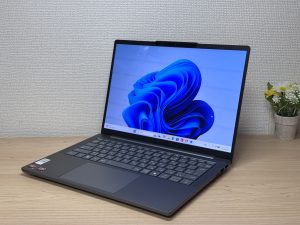
OLED brilliance at a fair price — handles work and media, wherever you are.
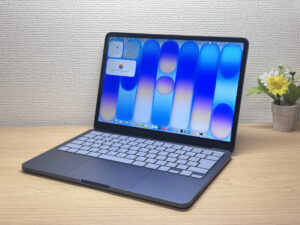
Full Apple quality, entry-level price. Honestly, the best first Mac out there.
Buying Guide
Specs: a laptop under £700 means compromising on something — but don't compromise on 8GB of RAM
Honestly, if you're aiming for under £700 these days, compromising on some spec or other is unavoidable. Prices have gone up across the board recently, so laptops under £700 are a genuinely tough ask to begin with.
Of all the specs, the one to prioritise is RAM. Go for at least 8GB. Modern operating systems eat through memory these days, so 8GB really is the bare minimum you need.
The really cut-price laptops tend to come with 4GB. Whatever you do, steer well clear of 4GB models. With 4GB, things genuinely judder and stutter to the point of being unusable. Get at least 8GB, no exceptions.
By the way, if you happen to spot a 16GB model for under £700, that's a proper find. It's practically buried treasure, and it could turn out to be a genuinely excellent machine✨.
The CPU will likely be an Intel Celeron, Core 3, or Ryzen 3 — that's just something you'll have to accept.
And I'll be straight with you: at this price point, you'll have to put up with a bit of lag and stutter here and there. If you're only browsing the web or using it a few times a month, low specs are fine, but if you want more than that, you need to be prepared. So being honest with yourself about how you'll actually use it is the number one tip for not regretting your purchase at this price.
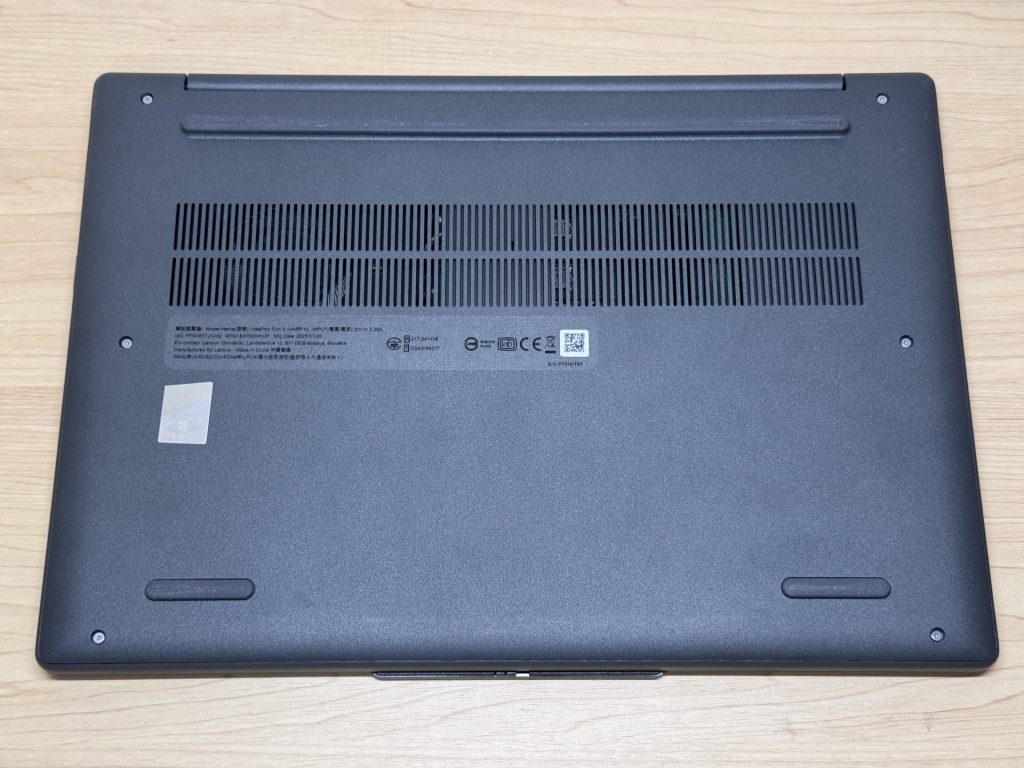 Budget laptops tend to use plastic to cut costs, but honestly, that's not really something to worry about.
Usability: don't jump at a cheap price and end up with a used or refurbished model
Another important tip is don't casually reach for a used or refurbished laptop. I completely understand wanting to save money, but this is something I want to shout from the rooftops. With a used laptop, you often get:
- A battery that's degraded and runs flat quickly
- A worn keyboard that's uncomfortable to type on
- A CPU that's several generations old, or just 4GB of RAM
Search on Amazon and you'll find plenty of used and refurbished listings. And sure, the price alone looks tempting😂. But more often than not, they come mixed in with "landmines" like a degraded battery, a worn keyboard, an old CPU, or 4GB of RAM.
And if you're looking for a laptop under £700, chances are you're just starting out with laptops. Honestly, judging the condition of a used machine yourself is genuinely difficult. It's something even I'm careful about, and I've handled loads of these things, so I think it's risky for a beginner to jump at one purely because it's cheap.
Fortunately, there are actually quite a few new laptops going for under £700 these days. So there's no need to take the risk with a used one. For the same budget, going with a new laptop whose condition you actually know gives you far more peace of mind in the long run.
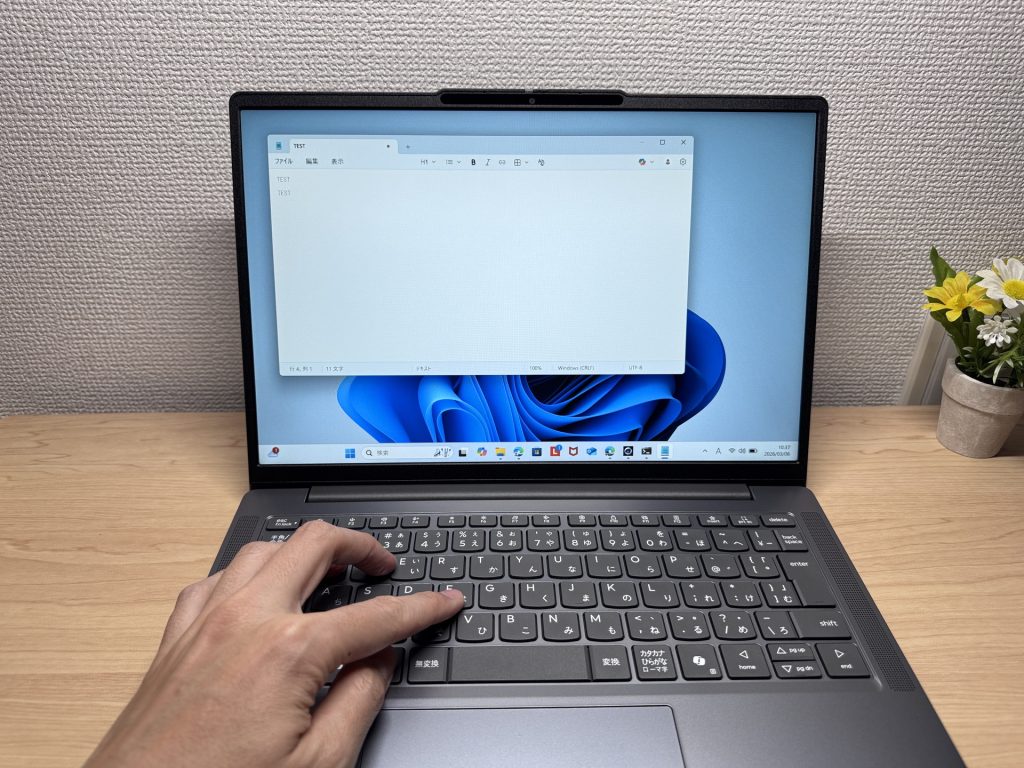 And there's nothing quite as deflating as a used laptop with a shiny, worn keyboard. You won't get that with a new one.
Price: if you can, stretch your budget just a bit further, up to £800
Last up, a bit of honesty. Truthfully, under £700 is a pretty tough ask. That's exactly why, if you possibly can, I'd love for you to stretch your budget up to around £800 — that's my genuine advice😉.
That's because that small gap between £700 and £800 makes a real difference to what you can choose from. The specs that were full of compromises under £700 suddenly reach a genuinely decent level once you can stretch to £800. How snappy it feels, how little it stresses you out day to day — that all shifts noticeably at this point.
You don't replace a laptop all that often, do you? It's basically a tool you'll be living with for years. Which is exactly why you want it running smoothly the whole time you own it. If adding just a little more at the start makes the next few years noticeably more comfortable, I'd call that a cheap investment.
Trim back a bit elsewhere and stretching to around £800 is surprisingly achievable. Adding just a little more to your budget — that's the shortest route to a laptop you won't regret. That said, I'll still go on to introduce the laptops under £700 that I can genuinely recommend👍
Our Picks
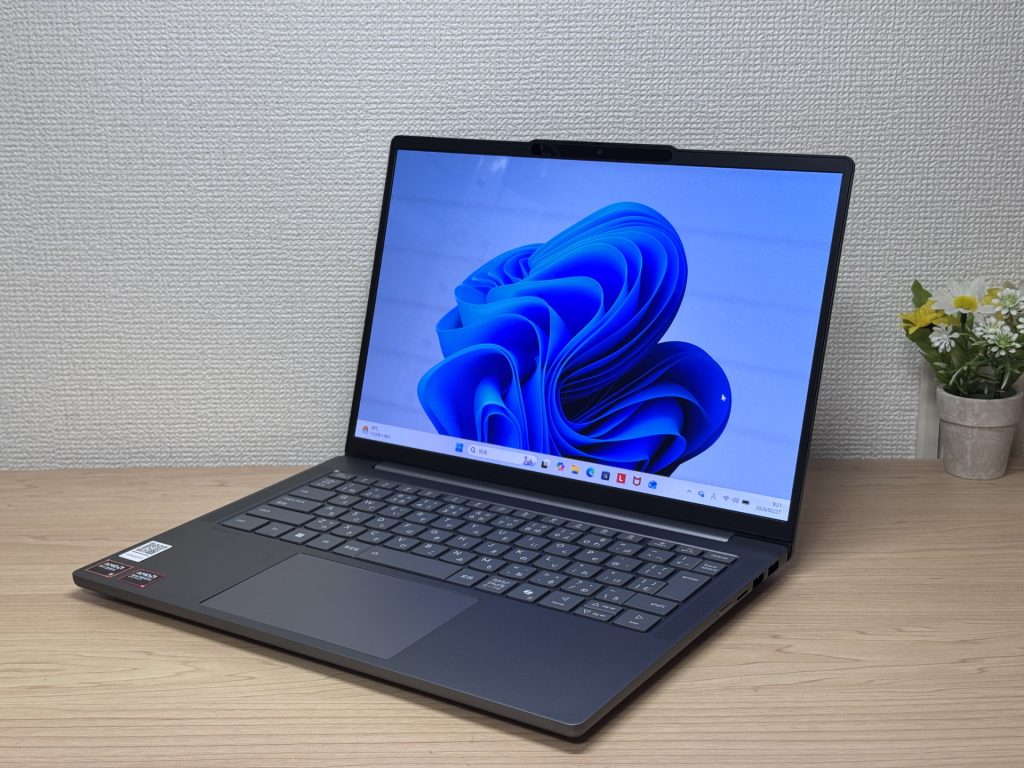
#1Lenovo IdeaPad Slim 5 Gen 10 (14-inch AMD)
- ·You carry your laptop to work or uni every day
- ·You want a great screen for films and streaming
- ·You need all-day battery life away from a power socket
- ·You need to connect up quickly in meetings or lectures
- ·Demanding gaming or heavy video editing is your primary use case
- ·You regularly do intensive tasks in quiet environments
Key Specs
- CPU
- AMD Ryzen AI 5
- Display
- 14.0-inch
- RAM
- 16GB
- Weight
- 1.39 kg (3.06 lbs)
- Storage
- 512GB SSD
- Battery
- ~19.8h
Why We Picked It
IdeaPad Slim 5 Gen 10 (14" AMD) is a 14-inch laptop that genuinely earns its value tag, largely down to that OLED display. At this price, the colour vibrancy and black depth are in a class of their own — great for streaming films or sorting through photos. A PCMark 10 score of 6,778, 16 GB of RAM, and a 60 Wh battery rated up to 19.8 hours round off a very compelling package.
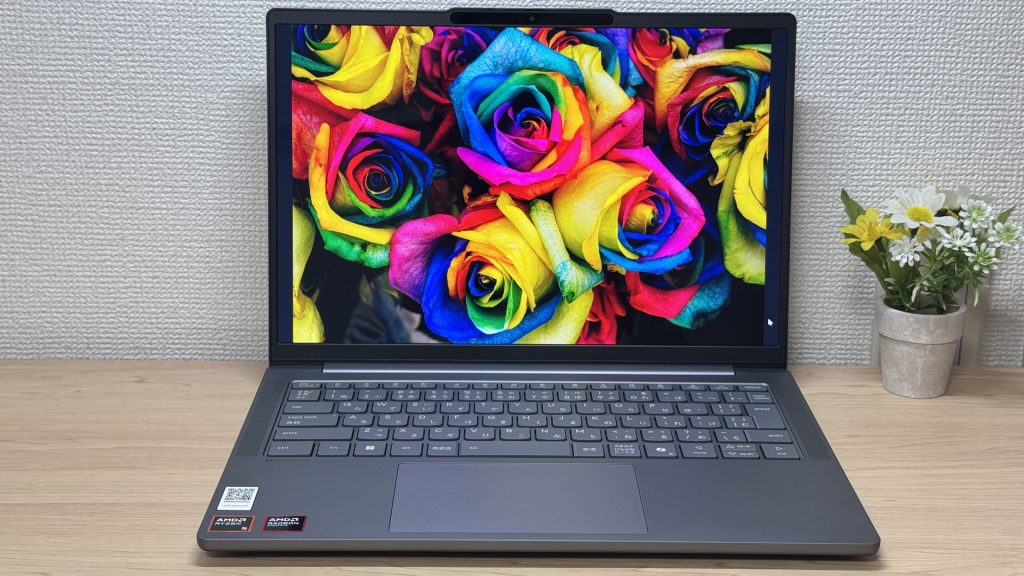 That OLED really is something.
The glossy panel does pick up reflections — fair trade-off for that display quality, honestly. Ports are plentiful enough that you won't need a USB-C hub, which is always appreciated. A solid all-rounder for everyday use and lighter creative work.
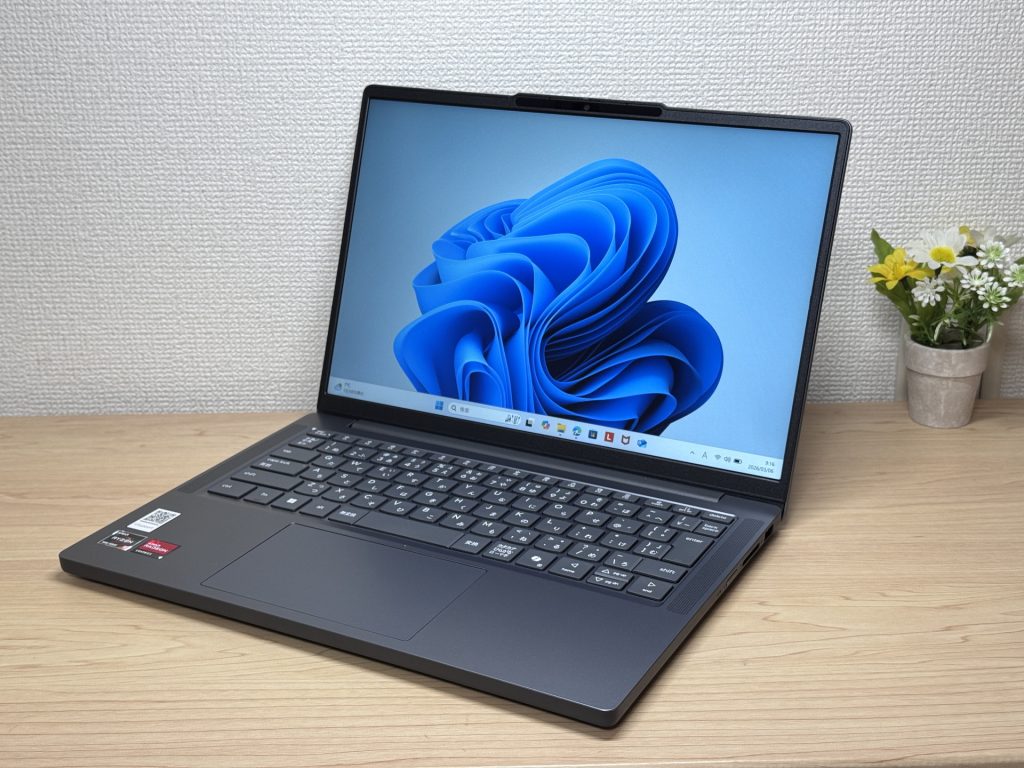
#2Lenovo IdeaPad Slim 3 Gen 10 (14-inch AMD)
- ·You carry your laptop with you every day
- ·You want smooth browsing and document work
- ·You need to connect to an external monitor quickly in meetings or lectures
- ·You want to log in and get to work without any fuss
- ·Demanding gaming or heavy video editing is your primary use case
- ·You type heavily and care about keyboard quality
Key Specs
- CPU
- AMD Ryzen 5 8640HS
- Display
- 14.0-inch 1920x1200 IPS
- RAM
- 8GB
- Weight
- 1.39 kg (3.06 lbs)
- Storage
- 512GB SSD
- Battery
- ~17.0h
Why We Picked It
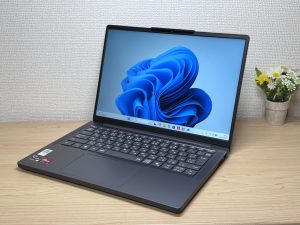
IdeaPad Slim 3 Gen 10 (14-inch AMD) is a budget-friendly 14-inch laptop that covers the everyday essentials without cutting corners where it counts. 16 GB of RAM, a 16:10 display, and a solid port lineup make it a surprisingly capable daily workhorse. At under 1.4 kg with a rated battery life of up to 17 hours, it’s easy to take anywhere.
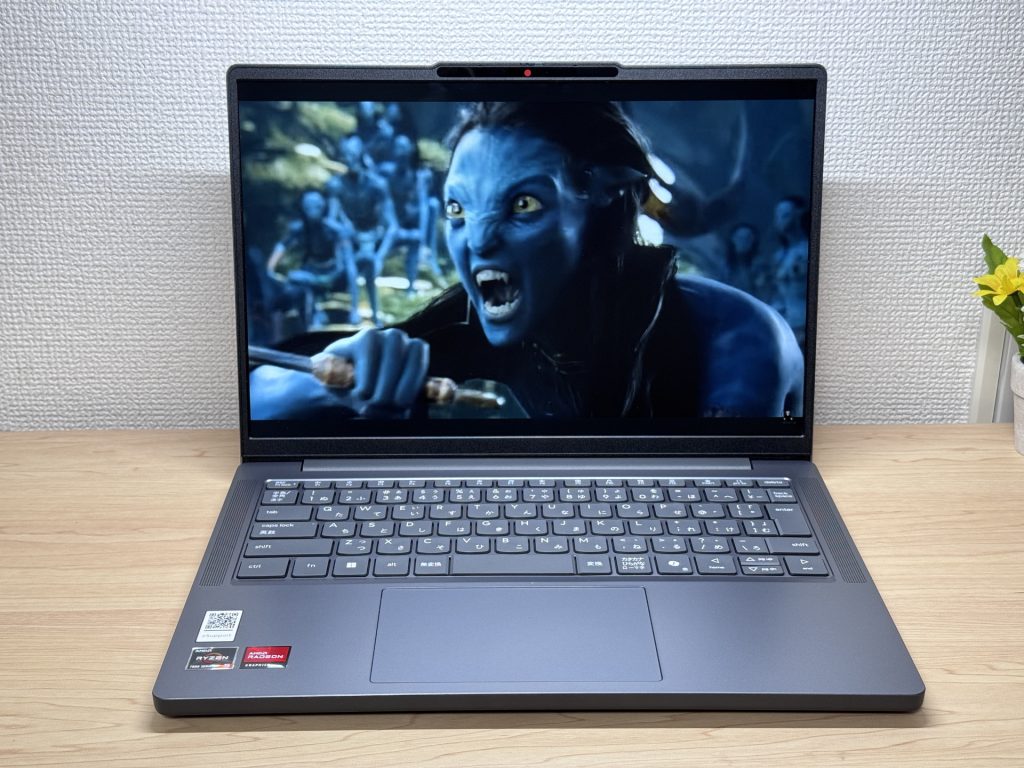 Genuinely decent speaker quality for the price — films are actually enjoyable.
That said, cost-cutting shows up in places: the keyboard feel, the plastic underside, and the lack of backlight are all trade-offs you’ll notice. For light everyday use — work, uni, browsing — it’s a strong option at the price.
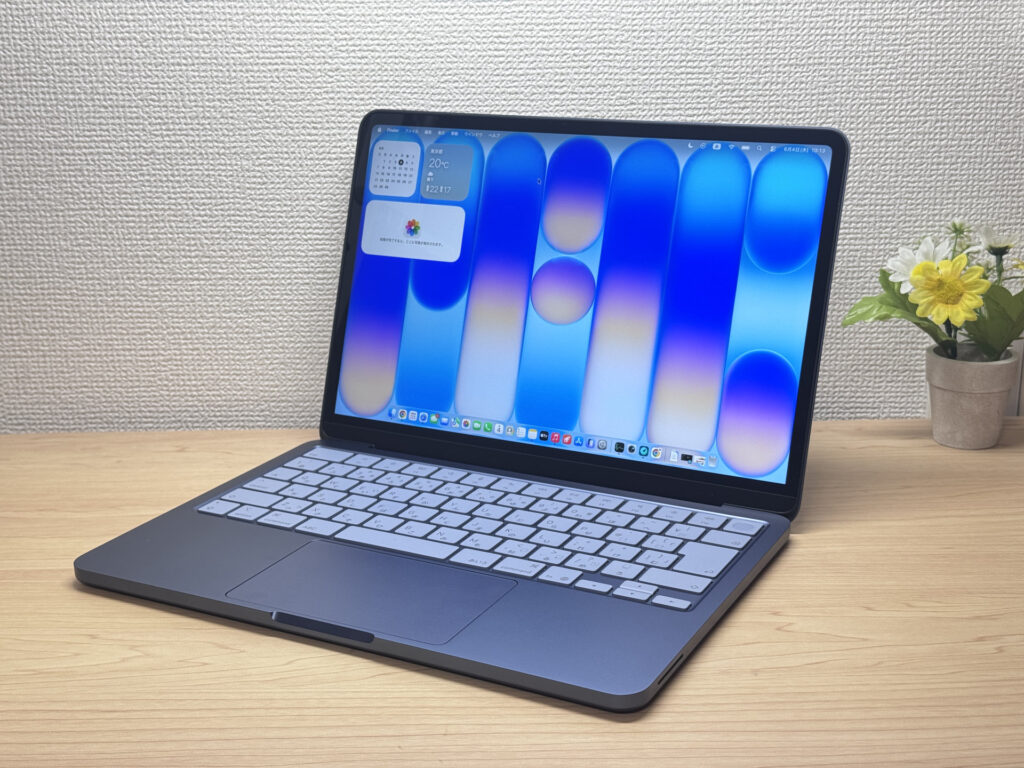
#3Apple MacBook Neo
- ·First-time laptop buyers or complete beginners
- ·People who mainly browse the web, check emails, or work in spreadsheets and documents
- ·Anyone who wants Apple quality without paying MacBook Air prices
- ·People making the switch to Mac for the first time
- ·Heavy gamers or video editors — this chip isn't built for that kind of workload
- ·People with lots of USB-A peripherals who don't want to deal with a hub
Key Specs
- CPU
- Apple A18 Pro
- Display
- 13.0-inch 2408x1506 IPS
- RAM
- 8GB
- Weight
- 1.23 kg (2.71 lbs)
- Storage
- 256GB SSD
- Battery
- ~16.0h
Why We Picked It
MacBook Neo is the best value Mac you can buy right now, starting from . The all-aluminium unibody construction — top to bottom — gives it a premium feel you simply don't get from Windows laptops at this price, which almost always cut corners with plastic somewhere. The A18 Pro is the same chip inside the iPhone 16 Pro, and since there's no fan, it runs completely silently — using it almost feels like operating a phone. The laptop weighs 1.23 kg (about 2.7 lbs), and the charger with cable comes in at just 84g, making the whole setup really easy to carry around. 8GB of RAM sounds tight for a modern machine, but in practice this thing is snappy — it genuinely doesn't feel like 8GB.
Build quality that doesn't feel like it belongs at this price
More Recommended Models
If our TOP 3 didn't quite click, take a look here too. These are picked with the same criteria, so you won't go far wrong either.
Under a kilo at 0.98 kg (2.2 lbs) and a claimed 32 hours — a 14-inch built around portability.

A 14-inch at roughly 1.3 kg (2.9 lbs) — current-gen power that's genuinely easy to carry.
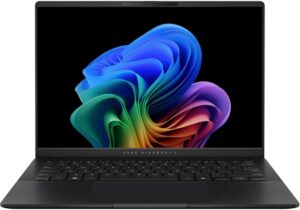
Battery that goes the distance and ports for days — a proper all-rounder in a 14-inch body.

Spec Comparison
Compare specs of all 6 recommended models at a glance.
Note: This table is ordered by our editors' picks for this use case, not by ZippyScore.
| Model | Image | Stores | Highlights | ZippyScore | CPU | RAM | Storage | Display | Battery | Weight | Full Review |
|---|---|---|---|---|---|---|---|---|---|---|---|
|
🥇 Best Overall
Lenovo
IdeaPad Slim 5 Gen 10 (14-inch AMD)
|
|
Amazon | OLED brilliance at a fair price — handles work and media, wherever you are. | Best 4.8/5 | AMD Ryzen AI 5 Passmark: 19,356 | Best 16GB | 512GB |
14.0"
|
~19.8h | 1.39 kg (3.06 lbs) | Full Review |
|
🥈 Best Balanced Pick
Lenovo
IdeaPad Slim 3 Gen 10 (14-inch AMD)
|
|
Amazon | The budget 14-inch that holds its own every single day. | 4.6/5 | Best AMD Ryzen 5 8640HS Passmark: 19,902 | 8GB | 512GB |
14.0"
1920x1200
IPS
|
~17.0h | 1.39 kg (3.06 lbs) | Full Review |
|
🥉 Best Value Pick
Apple
MacBook Neo
|
|
Amazon | Full Apple quality, entry-level price. Honestly, the best first Mac out there. | 4.3/5 | Apple A18 Pro Passmark: 12,849 | 8GB | 256GB |
13.0"
2408x1506
IPS
|
~16.0h | 1.23 kg (2.71 lbs) | Full Review |
|
ASUS
Zenbook A14 (UX3407QA)
|
|
Amazon | Under a kilo at 0.98 kg (2.2 lbs) and a claimed 32 hours — a 14-inch built around portability. | 4.1/5 | Snapdragon X X1-26-100 | Best 16GB | Best 1TB |
14.0"
1920x1200
OLED
|
Best ~32.0h | Best 0.98 kg (2.16 lbs) | — |
|
ASUS
Vivobook S 14 (S5406SA)
|
|
Amazon | A 14-inch at roughly 1.3 kg (2.9 lbs) — current-gen power that's genuinely easy to carry. | 4.1/5 | Intel Core Ultra 5 226V Passmark: 18,095 | Best 16GB | 512GB |
14.0"
1920x1200
OLED
|
~21.5h | 1.30 kg (2.87 lbs) | — |
|
HP
OmniBook 7 14-fr
|
|
Amazon | Battery that goes the distance and ports for days — a proper all-rounder in a 14-inch body. | 3.9/5 | Intel Core Ultra 7 255U Passmark: 17,866 | Best 16GB | Best 1TB |
14.0"
1920x1200
OLED
|
~20.0h | 1.41 kg (3.11 lbs) | Full Review |
Frequently Asked Questions
How much RAM do I need for a laptop under £700?
Is it okay to go for a used or refurbished laptop?
Is it fine if the CPU is a Celeron or Core 3?
What's the best way to get Office on the laptop?
Is under £700 really that tough, then?
Summary
Here's a quick recap of the conclusion from this article:
These are the models that meet those criteria:
- #1 Lenovo IdeaPad Slim 5 Gen 10 (14-inch AMD)
- #2 Lenovo IdeaPad Slim 3 Gen 10 (14-inch AMD)
- #3 Apple MacBook Neo
- #4 ASUS Zenbook A14 (UX3407QA)
- #5 ASUS Vivobook S 14 (S5406SA)
- #6 HP OmniBook 7 14-fr
We hope you find the laptop that's right for you here.
Happy laptop hunting!
About the author
