
Picking a laptop for remote freelance work is a bit of a minefield — spend too much and it's overkill, spend too little and it freezes mid-meeting. So which one do you actually go for?
Hello, Takumi here from ZippyLaptop.
If you're freelancing or self-employed and working remotely, you'll know the feeling: your laptop seizes up mid-call and suddenly you're the one holding everyone up. Employees just get handed whatever laptop the company's bought, but when you're on your own, choosing one is entirely down to you — and that's a bit more stressful than it sounds.
Go too cheap, though, and it backfires just as badly. Pick something underpowered to save a bit of cash, and the moment you've got a handful of windows open it starts to struggle, your output drops, and you've essentially pulled off a false economy. When it's your work tool, that sting doesn't really go away.
So if you'd rather not get caught out picking a remote-work laptop, I've spent a fair bit of time going hands-on with notebooks, and I'll talk you through the three things that actually matter — plus my picks. Read to the end and you'll know exactly what to look for 👍
Right, let's get into it! 🏃♂️
Quick Answer
I'll get straight to the point.
For freelance remote work, go with 16GB RAM, a 14–16-inch build, and an external monitor to go full desktop!
Based on the conclusion above, here are the 3 laptops I'd recommend first.
If you're stuck deciding, picking from this shortlist will rarely lead you wrong.
The rest of the article breaks down the differences and how to choose.
Our TOP 3 Picks
16GB RAM and OLED — ready to carry your freelance workload from day one.
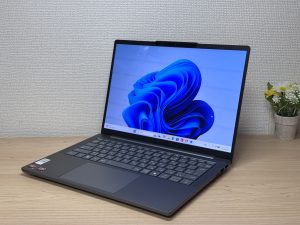
A 16-inch OLED at around 1.69kg — built to go full desktop at home and still travel when you need it to.
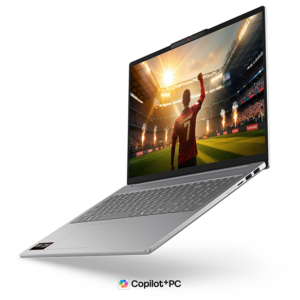
About 1.2 kg (2.6 lbs) and a 3K OLED — pricey, but you can see exactly where it went.
Buying Guide
Specs: 16GB of RAM and a mid-range CPU is the bare minimum for a remote-work laptop
The baseline requirement for any remote-work laptop is enough power to keep several windows open during a video call without grinding to a halt. In practical terms, that means ticking off these three boxes:
- CPU: a fairly recent Intel Core 5 / AMD Ryzen 5 or better (M4 chip or better if you're on a Mac)
- RAM: 16GB or more
- Storage: 256GB or more (512GB if you can manage it)
A common mistake is shopping on price alone and ending up with an outdated bargain laptop, where the moment you open Excel or a browser mid-call, everything freezes and work grinds to a halt. Stutter through a meeting or freeze mid-screen-share and it's a genuinely awkward moment in front of a client.
Remote work means running several things at once — a video call, a document, your chat app, all on the go simultaneously. A reasonably modern CPU paired with 16GB of RAM is what keeps all that ticking along smoothly instead of stalling.
A mid-range spec sheet is honestly all it takes to avoid a mid-meeting freeze-up. You don't need anything high-end for this.
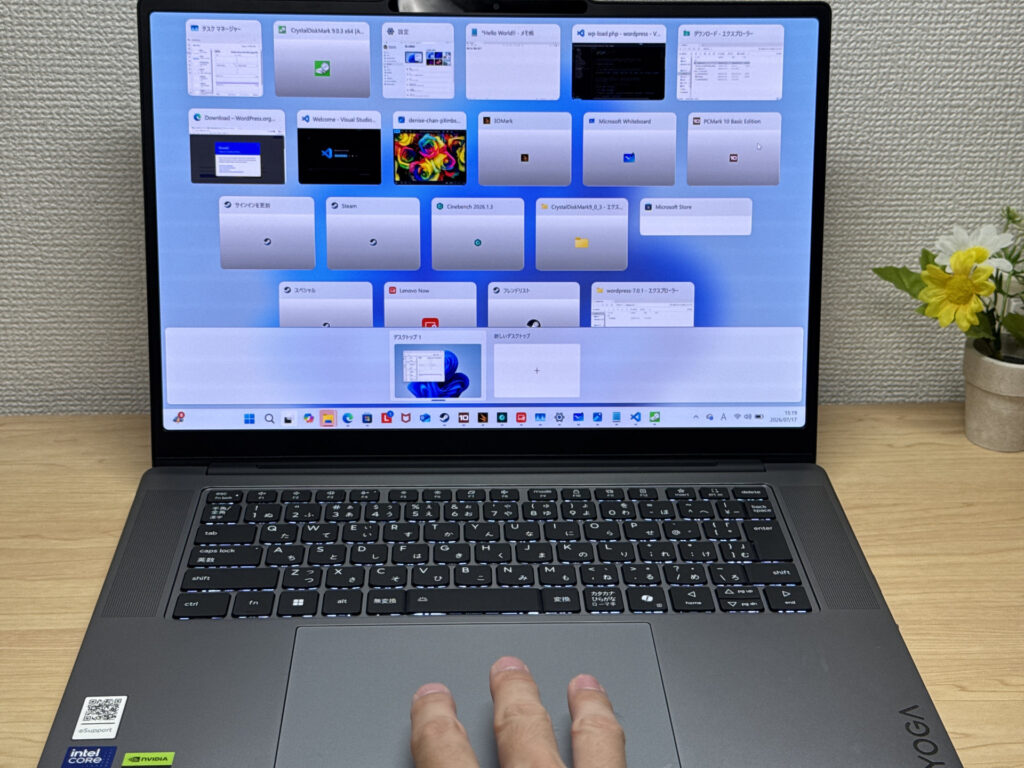 Mid-range performance really is all you need to keep a dozen windows open without a hitch
Usability: turn it into a desktop setup with an external monitor and a Bluetooth keyboard and mouse
My top recommendation for remote work is connecting your laptop to an external display and running it like a desktop. Hook up an external monitor, grab a Bluetooth keyboard and mouse, and that's your desktop setup sorted.
- One external monitor
- A Bluetooth keyboard
- A Bluetooth mouse
Given you're already working remotely, there's no reason to be stuck working off a single laptop screen. External monitors are properly cheap on Amazon these days, so it's honestly worth getting one — it makes a real difference to how much you get done.
Personally, I'd also recommend mounting an external webcam on top of the monitor. That's exactly how I've set mine up — with all that extra screen space, I can keep a video call open on one side while running Excel, a browser and whatever else I'm working on on the other. That's not something you can really do from a café — it's one of the genuine perks of working remotely from home.
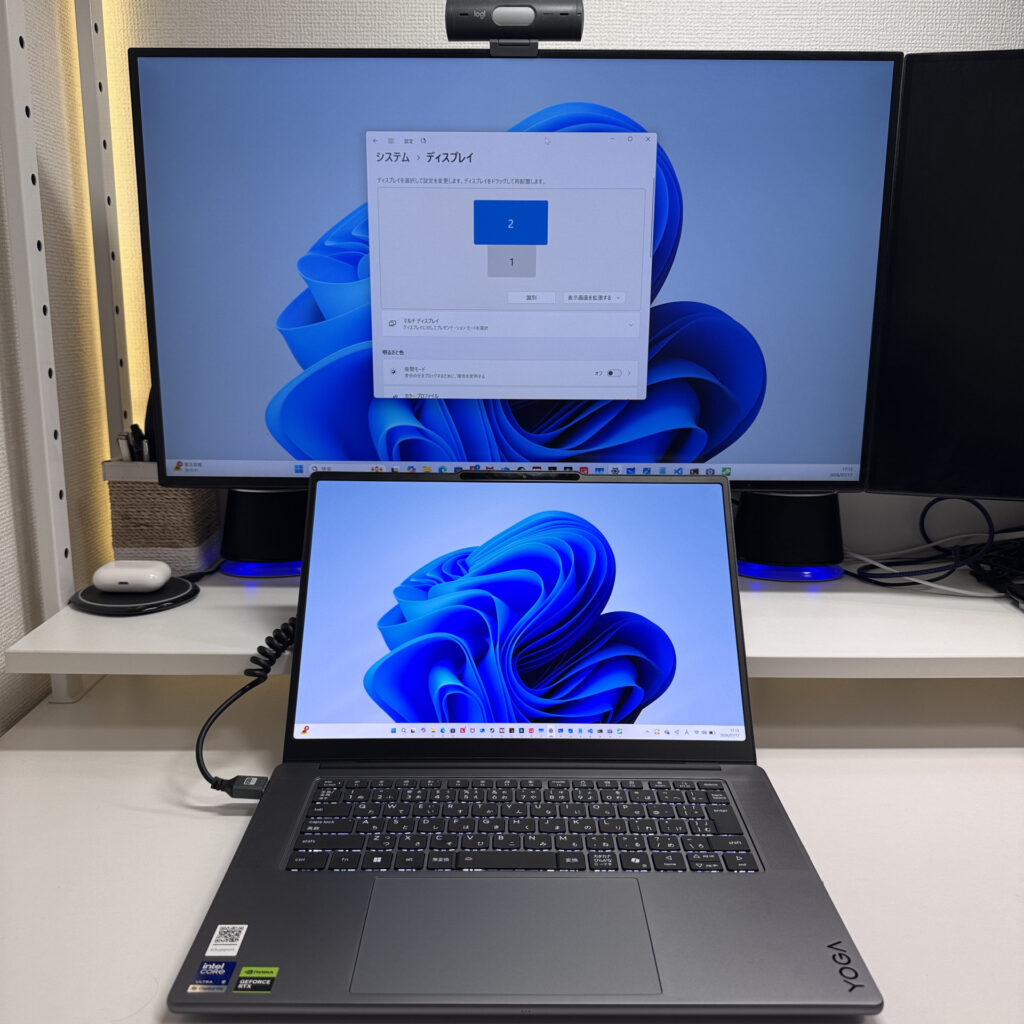 One external monitor and your productivity goes up no end!
On top of that, it's worth picking something in the 14- to 16-inch range (16 inches is fine as long as it's light) — that way you can run it as a desktop day to day, but you're still covered if you need to head into the office or work from a café.
That way you get the best of both worlds — a comfortable desktop set-up at home, and a lightweight laptop the moment you step out.
Price: £1,300 or so is worth investing in your work tool
There's no need to feel guilty about spending proper money on the computer that's literally your work tool. Much like a carpenter's plane, a laptop is a genuine tool of the trade for anyone working remotely.
What I see time and again is people trying to save money by picking an underpowered, cheap laptop, only to end up with something so slow that their output drops and it turns into a classic false economy. Do that with your work tool and it quietly chips away at your productivity day after day.
Saving a few quid here isn't worth it if it means daily frustration, or freezing mid-call and looking unreliable in front of a client — that's rather missing the point. A better machine means better output, and better output tends to feed through into higher earnings down the line, so for your work computer specifically, it's worth going a notch better than you think you need.
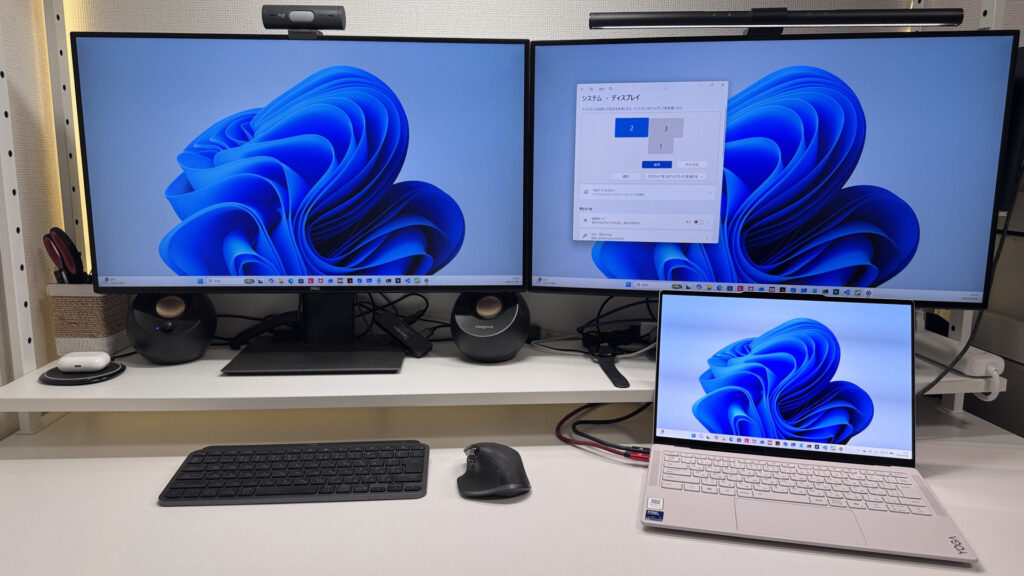 For what it's worth, I run a triple-monitor set-up and it's rather lovely 😁
Budget-wise, setting aside around £1,300 for a remote-work laptop means you won't have to compromise on performance.
Stretch your budget a little for a slightly better machine and you end up with something that'll serve you reliably for years.
So, in short — get these three things right and you're sorted for picking a remote-work laptop.
- CPU: a fairly recent Intel Core 5 / AMD Ryzen 5 or better (M4 chip or better on Mac), with 16GB+ RAM
- A portable 14- to 16-inch build that can go full desktop with an external monitor and a Bluetooth keyboard and mouse
- Budget around £1,300 for a proper work tool
Get those three right and you'll avoid the dreaded mid-meeting freeze-up and end up with a choice you won't regret 👍 Set up a proper space at home and it also becomes much easier to switch between "on" and "off", which makes day-to-day work noticeably more comfortable.
And in this article, I'm running through the laptops that tick all three boxes — have a look below.
Our Picks
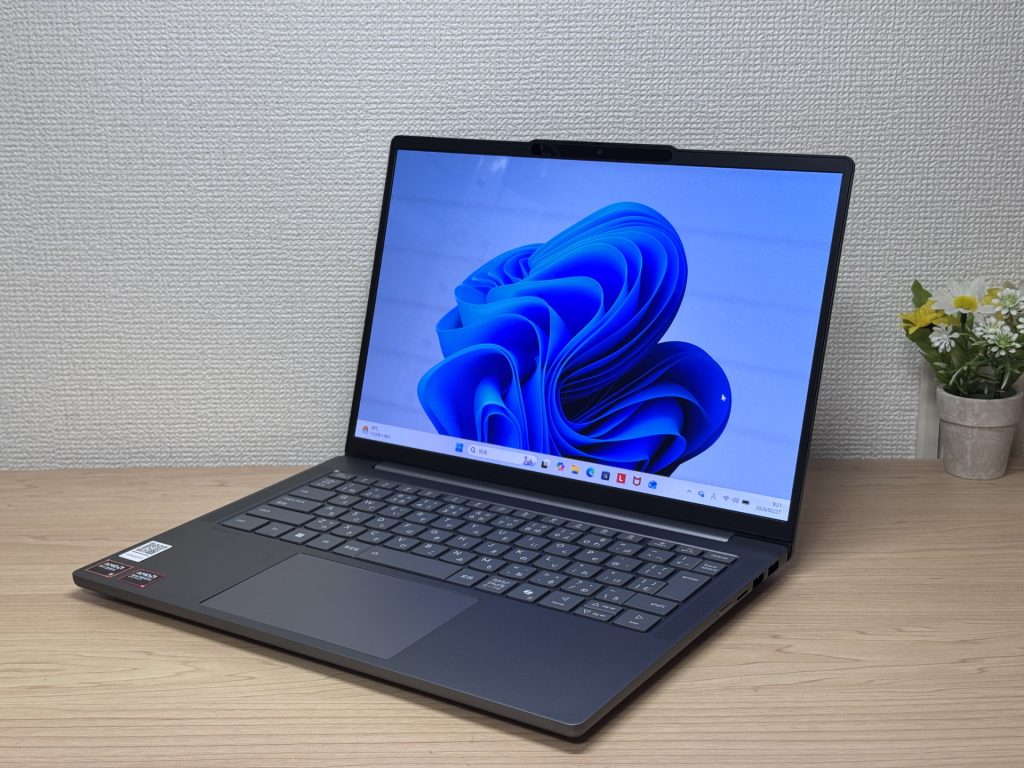
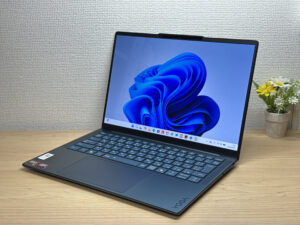
#1Lenovo IdeaPad Slim 5 Gen 10 (14-inch AMD)
- ·You carry your laptop to work or uni every day
- ·You want a great screen for films and streaming
- ·You need all-day battery life away from a power socket
- ·You need to connect up quickly in meetings or lectures
- ·Demanding gaming or heavy video editing is your primary use case
- ·You regularly do intensive tasks in quiet environments
Key Specs
- CPU
- AMD Ryzen AI 5
- Display
- 14.0-inch
- RAM
- 16GB
- Weight
- 1.39 kg (3.06 lbs)
- Storage
- 512GB SSD
- Battery
- ~19.8h
Why We Picked It
This laptop's biggest strength is a properly generous port selection, so you can get your home desktop set-up running the moment it's out of the box.
With an AMD Ryzen 5 8645HS, 16GB of RAM and a 512GB SSD, it stays smooth even when you're juggling a video call with a dozen browser tabs open and editing a spreadsheet on the side. Put the HDMI port and dual USB-C ports to work and you can even run a triple-monitor set-up — meaning you get the full "external monitor plus Bluetooth keyboard and mouse" remote-work dream desk without needing a USB-C hub at all. The OLED display's colour is on another level, easy on the eyes through long stretches of work, and it's a nice bonus that you get vivid, punchy video during a break between meetings. Battery life is rated at 19.8 hours / 60Wh, so you're not hunting for a plug socket on a last-minute trip out or a visit to a client's office.
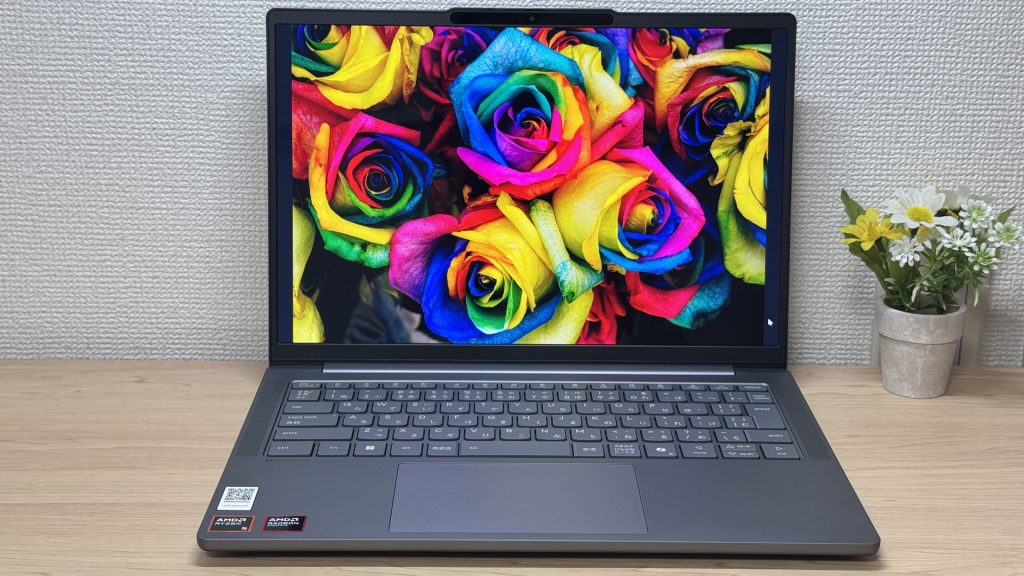 That OLED panel's colour genuinely lifts the mood every time 👍
If there's one thing to flag, it's that the glossy display can pick up glare in bright spots, like near a window. That said, it's the flip side of that same vivid OLED colour, and once you've got your home set-up sorted, you can simply angle the monitor and it's a non-issue.
For freelance remote workers who refuse to compromise on either side — a comfortable desktop at home and a light, grab-and-go laptop at around 1.39kg out the door — this is about as balanced as it gets. 😊
#2Lenovo IdeaPad Slim 5a Gen 11(16-inch AMD)
- ·You want to watch films or videos on a genuinely good-looking screen
- ·You're a business user who works in Excel or presentations and wants more room to work
- ·You want 16 inches but aren't prepared to give up portability
- ·You want to join video calls or log in with face recognition quickly
- ·Your main use case is serious PC gaming or heavy 3D video editing
- ·You're set on keeping weight under 1.5 kg for daily carry
Key Specs
- CPU
- AMD Ryzen AI 5 430
- Display
- 16.0-inch 1920x1200 IPS
- RAM
- 16GB
- Weight
- 1.69 kg (3.73 lbs)
- Storage
- 512GB SSD
- Battery
- ~16.3h
Why We Picked It
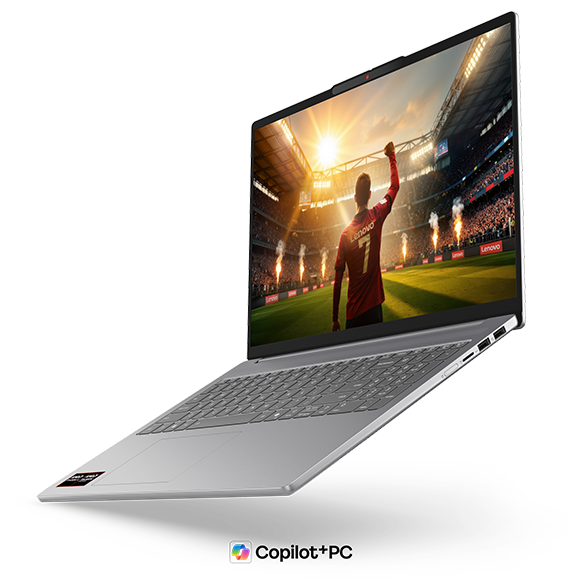
A 16-inch OLED display in a body that stays around 1.69kg — this model is built to give remote workers the best of both "at home" and "on the go."
The remote-work ideal is running a full desktop set-up at home via an external monitor, while still being able to grab it and head out for a last-minute trip or meeting without a second thought. This laptop handles both without breaking a sweat. Its Ryzen AI 7 445 (PassMark 20770) delivers enough performance that you'll rarely see it struggle even with a video call running alongside several Excel sheets and browser tabs, and the 16GB RAM / 512GB storage combination covers remote-work day-to-day with room to spare. The 16-inch OLED is also a standout for laying documents side by side, and the numpad-equipped keyboard layout will feel instantly familiar if you're a freelancer who spends a lot of time in accounting software or entering figures. The port line-up — HDMI, two USB-A, two USB-C — is a stress-free bonus too, since you can plug in an external monitor and peripherals directly, no adapters needed.
That big 16-inch screen plus the numpad makes this a one-machine solution for getting work done
The one downside worth flagging is that at around 1.69kg, it'll feel a touch on the heavy side if you're someone who's frequently carrying it around while out and about. That said, if your pattern is mostly running it as a desktop at home with only a few outings a week, that trade-off lines up rather nicely with what the 16-inch build gives you in return.
For freelancers who want a bigger screen to boost their day-to-day efficiency but still want the flexibility to grab it and go when they need to, this is a genuinely practical sweet spot. 😊
#3ASUS Zenbook S 14 (UX5406SA)
- ·You carry a laptop with you every day
- ·You want your photos and videos to look properly good on screen
- ·You work away from a desk and would rather not think about charging
- ·You value the build quality and low weight enough to pay for them
- ·Not for you if you're trying to keep the purchase price down
- ·Give it a miss if demanding games or serious video editing are the aim
- ·Worth care if you want to upgrade the memory or storage yourself
Key Specs
- CPU
- Intel Core Ultra 7 256V
- Display
- 14.0-inch 2880x1800 OLED
- RAM
- 16GB
- Weight
- 1.20 kg (2.65 lbs)
- Storage
- 1TB SSD
- Battery
- ~23.3h
Why We Picked It
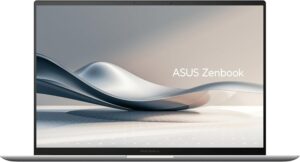
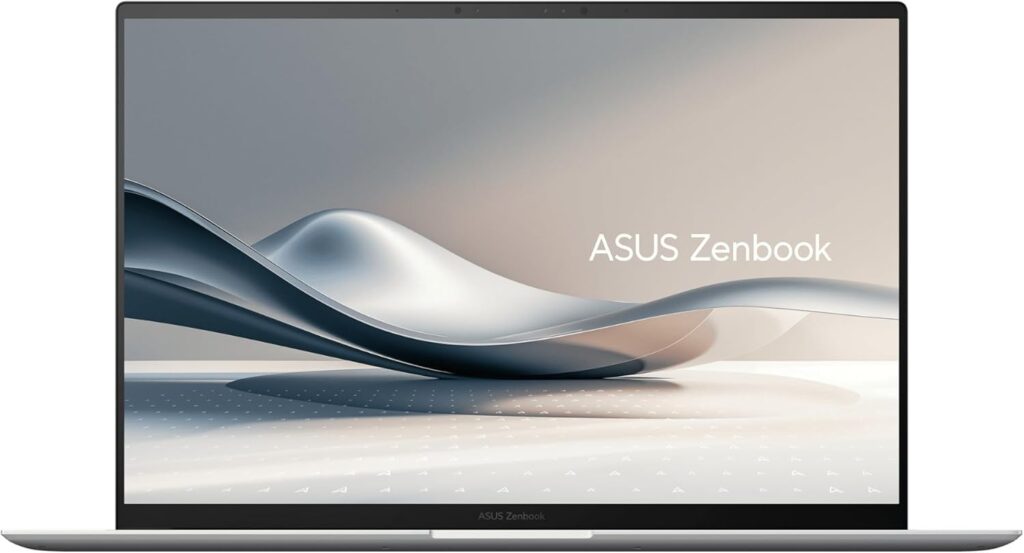
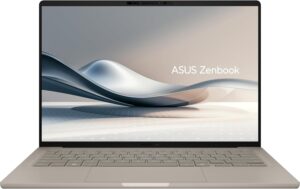
The ASUS Zenbook S 14 (UX5406SA) manages 14-inch portability at around 1.2 kg (2.6 lbs) and just 12.9 mm thick alongside a 2880×1800 3K OLED panel running at 120 Hz — a high-end thin-and-light that doesn't give up either one. A Ceraluminum chassis, a 72Wh battery, Thunderbolt 4, HDMI and USB-A, all squeezed into that thickness, is fair to say impressive. The price sits at the upper end, and the memory is onboard only, so there's no adding more later on. That said, if you carry it daily and want your photos and videos to look right, the weight and the screen are precisely what you're paying for.
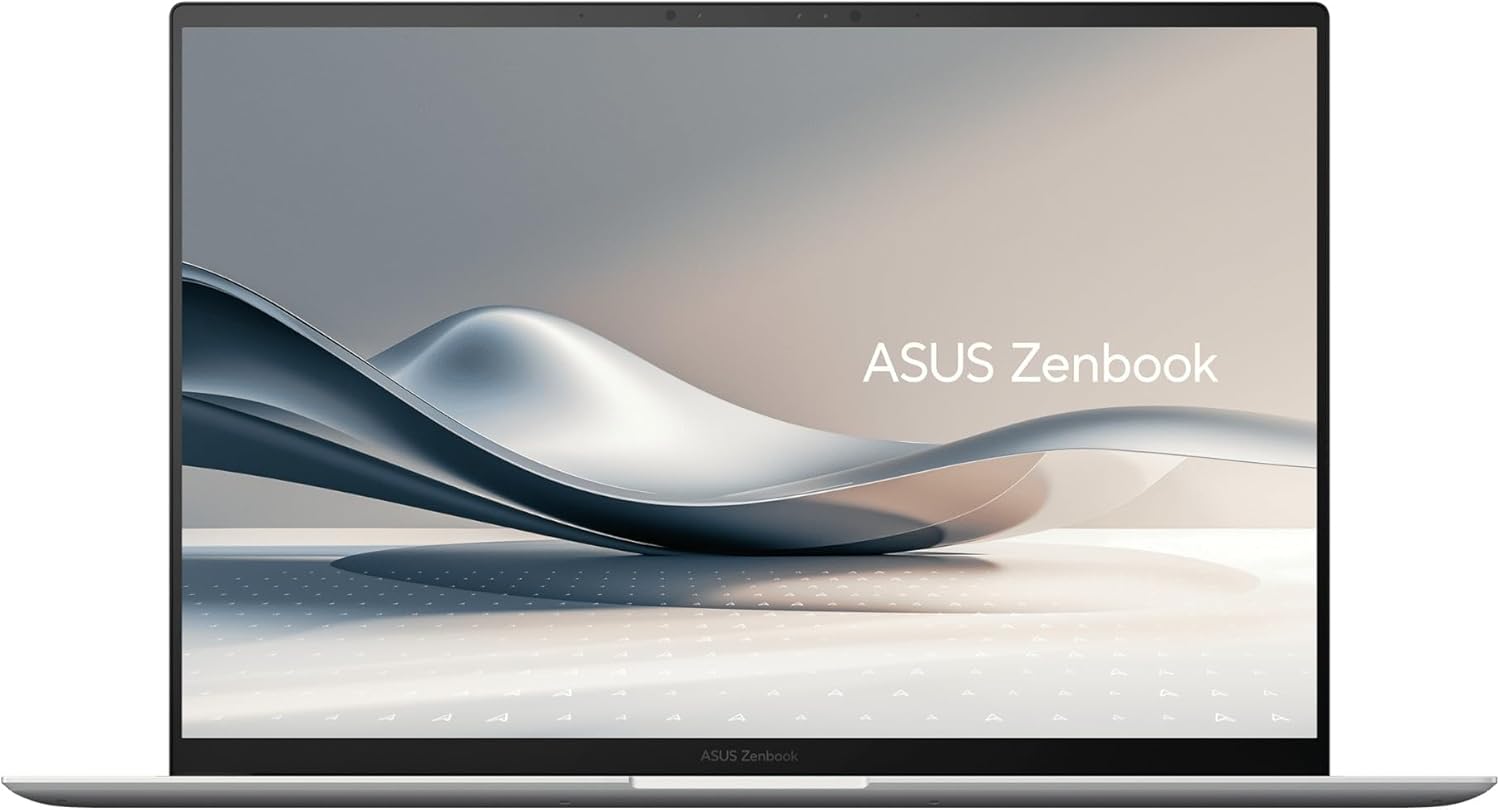 The 14-inch, roughly 1.2 kg (2.6 lbs) ASUS Zenbook S 14 (UX5406SA)
More Recommended Models
If our TOP 3 didn't quite click, take a look here too. These are picked with the same criteria, so you won't go far wrong either.
OLED display, class-leading keyboard feel — genuinely good value for the money.
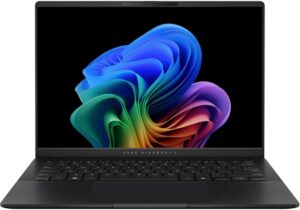
Under a kilo at 0.98 kg (2.2 lbs) and a claimed 32 hours — a 14-inch built around portability.
A 14-inch at roughly 1.3 kg (2.9 lbs) — current-gen power that's genuinely easy to carry.
Spec Comparison
Compare specs of all 6 recommended models at a glance.
Note: This table is ordered by our editors' picks for this use case, not by ZippyScore.
| Model | Image | Stores | Highlights | ZippyScore | CPU | RAM | Storage | Display | Battery | Weight | Full Review |
|---|---|---|---|---|---|---|---|---|---|---|---|
|
🥇 Best Overall
Lenovo
IdeaPad Slim 5 Gen 10 (14-inch AMD)
|
|
Amazon | 16GB RAM and OLED — ready to carry your freelance workload from day one. | Best 4.8/5 | AMD Ryzen AI 5 Passmark: 19,356 | 16GB | 512GB |
14.0"
|
~19.8h | 1.39 kg (3.06 lbs) | Full Review |
|
🥈 Best Balanced Pick
Lenovo
IdeaPad Slim 5a Gen 11(16-inch AMD)
|
|
Amazon | A 16-inch OLED at around 1.69kg — built to go full desktop at home and still travel when you need it to. | 4.7/5 | AMD Ryzen AI 5 430 Passmark: 13,437 | 16GB | 512GB |
16.0"
1920x1200
IPS
|
~16.3h | 1.69 kg (3.73 lbs) | Full Review |
|
🥉 Best Value Pick
ASUS
Zenbook S 14 (UX5406SA)
|
|
Amazon | About 1.2 kg (2.6 lbs) and a 3K OLED — pricey, but you can see exactly where it went. | 4.3/5 | Best Intel Core Ultra 7 256V Passmark: 19,556 | 16GB | Best 1TB |
Best 14.0"
2880x1800
OLED
|
~23.3h | 1.20 kg (2.65 lbs) | — |
|
Lenovo
Yoga Slim 7a Gen 11 (14-inch AMD)
|
|
Amazon | OLED display, class-leading keyboard feel — genuinely good value for the money. | 4.6/5 | AMD Ryzen AI 5 430 Passmark: 13,437 | 16GB | 512GB |
14.0"
1920x1200
OLED
|
~19.0h | 1.14 kg (2.54 lbs) | Full Review |
|
ASUS
Zenbook A14 (UX3407QA)
|
|
Amazon | Under a kilo at 0.98 kg (2.2 lbs) and a claimed 32 hours — a 14-inch built around portability. | 4.1/5 | Snapdragon X X1-26-100 | 16GB | Best 1TB |
14.0"
1920x1200
OLED
|
Best ~32.0h | Best 0.98 kg (2.16 lbs) | — |
|
ASUS
Vivobook S 14 (S5406SA)
|
|
Amazon | A 14-inch at roughly 1.3 kg (2.9 lbs) — current-gen power that's genuinely easy to carry. | 4.1/5 | Intel Core Ultra 5 226V Passmark: 18,095 | 16GB | 512GB |
14.0"
1920x1200
OLED
|
~21.5h | 1.30 kg (2.87 lbs) | — |
Frequently Asked Questions
Is 16GB of RAM enough, or should I go for 32GB?
Windows or Mac — which is better for remote work?
If I'm using AI tools, do I need to beef up the specs?
What's the best way to sort out Office (Word, Excel)?
Can I get away with a cheap second-hand or outlet laptop?
Summary
Here's a quick recap of the conclusion from this article:
These are the models that meet those criteria:
- #1 Lenovo IdeaPad Slim 5 Gen 10 (14-inch AMD)
- #2 Lenovo IdeaPad Slim 5a Gen 11(16-inch AMD)
- #3 ASUS Zenbook S 14 (UX5406SA)
- #4 Lenovo Yoga Slim 7a Gen 11 (14-inch AMD)
- #5 ASUS Zenbook A14 (UX3407QA)
- #6 ASUS Vivobook S 14 (S5406SA)
We hope you find the laptop that's right for you here.
Happy laptop hunting!
About the author
