
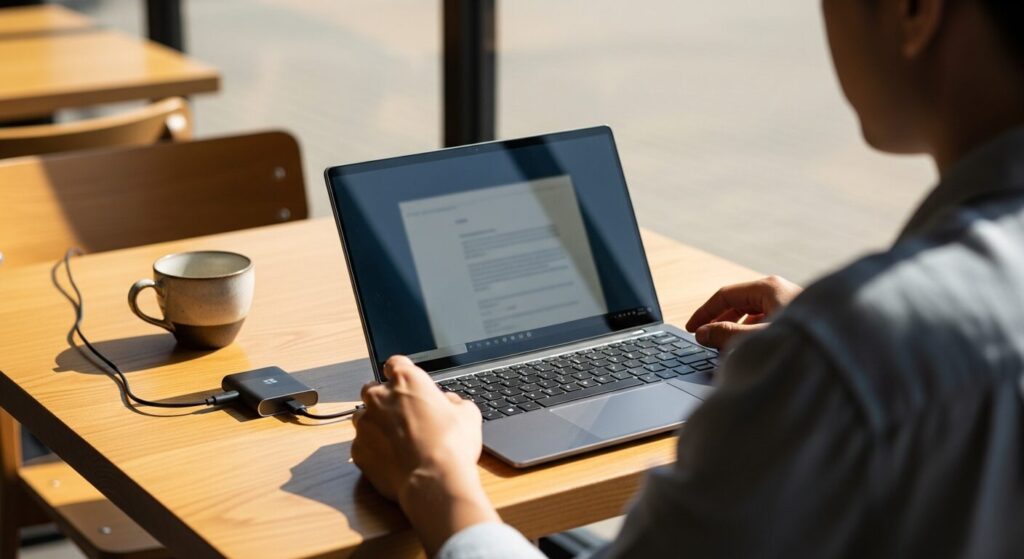
I want a light laptop, but I'm worried that if it's too light it'll feel flimsy and break easily, and the battery probably won't last as long either. So which one do I actually pick?
Hey, it's Takumi from ZippyLaptop.
When people start shopping for a lightweight laptop, they tend to fixate purely on the number on the spec sheet, then end up regretting it once they notice how flimsy the chassis feels or how quickly the battery dies. Since you're going to be tossing this thing in your bag every single day, weight obviously matters — but lighter isn't always better.
Some ultra-lightweight models cut so many corners that the lid flexes under pressure or the battery runs out way too fast, and if you pick the wrong one, your "lightweight" laptop ends up being more of a headache than a convenience.
That's why, after getting my hands on a ton of laptops over the years, I'm breaking down the 3 things you need to check to avoid picking a dud, plus the models that actually nail all three 👍
Get the balance right between weight, specs, and battery life, and you'll land on a laptop you'll genuinely enjoy carrying around every day. By the end of this, you'll know exactly what to look for when picking a lightweight laptop.
Alright, let's get into it 🏃♂️!
Quick Answer
I'll get straight to the point.
For a lightweight laptop you can't go wrong with, stick to 1.2 kg or less, 16GB of RAM, and 12+ hours of battery life!
Based on the conclusion above, here are the 3 laptops I'd recommend first.
If you're stuck deciding, picking from this shortlist will rarely lead you wrong.
The rest of the article breaks down the differences and how to choose.
Our TOP 3 Picks
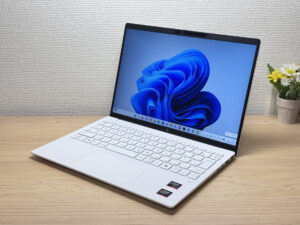
Under 2.2 lbs and ready for daily carry — a well-balanced travel laptop
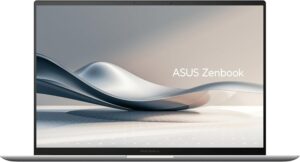
2.6 lbs with a 3K OLED — it's not cheap, and it doesn't pretend to be.
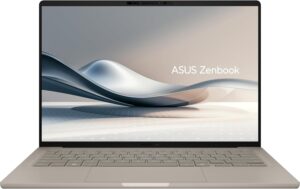
Just 0.98 kg (2.2 lbs) and a claimed 32 hours — a 14-inch that goes all-in on weight and battery.
Buying Guide
Specs: Even a Lightweight Laptop Runs Smoothly With a Mid-Range CPU and 16GB of RAM
Even with a lightweight laptop, you're on safe ground if you aim for a relatively recent-gen Intel Core i5 or AMD Ryzen 5 (or better) with 16GB of RAM.
- CPU: Intel Core i5 / AMD Ryzen 5 or better
- RAM: 16GB
If you prioritize weight over specs, you'll end up fighting a sluggish laptop down the road — that's one of the most common mistakes people make when shopping for a lightweight machine. A lot of people work with a dozen browser tabs open plus Excel and Zoom running at the same time, whether they're at a coffee shop or on the go. If you don't have enough RAM, switching between apps causes little freezes and stutters that quietly wear on you over a full day. As long as the CPU is a recent generation, the difference between grades doesn't matter that much day-to-day, but RAM capacity is really what makes or breaks how snappy the laptop feels. Stick to 16GB and you won't be trading away performance just to save weight. Don't compromise on specs just because the laptop is lightweight.
 It's not just about weight — having specs that keep things running smoothly matters too ☝️
Everyday Usability: 1.2kg or Less, 13–14 Inches, and 12+ Hours of Battery Life Change How It Feels to Carry Every Day
If portability is your priority, I'd recommend using a weight of 1.2 kg (~2.6 lbs) or less, a 13–14 inch screen, and 12+ hours of battery life as your baseline.
- Weight: 1.2 kg (~2.6 lbs) or less (ideally around 1 kg / ~2.2 lbs)
- Screen size: 13–14 inches
- Battery: 12+ hours
Lighter isn't automatically better when it comes to laptops. Models that go too extreme on weight savings can end up with a chassis that flexes more, a smaller battery that doesn't last as long, or cramped thermal design that makes the fan noticeably louder. Something always gets sacrificed to hit that weight number.
And speaking from personal experience with the actual weight, laptops in the 1.4 kg range feel noticeably heavy the moment you pick them up one-handed, while anything under 1.2 kg feels a lot lighter. That's only a 200–300g difference, but it definitely adds up when you're hauling it in your bag on your daily commute or carrying it to class, so I'd recommend sticking to 1.2 kg or under.
Also, having 12+ hours of battery life gives you a totally different level of peace of mind when you're out and about, and a 13–14 inch screen hits that sweet spot between being easy to see and still fitting comfortably in a bag 👍
One more thing worth mentioning: it helps to think about total weight, not just the laptop itself, but the charger too. OEM chargers are often surprisingly heavy, so swapping in a compact third-party USB-C charger from a brand like Anker or Ugreen can noticeably lighten your whole bag.
So the trick to not regretting your purchase is looking beyond just the weight number and weighing battery life and build quality too.
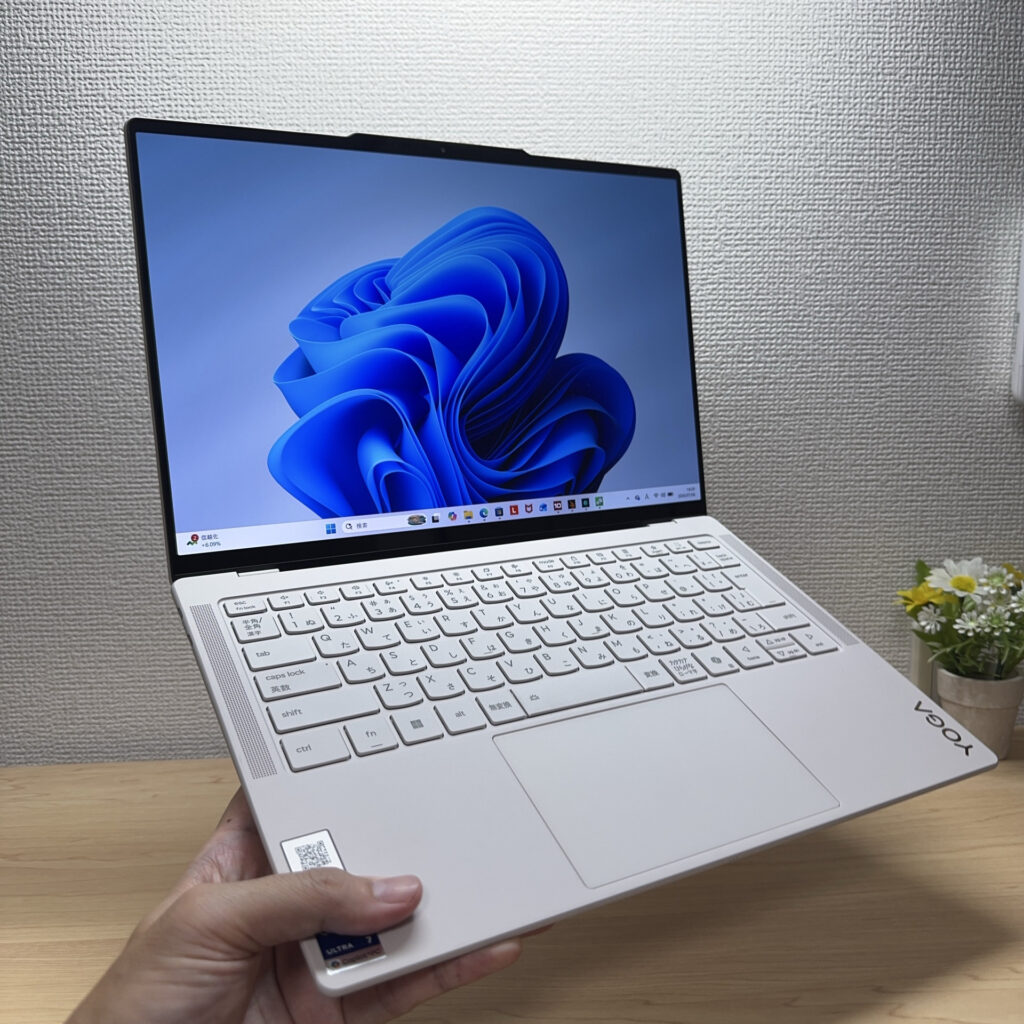 Once you get under 1.2 kg, it really does feel like a different category of laptop ✨
Price: $1,200 Is a Realistic Starting Budget for Lightweight-Focused Models
A lightweight laptop that checks all three boxes — weight, specs, and battery life — isn't going to be cheap. As a rough guide, I'd budget around $1,200 as your starting point.
If you go purely for the cheapest option, you'll often end up with cut corners in the materials and engineering that make a laptop light in the first place, which can mean regretting the build quality or battery life later. Ultra-light, ultra-cheap laptops just aren't that common — the lighter a model gets, the more it typically costs in materials and design, so prices tend to run a bit higher. That said, you don't need to stretch for a flagship model either. Shopping around the $1,200 mark is plenty to land a laptop with a good balance of weight, specs, and battery life. Instead of shopping on price alone, use $1,200 as your benchmark and you'll end up with a laptop that's both light and genuinely comfortable to use.
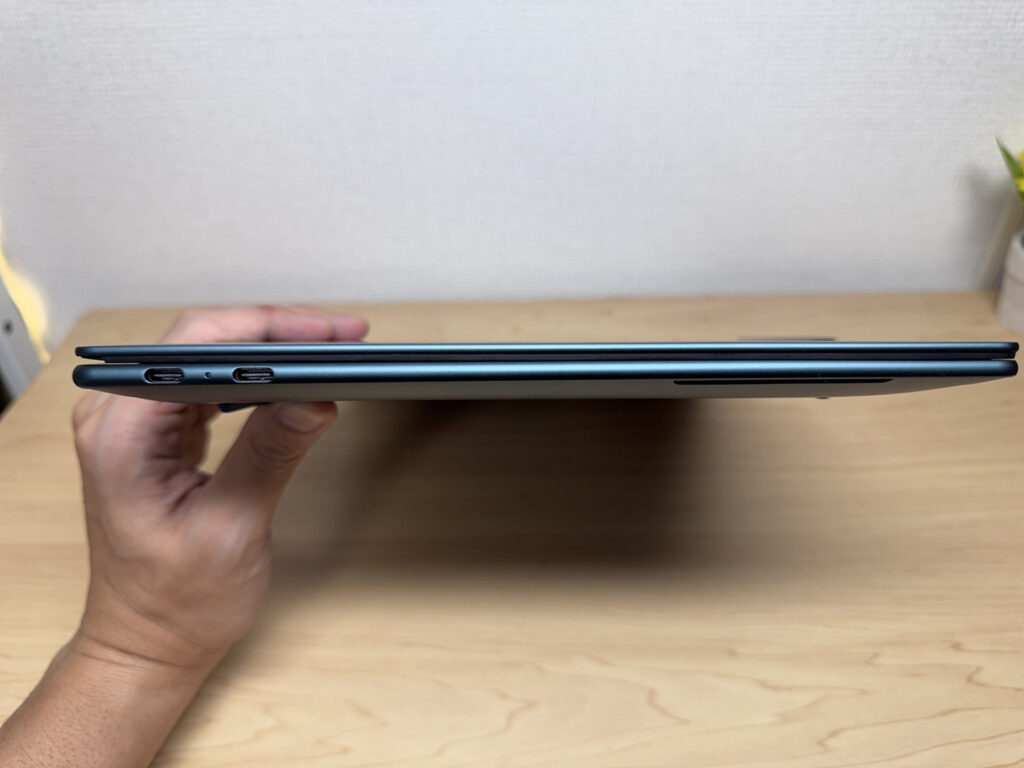 A light, thin laptop is honestly just so much nicer to live with 👌
So, here's the bottom line: nail these three things and you're set when picking a lightweight, portable laptop.
- 16GB of RAM and a recent-gen CPU or better
- 1.2 kg or less, 13–14 inches, 12+ hours of battery life
- Budget starting around $1,200
Get these three right and you won't end up regretting a purchase you made on weight alone 👍 In fact, once you switch to a genuinely lightweight laptop, you'll barely notice it's in your bag, your shoulders and back will thank you, and you'll be able to pull it out and start working in seconds — your whole day just moves faster. The more you're out and about, or the more often you use your laptop outside the house, the more you'll feel that difference 😁.
And in this article, I'm rounding up the models that actually check all these boxes, so be sure to take a look.
Our Picks
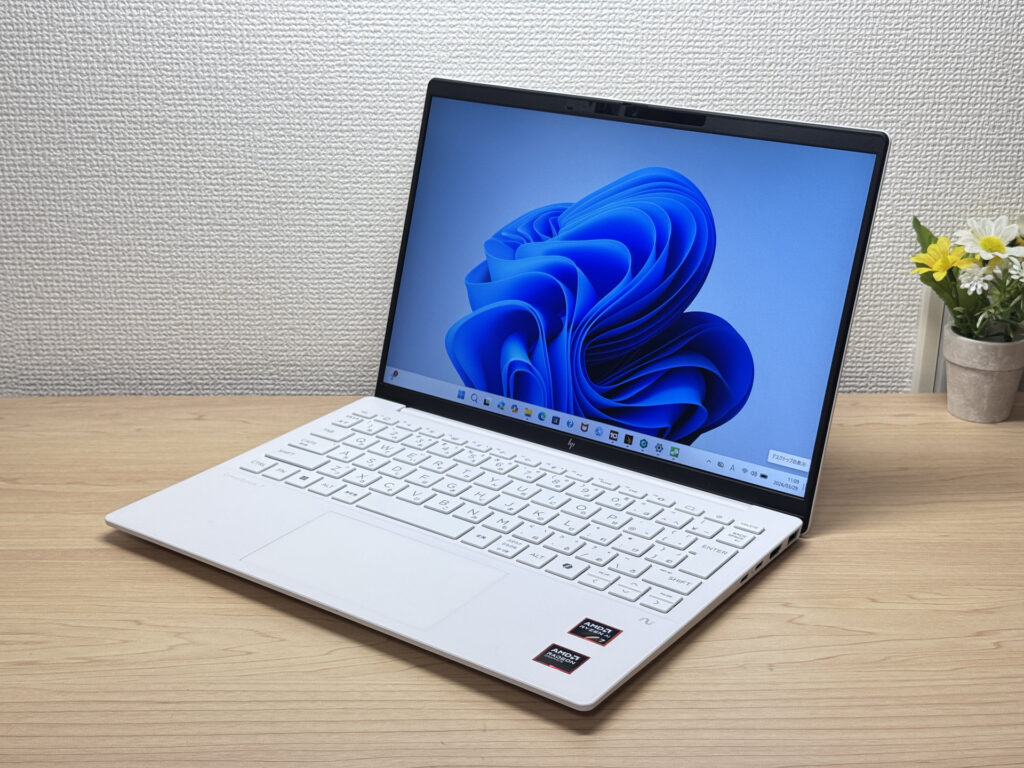
#1HP OmniBook 7 Aero 13-bg
- ·You carry your laptop everywhere and want something that doesn't weigh you down
- ·You need a solid machine for writing papers, browsing, and video calls
- ·You work from coffee shops, campus, or anywhere outside your desk
- ·You need serious gaming or video editing performance — this isn't built for that
- ·You spend long days away from an outlet and need all-day battery life
Key Specs
- CPU
- AMD Ryzen AI 7 350
- Display
- 13.3-inch 1920x1200 IPS
- RAM
- 16GB
- Weight
- 0.97 kg (2.14 lbs)
- Storage
- 1TB SSD
- Battery
- ~15.5h
Why We Picked It
The OmniBook 7 Aero 13-bg's headline feature is its weight: just 970g (about 2.1 lbs), light enough to toss in a backpack every morning without thinking about it. The Ceramic White finish turns heads at coffee shops and on campus — this is one of those laptops that actually looks good in public. Powered by the AMD Ryzen AI 7 350, it scored 6946 on PCMark 10 — solid horsepower for a thin-and-light. The IPS panel looks great too, handling everything from daily browsing to video calls without complaint.
The flip side: the lid is plastic, so don't expect a premium feel. The charger weighs 323g (~11 oz) — surprisingly heavy for such a light machine. Battery is 43 Wh, so plan for a plug if you're out all day. But if portability, performance, and looks matter to you in equal measure, this one genuinely delivers.
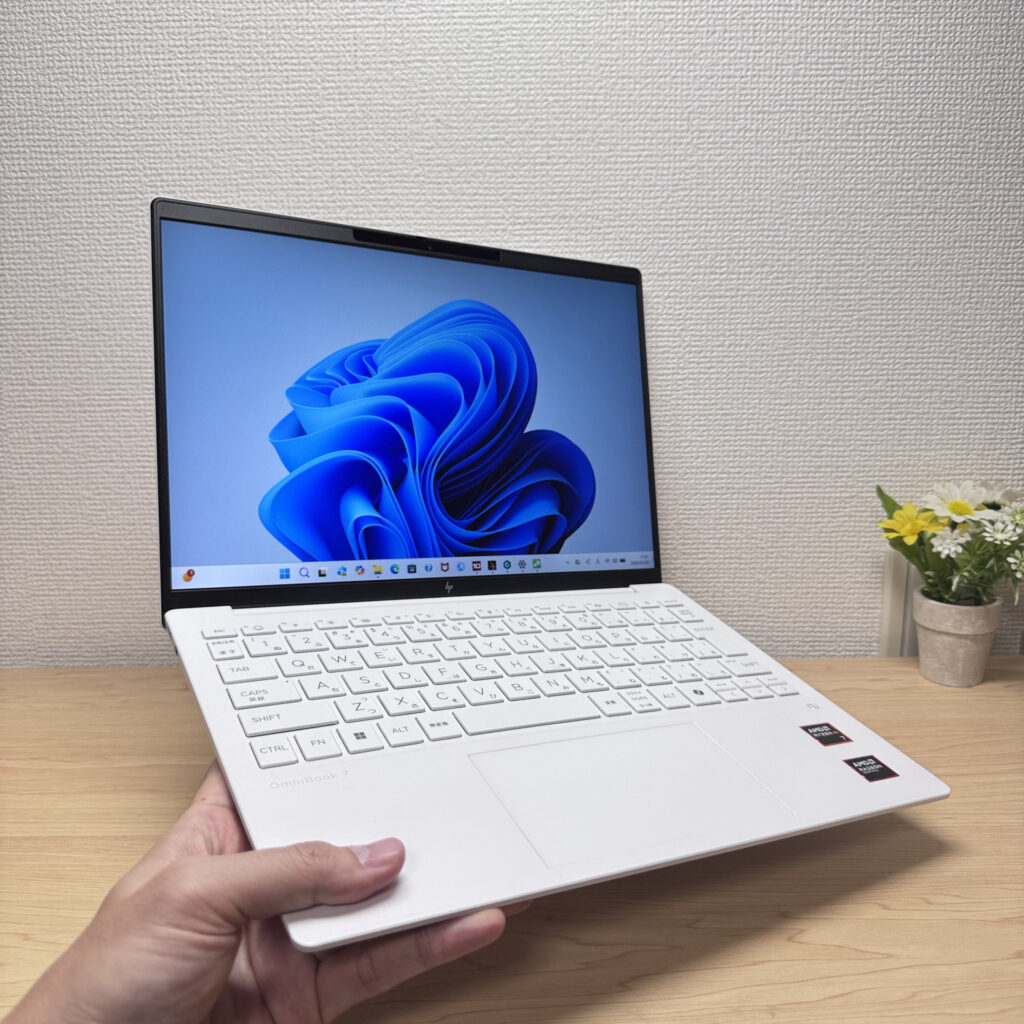 Light enough to carry in one hand with ease
#2ASUS Zenbook S 14 (UX5406SA)
- ·You carry a laptop every single day
- ·You want photos and video to look genuinely good on screen
- ·You work away from a desk and don't want to think about power
- ·You care about build quality and low weight enough to pay for it
- ·Not for you if you're trying to keep the purchase price down
- ·Skip it if heavy gaming or serious video editing is the goal
- ·Careful if you want to upgrade the RAM or storage yourself
Key Specs
- CPU
- Intel Core Ultra 7 258V
- Display
- 14.0-inch 1920x1200 OLED touch
- RAM
- 32GB
- Weight
- 1.20 kg (2.65 lbs)
- Storage
- 1TB SSD
- Battery
- ~23.3h
Why We Picked It
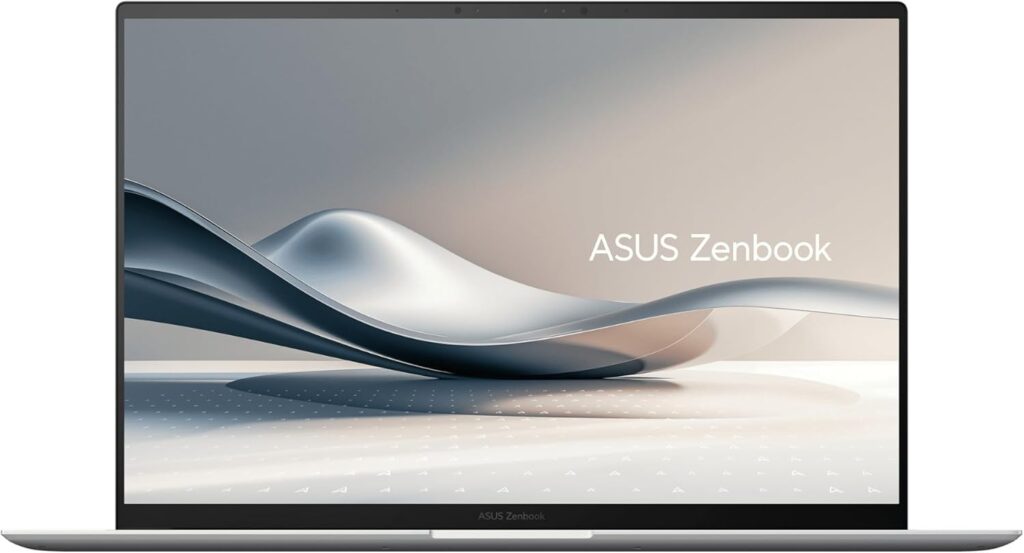
The ASUS Zenbook S 14 (UX5406SA) pulls off 14-inch portability at about 1.2 kg (2.6 lbs) and just 12.9 mm thick alongside a 2880×1800 3K OLED panel running at 120 Hz — a high-end thin-and-light that doesn't compromise on either one. A Ceraluminum chassis, a 72Wh battery, Thunderbolt 4, HDMI, and USB-A all packed into that thickness is genuinely impressive. The price sits in the upper tier, and the memory is onboard only, so there's no adding more down the road. But if you carry it daily and want your photos and video to look right, the weight and the screen are exactly where that money goes.
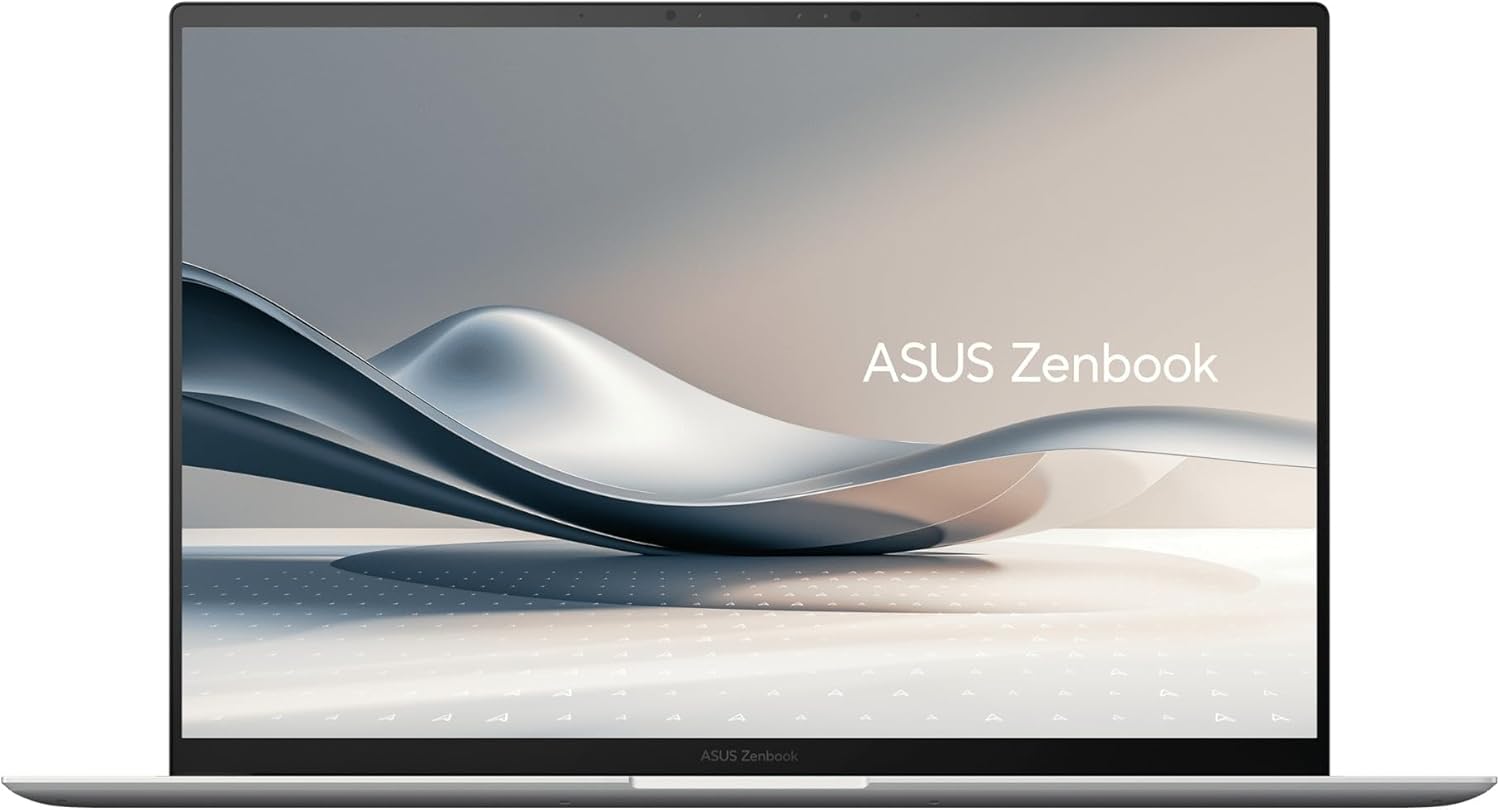 The 14-inch, roughly 1.2 kg (2.6 lbs) ASUS Zenbook S 14 (UX5406SA)
#3ASUS Zenbook A14 (UX3407QA)
- ·You want to carry a genuinely light laptop every day
- ·You want to get through a day out without packing a charger
- ·You mostly work on documents and the web
- ·You want to use HDMI and USB-A without an adapter
- ·Skip it if heavy gaming or serious video editing is the goal
- ·Be careful if specialized work software or older peripherals are must-haves
- ·It'll fall short if you want a high-resolution, high-refresh display
Key Specs
- CPU
- Snapdragon X X1-26-100
- Display
- 14.0-inch 1920x1200 OLED
- RAM
- 16GB
- Weight
- 0.98 kg (2.16 lbs)
- Storage
- 512GB SSD
- Battery
- ~32.0h
Why We Picked It
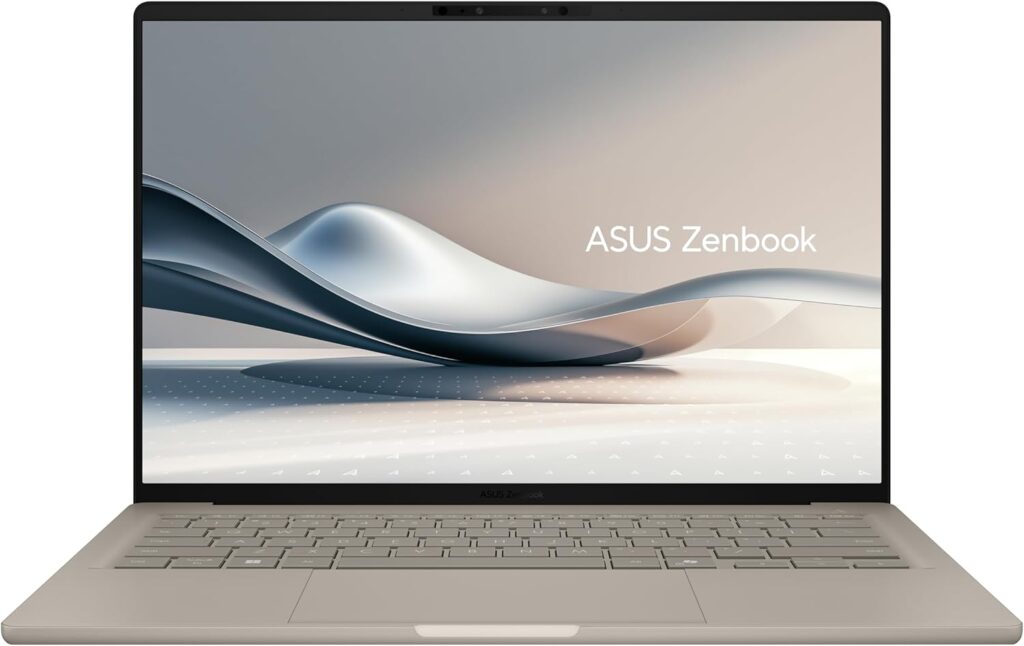
The ASUS Zenbook A14 (UX3407QA) pairs a 14-inch body at 0.98 kg (2.2 lbs) — under a kilo with a 70Wh battery rated for a claimed 32 hours. Light laptops usually shed the grams by cutting battery, so having both is rare. Keeping HDMI and USB-A in a 15.9mm (~0.63 in) chassis is welcome too — one less dongle in your bag. The CPU is the X1-26-100, at the modest end of the Snapdragon X lineup, and the display stops at 1920×1200 and 60Hz, which isn't a flashy number. But if your days are mostly docs and browsing, and you want to carry it everywhere without thinking about the charger, that weight and battery life really pay off.
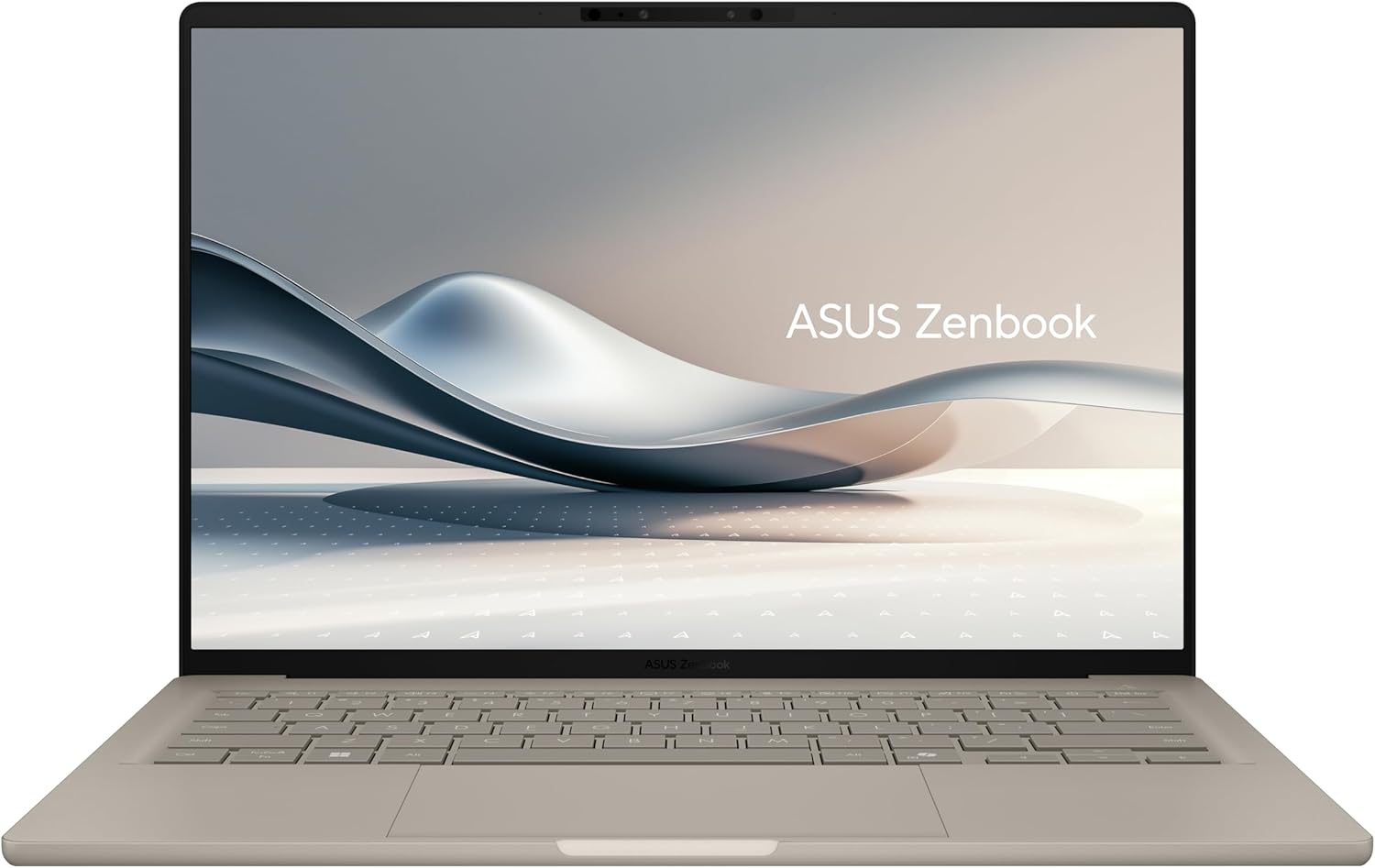 The 14-inch, 0.98 kg (2.2 lbs) ASUS Zenbook A14 (UX3407QA)
More Recommended Models
If our TOP 3 didn't quite click, take a look here too. These are picked with the same criteria, so you won't go far wrong either.
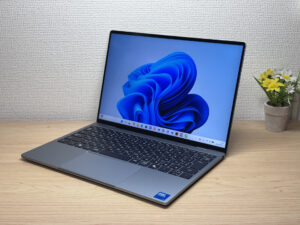
Ridiculously light and gorgeous, with a 2.5K display that steals the whole show
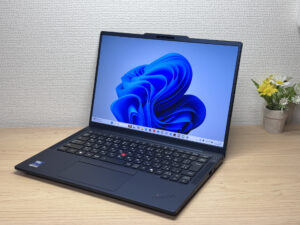
A featherlight ThinkPad that doesn't skimp on security.
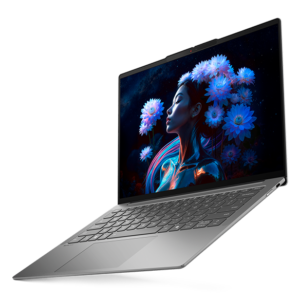
A 14-inch laptop so light (2.3 lbs) you'll forget it's in your bag
Spec Comparison
Compare specs of all 6 recommended models at a glance.
Note: This table is ordered by our editors' picks for this use case, not by ZippyScore.
| Model | Image | Stores | Highlights | ZippyScore | CPU | RAM | Storage | Display | Battery | Weight | Full Review |
|---|---|---|---|---|---|---|---|---|---|---|---|
|
🥇 Best Overall
HP
OmniBook 7 Aero 13-bg
|
|
Amazon | Under 2.2 lbs and ready for daily carry — a well-balanced travel laptop | Best 4.5/5 | Best AMD Ryzen AI 7 350 Passmark: 24,959 | 16GB | Best 1TB |
13.3"
1920x1200
IPS
|
~15.5h | Best 0.97 kg (2.14 lbs) | Full Review |
|
🥈 Best Balanced Pick
ASUS
Zenbook S 14 (UX5406SA)
|
|
Amazon | 2.6 lbs with a 3K OLED — it's not cheap, and it doesn't pretend to be. | 4.3/5 | Intel Core Ultra 7 258V Passmark: 18,961 | Best 32GB | Best 1TB |
14.0"
1920x1200
OLED
|
~23.3h | 1.20 kg (2.65 lbs) | — |
|
🥉 Best Value Pick
ASUS
Zenbook A14 (UX3407QA)
|
|
Amazon | Just 0.98 kg (2.2 lbs) and a claimed 32 hours — a 14-inch that goes all-in on weight and battery. | 4.1/5 | Snapdragon X X1-26-100 | 16GB | 512GB |
14.0"
1920x1200
OLED
|
Best ~32.0h | 0.98 kg (2.16 lbs) | — |
|
Dell
XPS 13 (DX13260, 2026)
|
|
Amazon | Ridiculously light and gorgeous, with a 2.5K display that steals the whole show | 4.1/5 | Intel Core 5 320 Passmark: 15,482 | 16GB | 512GB |
13.4"
2560x1600
|
~17.0h | 1.00 kg (2.20 lbs) | Full Review |
|
Lenovo
ThinkPad T14s Gen 7
|
|
Amazon | A featherlight ThinkPad that doesn't skimp on security. | 3.9/5 | Intel Core Ultra 7 365 Passmark: 21,371 | Best 32GB | Best 1TB |
14.0"
1920x1200
IPS
|
~19.6h | 1.07 kg (2.36 lbs) | Full Review |
|
Lenovo
IdeaPad Slim 5i Ultra Gen 11 (14-inch Intel)
|
|
Amazon | A 14-inch laptop so light (2.3 lbs) you'll forget it's in your bag | 3.7/5 | Intel Core Ultra 5 226V Passmark: 18,095 | 16GB | 256GB |
14.0"
1920x1200
IPS
|
~23.3h | 1.06 kg (2.34 lbs) | Full Review |
Frequently Asked Questions
Is 8GB of RAM enough for a lightweight laptop?
Can I just go with any ultra-light model under 1kg and be fine?
How many hours of battery life do I actually need?
Should I go with a lightweight Mac or a lightweight Windows laptop?
How much should I budget for?
Summary
Here's a quick recap of the conclusion from this article:
These are the models that meet those criteria:
- #1 HP OmniBook 7 Aero 13-bg
- #2 ASUS Zenbook S 14 (UX5406SA)
- #3 ASUS Zenbook A14 (UX3407QA)
- #4 Dell XPS 13 (DX13260, 2026)
- #5 Lenovo ThinkPad T14s Gen 7
- #6 Lenovo IdeaPad Slim 5i Ultra Gen 11 (14-inch Intel)
We hope you find the laptop that's right for you here.
Happy laptop hunting!
About the author
