
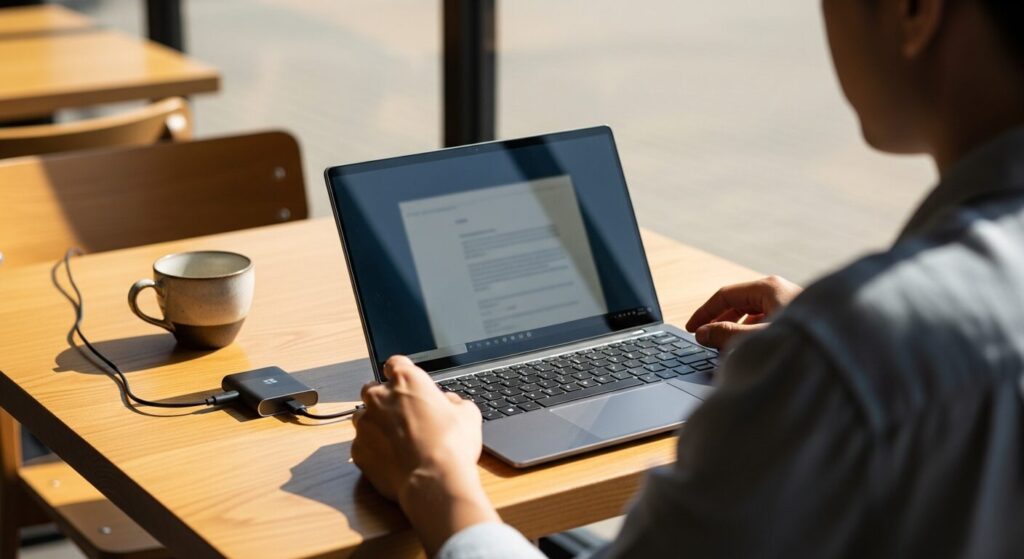
I want a light laptop, but I'm worried that if it's too lightweight it'll feel flimsy and break easily, plus the battery probably won't last as long either. So which one do I actually go for?
Hey, it's Takumi here from ZippyLaptop.
When people start looking for a lightweight laptop, I find a lot of them end up picking purely on the weight figure, then regret it once they notice the build feels flimsy or the battery doesn't last as long as they'd hoped. Weight obviously matters if you're carrying it in your bag every day, but lighter isn't always better.
Models that go too far chasing low weight can end up with a lid that flexes or a battery that dies quicker than you'd like, and if you get the choice wrong, your lightweight laptop ends up being more hassle than it's worth.
So, having got my hands on and compared a huge number of laptops over the years, I'm going to share the three conditions that'll stop you going wrong with a lightweight/mobile laptop, plus the models that tick all three boxes 👍
Get the balance right between weight, spec and battery life, and you'll find a laptop you're genuinely happy to carry around every day. Read to the end and you'll know exactly what to look for when choosing a lightweight laptop.
Right, let's get into it 🏃♂️!
Quick Answer
I'll get straight to the point.
For a lightweight laptop, just stick to 1.2kg or under, 16GB of RAM and 12+ hours of battery, and you're sorted!
Based on the conclusion above, here are the 3 laptops I'd recommend first.
If you're stuck deciding, picking from this shortlist will rarely lead you wrong.
The rest of the article breaks down the differences and how to choose.
Our TOP 3 Picks
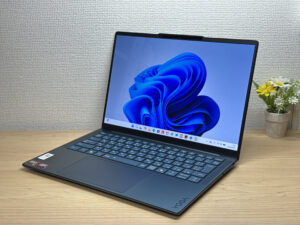
OLED display, class-leading keyboard feel — genuinely good value for the money.
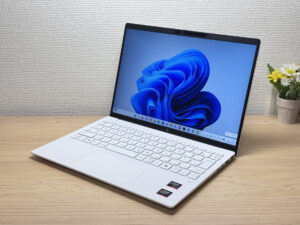
Under a kilo and ready for the daily commute — a well-rounded travel laptop
About 1.2 kg (2.6 lbs) and a 3K OLED — pricey, but you can see exactly where it went.
Buying Guide
Spec: even a lightweight laptop runs smoothly with a mid-range CPU and 16GB of RAM
Even with a lightweight laptop, you're unlikely to go wrong if you aim for a fairly recent-generation Intel Core i5 or AMD Ryzen 5 (or better) with 16GB of RAM.
- CPU: Intel Core i5 / AMD Ryzen 5 or better
- RAM: 16GB
Prioritising weight over spec and paying for it later with sluggish performance is one of the classic mistakes people make when choosing a lightweight laptop. Plenty of people have a dozen browser tabs open in a café or on the move while also running Excel and Zoom at the same time. If you're short on RAM in that situation, switching between apps causes little freezes and stutters that get annoying fast. With a recent-generation CPU, the difference between grades isn't hugely noticeable day to day, but it's actually RAM capacity that has the biggest impact on how snappy the laptop feels. Get 16GB and you won't be trading weight for sluggish performance. Even on a lightweight laptop, spec isn't somewhere you want to cut corners.
 It's not just about weight: a spec that runs comfortably matters too ☝️
Everyday usability: 1.2kg or under, 13–14 inches, and 12+ hours of battery change how it feels to carry every day
If you care about how comfortable it is to carry around, I'd recommend using a weight of 1.2kg or under, a 13–14 inch screen, and 12+ hours of battery life as your benchmark.
- Weight: 1.2kg or under (ideally around 1kg)
- Screen size: 13–14 inches
- Battery: 12+ hours
Lighter isn't automatically better when it comes to lightweight laptops. Models that push weight reduction to the extreme can end up with a chassis that flexes more, a smaller battery that doesn't last as long, or cramped cooling that makes the fan noisier than you'd like. Something usually gets sacrificed to hit that low weight.
This is just my own experience, but I've noticed models in the 1.4kg range feel noticeably heavy the moment you pick them up one-handed, while anything under 1.2kg feels a lot lighter. That difference might only be 200–300g, but it definitely adds up when you're carrying it in your bag to work or uni every day, so I'd recommend sticking to 1.2kg or under.
Having 12+ hours of battery also makes a huge difference to your peace of mind when you're out and about, and a 13–14 inch screen hits a nice sweet spot between being easy to see and fitting neatly in a bag 👍
One more thing worth thinking about is the total weight including the charger, not just the laptop itself. Manufacturer chargers are often surprisingly heavy, so simply swapping to a compact third-party USB-C charger from somewhere like Anker or Ugreen can noticeably lighten your whole bag.
So the trick to not regretting your choice is looking beyond weight alone and weighing up battery life and build quality too.
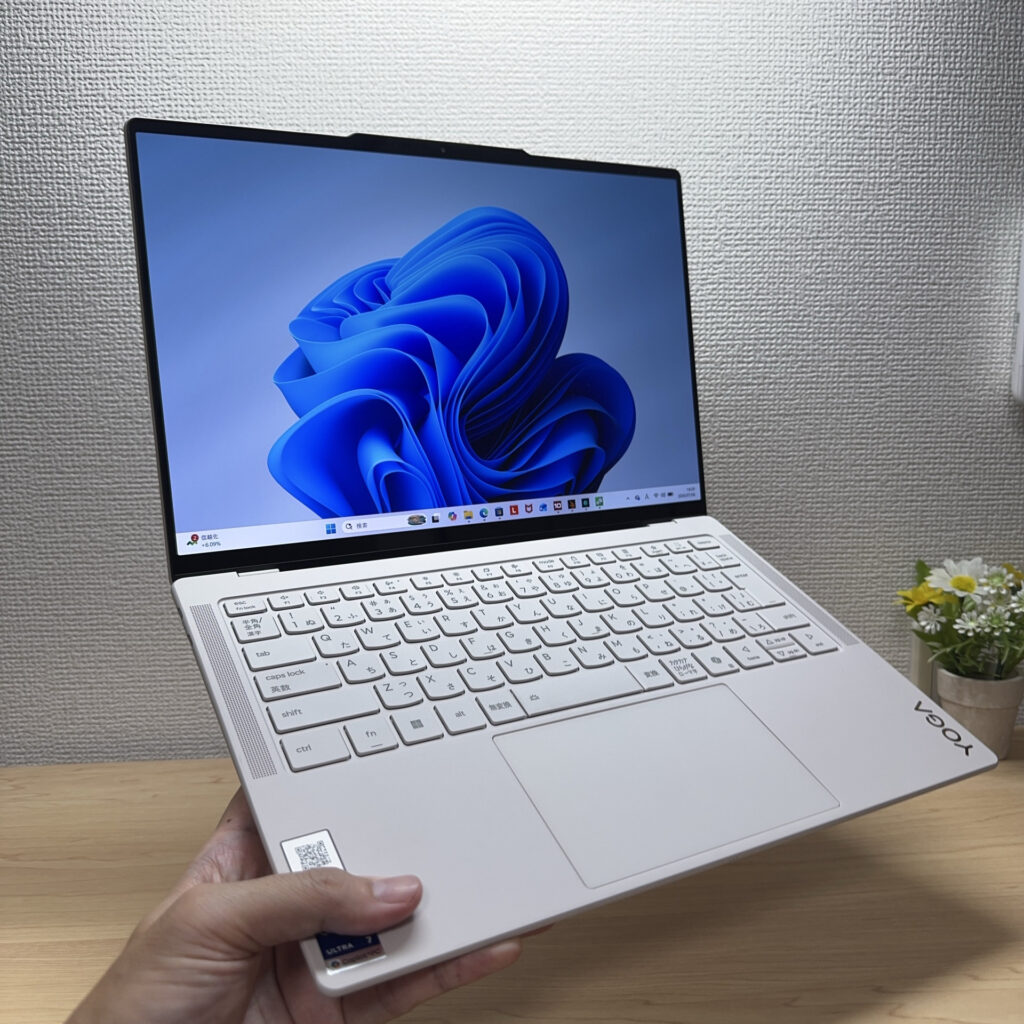 Under 1.2kg really does feel different in the hand ✨
Price: for a properly lightweight model, £1,000 or so is a realistic starting budget
A lightweight laptop that ticks the weight, spec and battery boxes isn't exactly cheap, I'll be honest. As a rough guide, I'd budget from around £1,000 as your starting point.
If you prioritise cheapness above everything else, you often end up with compromises in the materials and engineering used to keep the weight down, and regretting it through poor build quality or battery life. Genuinely light and genuinely cheap laptops just aren't that common, since the lighter a model is, the more the materials and engineering tend to cost, which pushes the price up a bit. That said, you don't need to stretch to the flagship models either; starting your search around £1,000 is more than enough to find something with a good balance of weight, spec and battery life. Rather than choosing on price alone, using £1,000 as your guide will land you on a laptop that's both light and genuinely comfortable to use.
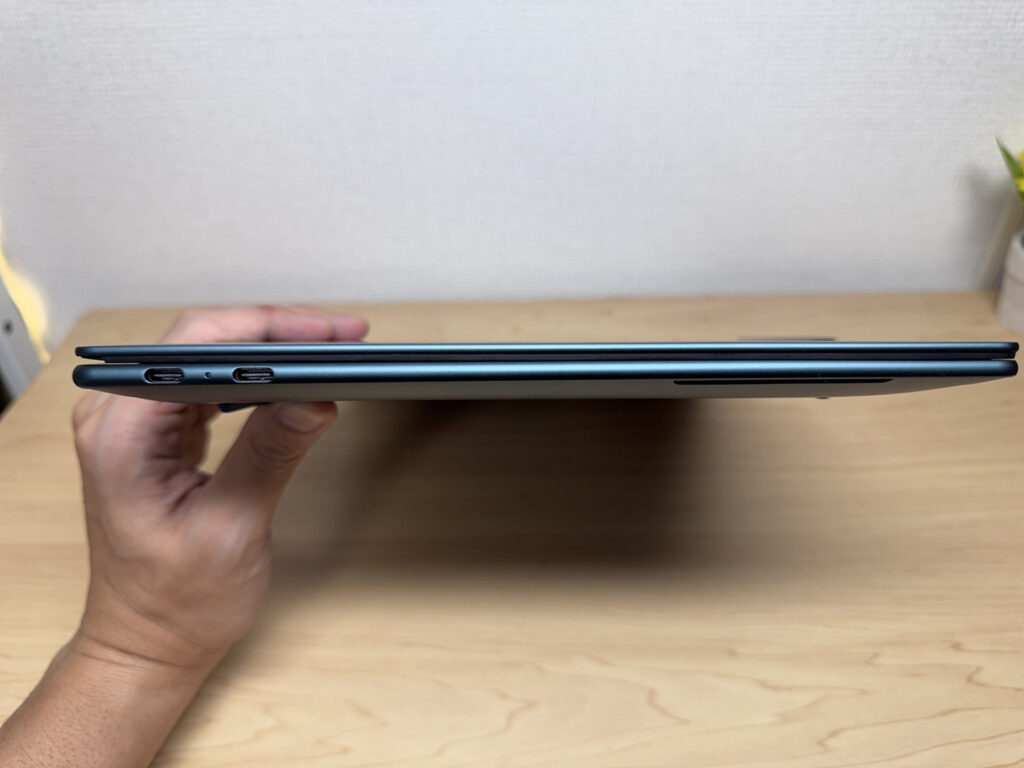 Light, slim laptops really are a joy to use, honestly 👌
So, when it comes to choosing a lightweight/mobile laptop, get these three things right and you're sorted.
- 16GB of RAM and a recent-generation CPU or better
- 1.2kg or under, 13–14 inches, 12+ hours of battery
- A budget starting from around £1,000
Get these three right and you won't end up regretting a decision made on weight alone 👍 In practice, switching to a lightweight laptop makes you feel so much lighter you forget it's even in your bag, eases the strain on your shoulders and back, and lets you whip it out and get to work in seconds, so your whole day-to-day just feels quicker. The more you're out and about, and the more you use your laptop away from your desk, the more you'll feel the benefit 😁.
This article rounds up models that tick all of these boxes, so do have a look.
Our Picks
#1Lenovo Yoga Slim 7a Gen 11 (14-inch AMD)
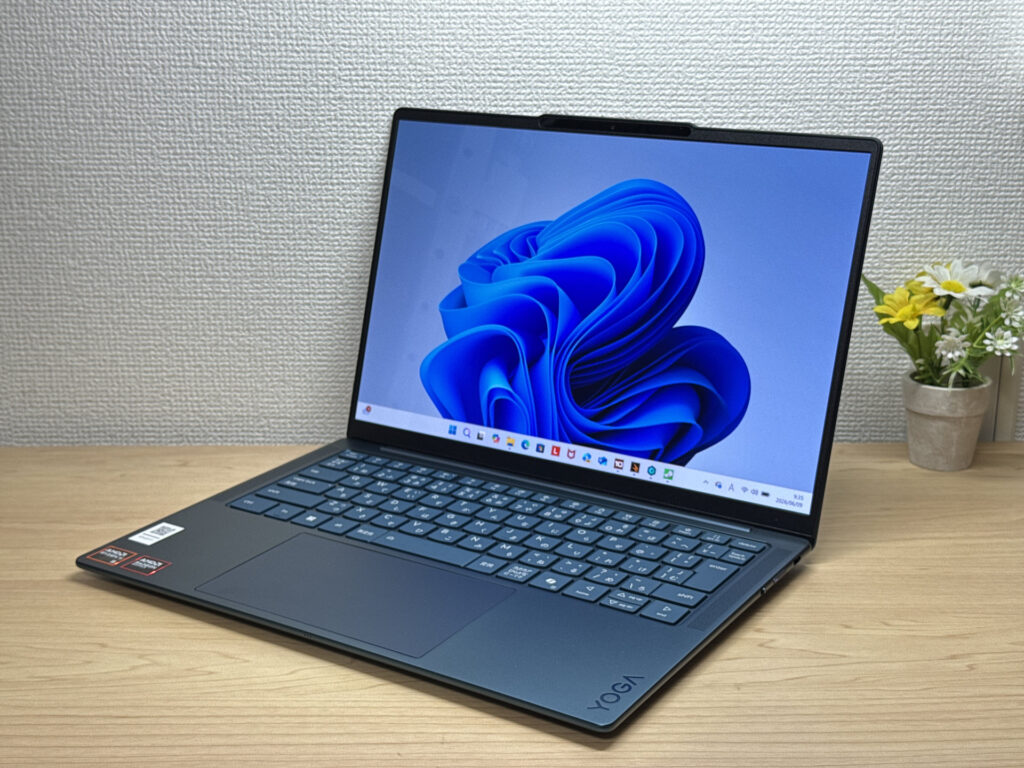
- ·You carry your laptop every day and want something genuinely light
- ·You want a sharp, vivid display for streaming films and shows
- ·You need a reliable daily machine for work, uni, and general productivity
- ·You want an OLED laptop that's slim, light, and won't break the bank
- ·Your main use is demanding gaming or heavy video editing work
- ·You rely on USB-A, HDMI, or have lots of peripherals to connect directly
Key Specs
- CPU
- AMD Ryzen AI 5 430
- Display
- 14.0-inch 1920x1200 OLED touch
- RAM
- 16GB
- Weight
- 1.14 kg (2.54 lbs)
- Storage
- 512GB SSD
- Battery
- ~19.0h
Why We Picked It
Yoga Slim 7 Gen 11 (14-inch AMD) is a slim 14-inch laptop with an OLED display — 1.15 kg and 13.9 mm thin, at a price that genuinely impresses for the spec you're getting. Hands-on, the keyboard feel was a personal highlight — noticeably better than expected for this tier. The downside is that there's no headphone jack and you're limited to USB-C ports only, so anyone with lots of peripherals will need a hub. But at this price point, the value is hard to argue with. A great shout for uni students working on essays, or anyone who wants a reliable daily carry for work, streaming, and café sessions.
An OLED at this price? You don't see that from other brands very often.
#2HP OmniBook 7 Aero 13-bg
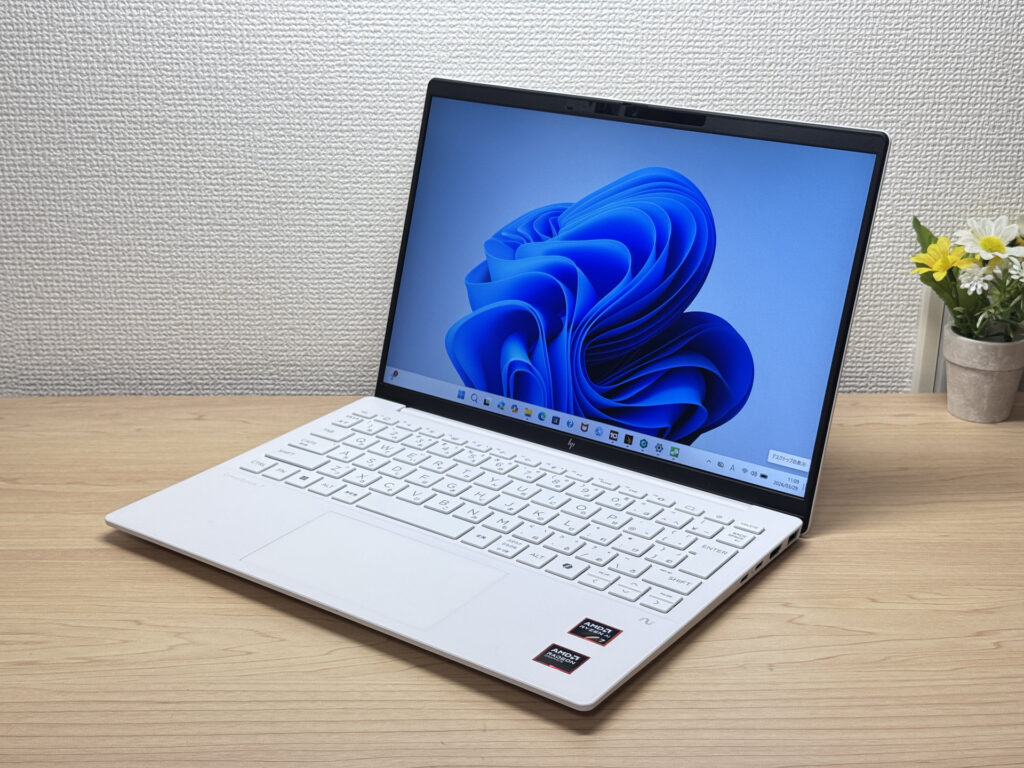
- ·You carry your laptop everywhere and want something genuinely lightweight
- ·You want a solid machine for essays, browsing, and video calls
- ·You often work from cafés, lectures, or anywhere outside the office
- ·You need a machine for heavy gaming or video editing
- ·You're regularly away from a charger for long stretches
Key Specs
- CPU
- AMD Ryzen AI 7 350
- Display
- 13.3-inch 1920x1200 IPS
- RAM
- 16GB
- Weight
- 0.97 kg (2.14 lbs)
- Storage
- 1TB SSD
- Battery
- ~15.5h
Why We Picked It
The OmniBook 7 Aero 13-bg's standout feature is its weight: just 970g, genuinely light enough to carry around all day without really noticing it. The Ceramic White finish looks great — the kind of laptop you'd actually want to get out at a café or on campus. Powered by the AMD Ryzen AI 7 350, it scored 6946 on PCMark 10 — solid performance for a machine this light. The IPS display delivers good colour and handles everything from daily browsing to video calls without complaint.
The downsides are straightforward: the lid is plastic, so don't expect a premium feel. The charger weighs a chunky 323g — surprisingly heavy given how light the laptop is. Battery is 43 Wh, so you'll want a plug handy on longer days out. Still, if you want a good balance of portability, performance, and looks, this is a strong contender.
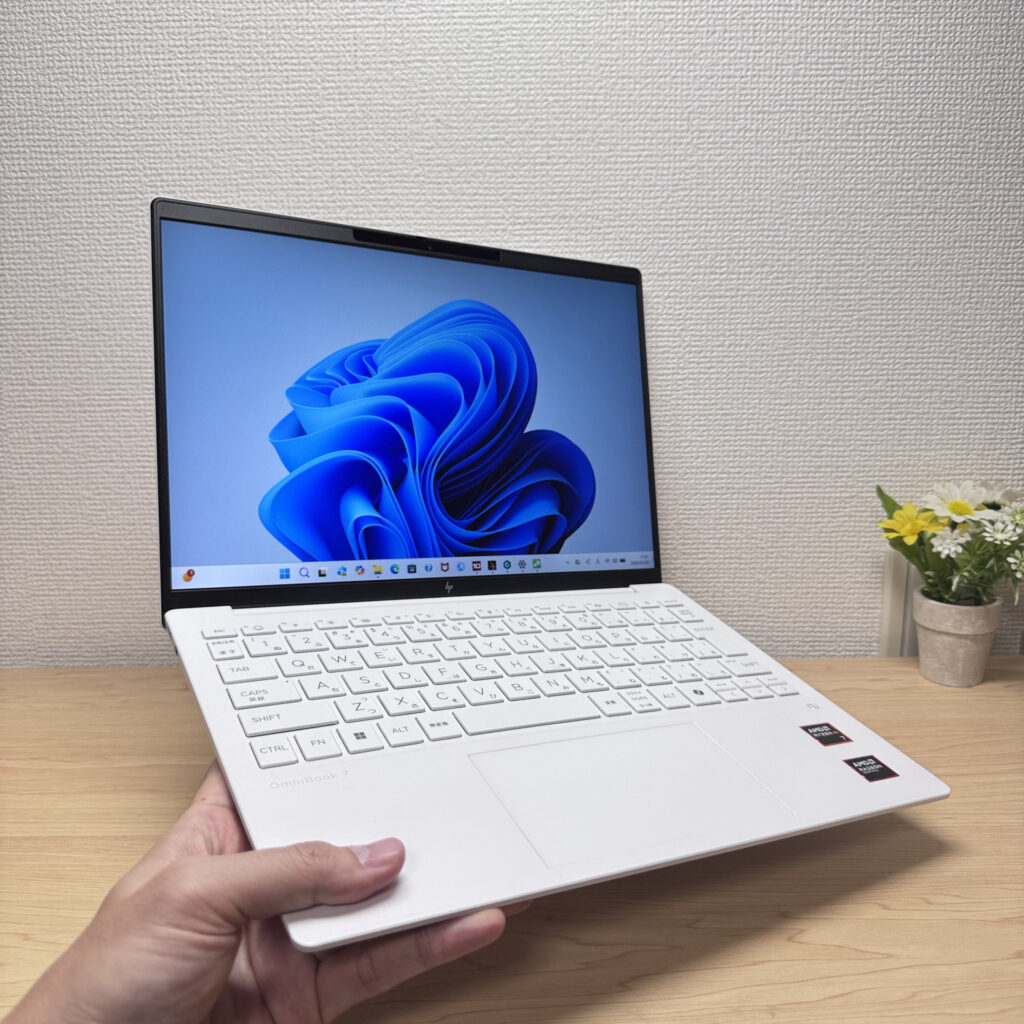 Light enough to carry in one hand with ease
#3ASUS Zenbook S 14 (UX5406SA)
- ·You carry a laptop with you every day
- ·You want your photos and videos to look properly good on screen
- ·You work away from a desk and would rather not think about charging
- ·You value the build quality and low weight enough to pay for them
- ·Not for you if you're trying to keep the purchase price down
- ·Give it a miss if demanding games or serious video editing are the aim
- ·Worth care if you want to upgrade the memory or storage yourself
Key Specs
- CPU
- Intel Core Ultra 7 256V
- Display
- 14.0-inch 2880x1800 OLED
- RAM
- 16GB
- Weight
- 1.20 kg (2.65 lbs)
- Storage
- 1TB SSD
- Battery
- ~23.3h
Why We Picked It
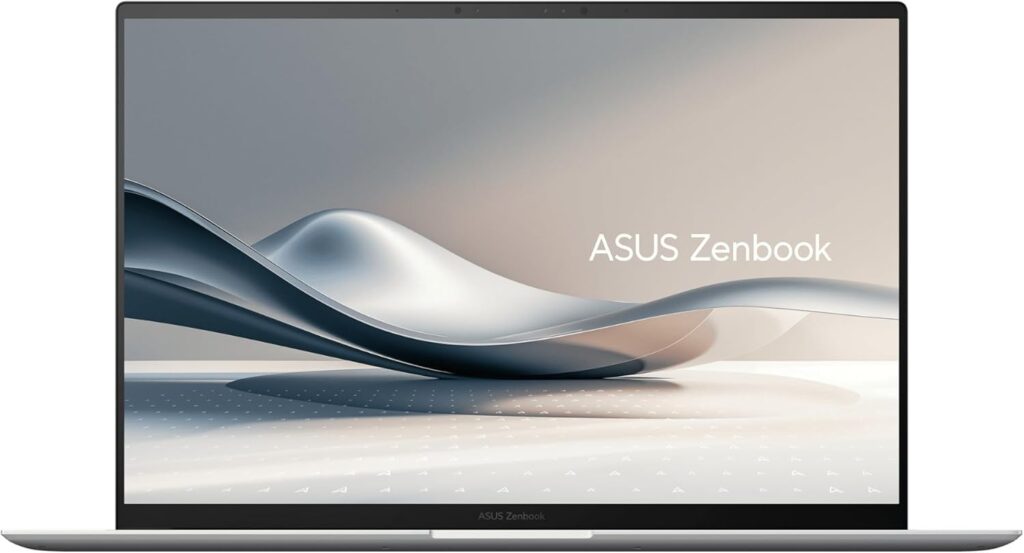
The ASUS Zenbook S 14 (UX5406SA) manages 14-inch portability at around 1.2 kg (2.6 lbs) and just 12.9 mm thick alongside a 2880×1800 3K OLED panel running at 120 Hz — a high-end thin-and-light that doesn't give up either one. A Ceraluminum chassis, a 72Wh battery, Thunderbolt 4, HDMI and USB-A, all squeezed into that thickness, is fair to say impressive. The price sits at the upper end, and the memory is onboard only, so there's no adding more later on. That said, if you carry it daily and want your photos and videos to look right, the weight and the screen are precisely what you're paying for.
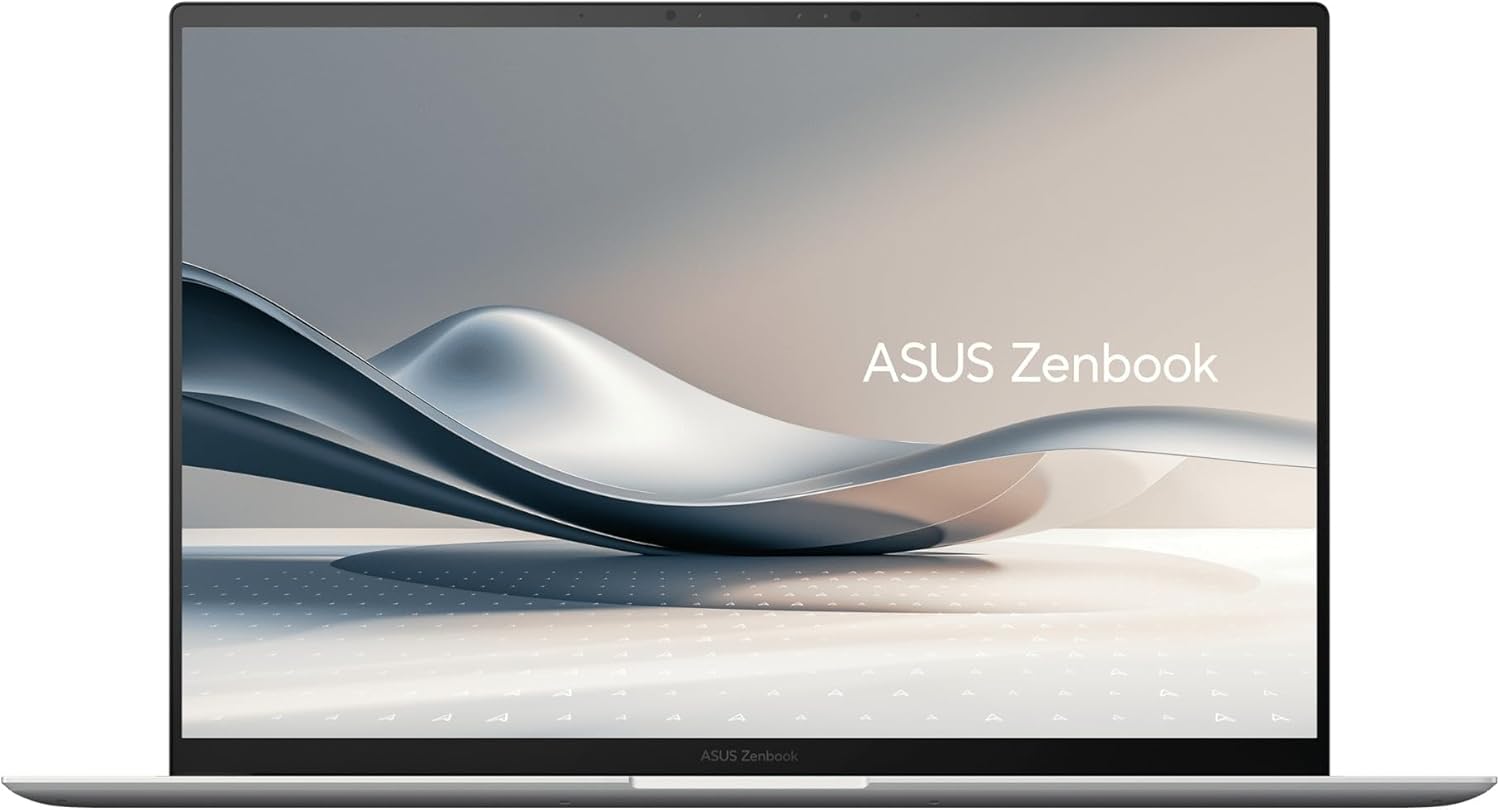 The 14-inch, roughly 1.2 kg (2.6 lbs) ASUS Zenbook S 14 (UX5406SA)
More Recommended Models
If our TOP 3 didn't quite click, take a look here too. These are picked with the same criteria, so you won't go far wrong either.
Under a kilo at 0.98 kg (2.2 lbs) and a claimed 32 hours — a 14-inch built around portability.
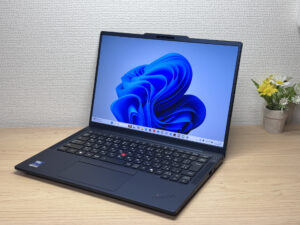
The lightweight business laptop that doesn't skimp on security
Spec Comparison
Compare specs of all 5 recommended models at a glance.
Note: This table is ordered by our editors' picks for this use case, not by ZippyScore.
| Model | Image | Stores | Highlights | ZippyScore | CPU | RAM | Storage | Display | Battery | Weight | Full Review |
|---|---|---|---|---|---|---|---|---|---|---|---|
|
🥇 Best Overall
Lenovo
Yoga Slim 7a Gen 11 (14-inch AMD)
|
|
Amazon | OLED display, class-leading keyboard feel — genuinely good value for the money. | Best 4.6/5 | AMD Ryzen AI 5 430 Passmark: 13,437 | 16GB | 512GB |
14.0"
1920x1200
OLED
|
~19.0h | 1.14 kg (2.54 lbs) | Full Review |
|
🥈 Best Balanced Pick
HP
OmniBook 7 Aero 13-bg
|
|
Amazon | Under a kilo and ready for the daily commute — a well-rounded travel laptop | 4.5/5 | Best AMD Ryzen AI 7 350 Passmark: 24,959 | 16GB | Best 1TB |
13.3"
1920x1200
IPS
|
~15.5h | Best 0.97 kg (2.14 lbs) | Full Review |
|
🥉 Best Value Pick
ASUS
Zenbook S 14 (UX5406SA)
|
|
Amazon | About 1.2 kg (2.6 lbs) and a 3K OLED — pricey, but you can see exactly where it went. | 4.3/5 | Intel Core Ultra 7 256V Passmark: 19,556 | 16GB | Best 1TB |
Best 14.0"
2880x1800
OLED
|
~23.3h | 1.20 kg (2.65 lbs) | — |
|
ASUS
Zenbook A14 (UX3407QA)
|
|
Amazon | Under a kilo at 0.98 kg (2.2 lbs) and a claimed 32 hours — a 14-inch built around portability. | 4.1/5 | Snapdragon X X1-26-100 | 16GB | Best 1TB |
14.0"
1920x1200
OLED
|
Best ~32.0h | 0.98 kg (2.16 lbs) | — |
|
Lenovo
ThinkPad T14s Gen 7
|
|
Amazon | The lightweight business laptop that doesn't skimp on security | 3.9/5 | Intel Core Ultra 7 355 Passmark: 20,954 | Best 32GB | Best 1TB |
Best 14.0"
2880x1800
OLED
|
~19.6h | 1.07 kg (2.36 lbs) | Full Review |
Frequently Asked Questions
Is 8GB of RAM enough for a lightweight model?
Is an ultra-light model under 1kg always a safe bet?
How many hours of battery life is enough to feel comfortable?
Should I go for a lightweight Mac or a lightweight Windows laptop?
How much budget should I set aside?
Summary
Here's a quick recap of the conclusion from this article:
These are the models that meet those criteria:
- #1 Lenovo Yoga Slim 7a Gen 11 (14-inch AMD)
- #2 HP OmniBook 7 Aero 13-bg
- #3 ASUS Zenbook S 14 (UX5406SA)
- #4 ASUS Zenbook A14 (UX3407QA)
- #5 Lenovo ThinkPad T14s Gen 7
We hope you find the laptop that's right for you here.
Happy laptop hunting!
About the author
