ZippyScore
ZippyScore is a proprietary rating based on 6 criteria: performance, portability, display, battery, value, and connectivity.
See rating criteria
- Performance: CPU / GPU performance
- Portability: Screen size & weight
- Display: Panel type, aspect ratio & refresh rate
- Battery: Rated battery life
- Value: Specs-to-price balance
- Connectivity: Port types & count
Pros & Cons
Pros
- At about 1.06 kg (2.3 lbs), it won't weigh you down on your daily carry
- 16GB of RAM keeps multitasking smooth without a hitch
- Rated for 23.3 hours of battery life, so you're covered when you're out and about
- The 16:10 display gives documents and web pages more room to breathe
Cons
- Only three USB-C ports and no headphone jack — grab a USB-C hub and you're set
- Not built for heavy gaming or serious video editing — fine if you stick to lighter tasks
Specs Summary
| OS | Windows 11 Home |
|---|---|
| CPU | Intel Core Ultra 5 226V (PassMark: 18,095) |
| RAM | 16GB |
| Storage | 256GB |
| Display | 14" IPS (Anti-glare, Touchscreen, 60Hz) 1920x1200 (16:10) |
| Weight | 1.06 kg (2.34 lbs) |
| Ports | USB-C × 1 (5Gbps), USB-C × 2 (5Gbps/PD/Video out) |
| GPU | Intel Arc Graphics (G3D Mark: 5,486) |
| Biometrics | Face Recognition |
| Battery | Up to 23.3 h (Capacity: 65 Wh) |
| Camera | 2.1 MP |
| Dimensions | Approx. 311 × 217 × 12.9 mm (W × D × H) |
| Wi-Fi | Wi-Fi 6 |
| Bluetooth | Bluetooth 5.4 |
| Color | Luna Grey |
Configurations vary by retailer, region, and availability.
Feature Review
Design
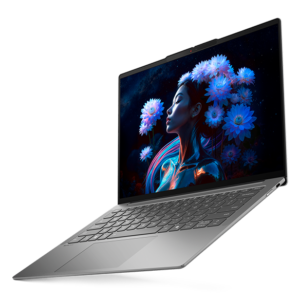
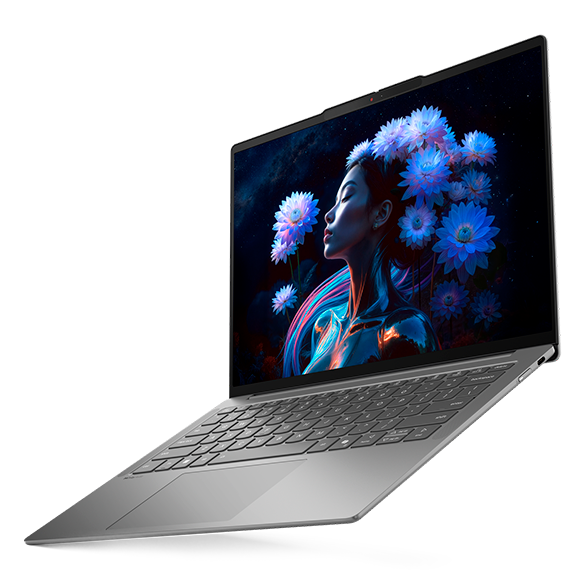
Let's start with the look. It comes in Luna Gray, a muted tone you'll recognize from Lenovo's IdeaPad lineup. The shade leans closer to MacBook Pro territory — understated enough to pull out at a coffee shop or in the office without looking out of place. At just 12.9mm thick, it earns the "Slim" in its name.
 Luna Gray design, front view
The lid carries the same gray finish, so it should blend right into any business setting.
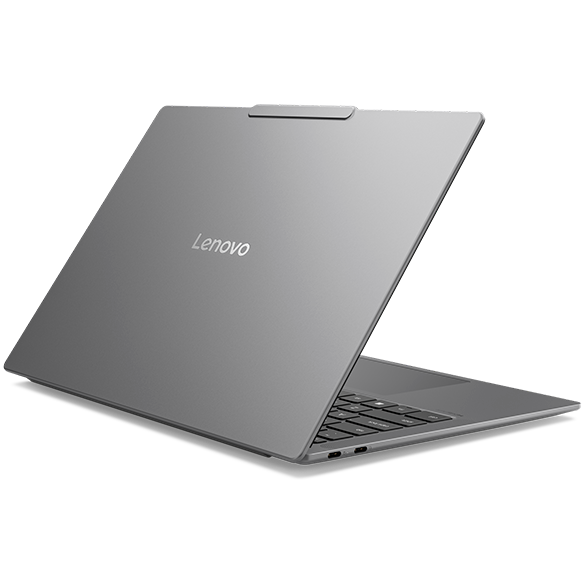 Matching Luna Gray lid for a cohesive look
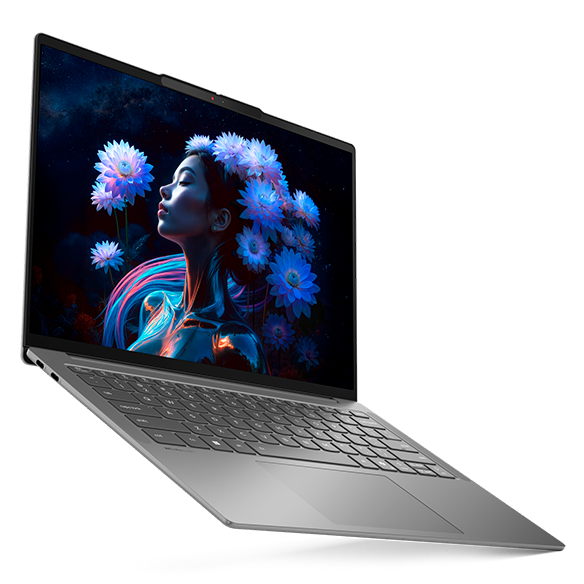
At 12.9mm thick, it should slide into a bag without a fight.
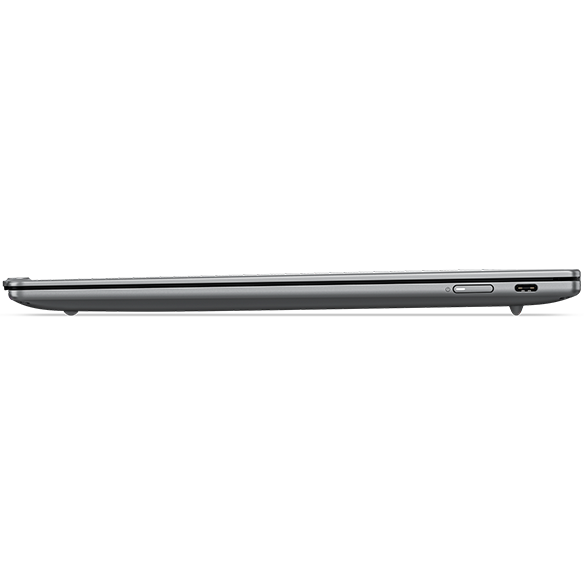 Side profile showing off that 12.9mm thinness
Portability
Next up, portability. At about 1.06 kg (2.3 lbs), this thing is genuinely light for a 14-inch laptop. Compared to Lenovo's own IdeaPad 5 line (around 1.4 kg), that's a roughly 340g lighter build made for life on the go. A 14-inch laptop that barely breaks 1 kg is honestly rare, and if you're tossing it in a bag for your daily commute or carrying it to class, that weight difference adds up fast.
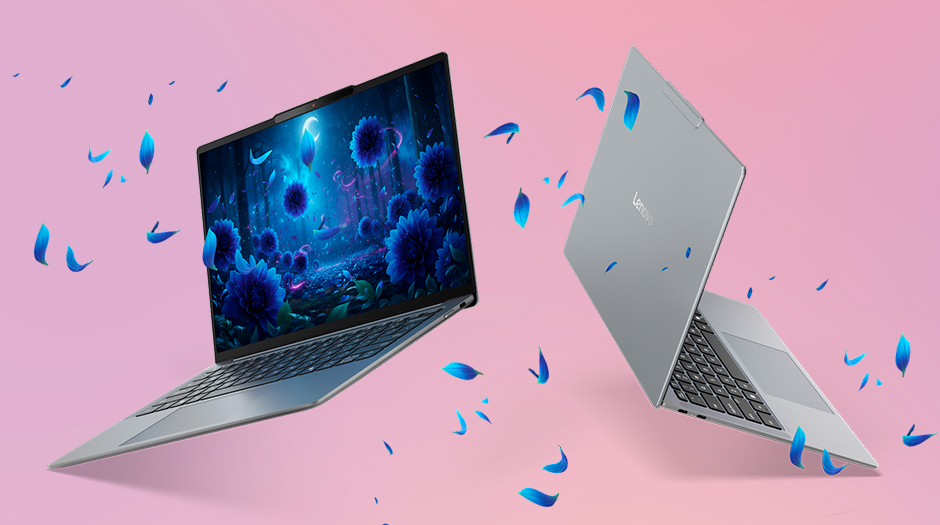 The featherlight 1.06 kg (2.3 lb) build
Display Quality
Now the display. The standard panel is an IPS LCD at 2560×1600 with an anti-glare finish, so you're getting a screen that's easy on the eyes without a lot of glare. The 16:10 aspect ratio also means more vertical space, which makes scrolling through documents or web pages a lot more comfortable.
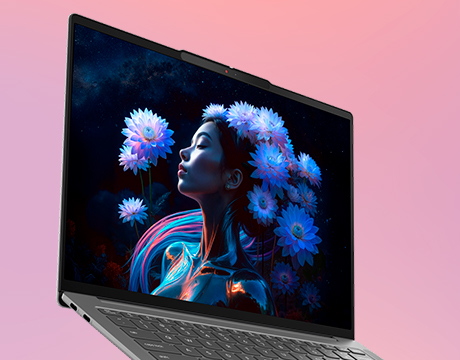 2560×1600 anti-glare IPS display
It also runs at 120Hz, so scrolling should feel smooth. There's an OLED display option available too, if vivid color is more your thing.
Typing Feel
The keyboard looks like it follows the same layout Lenovo's used across the IdeaPad line, so I'd expect a comfortable typing experience here.
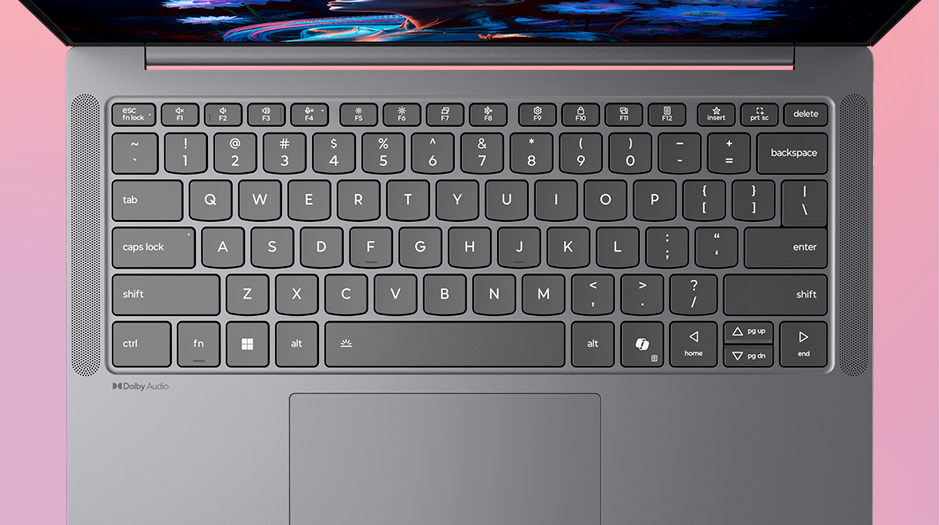 Keyboard layout carried over from the IdeaPad series
Trackpad
The trackpad looks generously sized, so getting around without a mouse — on your lap, on a plane, wherever — should feel smooth. Everyday gestures should feel effortless too.
Performance
Let's talk performance. The CPU here is an Intel Core Ultra 5 226V, putting up a PassMark multi-core score of 18095 and a single-core score of 3822.
 PassMark score of 18095
| Score | Rating | What it feels like in real use |
|---|---|---|
| Up to 5,500 | Tight on headroom | Hiccups during multitasking; comfort takes a hit. Daily use feels constrained. |
| 5,500–8,000 | Daily use | Web, Office, remote work — handles them without issue. |
| 8,000–12,500 | Comfortable (standard) | Daily PC tasks with real headroom. Light video editing and casual games work. |
| 12,500–20,000 | High performance (mainstream) This PC | Multitasking feels good. Heavier work and 3D games are workable. |
| 20,000–40,000 | Very high performance | Comfortable even for demanding work and gaming. |
| 40,000+ | Exceptional | Plenty of headroom for creative work and heavy loads. Long-lasting performance. |
*PassMark CPU Mark measures multi-threaded CPU performance. Some variance is normal between runs even with the same CPU.
At that score, you're looking at solid multitasking headroom — juggling a bunch of apps at once shouldn't bog things down, so writing papers or chewing through business documents should feel snappy. Graphics come from the integrated Intel Arc Graphics, with a PassMark G3D score of 5486 — enough for light gaming or basic photo editing.
| Score | Rating | What it feels like in real use |
|---|---|---|
| Up to 1,500 | Bare minimum | Limited 3D performance. Not suited for gaming or heavy 3D work. |
| 1,500–3,500 | Light 3D | Lighter games and low-load tasks work with conservative settings. |
| 3,500–5,500 | Average This PC | Light to medium games and GPU-light work are fine. Solid integrated GPU for daily use. |
| 5,500–7,500 | High performance | Strong for an integrated GPU. Lighter games and image work feel comfortable. |
| 7,500+ | Very high performance | Upper-tier integrated GPU. Real graphics headroom even in thin laptops. |
*PassMark G3D Mark measures 3D rendering. This guide is for integrated GPUs — discrete GPU models are not directly comparable.
Battery Life
Battery rating: Average
A 65Wh cell would normally land in "long-lasting" territory on its own, but running that 120Hz refresh rate all the time tends to eat into it, so "average" is the more honest call here overall. That said, Lenovo's official rating of 23.3 hours is a generous number, and it adds up to enough battery to get through a full day out without hunting for an outlet.
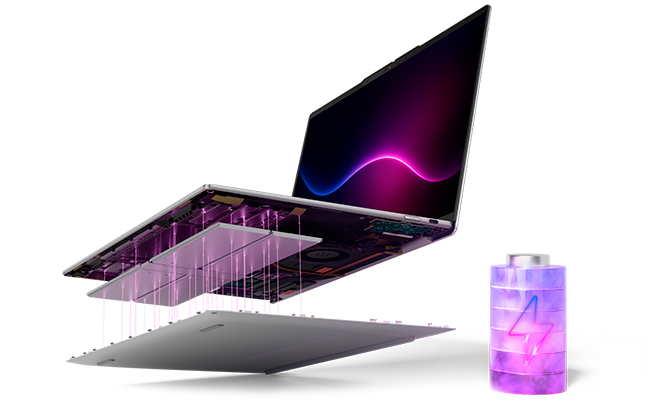 Battery report showing the 65Wh cell
It also supports rapid charging — 15 minutes on the charger gets you up to 2 hours of use. Handy if you're out and about and start watching that battery percentage drop.
Ports & Expansion
Let's talk ports. You get three USB-C ports total, and two of them support USB Power Delivery and DisplayPort Alt Mode, so you can charge and drive an external monitor at the same time, which is handy.
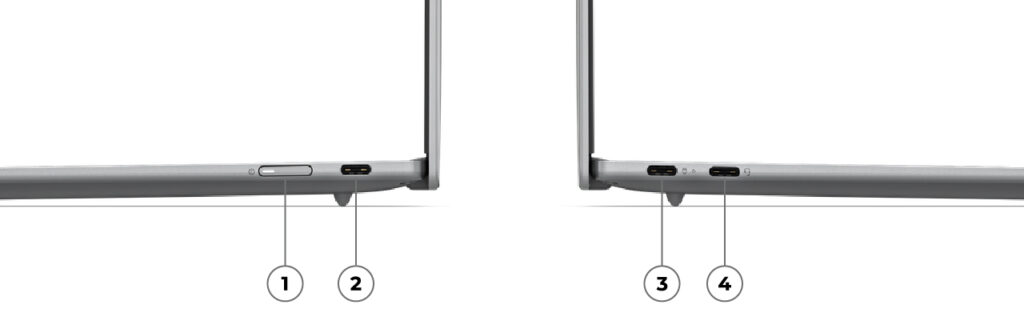 Three USB-C ports split across both sides
The trade-off for that slim body is that it's USB-C only, with no headphone jack. That said, cheap, lightweight USB-C hubs are everywhere these days, so picking one up should cover most of your expansion worries.
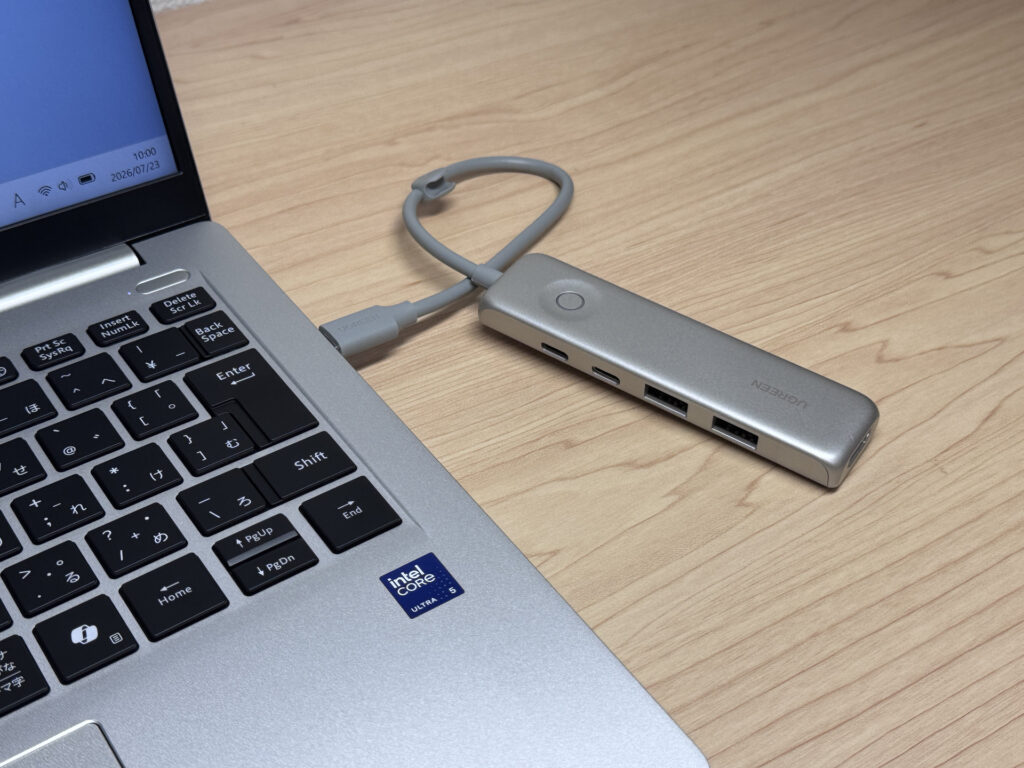 A USB-C hub can fill in the expansion gap
Webcam
The webcam clocks in at about 2.07 megapixels, and based on how past IdeaPad models have performed, image quality should be solid. There's also a physical privacy shutter, so you get the peace of mind of physically covering the lens when you're not using it.
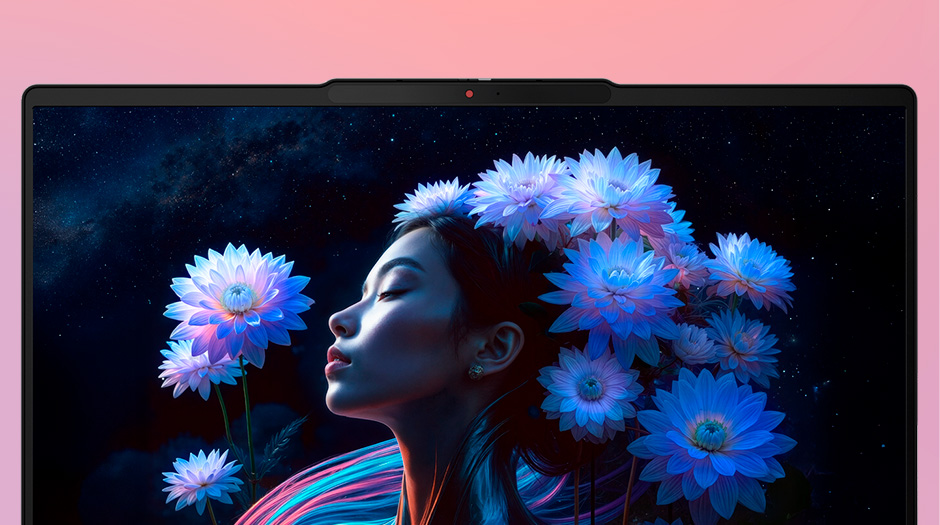 Physical privacy shutter for the webcam
Speakers
The speakers sit on either side of the keyboard, which should make audio easy to pick up whenever you're facing the screen and working. The IdeaPad 5 series used this same layout, and audio clarity was solid there too.
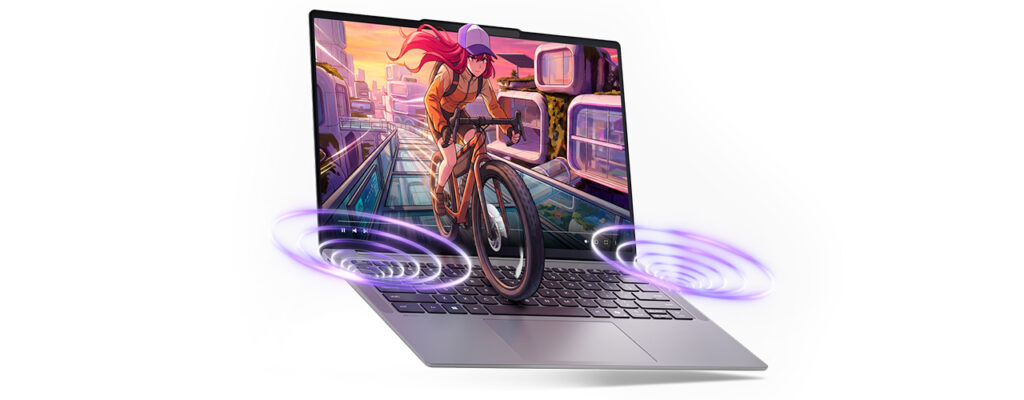 Speakers flanking the keyboard
Security
On the security side, it supports facial recognition — just glance at the screen and Windows Hello logs you in. Pretty convenient.
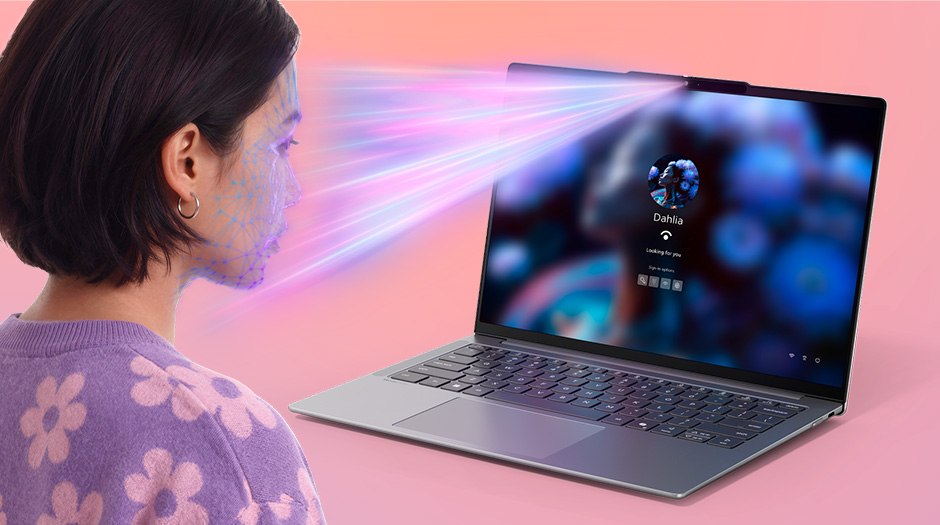 Facial recognition via Windows Hello
Price
Finally, the price. Given how thin, light, and capable this machine is, $899.00 feels like a genuinely attractive price point. There's also a decent range of configuration options — you can step up to an OLED display or bump storage to 512GB — so it's easy to tune the spec to fit your budget.
Final Verdict
The Lenovo IdeaPad Slim 5i Ultra Gen 11 (14-inch Intel) packs solid performance and plenty of battery life into a genuinely light body — 12.9mm thin and about 1.06 kg (2.3 lbs). With only three USB-C ports, expansion is a bit limited, but that's a small price to pay for how easy this thing is to carry around. If you want to lighten your bag as a business professional, or you're a student hauling a laptop to class every day, this one's a great fit.
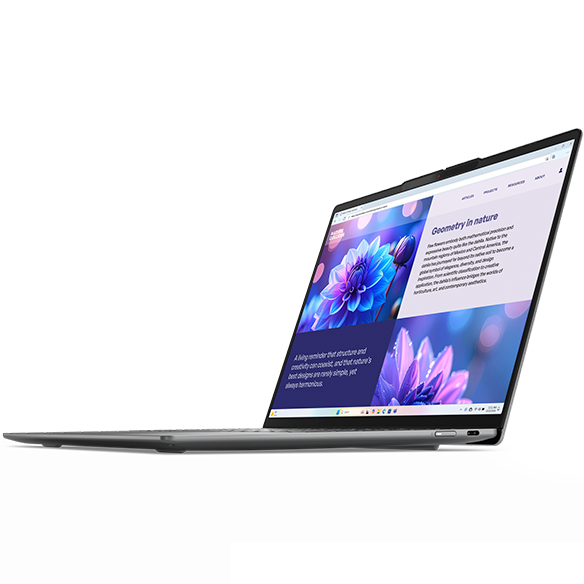 At about 1.06 kg (2.3 lbs), it's easy to carry around and works great as an everyday laptop.
Where to Buy
* Prices may vary. Please check each store for the latest price and availability.
Where this laptop ranks


About the author