

My battery drains so fast when I'm out with my laptop that I can't even focus on work, and lugging a charger around everywhere gets old fast — which laptop actually lasts?
Hey, Takumi here from ZippyLaptop.
You know that feeling when you're out working on your laptop and you can't stop watching the battery meter instead of actually getting stuff done? Hunting for an outlet — or remembering to shove a charger in your bag every single time — gets old fast.
So naturally you go looking for a laptop with solid battery life. But battery life is about more than just specs, and that's exactly how people end up with a rude surprise — a laptop that dies way before they expected once they're actually using it out in the wild.
That's why in this guide, based on hands-on time with a ton of laptops, I'm breaking down the non-negotiable specs for real battery life, plus a few tricks to squeeze out even more runtime👍 By the end, you'll know exactly which laptop lets you stop worrying about outlets.
Let's get into it! 🏃♂️
Quick Answer
I'll get straight to the point.
For real battery life, look for 60Wh+ capacity, a light 13–14 inch body, and 16GB+ of RAM.
Based on the conclusion above, here are the 3 laptops I'd recommend first.
If you're stuck deciding, picking from this shortlist will rarely lead you wrong.
The rest of the article breaks down the differences and how to choose.
Our TOP 3 Picks
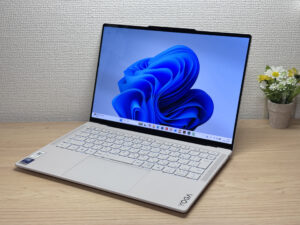
Stunning OLED in a featherlight 964g (2.1 lbs) body — this one's a total win.
2.6 lbs with a 3K OLED — it's not cheap, and it doesn't pretend to be.

Buying Guide
Specs: 60Wh+ battery capacity and an efficient CPU are the bare minimum for real battery life
On the spec side, the number to lock in on is at least a 60Wh battery. Beyond that, these three things are worth double-checking:
- Battery capacity: 60Wh or more
- CPU: an efficiency-focused chip (efficiency matters more than the exact model number)
- RAM: 16GB or more (don't sacrifice performance for battery life)
A classic mistake is picking a laptop purely off the manufacturer's "up to X hours" battery rating on the spec sheet, only to find it doesn't come close to that once you're actually using it out and about.
Those manufacturer numbers are measured under each brand's own test conditions, so real-world runtime swings a lot depending on screen brightness and what you're actually doing. Honestly, I wouldn't put too much faith in the advertised battery life number. As a rule of thumb, if you get around 60% of the quoted figure in real use, you're not far off.
That's why I care a lot more about the raw battery capacity than the advertised runtime. You can check this using the "Wh" number — the bigger it is, the more power the battery can store.
Of course, actual battery life also depends on how much power the CPU and display draw, but capacity itself doesn't lie. If you're planning long work sessions away from an outlet, this is the number to really nail down.
For a modern ultraportable, I'd treat 60Wh or more as your baseline for battery capacity. As for the CPU, don't get too caught up chasing the exact model number — just pick something built for efficiency. On the Intel side, the U-series chips are a solid bet. And if you're eyeing a Mac, MacBook Airs with M4 or later Apple Silicon are especially efficient and hold a charge really well.
That said, I wouldn't recommend sacrificing performance just to chase battery life. Stick to 16GB of RAM or more and you'll be set for web browsing, Office work, and pretty much any everyday laptop task.
Search using the specs above and you'll have a much easier time finding a laptop that balances great battery life with solid performance.
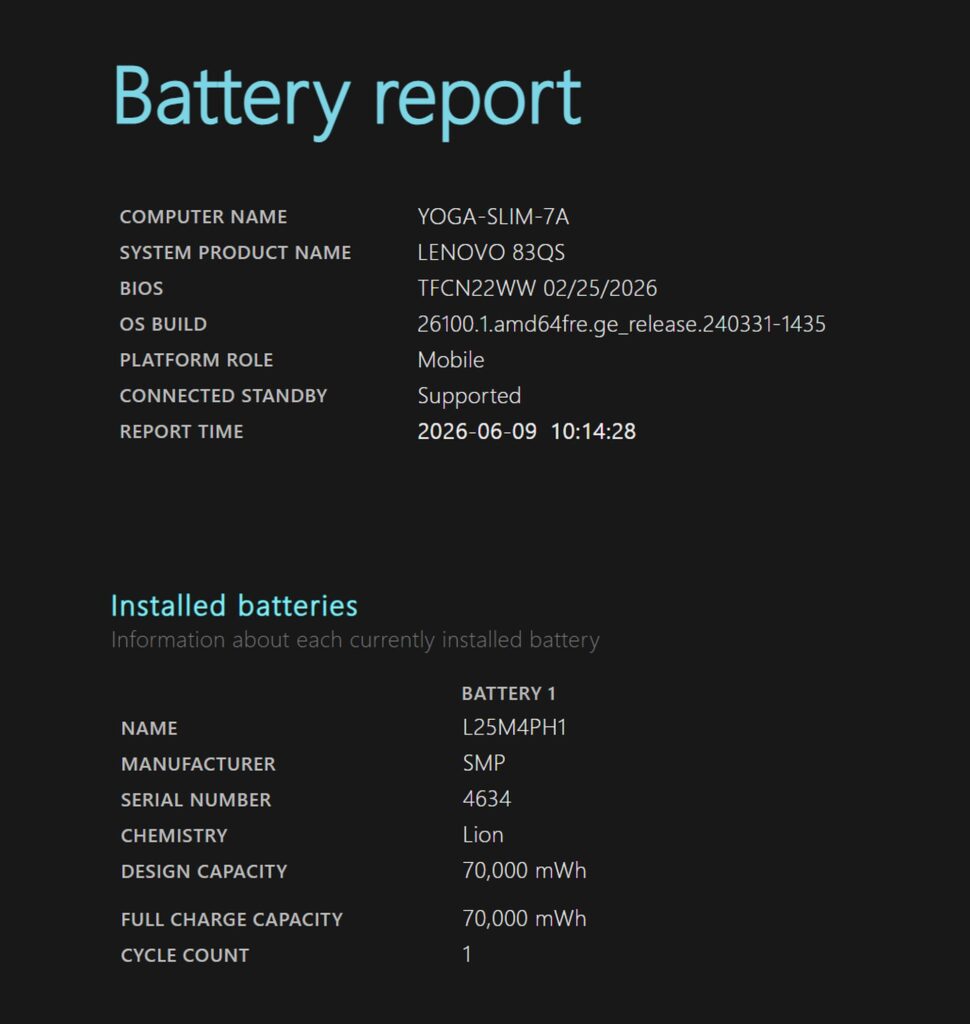 The Lenovo Yoga Slim 7 Gen 11, for example, packs a hefty 70Wh battery into a slim body.
Usability: A light 13–14 inch body gets you both battery life and portability
For everyday usability, I'd go with a lightweight 13–14 inch model.
- Screen size: 13–14 inches
- Weight: as light as possible
A common pattern: someone picks a 15-inch-plus model for the bigger screen, then finds the battery drains faster than expected once they're actually using it out and about.
A bigger screen is easier to work on, but it also tends to draw a lot more power, which puts it at a disadvantage if battery life is your top priority.
If you're specifically hunting for a laptop with great battery life, odds are you also want something that's genuinely easy to carry around.
That's where the 13–14 inch class shines — it strikes a nice balance between portability and having a screen you can actually see well. 14 inches in particular hits a sweet spot: enough screen real estate to get work done, while keeping the body compact overall. You can pull it out of your bag at a coffee shop or on the go without a second thought.
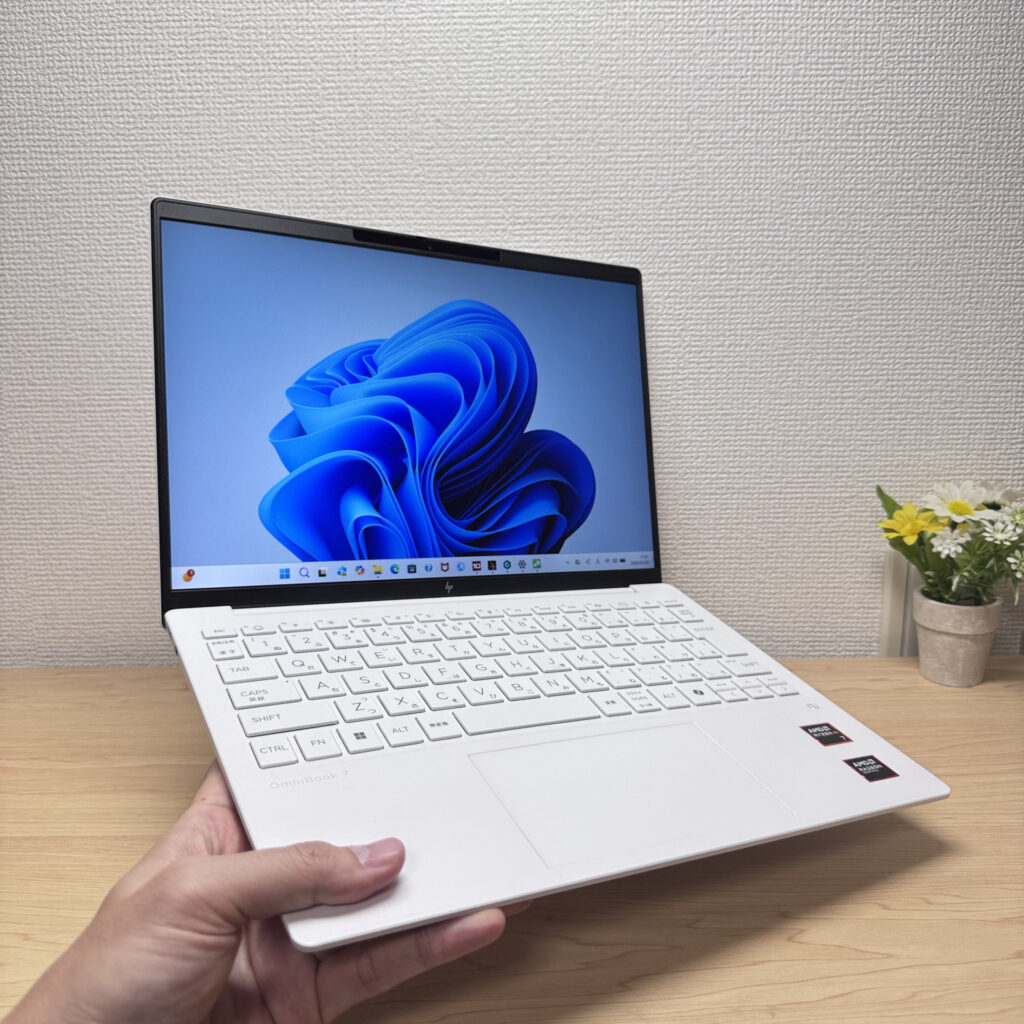 Most laptops with great battery life fall in that 14-inch-ish, lightweight range.
Go light and long-lasting, and you get one laptop you can use anywhere without worrying about the charge. 15-inch-plus models with big screens are tempting, but if you're prioritizing both battery life and portability, they're honestly at a bit of a disadvantage.
Tricks to stretch your battery life even further
Battery life doesn't just come down to the laptop's specs — how you use it matters a lot too. A few small settings tweaks can meaningfully stretch your runtime.
The three that make the biggest difference:
- Lower your screen brightness
- Use dark mode if you've got an OLED screen
- Turn on Windows' battery saver mode
The easiest change with the fastest payoff is lowering your screen brightness. This works whether you've got an IPS LCD or an OLED panel — even a slightly dimmer setting cuts down battery drain.
If your laptop has an OLED screen, dark mode is genuinely worth using too. OLED panels don't light up black pixels at all, so the more black you've got on screen, the less power it draws.
Windows' battery saver mode also helps by dialing back CPU activity and background tasks to cut power use. Just know performance on heavier tasks takes a hit while it's on, so it's worth switching back to normal mode depending on what you're doing.
And as a baseline backup plan, tossing a compact USB-C charger in your bag isn't a bad idea either. Most modern ultraportables support USB-C charging around 65W, so a small charger from a brand like Anker means you can top up on the go without much hassle.
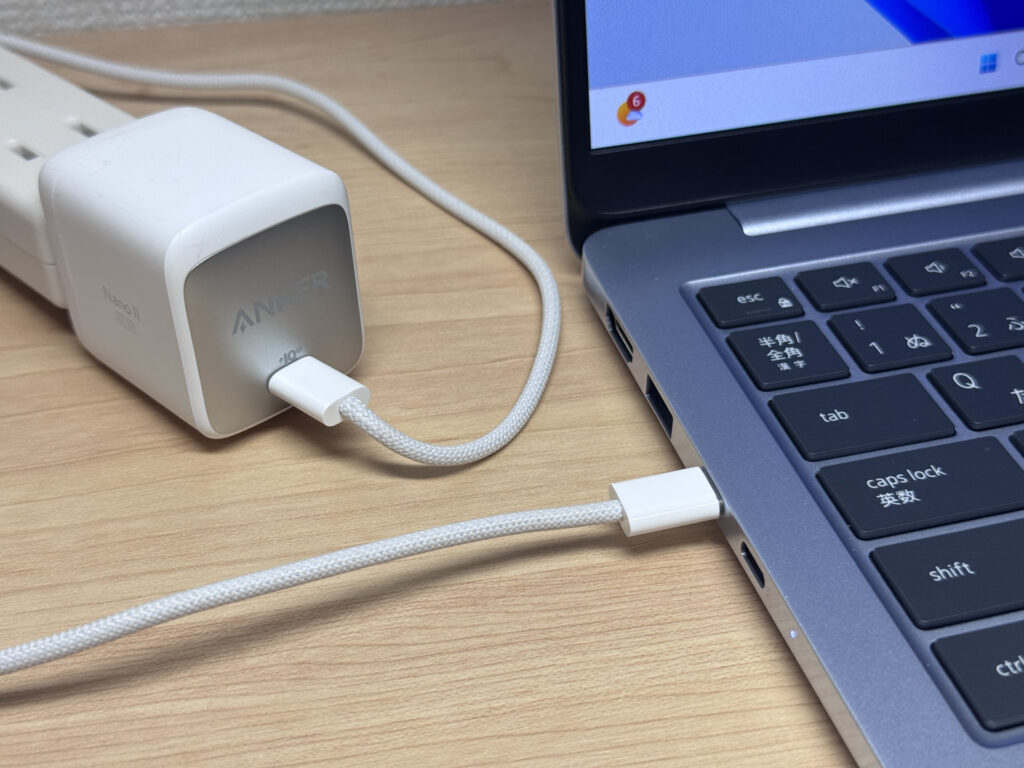 USB-C chargers have gotten seriously tiny these days.
If you want extra peace of mind, keeping a high-output power bank on hand is a solid move too.
For what it's worth, my own laptop power bank weighs 562g (about 19.8 oz) — I'll admit, that's on the heavier side🥲. There are lighter laptop-compatible power banks out there now, so it's worth weighing output against actual weight when you pick one.
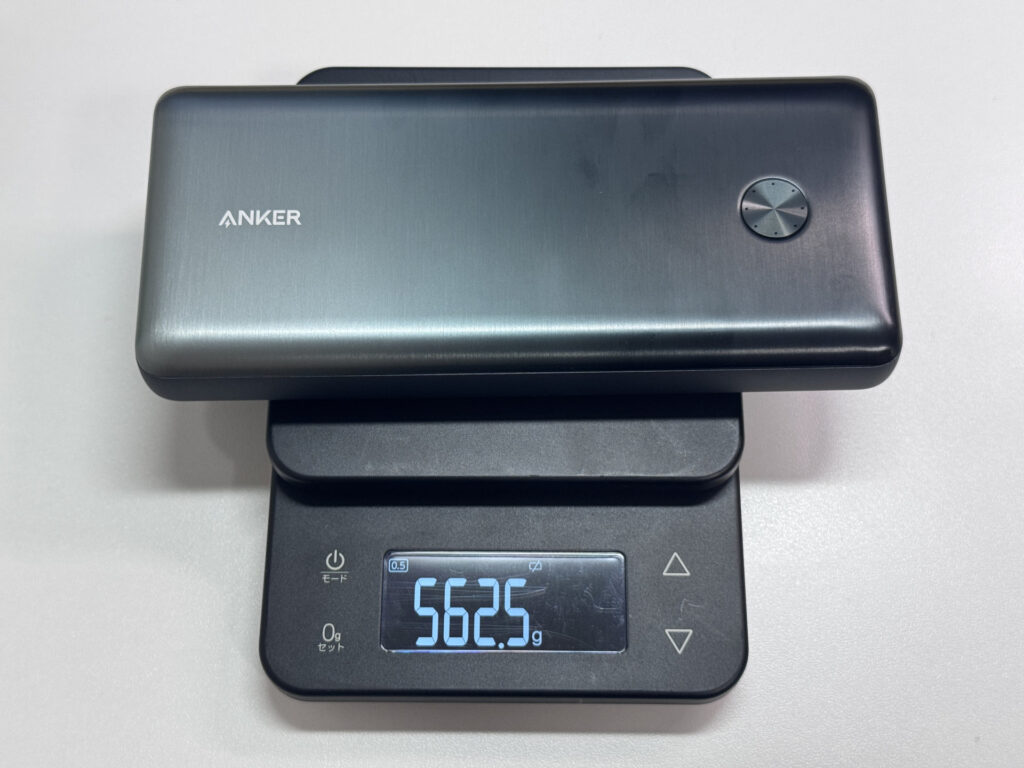
For USB-C chargers or power banks, matching your original charger's wattage is basically all you need to think about. If your laptop shipped with a 65W charger, look for something rated 65W or higher.
Put these habits together and you won't be hunting for an outlet even on a full day out.
So, bottom line — when picking a laptop with great battery life, these three things have you covered:
- Go with 60Wh or more of battery capacity (treat the catalog runtime number as a rough guide only)
- Pick a light 13–14 inch body
- Adjust how you use it too — screen brightness, battery saver mode, and so on
Nail these three and you'll have a much easier time finding a laptop that doesn't send you hunting for outlets while you're out👍
Find one laptop that lets you focus on work without worrying about the charge, and working away from home gets a whole lot less stressful.
This article covers laptops that check all these boxes, so take a look below.
Our Picks
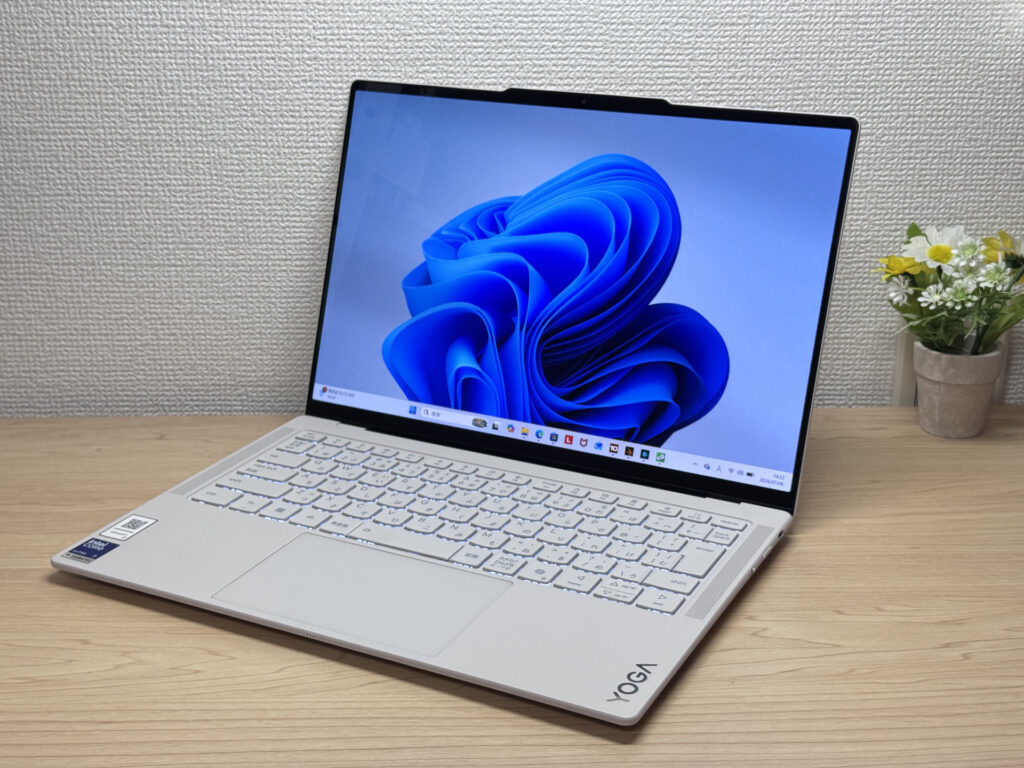
#1Lenovo Yoga Slim 7i Ultra Gen 11 Aura Edition
- ·You do creative work, like content creation or editing
- ·You're a professional who cares about premium build quality
- ·You're an intermediate-or-above user looking to step up to something nicer
- ·You want a great screen for watching movies and videos
- ·You're shopping on price above all else — this isn't the budget pick
- ·You need to connect a lot of peripherals at once without carrying a hub
Key Specs
- CPU
- Intel Core Ultra 7 355
- Display
- 14.0-inch 2880x1800 OLED touch
- RAM
- 32GB
- Weight
- 0.97 kg (2.15 lbs)
- Storage
- 1TB SSD
- Battery
- ~22.8h
Why We Picked It
Lenovo Yoga Slim 7i Ultra Gen 11 Aura Edition is a premium ultraportable that pulls off something rare: a 964g magnesium-aluminum body paired with a vivid OLED display. You're limited to USB-C ports and the price runs a bit high, but factor in the buttery-smooth 120Hz OLED panel and a pressure-sensitive haptic trackpad, and the balance of build quality, performance, and portability starts to make a lot of sense.
That silky magnesium-aluminum finish makes for a gorgeous front design!
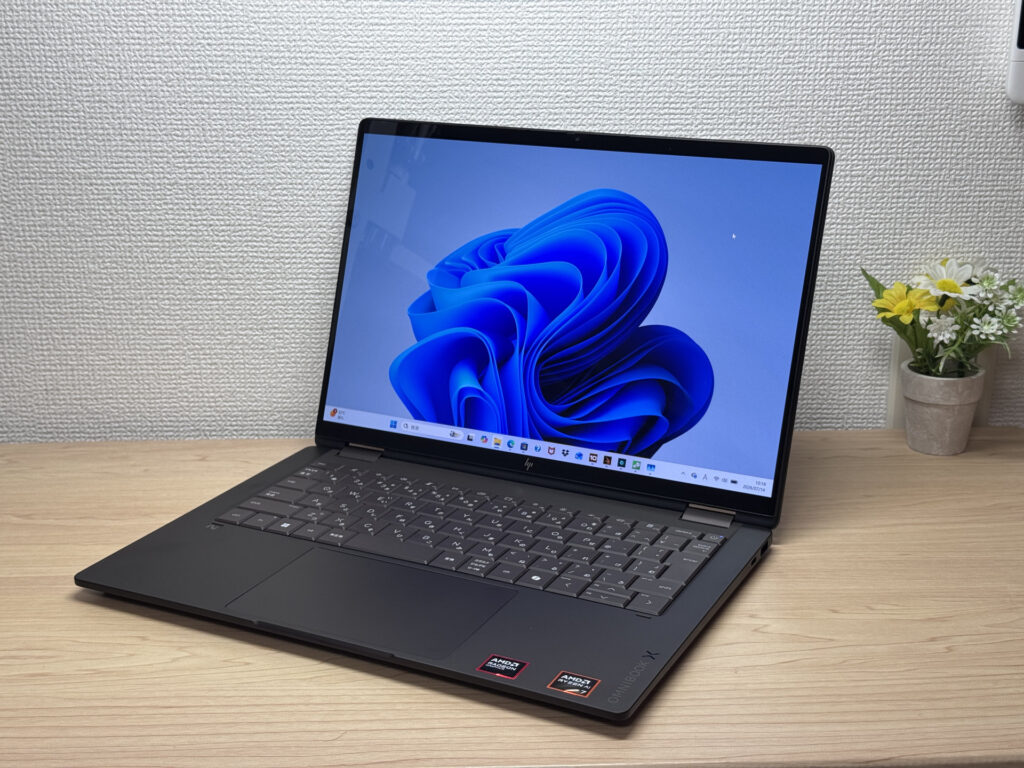
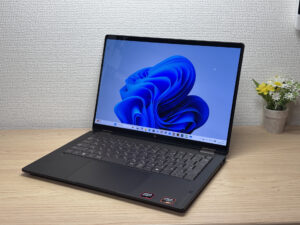
#2HP OmniBook X Flip 14-kc
- ·You want one device that works as both a laptop and a tablet
- ·You need something that handles papers, browsing, and multitasking smoothly
- ·You want a great screen and sound for watching videos and movies
- ·You're bothered by screen glare and want a matte display instead
- ·You need serious video editing power or heavyweight gaming — other options may serve you better
- ·Weight is your top priority and you're after something in the 1.2 kg (~2.6 lb) range
Key Specs
- CPU
- AMD Ryzen AI 5 430
- Display
- 14.0-inch 1920x1200 OLED touch
- RAM
- 16GB
- Weight
- 1.40 kg (3.09 lbs)
- Storage
- 512GB SSD
- Battery
- ~24.0h
Why We Picked It
The HP OmniBook X Flip 14 is a 14-inch 2-in-1 with a premium Deep Espresso finish and a gorgeous 2880×1800, 120Hz OLED display. It supports tablet mode and pen input, and with the AMD Ryzen AI 7 450 plus 32GB of RAM, it handles multitasking without breaking a sweat. The glossy screen does pick up some reflections, but given the build quality and expandability, it's still a solid value.
Premium build meets 2-in-1 versatility
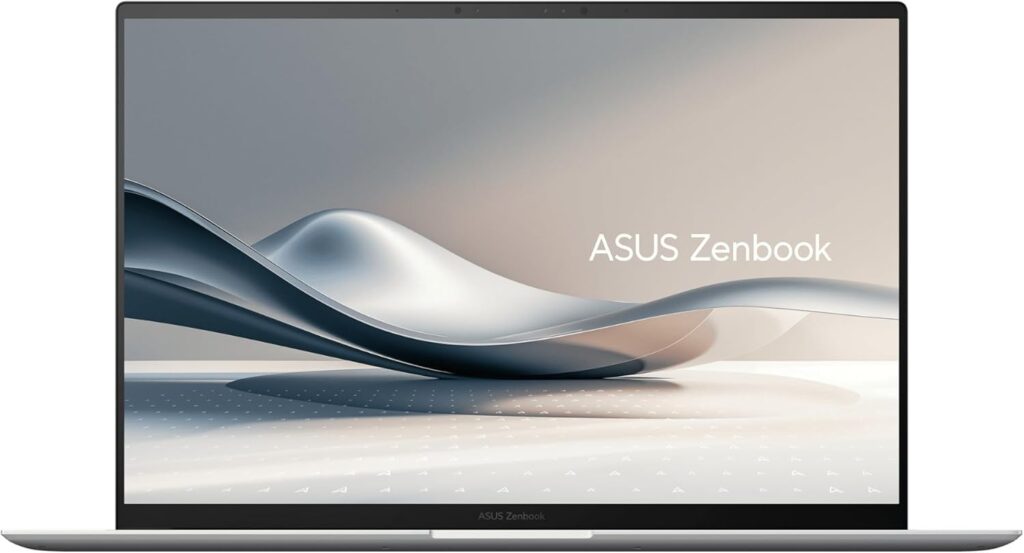
#3ASUS Zenbook S 14 (UX5406SA)
- ·You carry a laptop every single day
- ·You want photos and video to look genuinely good on screen
- ·You work away from a desk and don't want to think about power
- ·You care about build quality and low weight enough to pay for it
- ·Not for you if you're trying to keep the purchase price down
- ·Skip it if heavy gaming or serious video editing is the goal
- ·Careful if you want to upgrade the RAM or storage yourself
Key Specs
- CPU
- Intel Core Ultra 7 258V
- Display
- 14.0-inch 1920x1200 OLED touch
- RAM
- 32GB
- Weight
- 1.20 kg (2.65 lbs)
- Storage
- 1TB SSD
- Battery
- ~23.3h
Why We Picked It
The ASUS Zenbook S 14 (UX5406SA) pulls off 14-inch portability at about 1.2 kg (2.6 lbs) and just 12.9 mm thick alongside a 2880×1800 3K OLED panel running at 120 Hz — a high-end thin-and-light that doesn't compromise on either one. A Ceraluminum chassis, a 72Wh battery, Thunderbolt 4, HDMI, and USB-A all packed into that thickness is genuinely impressive. The price sits in the upper tier, and the memory is onboard only, so there's no adding more down the road. But if you carry it daily and want your photos and video to look right, the weight and the screen are exactly where that money goes.
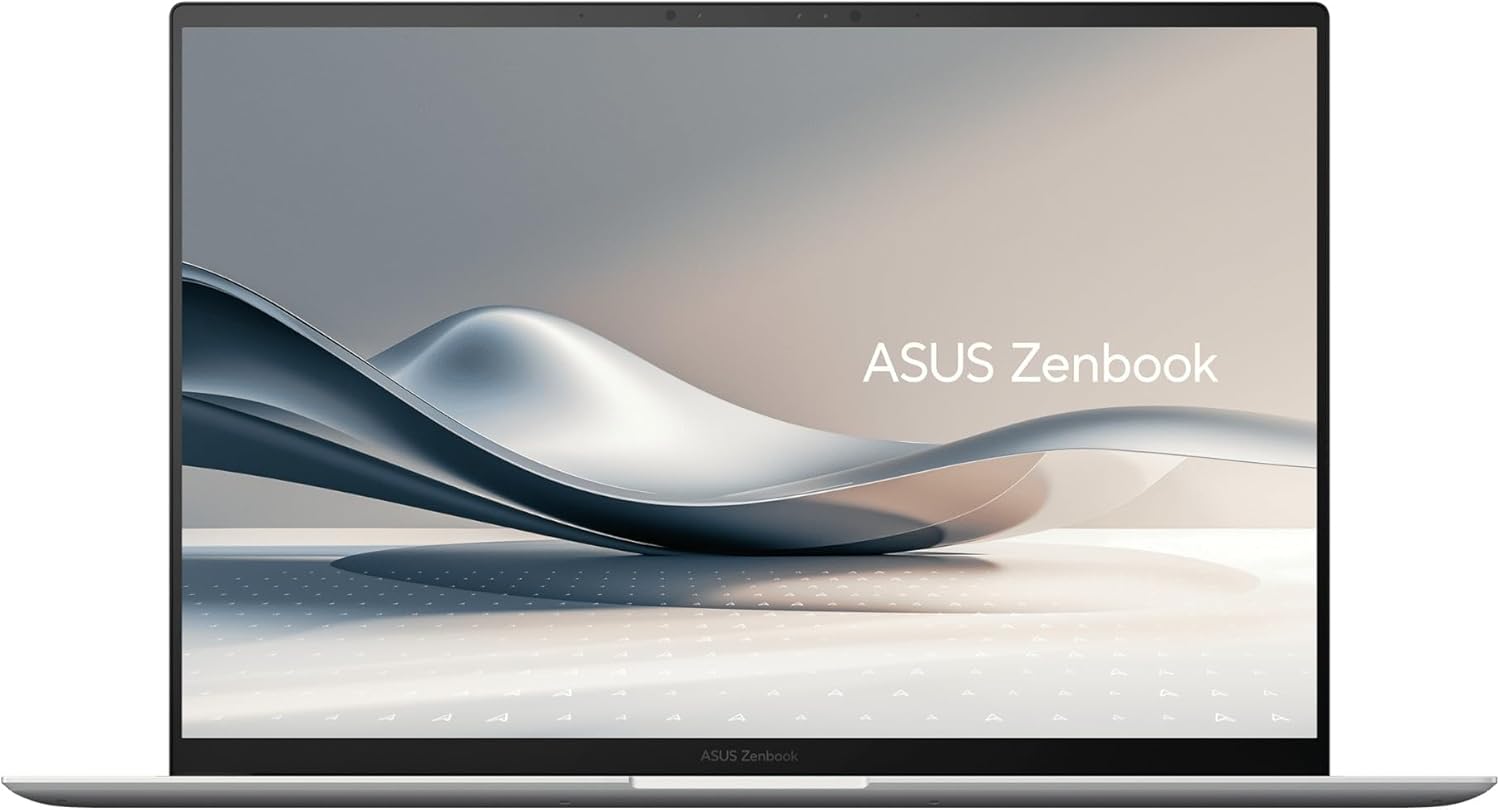 The 14-inch, roughly 1.2 kg (2.6 lbs) ASUS Zenbook S 14 (UX5406SA)
More Recommended Models
If our TOP 3 didn't quite click, take a look here too. These are picked with the same criteria, so you won't go far wrong either.
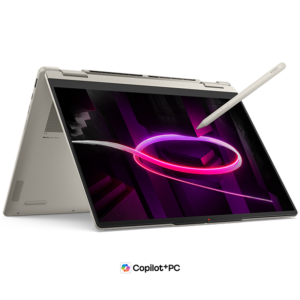
OLED display, 2-in-1 versatility, and 32GB RAM — all under 3 lbs. Honestly, hard to beat at this price.
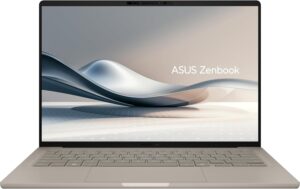
Just 0.98 kg (2.2 lbs) and a claimed 32 hours — a 14-inch that goes all-in on weight and battery.
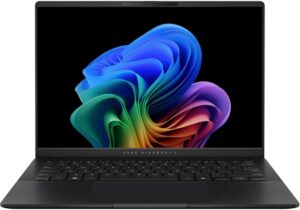
14 inches, about 2.9 lbs (1.3 kg), and current-gen internals that travel light.
Spec Comparison
Compare specs of all 6 recommended models at a glance.
Note: This table is ordered by our editors' picks for this use case, not by ZippyScore.
| Model | Image | Stores | Highlights | ZippyScore | CPU | RAM | Storage | Display | Battery | Weight | Full Review |
|---|---|---|---|---|---|---|---|---|---|---|---|
|
🥇 Best Overall
Lenovo
Yoga Slim 7i Ultra Gen 11 Aura Edition
|
|
Amazon | Stunning OLED in a featherlight 964g (2.1 lbs) body — this one's a total win. | Best 4.6/5 | Best Intel Core Ultra 7 355 Passmark: 20,954 | Best 32GB | Best 1TB |
Best 14.0"
2880x1800
OLED
|
~22.8h | Best 0.97 kg (2.15 lbs) | Full Review |
|
🥈 Best Balanced Pick
HP
OmniBook X Flip 14-kc
|
|
Amazon | A gorgeous OLED 2-in-1 that punches way above its price. | 4.5/5 | AMD Ryzen AI 5 430 Passmark: 13,437 | 16GB | 512GB |
14.0"
1920x1200
OLED
|
~24.0h | 1.40 kg (3.09 lbs) | Full Review |
|
🥉 Best Value Pick
ASUS
Zenbook S 14 (UX5406SA)
|
|
Amazon | 2.6 lbs with a 3K OLED — it's not cheap, and it doesn't pretend to be. | 4.3/5 | Intel Core Ultra 7 258V Passmark: 18,961 | Best 32GB | Best 1TB |
14.0"
1920x1200
OLED
|
~23.3h | 1.20 kg (2.65 lbs) | — |
|
Lenovo
Yoga 7a 2-in-1 Gen 11 (14" AMD)
|
|
Amazon | OLED display, 2-in-1 versatility, and 32GB RAM — all under 3 lbs. Honestly, hard to beat at this price. | 4.1/5 | AMD Ryzen AI 5 430 Passmark: 13,437 | 16GB | Best 1TB |
14.0"
1920x1200
OLED
|
~26.0h | 1.38 kg (3.04 lbs) | Full Review |
|
ASUS
Zenbook A14 (UX3407QA)
|
|
Amazon | Just 0.98 kg (2.2 lbs) and a claimed 32 hours — a 14-inch that goes all-in on weight and battery. | 4.1/5 | Snapdragon X X1-26-100 | 16GB | 512GB |
14.0"
1920x1200
OLED
|
Best ~32.0h | 0.98 kg (2.16 lbs) | — |
|
ASUS
Vivobook S 14 (S5406SA)
|
|
Amazon | 14 inches, about 2.9 lbs (1.3 kg), and current-gen internals that travel light. | 4.1/5 | Intel Core Ultra 7 258V Passmark: 18,961 | Best 32GB | Best 1TB |
14.0"
1920x1200
OLED
|
~21.5h | 1.30 kg (2.87 lbs) | — |
Frequently Asked Questions
How much should I trust the battery life number on the spec sheet?
Snapdragon vs. Intel/AMD — which gets better battery life?
Windows or Mac — which lasts longer on a charge?
OLED or LCD — which is better for battery life?
Is the charger that comes with the laptop enough on its own?
Summary
Here's a quick recap of the conclusion from this article:
These are the models that meet those criteria:
- #1 Lenovo Yoga Slim 7i Ultra Gen 11 Aura Edition
- #2 HP OmniBook X Flip 14-kc
- #3 ASUS Zenbook S 14 (UX5406SA)
- #4 Lenovo Yoga 7a 2-in-1 Gen 11 (14" AMD)
- #5 ASUS Zenbook A14 (UX3407QA)
- #6 ASUS Vivobook S 14 (S5406SA)
We hope you find the laptop that's right for you here.
Happy laptop hunting!
About the author
