
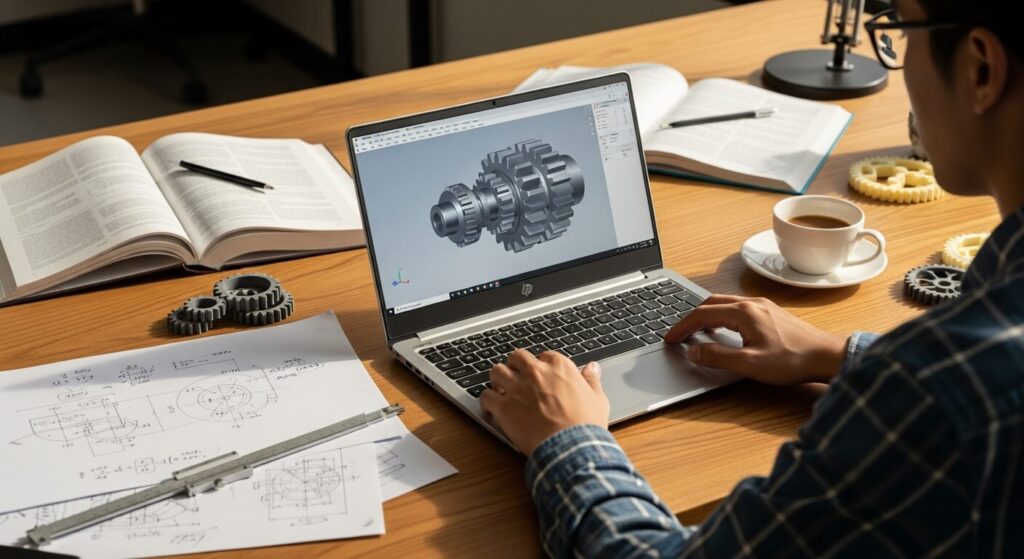
I'm an engineering major and I need a laptop, but I have no idea what specs I actually need — I might have to run CAD software at some point. Do I need a dedicated GPU or not? I want to keep costs down without ending up with something that can't handle my coursework. Somebody please just tell me what to buy 😂
Hey, Takumi here from ZippyLaptop.
Heading into engineering — or already there — and stuck on which laptop to buy? Engineering has this reputation for heavy CAD work and simulations, so it's easy to get spooked and think "I probably need something gaming-laptop expensive, right?"
But if you panic and buy way more machine than you actually need, you can end up paying an extra couple hundred bucks for power you never touch — that happens a lot. Go too cheap on the other hand, and you'll be staring at a frozen screen every time you run a simulation, which is its own kind of stress. Figuring out that sweet spot is honestly the hardest part of picking a laptop for engineering.
So let's bring in a pro's opinion 👍 I've reviewed over 100 laptops at this point, and in this post I'm boiling down how to pick an engineering-student laptop into three key points.
One thing first, though: a lot of engineering departments hand out a recommended-spec sheet (system requirements) for their programs, so check that first if yours has one. If you don't have one, or you're just not sure, the guidelines in this post will keep you from making a costly mistake. Let's get into it!
Quick Answer
I'll get straight to the point.
For engineering students, a lightweight laptop with at least 16GB of RAM, a current-gen CPU, and integrated graphics covers most of what you need!
Based on the conclusion above, here are the 3 laptops I'd recommend first.
If you're stuck deciding, picking from this shortlist will rarely lead you wrong.
The rest of the article breaks down the differences and how to choose.
Our TOP 3 Picks
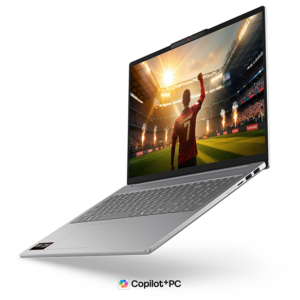
A 16-inch OLED at ~1.69kg (3.7 lbs) — big screen and portability in one engineering-ready package
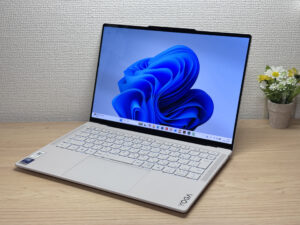
Stunning OLED in a featherlight 964g (2.1 lbs) body — this one's a total win.
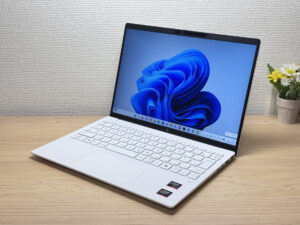
Under 2.2 lbs and ready for daily carry — a well-balanced travel laptop
Buying Guide
Specs: 32GB of RAM Is the Heart of an Engineering Laptop — Prioritize This Before a Dedicated GPU
Let's cut to the conclusion. The single most important spec for an engineering laptop is RAM — aim for 32GB if you can. Lock that down before you spend extra money on a dedicated GPU. Here's a rough guide 👇
- CPU: Latest-gen Intel Core 5 / AMD Ryzen 5 or better (don't stress over this unless it's an outdated or ultra-budget model)
- RAM: 16GB minimum, 32GB if you can swing it (this is the one that matters most)
- Display: IPS or better — OLED is easier on the eyes if you're staring at it for hours
- Storage: 512GB or more (design files and simulation data are heavy, so 256GB gets painful fast)
- GPU: Integrated graphics (Intel Arc / AMD Radeon) is plenty for most people
The mistake I see all the time is the assumption that engineering automatically means you need a gaming-grade dedicated GPU, which leads people to overspend on a way beefier machine than they need 😂. But integrated graphics in 2026 aren't the same weak sauce they used to be — they've gotten genuinely strong. AutoCAD and Fusion 360 run just fine on integrated graphics, and classroom-level CAD work is well within reach too.
Of course, "engineering" covers a lot of ground. Someone in mechanical, aerospace, or civil engineering grinding through large CAD assemblies and 3D analysis has very different needs from someone in electrical, computer, or chemical engineering who's mostly living in MATLAB and code editors. A dedicated GPU genuinely earns its keep only for a smaller group — people running large 3D assemblies, serious rendering, or GPU-heavy simulations. If that's you, your budget is going up, and I'll say that plainly.
So for most engineering students, bumping RAM to at least 16GB (ideally 32GB) makes a much bigger day-to-day difference than throwing a few hundred extra dollars at a dedicated GPU.
 Even the GPU built into today's CPUs packs a surprising amount of power.
Usability: A Lightweight 14-inch Is the Default — But a Sub-2kg 15-inch Works Too
If portability matters to you, I'd default to a light 14-inch model. Engineering students end up hauling their laptop between lecture halls, home, and the lab every single day, and the more time it spends in your bag, the more weight becomes the deciding factor 👍
That said, if you want more screen real estate for multitasking, a portable 15-inch is a solid pick too. There are plenty of 15-inch models under 2kg (~4.4 lbs) these days, so you don't have to sacrifice portability for a bigger display. Bigger doesn't automatically mean pricier, either, so going a size up is fair game — as long as you keep it light, that is.
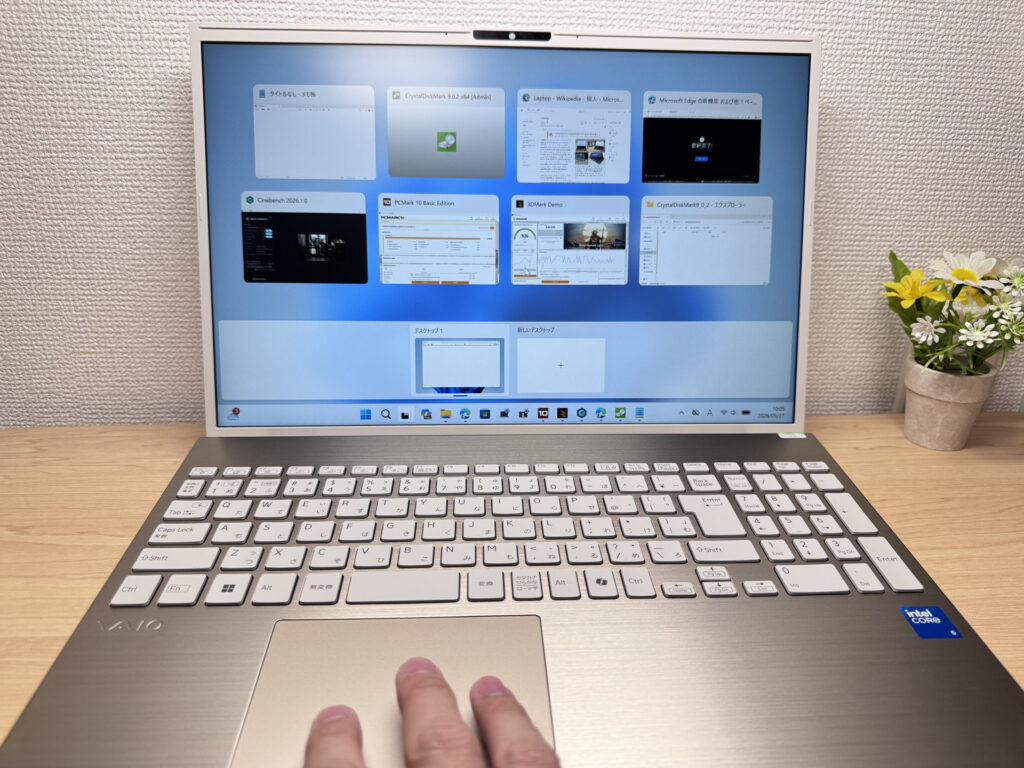 A 15- to 16-inch screen lets you work comfortably on campus without feeling cramped.
One thing to flag on the OS side: staple CAD programs like SolidWorks, Inventor, and Revit are Windows-only and simply won't run on a Mac. Macs are sleek and tempting, I get it, but if there's any chance you'll need heavy CAD software for your major, it's safer to steer clear.
So going with a light, portable Windows laptop solves both problems at once — the daily carrying burden and the worry that some piece of software won't run when you need it.
Price: RAM Is What Really Sets the Price — Budget Around $1,200 for 16GB
Price obviously matters a lot as a student. The rule of thumb here is "the price tag basically tracks the RAM." Go with 16GB and you're generally looking at around $1,200. Bump it to 32GB and the price climbs from there.
A common mistake is overspeccing your machine and blowing way past your budget. On the flip side, grabbing the cheapest 16GB base model just because it's cheap and then watching it choke on every simulation is its own kind of waste. A bigger screen doesn't automatically mean a higher price, so budget around "how much RAM do I need" rather than "how big a screen do I want."
So start with 16GB (around $1,200) as your baseline, and step up to 32GB if your budget allows — you won't go far wrong with that approach.
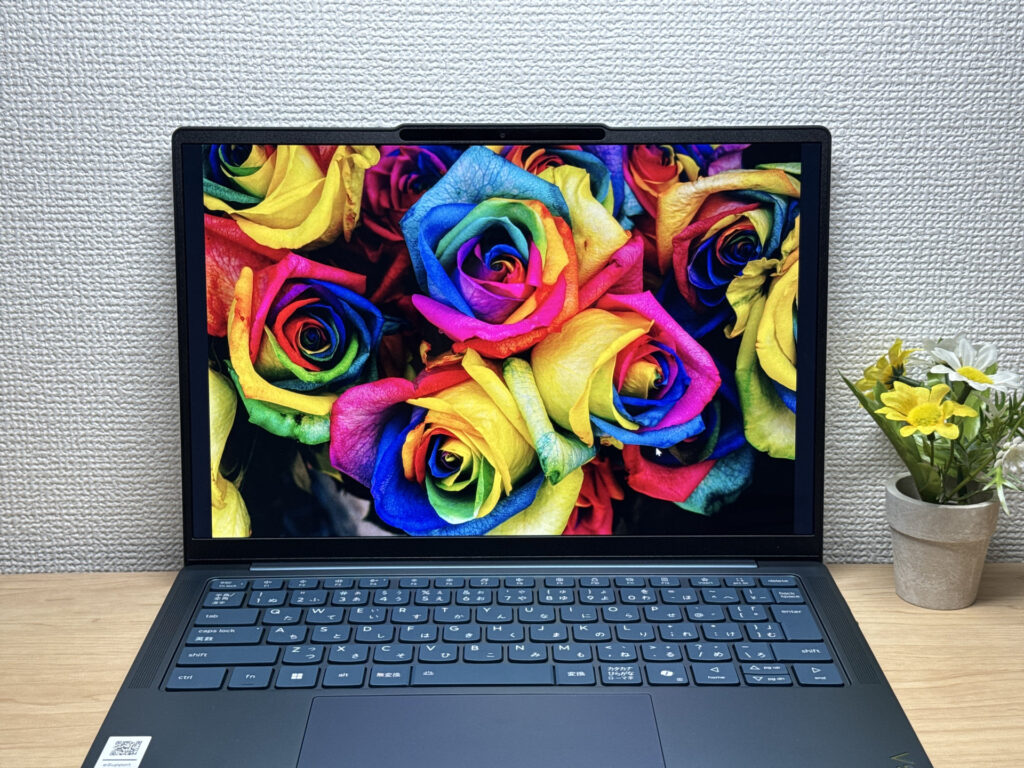 Lenovo and HP tend to offer the best value for the money — makes sense, since they're the world's No. 1 and No. 2 PC makers.
Our Picks
#1Lenovo IdeaPad Slim 5a Gen 11(16-inch AMD)
- ·You want to watch videos or movies on a genuinely great-looking screen
- ·You're a business user who works in Excel or presentations and wants more screen space
- ·You want 16 inches but aren't willing to give up portability
- ·You want to hop on video calls or log in with face recognition quickly
- ·Your main use case is serious PC gaming or heavy 3D video editing
- ·You're committed to keeping weight under 1.5 kg (3.3 lbs) for daily carry
Key Specs
- CPU
- AMD Ryzen AI 7 445
- Display
- 16.0-inch 1920x1200 IPS
- RAM
- 16GB
- Weight
- 1.69 kg (3.73 lbs)
- Storage
- 512GB SSD
- Battery
- ~16.3h
Why We Picked It
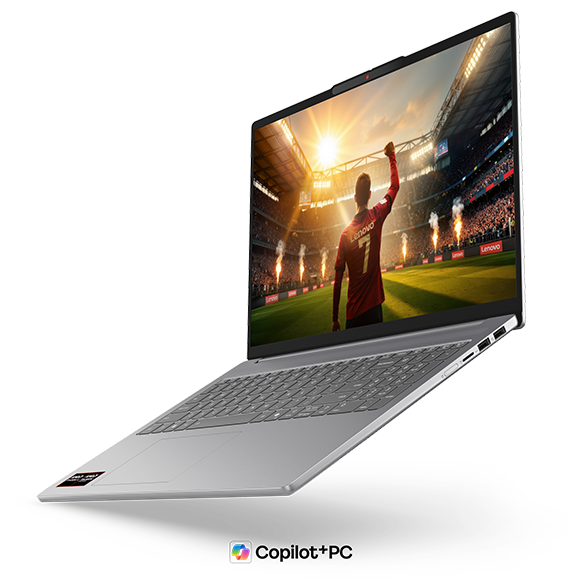
For engineering students who haul a laptop between lecture halls, the lab, and the library every day, this is a have-it-all answer for big-screen portability — a full 16-inch work surface packed into a body weighing just around 1.69kg (3.7 lbs).
The Ryzen AI 7 445 has plenty of headroom, posting a PassMark multi-thread score of 20,770, so you can keep MATLAB and a coding environment open in multiple windows while you write up a report without any slowdown. The display is a 16-inch OLED (1920×1200, 16:10), and the deep, true blacks that only OLED delivers make it noticeably easier on the eyes when you're squinting at drawings or design data for long stretches. That 16:10 aspect ratio also means more visible rows in Excel or your code editor, so you're scrolling a lot less. Ports are well covered too — two USB-A, two USB-C, and HDMI — so hooking up to an external monitor in the lab is no problem.
 A big 16-inch screen that's genuinely comfortable to work on, and at 1.69kg (3.7 lbs) it's impressively light too.
If I had to name one downside, the glossy screen can pick up glare under fluorescent lighting in some spots. That said, angling your seat slightly or bumping up the brightness covers it for practical purposes.
If you want to spread out design data and code across a big screen but still need something realistic to carry around campus every day, you won't regret picking this one 😊
#2Lenovo Yoga Slim 7i Ultra Gen 11 Aura Edition
- ·You do creative work, like content creation or editing
- ·You're a professional who cares about premium build quality
- ·You're an intermediate-or-above user looking to step up to something nicer
- ·You want a great screen for watching movies and videos
- ·You're shopping on price above all else — this isn't the budget pick
- ·You need to connect a lot of peripherals at once without carrying a hub
Key Specs
- CPU
- Intel Core Ultra 7 355
- Display
- 14.0-inch 2880x1800 OLED touch
- RAM
- 32GB
- Weight
- 0.97 kg (2.15 lbs)
- Storage
- 1TB SSD
- Battery
- ~22.8h
Why We Picked It
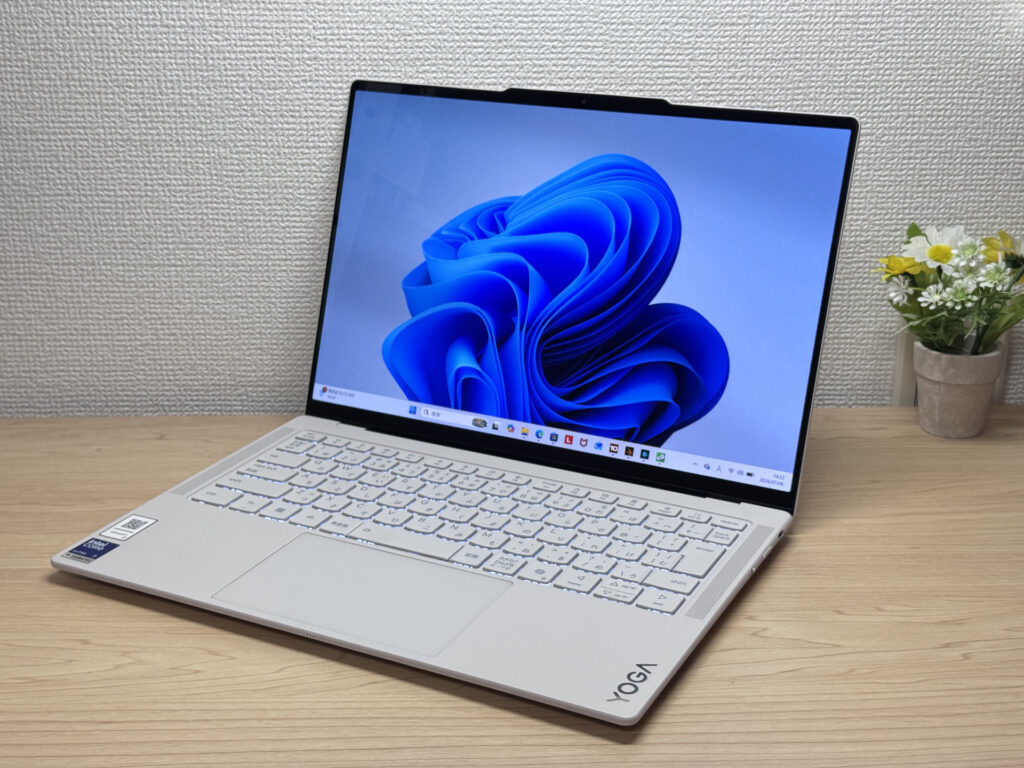
Lenovo Yoga Slim 7i Ultra Gen 11 Aura Edition is a premium ultraportable that pulls off something rare: a 964g magnesium-aluminum body paired with a vivid OLED display. You're limited to USB-C ports and the price runs a bit high, but factor in the buttery-smooth 120Hz OLED panel and a pressure-sensitive haptic trackpad, and the balance of build quality, performance, and portability starts to make a lot of sense.
That silky magnesium-aluminum finish makes for a gorgeous front design!
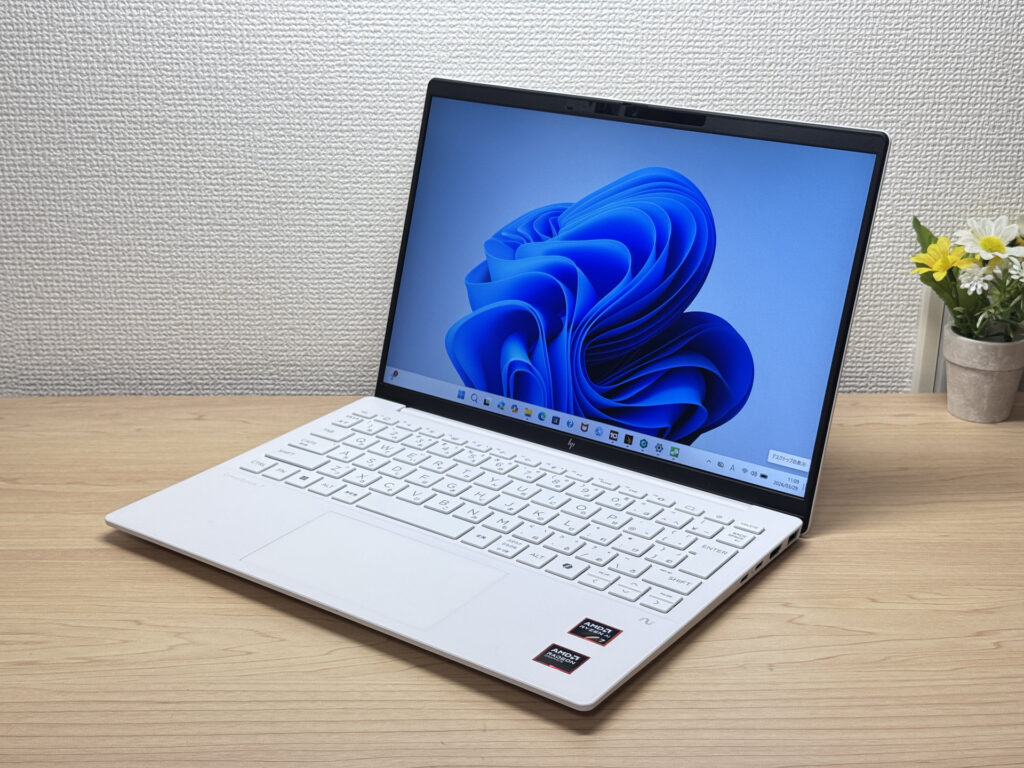
#3HP OmniBook 7 Aero 13-bg
- ·You carry your laptop everywhere and want something that doesn't weigh you down
- ·You need a solid machine for writing papers, browsing, and video calls
- ·You work from coffee shops, campus, or anywhere outside your desk
- ·You need serious gaming or video editing performance — this isn't built for that
- ·You spend long days away from an outlet and need all-day battery life
Key Specs
- CPU
- AMD Ryzen AI 7 350
- Display
- 13.3-inch 1920x1200 IPS
- RAM
- 16GB
- Weight
- 0.97 kg (2.14 lbs)
- Storage
- 1TB SSD
- Battery
- ~15.5h
Why We Picked It
The OmniBook 7 Aero 13-bg's headline feature is its weight: just 970g (about 2.1 lbs), light enough to toss in a backpack every morning without thinking about it. The Ceramic White finish turns heads at coffee shops and on campus — this is one of those laptops that actually looks good in public. Powered by the AMD Ryzen AI 7 350, it scored 6946 on PCMark 10 — solid horsepower for a thin-and-light. The IPS panel looks great too, handling everything from daily browsing to video calls without complaint.
The flip side: the lid is plastic, so don't expect a premium feel. The charger weighs 323g (~11 oz) — surprisingly heavy for such a light machine. Battery is 43 Wh, so plan for a plug if you're out all day. But if portability, performance, and looks matter to you in equal measure, this one genuinely delivers.
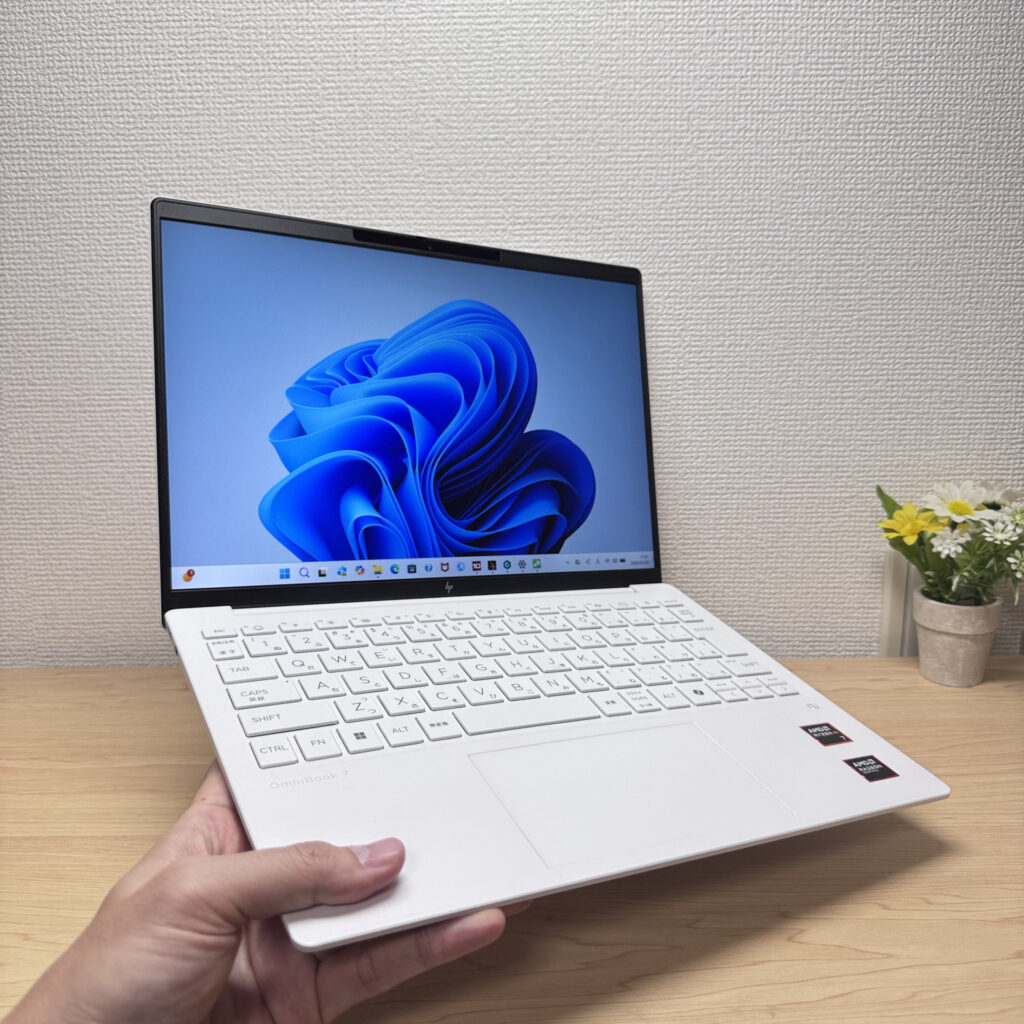 Light enough to carry in one hand with ease
More Recommended Models
If our TOP 3 didn't quite click, take a look here too. These are picked with the same criteria, so you won't go far wrong either.
A gorgeous OLED 2-in-1 that punches way above its price.
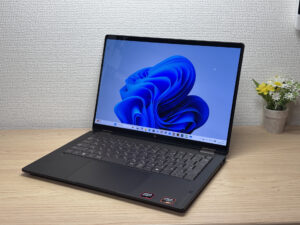
A 2-in-1 that flips into tablet mode, stylus included
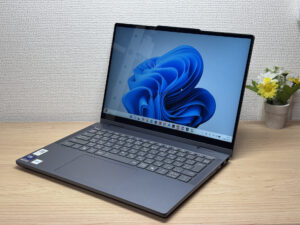
2.6 lbs with a 3K OLED — it's not cheap, and it doesn't pretend to be.

Spec Comparison
Compare specs of all 6 recommended models at a glance.
Note: This table is ordered by our editors' picks for this use case, not by ZippyScore.
| Model | Image | Stores | Highlights | ZippyScore | CPU | RAM | Storage | Display | Battery | Weight | Full Review |
|---|---|---|---|---|---|---|---|---|---|---|---|
|
🥇 Best Overall
Lenovo
IdeaPad Slim 5a Gen 11(16-inch AMD)
|
|
Amazon | A 16-inch OLED at ~1.69kg (3.7 lbs) — big screen and portability in one engineering-ready package | Best 4.7/5 | AMD Ryzen AI 7 445 Passmark: 20,770 | 16GB | 512GB |
16.0"
1920x1200
IPS
|
~16.3h | 1.69 kg (3.73 lbs) | Full Review |
|
🥈 Best Balanced Pick
Lenovo
Yoga Slim 7i Ultra Gen 11 Aura Edition
|
|
Amazon | Stunning OLED in a featherlight 964g (2.1 lbs) body — this one's a total win. | 4.6/5 | Intel Core Ultra 7 355 Passmark: 20,954 | Best 32GB | Best 1TB |
Best 14.0"
2880x1800
OLED
|
~22.8h | 0.97 kg (2.15 lbs) | Full Review |
|
🥉 Best Value Pick
HP
OmniBook 7 Aero 13-bg
|
|
Amazon | Under 2.2 lbs and ready for daily carry — a well-balanced travel laptop | 4.5/5 | Best AMD Ryzen AI 7 350 Passmark: 24,959 | 16GB | Best 1TB |
13.3"
1920x1200
IPS
|
~15.5h | Best 0.97 kg (2.14 lbs) | Full Review |
|
HP
OmniBook X Flip 14-kc
|
|
Amazon | A gorgeous OLED 2-in-1 that punches way above its price. | 4.5/5 | AMD Ryzen AI 5 430 Passmark: 13,437 | 16GB | 512GB |
14.0"
1920x1200
OLED
|
Best ~24.0h | 1.40 kg (3.09 lbs) | Full Review |
|
Lenovo
IdeaPad 5i 2-in-1 Gen 11 (14-inch Intel)
|
|
Amazon | A 2-in-1 that flips into tablet mode, stylus included | 4.5/5 | Core Ultra 5 322 Passmark: 15,438 | 16GB | 512GB |
14.0"
1920x1200
IPS
|
~20.0h | 1.54 kg (3.40 lbs) | Full Review |
|
ASUS
Zenbook S 14 (UX5406SA)
|
|
Amazon | 2.6 lbs with a 3K OLED — it's not cheap, and it doesn't pretend to be. | 4.3/5 | Intel Core Ultra 7 258V Passmark: 18,961 | Best 32GB | Best 1TB |
14.0"
1920x1200
OLED
|
~23.3h | 1.20 kg (2.65 lbs) | — |
Frequently Asked Questions
Do I need a dedicated GPU for engineering?
Should I get 16GB or 32GB of RAM?
Can I get by with a Mac?
How powerful does the CPU need to be?
How much should I budget?
Summary
Here's a quick recap of the conclusion from this article:
These are the models that meet those criteria:
- #1 Lenovo IdeaPad Slim 5a Gen 11(16-inch AMD)
- #2 Lenovo Yoga Slim 7i Ultra Gen 11 Aura Edition
- #3 HP OmniBook 7 Aero 13-bg
- #4 HP OmniBook X Flip 14-kc
- #5 Lenovo IdeaPad 5i 2-in-1 Gen 11 (14-inch Intel)
- #6 ASUS Zenbook S 14 (UX5406SA)
We hope you find the laptop that's right for you here.
Happy laptop hunting!
About the author
