ZippyScore
ZippyScore is a proprietary rating based on 6 criteria: performance, portability, display, battery, value, and connectivity.
See rating criteria
- Performance: CPU / GPU performance
- Portability: Screen size & weight
- Display: Panel type, aspect ratio & refresh rate
- Battery: Rated battery life
- Value: Specs-to-price balance
- Connectivity: Port types & count
Pros & Cons
Pros
- Lightweight at 1.27 kg (2.8 lbs) — easy to carry around all day
- 32GB of RAM keeps things snappy even with a lot of apps open at once
- Up to 30 hours of claimed battery life — you should get through a full day without hunting for an outlet
- OLED display delivers strikingly vivid colors and deep blacks
- Wi-Fi 7 keeps your connection fast and stable
Cons
- USB-C only — a hub is basically required if you use a lot of peripherals
- The price reflects the flagship-tier specs — not the right choice if you're on a budget
Specs Summary
| OS | Windows 11 Home |
|---|---|
| CPU | Intel Core Ultra 7 356H (PassMark: 33,574) |
| RAM | 16GB |
| Storage | 512GB / 1TB |
| Display | 14" OLED (Glossy, Touchscreen, 120Hz) 2880x1800 (16:10) |
| Weight | 1.27 kg (2.80 lbs) |
| Ports | USB-C × 3 (Thunderbolt 4/40Gbps/PD/Video out), Headphone jack × 1 |
| GPU | Intel Graphics (G3D Mark: 3,183) |
| Biometrics | Face Recognition |
| Battery | Up to 30 h |
| Dimensions | Approx. 311 × 215 × 10.7 mm (W × D × H) |
| Wi-Fi | Wi-Fi 7 |
| Bluetooth | Bluetooth 6.0 |
| Color | Eclipse gray |
Configurations vary by retailer, region, and availability.
Feature Review
Design
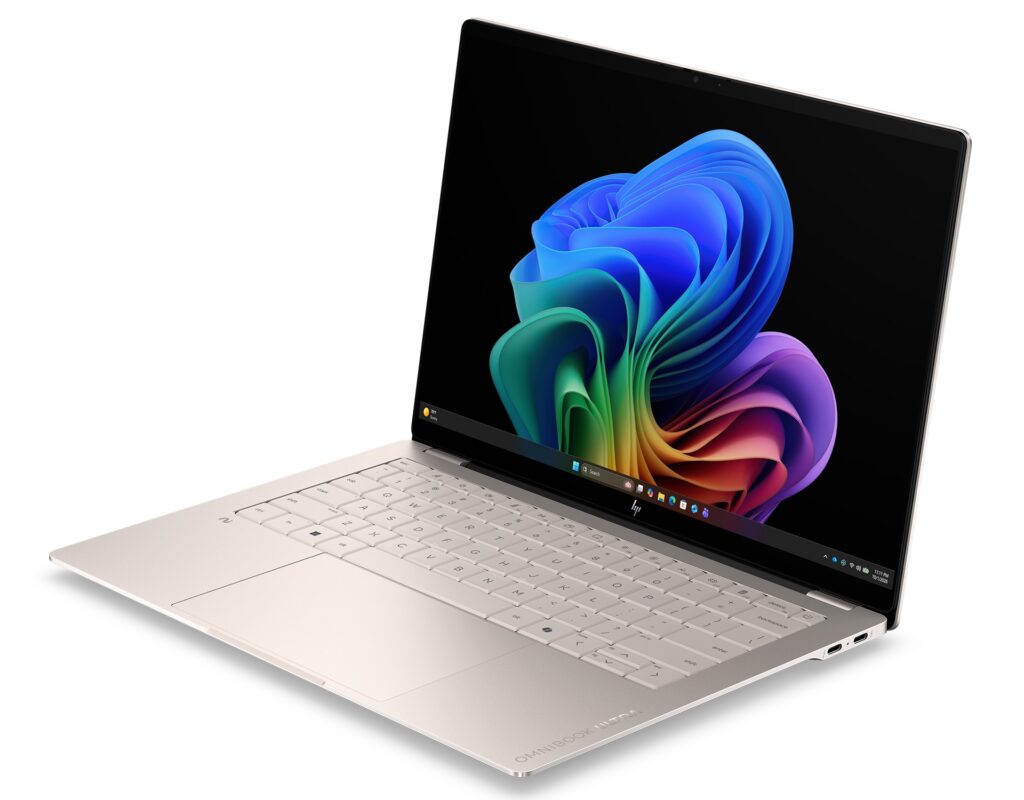
The OmniBook Ultra 14-kd is built from machined anodized aluminum — HP calls it "artisan beauty meets strength" — and the chassis genuinely earns that description. Even the "OMNIBOOK ULTRA" lettering on the lid is machined directly into the metal, not just a printed logo. That's the kind of detail that sets it apart from most laptops. The colorway is Silk Sand, a warm, understated beige tone that looks at home in a coffee shop or a boardroom. At 311 × 215 × 10.7mm, it's a seriously thin 14-inch machine. That 10.7mm thickness means this barely registers in a backpack.
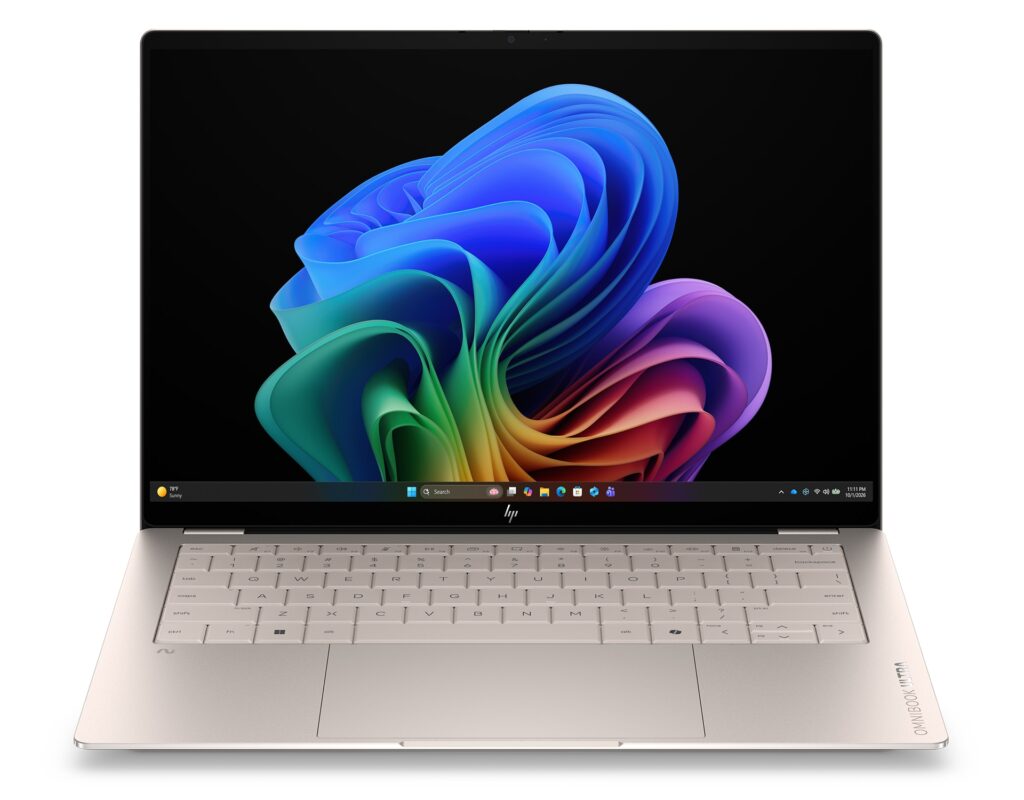 Sleek front view showing the machined aluminum body
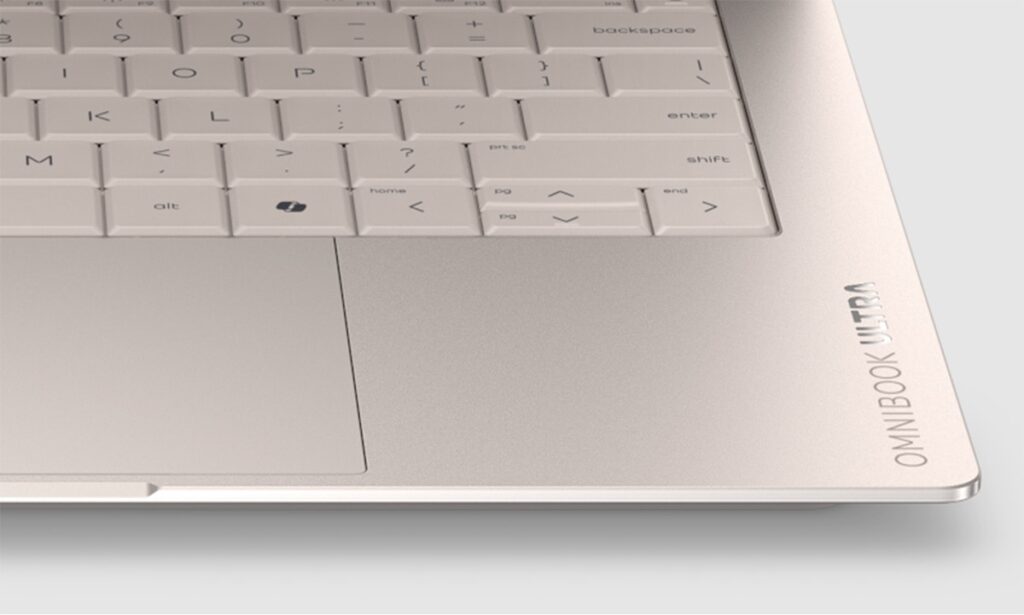 A logo I'd actually be proud to carry around
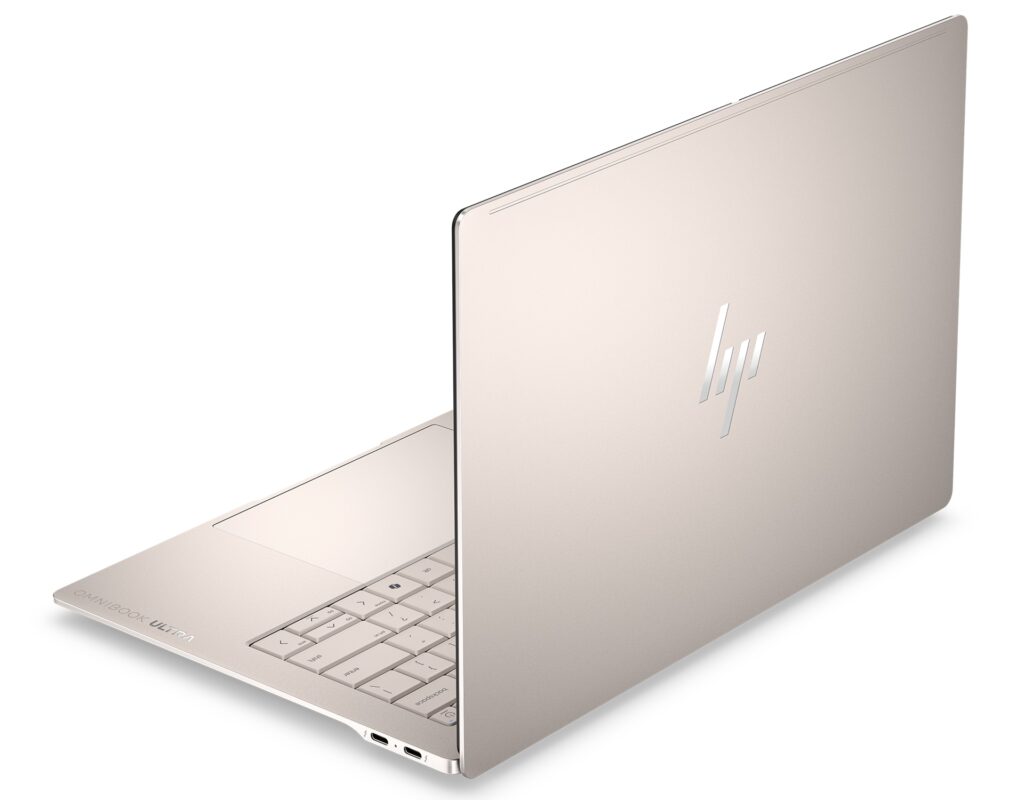 The back panel looks just as polished
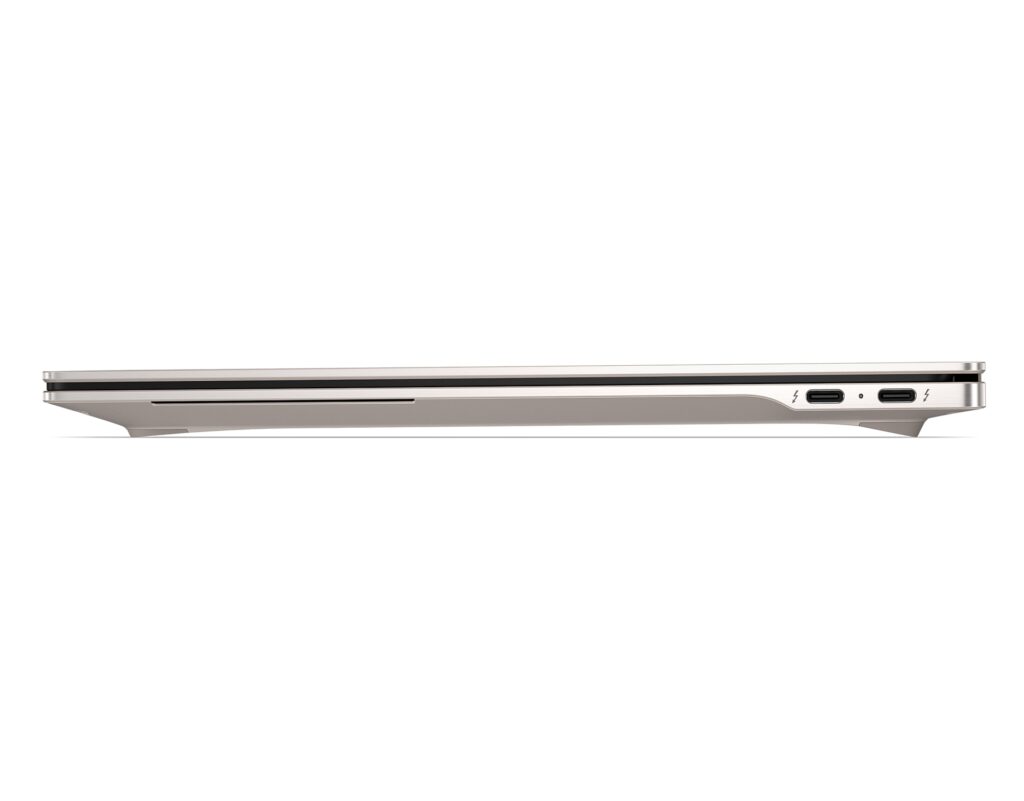 10.7mm — not just a spec, you actually feel it
Portability
Weight is 1.27 kg (2.8 lbs). For a 14-inch laptop, that's on the lighter end — the kind of machine you can genuinely throw in a bag every day without thinking about it. The previous model was around 1.34 kg, so HP trimmed it a bit further this generation. Combined with that 10.7mm profile, this is the kind of laptop you grab with one hand.
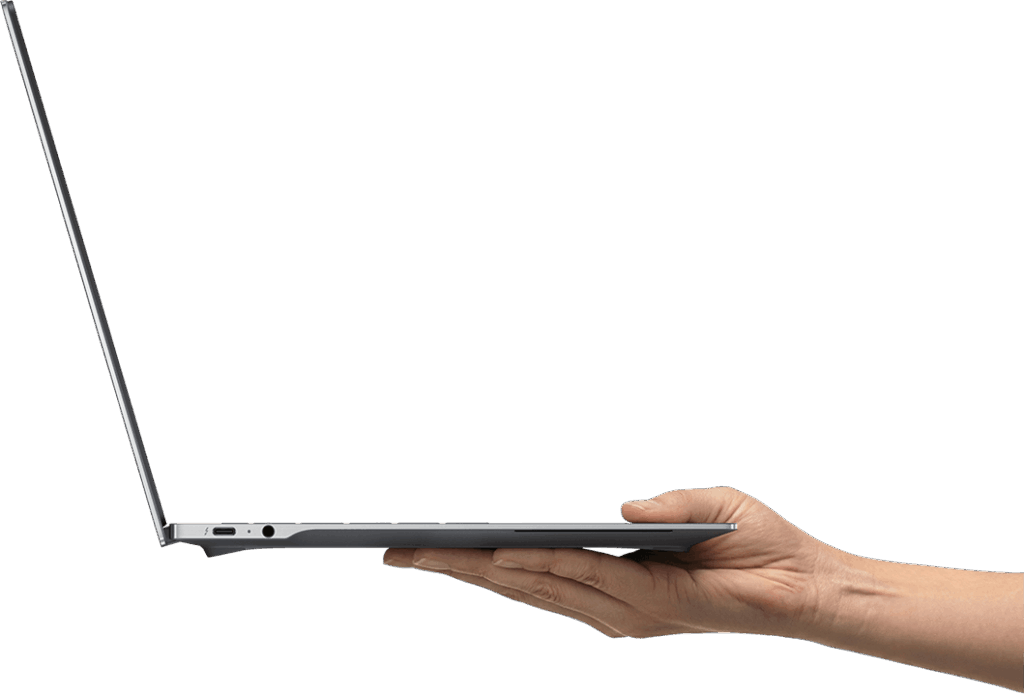 Slim and light — easy to carry one-handed
Display Quality
A 14-inch 3K (2880 × 1800) OLED touchscreen. OLED blacks are genuinely black, and the color depth is in a different league from IPS panels. Whether you're editing photos, watching videos, or coding all day, the display is a real high point. The 16:10 aspect ratio adds a bit of extra vertical space for web browsing and spreadsheets. Refresh rate goes up to 120Hz with VRR support, so scrolling and video playback are genuinely smooth. HP Eye Ease helps reduce eye fatigue during long sessions, too.
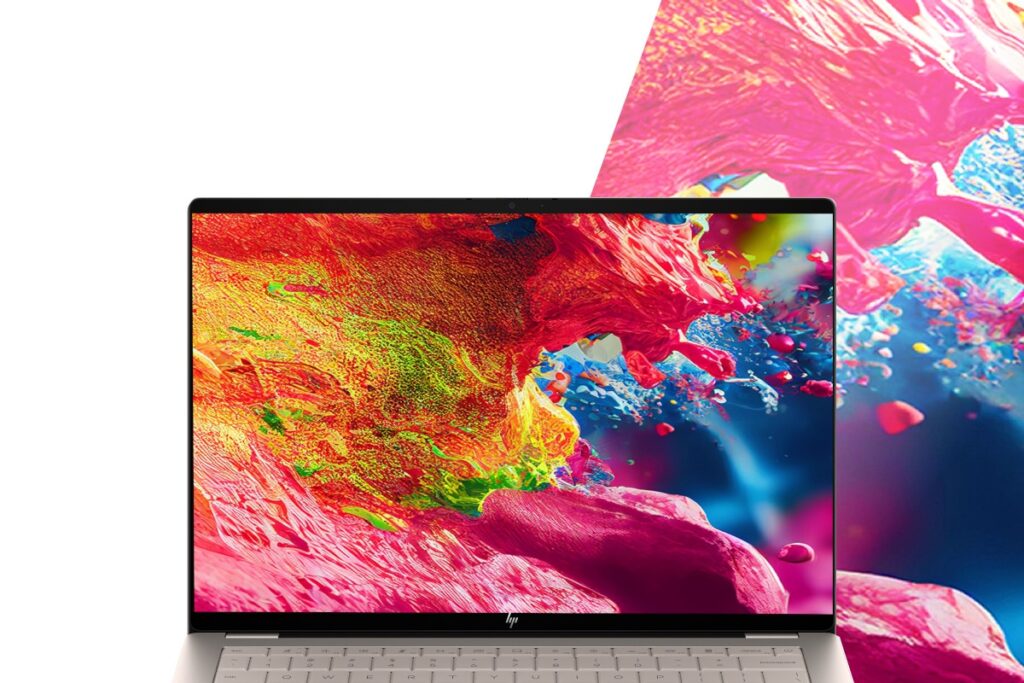 Vivid OLED colors with sharp 3K resolution
 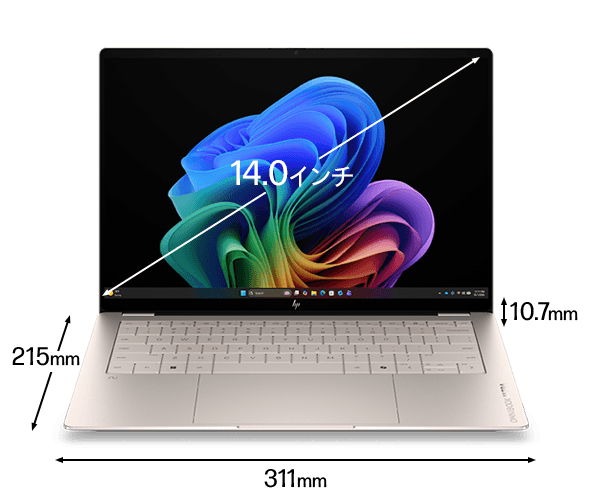 Compact body for a 14-inch laptop
Keyboard
Backlit keyboard, and HP designs each region's layout separately — so the keyboard is built for your region's typing habits, not just a US board with stickers. The rigid aluminum chassis helps here too: minimal flex when typing. Good for long writing sessions. (Note: the photos show a US layout, but the regional model ships with the appropriate local keyboard.)
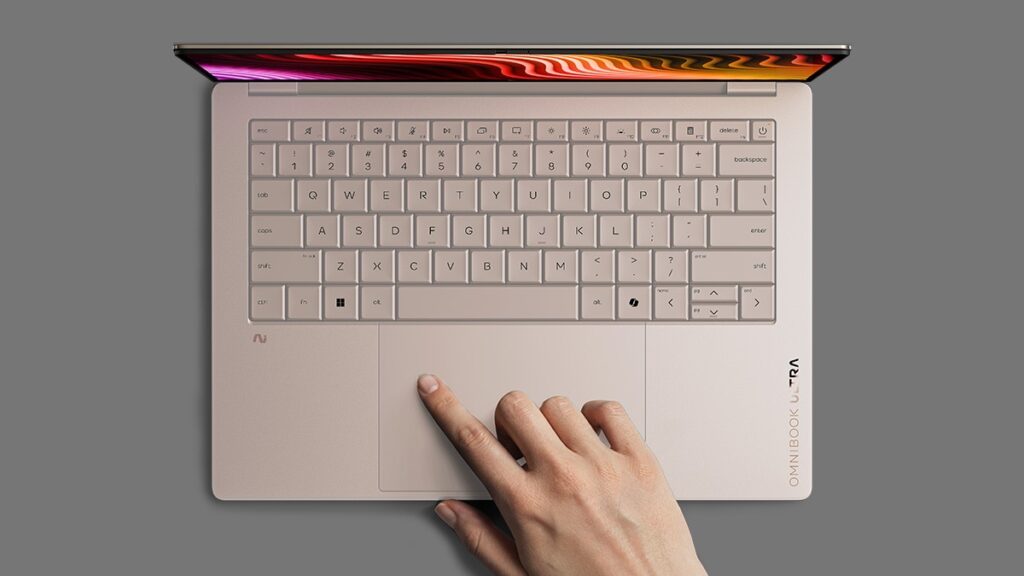 Backlit keyboard ready for low-light use
Trackpad
Haptic trackpad — no physical click mechanism. Vibration feedback mimics a click across the full pad surface, so every part of the trackpad gives you the same satisfying click. It's also noticeably quieter than a traditional trackpad. Honestly, once you've used a haptic trackpad for a while, going back to a clicky one feels like a downgrade.
Performance
The base config runs an Intel Core Ultra 7 356H with a PassMark score of 33,574. That's solidly in the "handles everything" category — 4K editing, heavy multitasking, you name it. Day-to-day use will feel snappy across the board.
| Score | Rating | What it feels like in real use |
|---|---|---|
| Up to 5,500 | Tight on headroom | Hiccups during multitasking; comfort takes a hit. Daily use feels constrained. |
| 5,500–8,000 | Daily use | Web, Office, remote work — handles them without issue. |
| 8,000–12,500 | Comfortable (standard) | Daily PC tasks with real headroom. Light video editing and casual games work. |
| 12,500–20,000 | High performance (mainstream) | Multitasking feels good. Heavier work and 3D games are workable. |
| 20,000–40,000 | Very high performance This PC | Comfortable even for demanding work and gaming. |
| 40,000+ | Exceptional | Plenty of headroom for creative work and heavy loads. Long-lasting performance. |
*PassMark CPU Mark measures multi-threaded CPU performance. Some variance is normal between runs even with the same CPU.
Paired with 32GB of RAM, you can run a lot of apps simultaneously without things slowing down. The higher-spec Supreme config bumps it to an Intel Core Ultra 9 388H (PassMark 36,216) and 64GB of RAM if you need even more headroom.
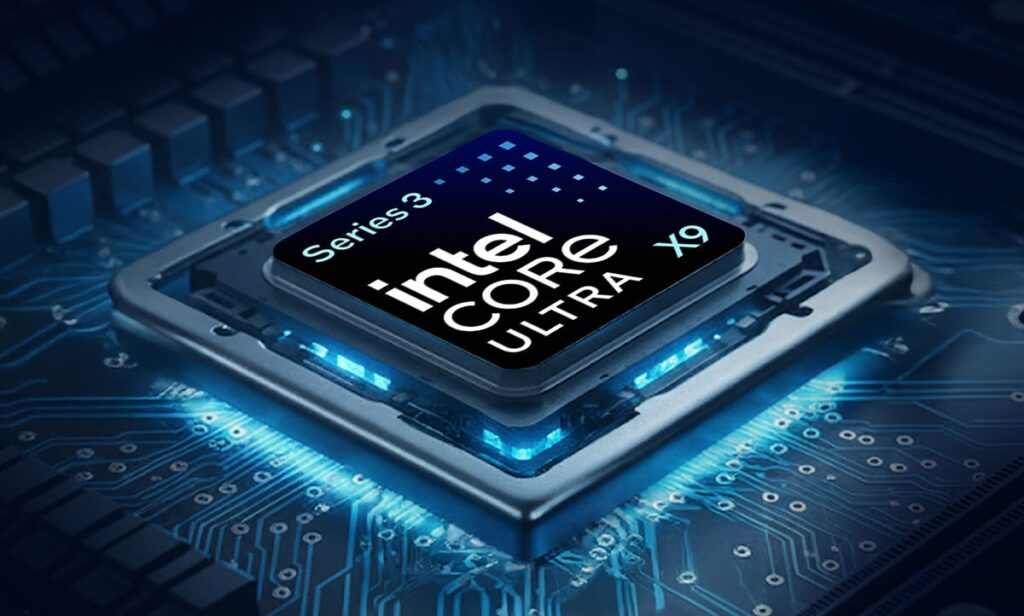 High-performance CPU — 4K video editing is well within reach
Battery Life
Battery rating: Long
HP quotes up to 30 hours — take that with a grain of salt. An OLED display, 120Hz refresh rate, and an H-series CPU all push power consumption up, so real-world numbers will be lower than that. Still, for lighter workloads like browsing and document work, getting through a full day should be doable. Push it with sustained heavy tasks and the battery drops noticeably faster. USB-C charging is a solid bonus — any USB-C power bank or charger in your bag works, which is genuinely convenient when you're away from a desk.
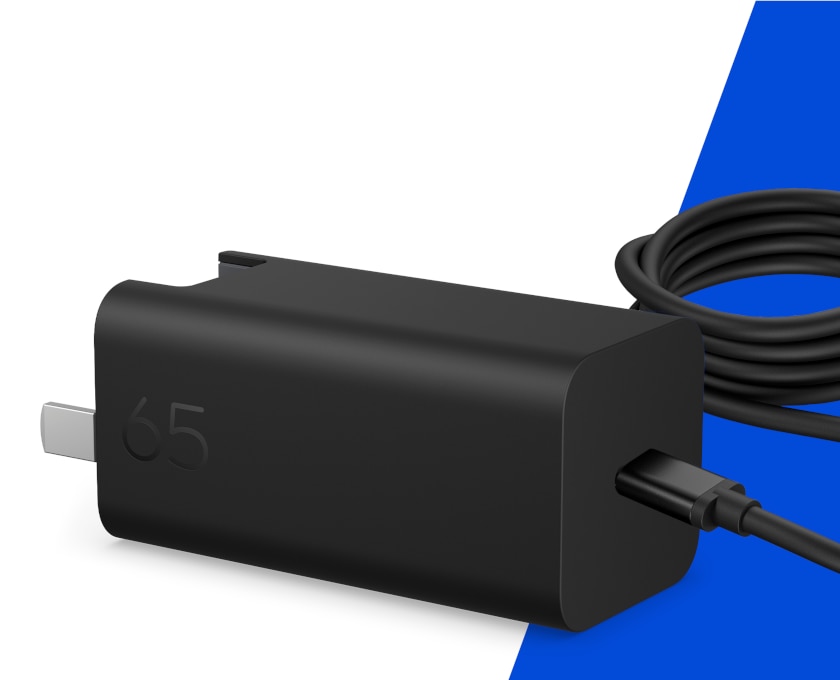 USB-C charging — works with any USB-C power bank
Fan Noise & Heat
An H-series CPU means real heat under load — that's just the nature of the chip. HP has put thought into the cooling system, and the exhaust vents are designed to be compact while still effective. Keeping this spec cool inside a 10.7mm chassis would be seriously impressive engineering if they've nailed it. For everyday use, it should run quietly. Sustained heavy workloads will spin the fans up — no getting around that.
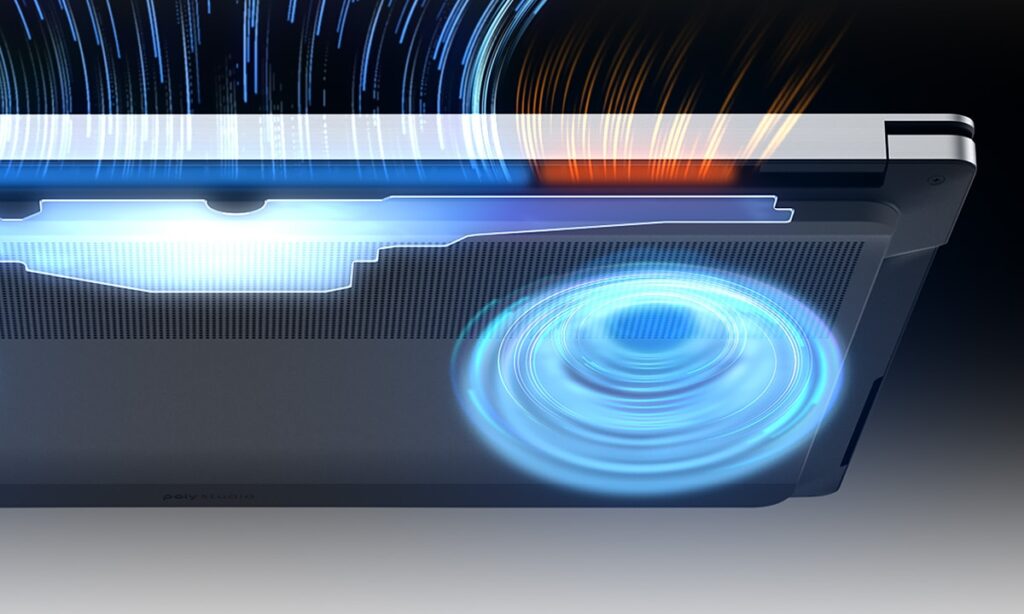 Compact cooling system packed into a slim chassis
Ports
Three Thunderbolt 4 USB-C ports and a 3.5mm headphone jack. Thunderbolt 4 means excellent compatibility with external docks and fast storage, and you can charge and drive an external display from the same USB-C cable. What's missing: HDMI and USB-A. Honestly, that stings a bit — even the MacBook Pro brought HDMI back. Projectors and older peripherals will need an adapter, so budget for a hub.
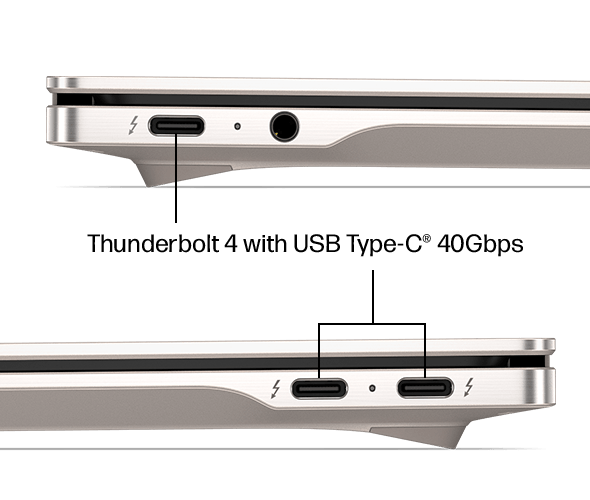 Three Thunderbolt 4 USB-C ports for high-speed connectivity
Webcam
5MP webcam — video calls should look solid. There's also a physical privacy shutter, so you can block the lens mechanically without relying on software. No app can secretly access your camera. If you're working remotely from coffee shops or traveling often, that's genuinely useful peace of mind.
Security
Windows Hello facial recognition is on board. Open the lid and the laptop unlocks immediately — no password required. That sounds minor, but if you're opening your laptop dozens of times a day, eliminating that friction every single time adds up to a real quality-of-life improvement.
Price
Premium machine, premium price. OLED, Thunderbolt 4, machined aluminum, haptic trackpad — it checks every flagship box. If you want a laptop where you're not compromising on anything, the price makes sense. If you're primarily hunting for value, there are better dollars-per-spec options out there. Whether it's worth it really comes down to how much build quality and design matter to you. Personally, at this spec level, I think it's fair.
Verdict
The OmniBook Ultra 14-kd is a rare combination: 10.7mm thin, 1.27 kg (2.8 lbs), PassMark 33,574 CPU, 3K OLED, and a claimed 30-hour battery. If you carry your laptop every day and actually push it hard — video editing, photo work, heavy multitasking — this is a strong pick for business users and content creators. The downsides: no HDMI or USB-A means a hub is basically required, and the price is a real commitment. But if performance and design both matter to you, this is one you're unlikely to regret. Personally, I'd want this one.
Where to Buy
* Prices may vary. Please check each store for the latest price and availability.
About the author