ZippyScore
ZippyScore is a proprietary rating based on 6 criteria: performance, portability, display, battery, value, and connectivity.
See rating criteria
- Performance: CPU / GPU performance
- Portability: Screen size & weight
- Display: Panel type, aspect ratio & refresh rate
- Battery: Rated battery life
- Value: Specs-to-price balance
- Connectivity: Port types & count
Pros & Cons
Pros
- Lightweight at 1.27 kg — easy to carry around all day without it weighing you down
- 32GB of RAM handles plenty of apps running simultaneously without slowing things down
- Up to 30 hours of claimed battery life — lighter workloads should see you through a full day
- OLED display delivers vivid colours and genuinely deep blacks
- Wi-Fi 7 support keeps your connection fast and reliable
Cons
- USB-C only — a hub is essentially required if you use a lot of peripherals
- The price is in keeping with the flagship specs — not well-suited to value-focused buyers
Specs Summary
| OS | Windows 11 Home |
|---|---|
| CPU | Intel Core Ultra 7 356H (PassMark: 33,574) |
| RAM | 16GB / 32GB |
| Storage | 512GB / 1TB |
| Display | 14" OLED (Glossy, Touchscreen, 120Hz) 2880x1800 (16:10) |
| Weight | 1.27 kg (2.80 lbs) |
| Ports | USB-C × 3 (Thunderbolt 4/40Gbps/PD/Video out), Headphone jack × 1 |
| GPU | Intel Graphics (G3D Mark: 3,183) |
| Biometrics | Face Recognition |
| Battery | Up to 30 h |
| Dimensions | Approx. 311 × 215 × 10.7 mm (W × D × H) |
| Wi-Fi | Wi-Fi 7 |
| Bluetooth | Bluetooth 6.0 |
| Color | Eclipse gray / Silk sand |
Configurations vary by retailer, region, and availability.
Feature Review
Design
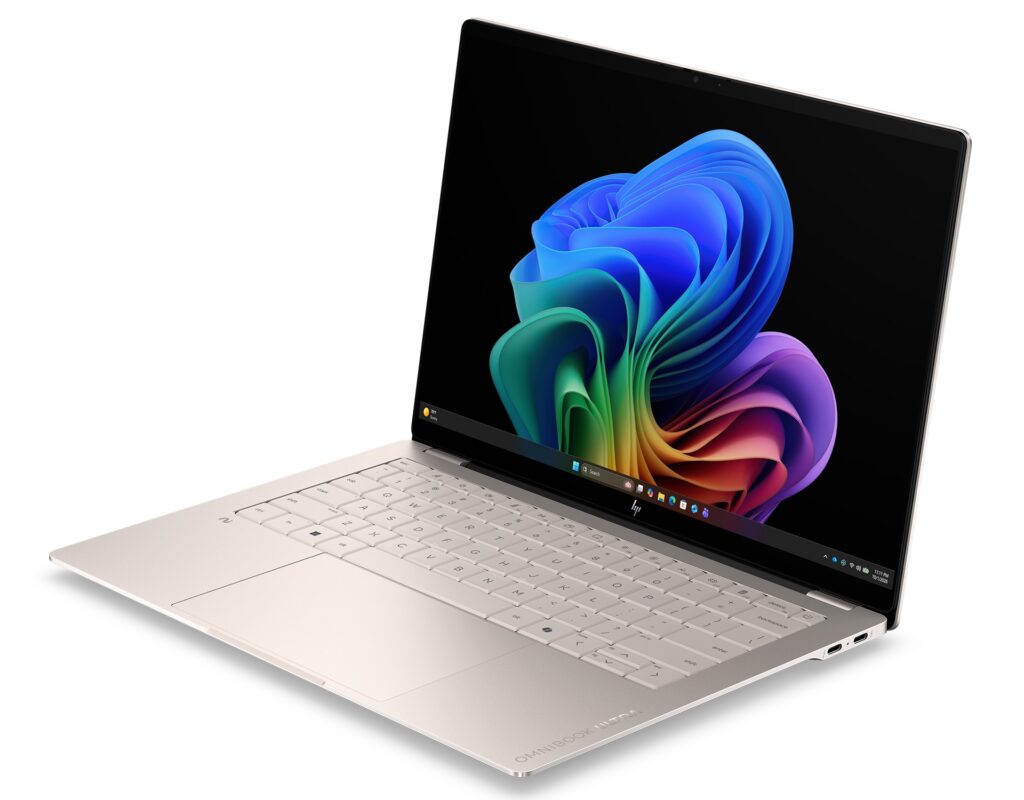
The OmniBook Ultra 14-kd is built from machined anodised aluminium — HP describes it as "artisan beauty meets strength" — and the chassis does genuinely justify that description. Even the "OMNIBOOK ULTRA" lettering on the lid is machined directly into the metal rather than printed on. It's the sort of detail you notice. The colourway is Silk Sand, a warm, understated beige tone that looks equally at home in a café or a client meeting. At 311 × 215 × 10.7mm, it's a seriously slim 14-inch machine. That 10.7mm thickness means it barely takes up space in a rucksack.
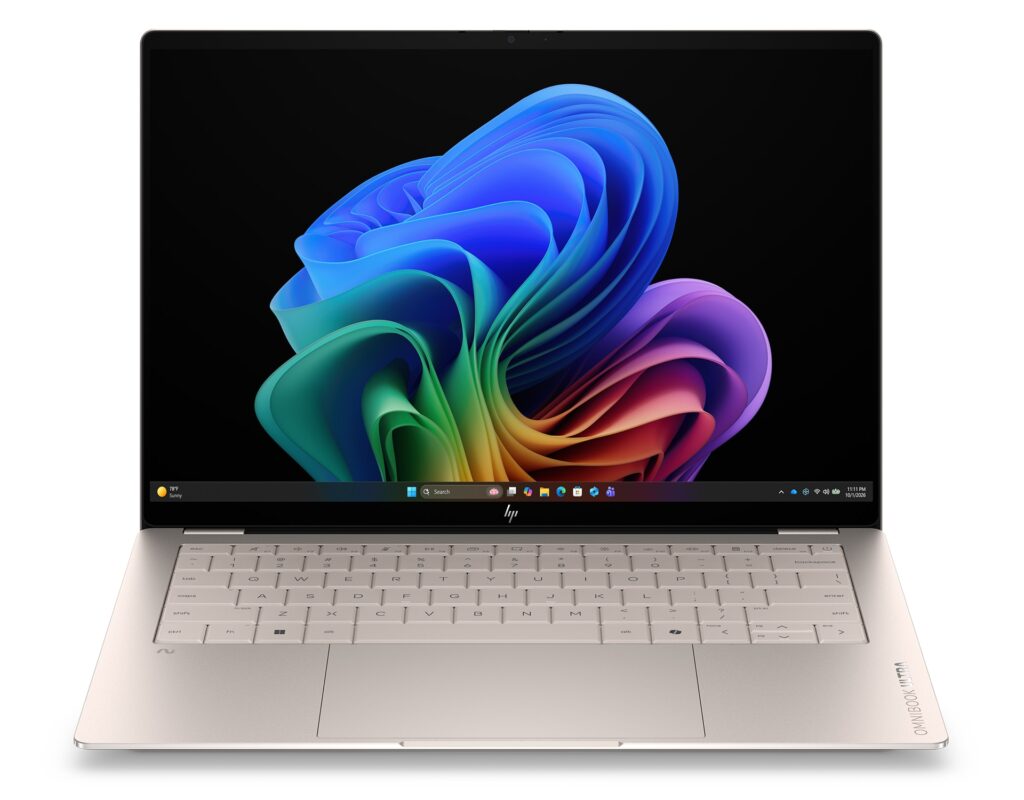 Sleek front view showing the machined aluminium body
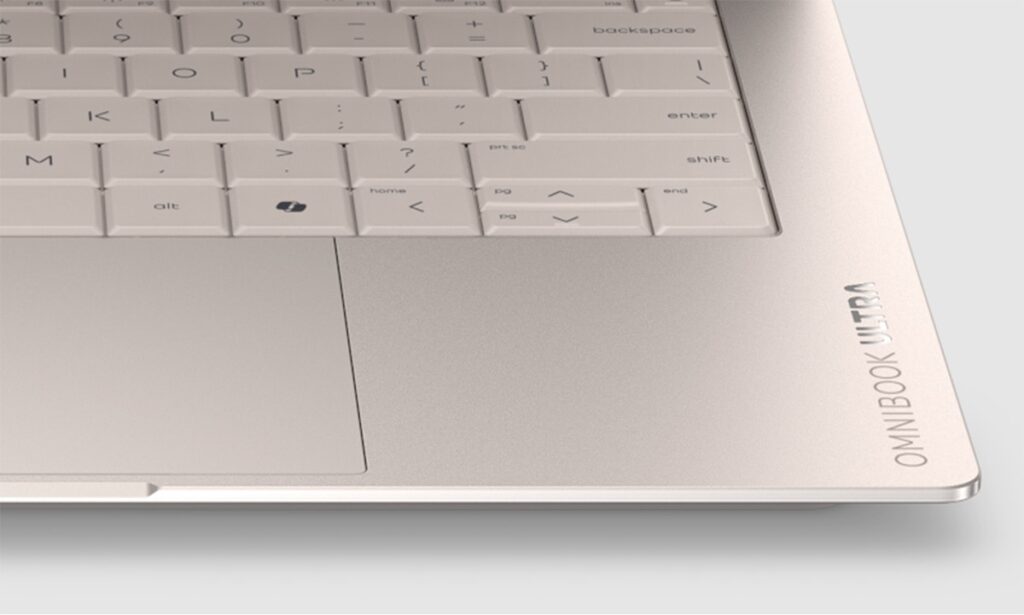 A logo I'd actually be happy carrying around
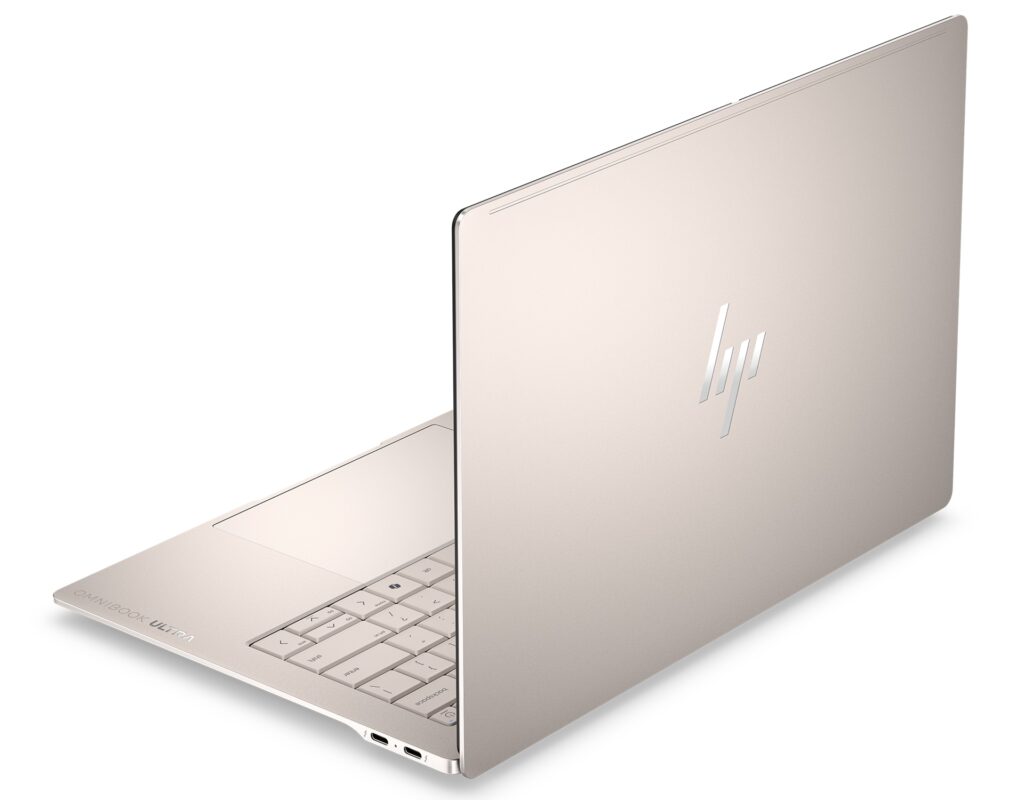 The back panel looks just as polished
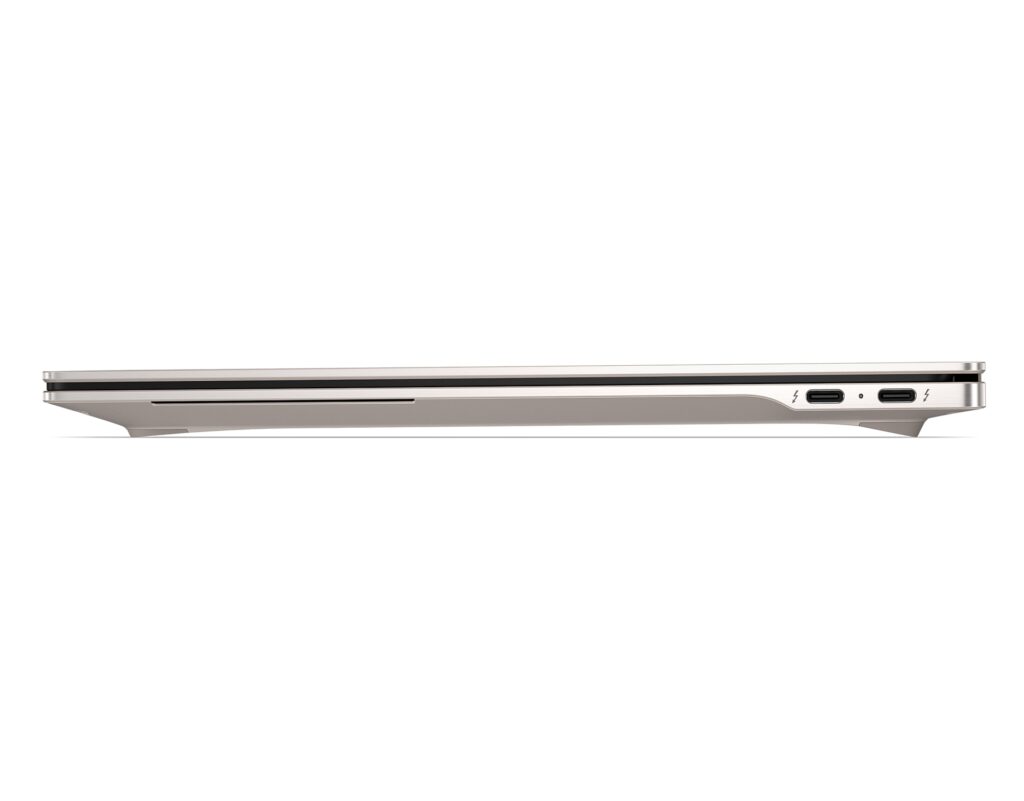 10.7mm — you genuinely feel the difference
Portability
Weight comes in at 1.27 kg. For a 14-inch laptop, that's towards the lighter end of the market — the sort of machine you can pop in a bag every morning without a second thought. The previous model weighed around 1.34 kg, so HP has trimmed it a bit further this generation. Pair that with the 10.7mm profile and this is a laptop you'll carry without noticing it.
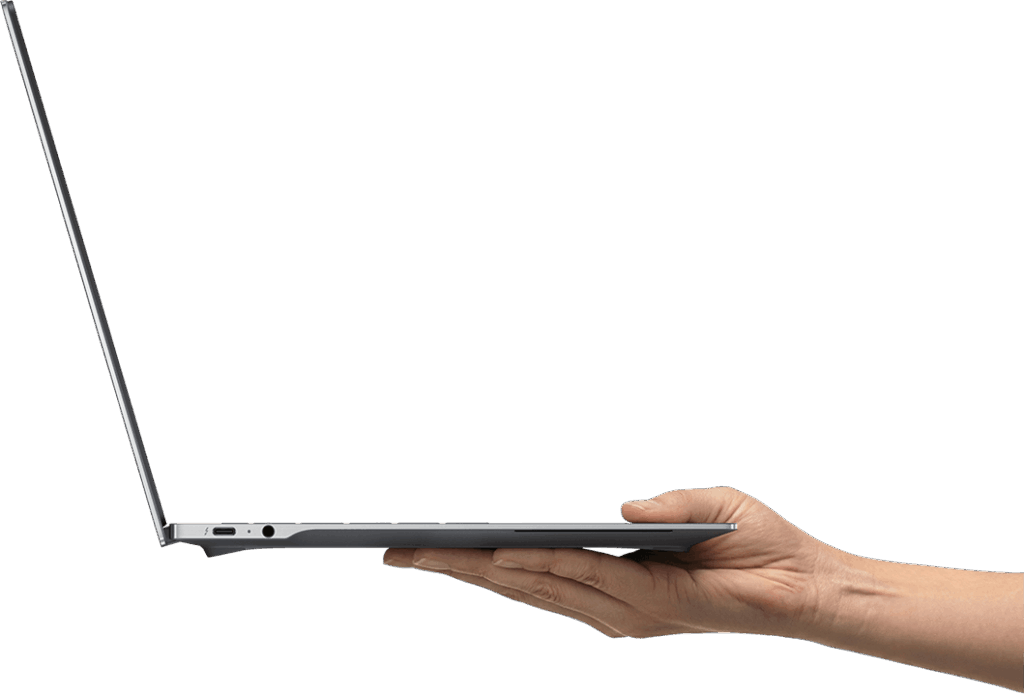 Slim and light — easy to carry one-handed
Display Quality
A 14-inch 3K (2880 × 1800) OLED touchscreen. OLED blacks are genuinely black, and the colour depth is in a different league from IPS panels. Whether you're editing photos, watching films, or working through a long coding session, the display is a real standout. The 16:10 aspect ratio adds a bit more vertical screen space, which is handy for web browsing and spreadsheets. Refresh rate goes up to 120Hz with VRR support, so scrolling and video playback are very smooth. HP Eye Ease helps keep eye strain in check during long sessions.
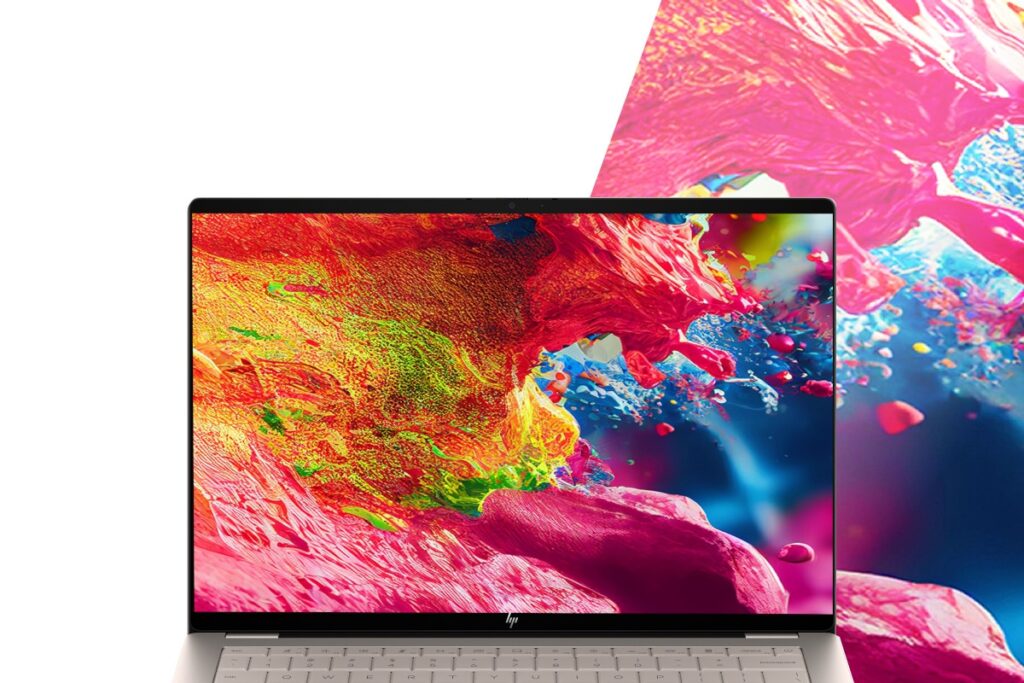 Vivid OLED colours with sharp 3K resolution
 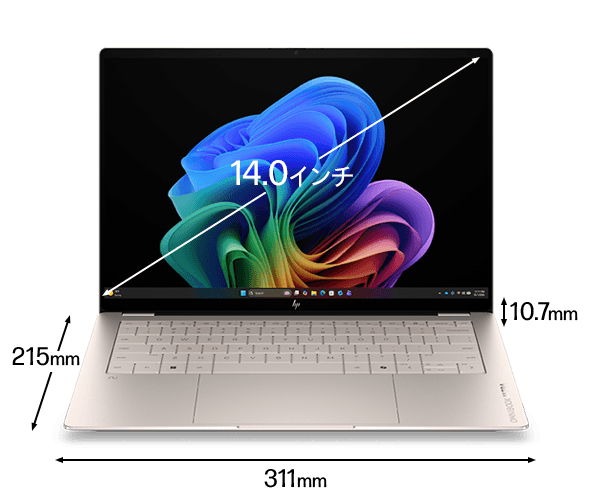 Compact build for a 14-inch laptop
Keyboard
Backlit keyboard, and HP designs each region's layout separately — so the keyboard is tailored for your region, not just a US board in disguise. The rigid aluminium chassis keeps flex to a minimum when typing. Good for long writing sessions. (Note: the photos show a US layout, but regional models ship with the appropriate local keyboard.)
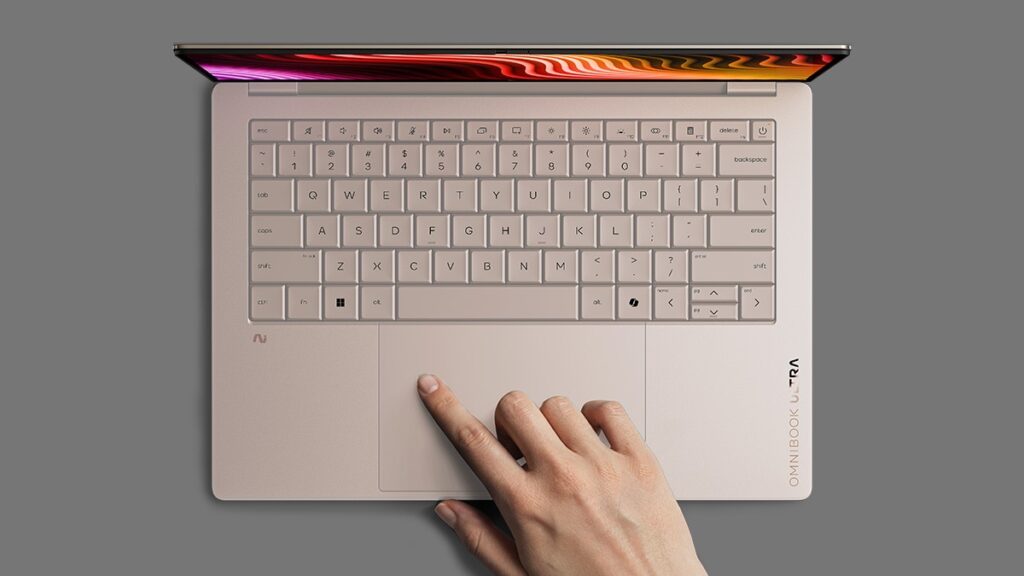 Backlit keyboard for working in low-light conditions
Trackpad
Haptic trackpad — no physical click mechanism. Vibration feedback simulates a click across the entire pad surface, so every part of the trackpad gives you the same consistent click feel. It's noticeably quieter than a traditional trackpad, which is welcome in quiet offices or libraries. Fair to say: once you've got used to a haptic trackpad, going back feels like a step backwards.
Performance
The base config runs an Intel Core Ultra 7 356H with a PassMark score of 33,574. That puts it firmly in the "handles everything" bracket — 4K editing, heavy multitasking, whatever you throw at it. Day-to-day use will feel responsive throughout.
| Score | Rating | What it feels like in real use |
|---|---|---|
| Up to 5,500 | Tight on headroom | Hiccups during multitasking; comfort takes a hit. Daily use feels constrained. |
| 5,500–8,000 | Daily use | Web, Office, remote work — handles them without issue. |
| 8,000–12,500 | Comfortable (standard) | Daily PC tasks with real headroom. Light video editing and casual games work. |
| 12,500–20,000 | High performance (mainstream) | Multitasking feels good. Heavier work and 3D games are workable. |
| 20,000–40,000 | Very high performance This PC | Comfortable even for demanding work and gaming. |
| 40,000+ | Exceptional | Plenty of headroom for creative work and heavy loads. Long-lasting performance. |
*PassMark CPU Mark measures multi-threaded CPU performance. Some variance is normal between runs even with the same CPU.
With 32GB of RAM, you can have a lot on the go simultaneously without things grinding to a halt. The higher-spec Supreme config steps up to an Intel Core Ultra 9 388H (PassMark 36,216) and 64GB of RAM for those who need even more headroom.
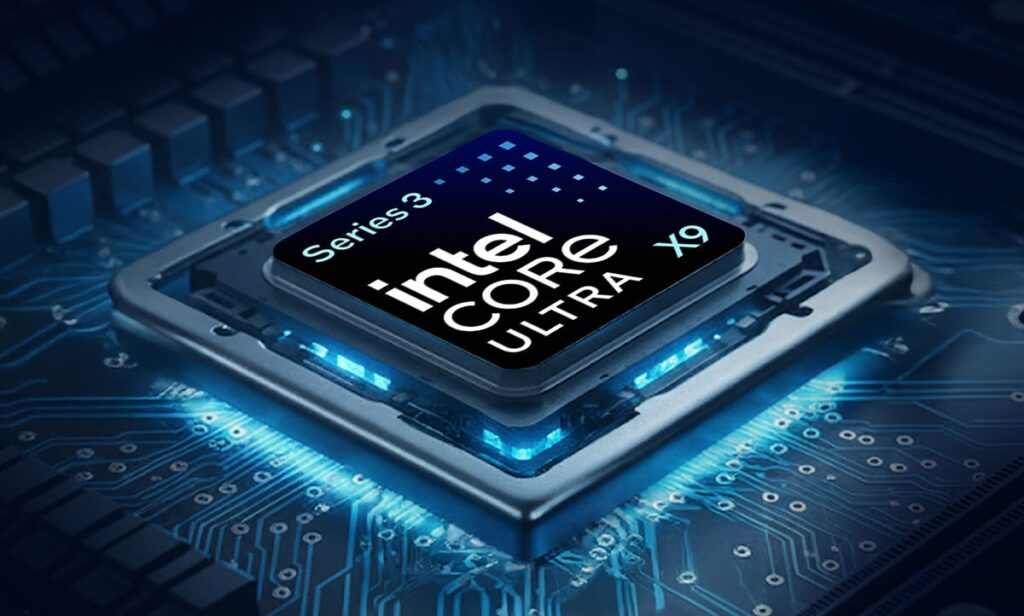 High-performance CPU — 4K video editing is comfortably within reach
Battery Life
Battery rating: Long
HP quotes up to 30 hours — I'd treat that figure with some scepticism. The OLED display, 120Hz refresh rate, and H-series CPU all increase power draw, so real-world numbers will fall well short of that. That said, for lighter workloads — browsing, writing, emails — getting through a full day should be quite achievable. Sustained heavy use will drain it noticeably faster. USB-C charging is a sensible touch — you can use any compatible power bank or charger you already own, which is handy when working away from a desk.
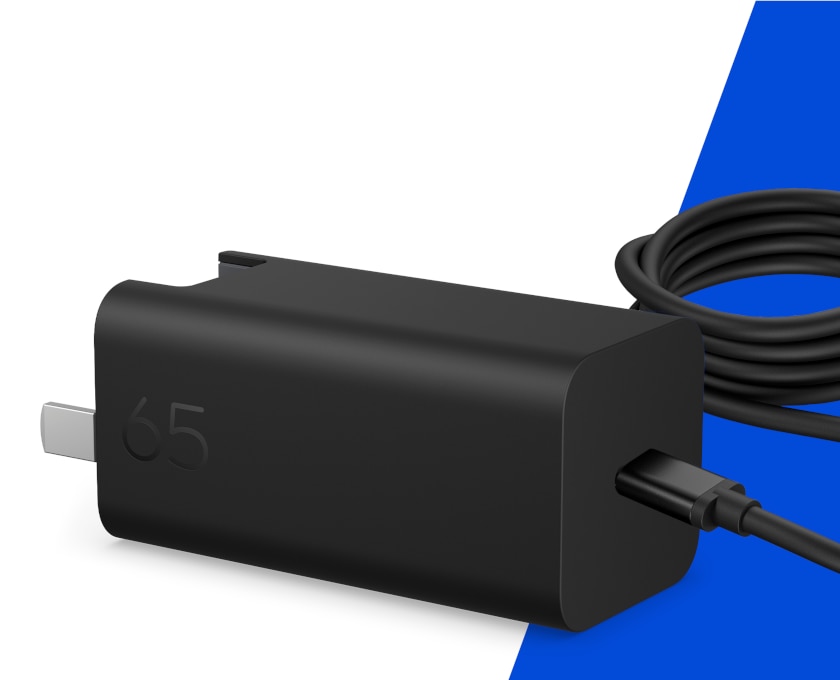 USB-C charging — compatible with any USB-C power bank
Fan Noise & Heat
An H-series CPU generates real heat under load — that's just physics. HP has put genuine thought into the cooling system, and the exhaust vents are designed to be compact while remaining effective. Managing this level of performance inside a 10.7mm chassis would be impressive engineering if HP has got it right. For everyday tasks, it should run quietly. Sustained heavy workloads will inevitably spin the fans up.
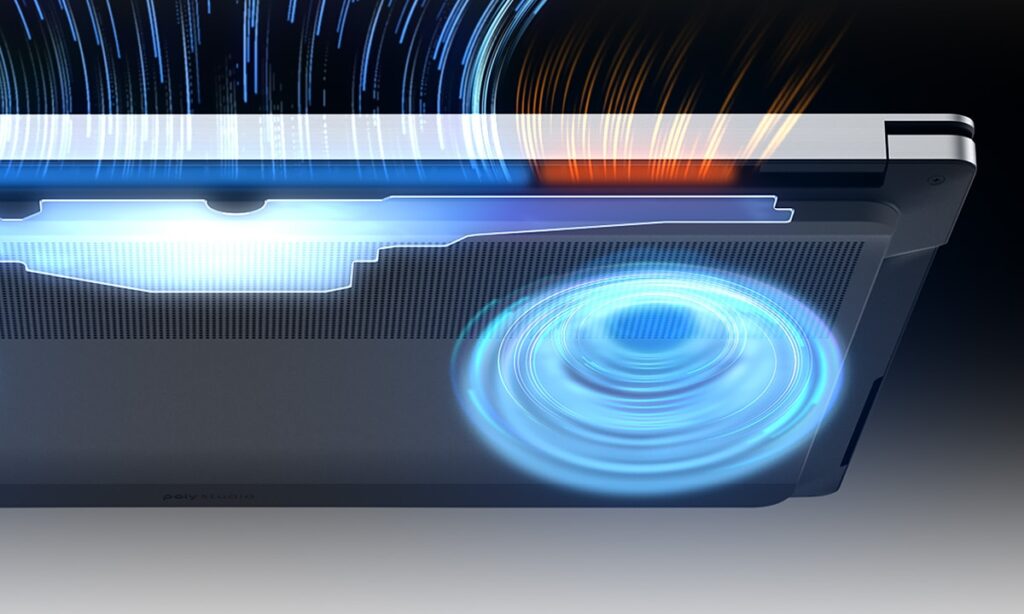 Compact cooling system inside the slim chassis
Ports
Three Thunderbolt 4 USB-C ports and a 3.5mm headphone jack. Thunderbolt 4 means strong compatibility with external docks and fast storage, and you can charge and drive an external display from the same USB-C cable. What's absent: HDMI and USB-A. Honestly, that's a mild frustration — even the MacBook Pro brought HDMI back. Projectors and older peripherals will need an adapter, so it's worth factoring a hub into the overall cost.
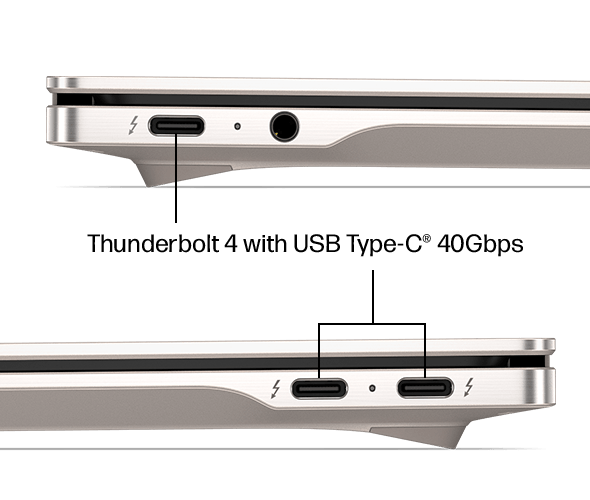 Three Thunderbolt 4 USB-C ports for fast connectivity
Webcam
5MP webcam — video calls should look decent. There's also a physical privacy shutter, so you can block the lens mechanically without relying on software. No app can access your camera without you knowing. If you frequently work from cafés or travel for work, that's a genuinely reassuring feature.
Security
Windows Hello facial recognition is included. Open the lid and the laptop unlocks straight away — no password required. It sounds like a small thing, but if you're opening your laptop dozens of times a day, not having to type a password each time is a quiet but real improvement to the experience.
Price
Premium machine, premium price. OLED, Thunderbolt 4, machined aluminium, haptic trackpad — it covers all the flagship bases. If you want a laptop where nothing feels like a compromise, the price is justified. If value for money is your main criterion, there are better-spec-per-pound options available. Whether it's worth it ultimately comes down to how much build quality and design matter to you. At this spec level, I'd say the price is fair.
Verdict
The OmniBook Ultra 14-kd pulls off a rare combination: 10.7mm thin, 1.27 kg, PassMark 33,574 CPU, 3K OLED, and a claimed 30-hour battery. If you carry your laptop daily and put it through its paces — video editing, photo work, heavy multitasking — this is a strong choice for professionals and content creators. The drawbacks: no HDMI or USB-A means a hub is more or less required, and the price demands a real commitment. But if performance and design both matter to you, this is one you're unlikely to regret.
Where to Buy
* Prices may vary. Please check each store for the latest price and availability.
Where this laptop ranks

About the author