
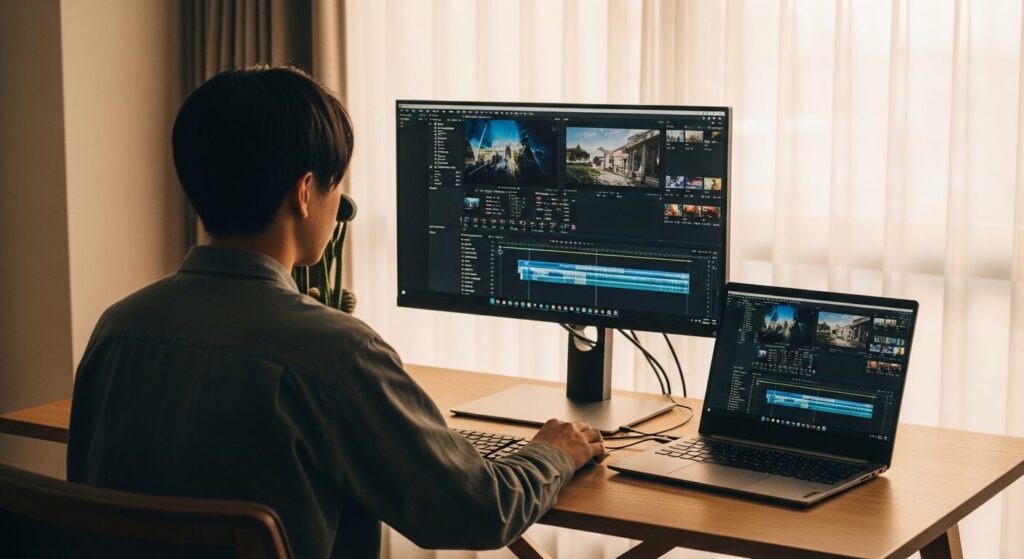
I want to start editing videos, but my phone just isn't cutting it anymore. I've heard a laptop would make things way more efficient, but I have no idea which one is actually good for video editing. Someone help! 🥹
Hey there, I'm Takumi from ZippyLaptop.
So you're a beginner who wants to pick up a laptop for video editing — but as soon as you start researching, you're hit with a wall of jargon: CPU, RAM, GPU, storage... and suddenly every laptop starts looking the same. 🥲
What makes it especially tricky for beginners is not knowing how much horsepower a video editing laptop actually needs. Whether you're making YouTube videos, short-form content for Instagram or TikTok, shooting in 1080p, or planning to work with 4K footage, the right specs depend a lot on what you're trying to do.
On top of that, going with the cheapest option often leads to laggy editing, slow export times, and a storage drive that fills up way too fast. But at the same time, as a complete beginner, buying an expensive, video-editing-specialized laptop right out of the gate feels like overkill. That "don't want to underspend, but don't want to overspend" dilemma is exactly what makes picking a beginner video editing laptop so hard.
That's why in this article, I'm drawing on my experience reviewing 100+ laptops to break down the minimum specs you need to start video editing as a beginner — and walk you through my top laptop picks in plain English.
By the end, you'll know how to evaluate CPU, RAM, storage, and graphics performance — and you'll know exactly which laptop to grab to comfortably start editing for YouTube, Instagram, or TikTok.
Let's dive in! Let's get started!
Quick Answer
I'll get straight to the point.
For beginner video editing, aim for: CPU: Core i5 or better · RAM: 16GB · Storage: 512GB+ · Screen: ~15 inches!
Based on the conclusion above, here are the 3 laptops I'd recommend first.
If you're stuck deciding, picking from this shortlist will rarely lead you wrong.
The rest of the article breaks down the differences and how to choose.
Our TOP 3 Picks
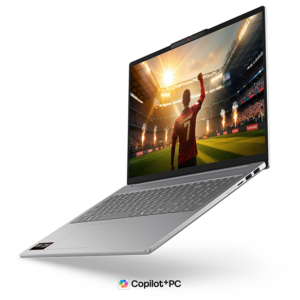
16-inch OLED meets ~1.69 kg (3.7 lbs) — big-screen mobility done right
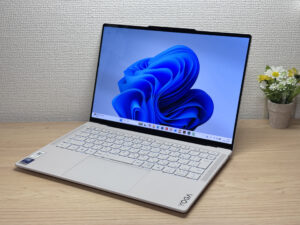
Stunning OLED in a featherlight 964g (2.1 lbs) body — this one's a total win.
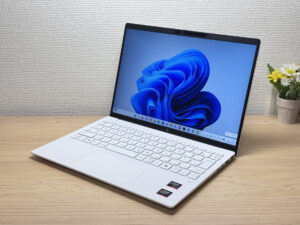
Under 2.2 lbs and ready for daily carry — a well-balanced travel laptop
Buying Guide
1. Performance: There's a recommended spec baseline for beginner video editing laptops
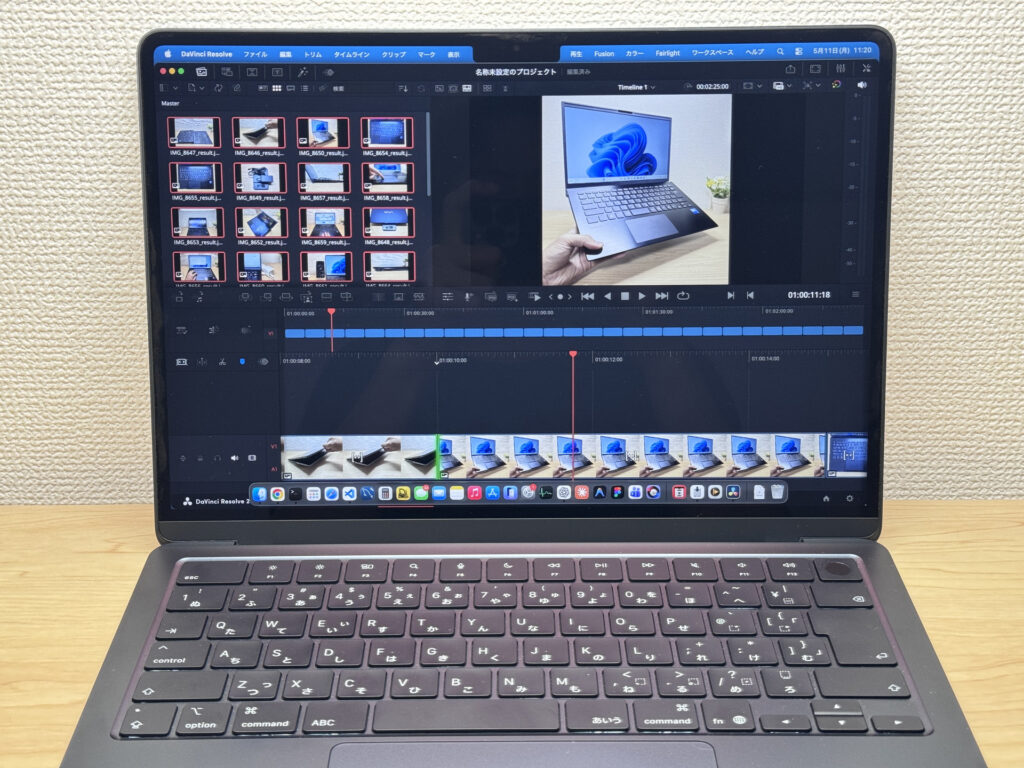 Pick a laptop with specs that keep editing smooth
When choosing a laptop for video editing, here's the minimum baseline to work from:
- CPU: Intel Core i5 or better / AMD Ryzen 5 or better / Apple M3 or better
- RAM: 16GB or more
- Storage: SSD 512GB or more
For beginner-level 1080p video editing and short-form content, hitting these three marks will get you a noticeably smoother experience.
The one spec to pay the most attention to is RAM. Stay away from any laptop with only 8GB of RAM — editing video with 8GB leads to constant stuttering and lag, which gets old fast 😇. Video editing means juggling a lot at once: making cuts while previewing, layering in background music, adding captions, and sometimes browsing for assets — all running at the same time. That's why you need plenty of RAM. 16GB is the minimum we'd recommend.
Storage is another area where 256GB won't cut it. Video files are much larger than photos or documents, and once you start accumulating source footage, project files, and exports, your drive fills up faster than you'd expect. Even if you plan to offload bigger files to an external SSD, having at least 512GB of internal storage keeps things comfortable.
Bottom line: Core i5 / Ryzen 5 or better (M4 or better for Mac), 16GB RAM, and a 512GB SSD is the sweet spot for comfortably handling the basics — cuts, captions, music, and 1080p exports.
2. Usability: Pick a screen size that makes video editing comfortable
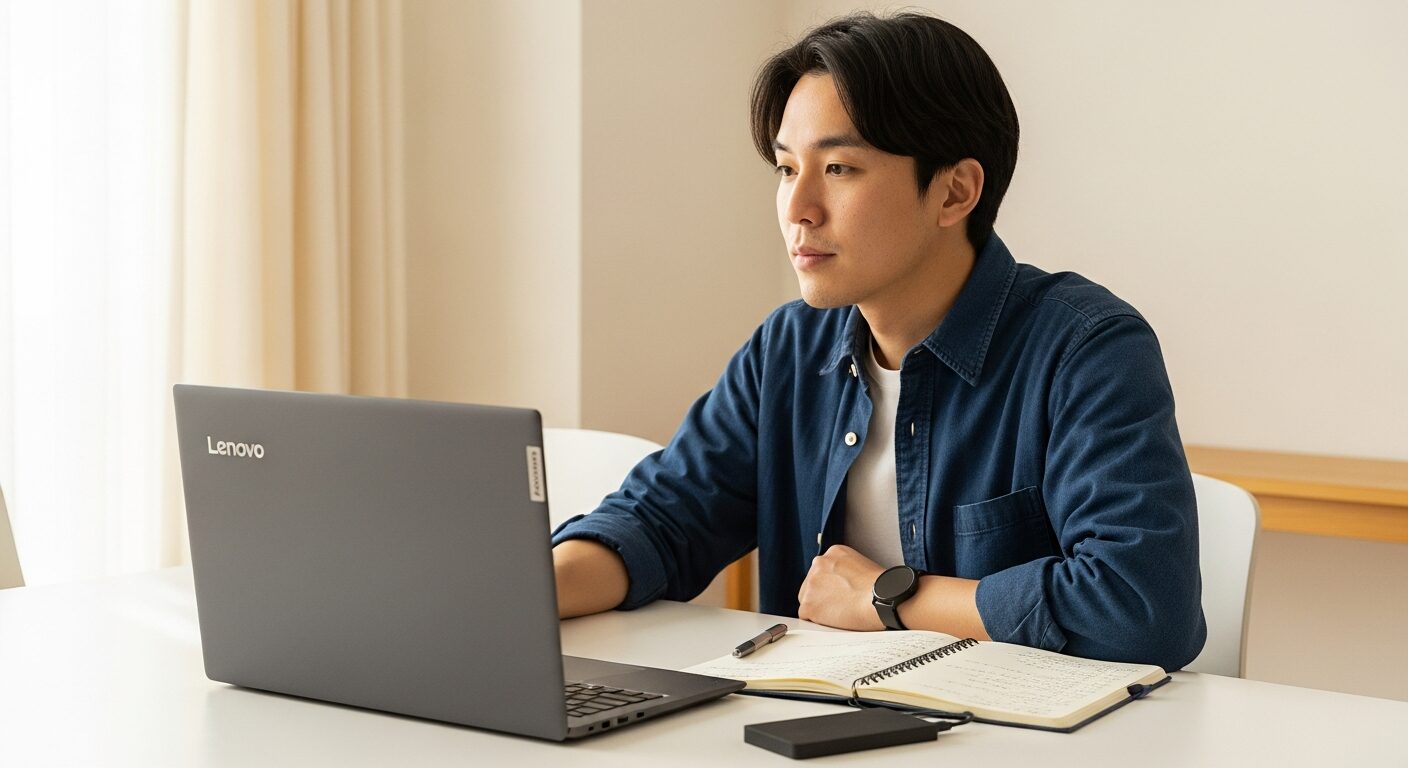
When shopping for a video editing laptop, treat 14 inches as your minimum screen size.
Video editing software puts a lot on screen at once — a preview window, a timeline, a media browser, effects and caption panels. You're working with more screen real estate than you would browsing or writing a document, so a small screen makes the timeline cramped and precise edits harder to pull off.
If screen comfort is the priority, a 15- or 16-inch display gives you noticeably more room to work. You can see the preview and timeline side by side without things feeling crowded. That said, bigger screens mean bigger, heavier laptops — so there's a real tradeoff.
The way we'd frame it: go 14 inches if you need portability, go 15–16 inches if you're mostly working at a desk.
For anyone getting serious about video editing, though, the real recommendation is to use an external monitor. Plug into a 24- or 27-inch display and suddenly the preview window, timeline, and everything else has room to breathe — it's a completely different experience.
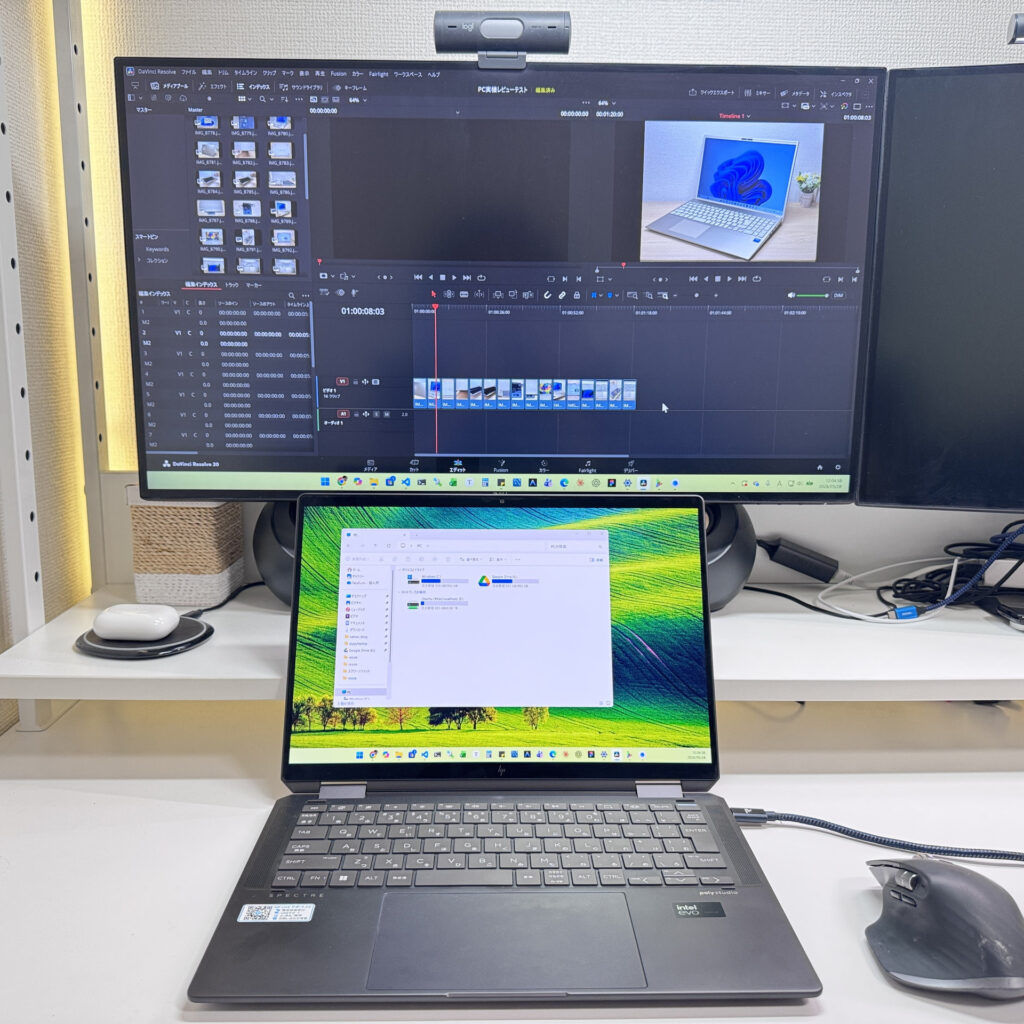 Even on a 14-inch laptop, an external monitor makes a huge difference!
External monitors are pretty affordable these days, and you can always add one later. Pair it with a wireless keyboard and mouse, and your laptop starts to feel like a desktop — which makes long editing sessions a lot more manageable.
Personally, I'm an external monitor guy, so I usually go with a portable 14-inch laptop and hook it up to a bigger screen at home. Use it as a 14-inch on the go, plug it into a big monitor at your desk — that combo gives you the best of both worlds 😁.
Here's my own desk setup — two external monitors so I can put the preview on one side and the media browser on the other. Probably overkill for most beginners, but it's hard to go back once you try it 😄
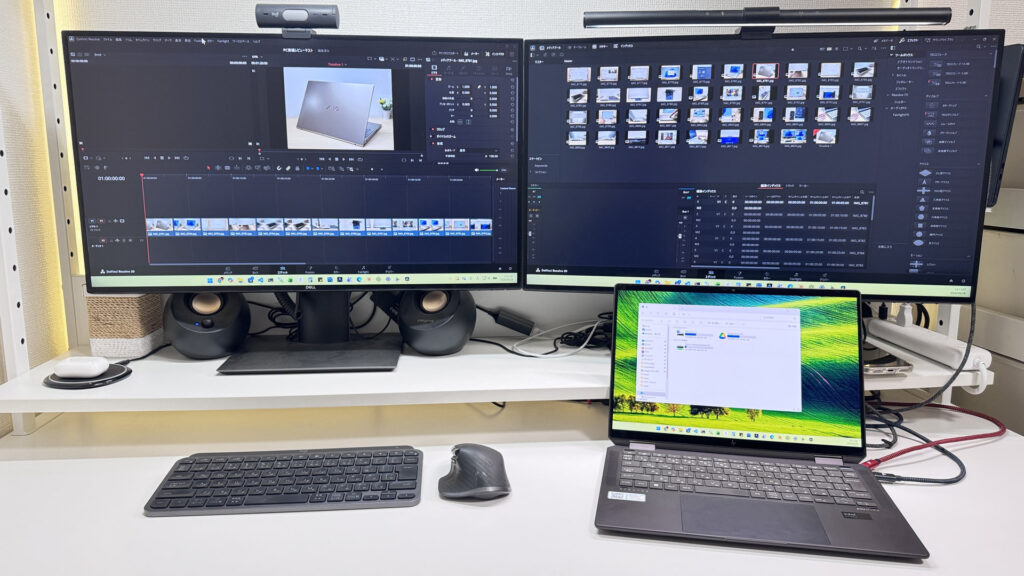 A good external monitor doesn't have to break the bank — and it's the single best upgrade for your editing workflow!
3. GPU: Integrated graphics are fine for beginner 1080p editing
When you search for video editing laptops, you'll often come across recommendations for models with a dedicated GPU.
But if you're just starting out, a dedicated GPU isn't a must-have — modern integrated graphics are more than capable enough to get you going.
 Today's CPUs pack surprisingly capable graphics — more than enough to get started
For YouTube 1080p videos or short-form content for Instagram and TikTok, cutting clips, adding captions, layering in music, and doing basic color correction are all things integrated graphics handle just fine. You don't need a dedicated GPU to get started.
In fact, laptops with dedicated GPUs tend to cost more, weigh more, and have shorter battery life. At the beginner stage, there's no reason to spend extra on high-end features you might not end up using. Starting with a reasonably priced laptop that lets you get into video editing without stress is the smarter move.
Once you're regularly working with 4K footage, heavy effects, or color grading workflows, that's when it makes sense to look at something with a GeForce RTX or similar dedicated GPU.
The point is: your first video editing laptop doesn't need to be a powerhouse. Start with something that handles 1080p and short-form content smoothly, and upgrade to a dedicated GPU model when you've outgrown it.
Those are the main factors to consider when choosing a beginner video editing laptop ⭕️.
Every laptop featured in this article meets these criteria at a reasonable price — each one is a personal recommendation from me 👍.
Our Picks
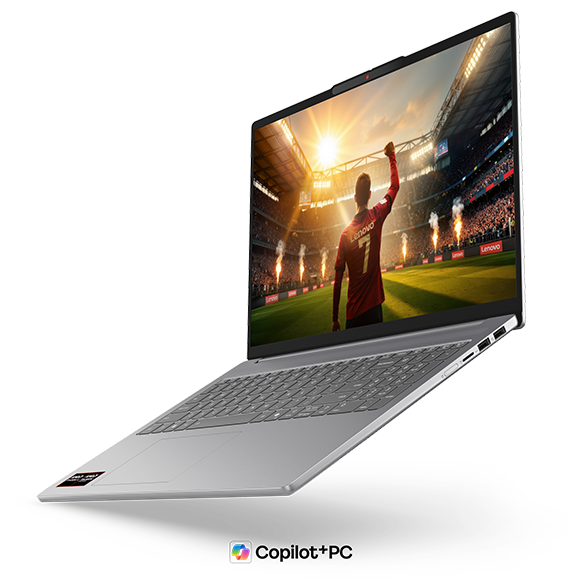
#1Lenovo IdeaPad Slim 5a Gen 11(16-inch AMD)
- ·You want to watch videos or movies on a genuinely great-looking screen
- ·You're a business user who works in Excel or presentations and wants more screen space
- ·You want 16 inches but aren't willing to give up portability
- ·You want to hop on video calls or log in with face recognition quickly
- ·Your main use case is serious PC gaming or heavy 3D video editing
- ·You're committed to keeping weight under 1.5 kg (3.3 lbs) for daily carry
Key Specs
- CPU
- AMD Ryzen AI 7 445
- Display
- 16.0-inch 1920x1200 IPS
- RAM
- 16GB
- Weight
- 1.69 kg (3.73 lbs)
- Storage
- 512GB SSD
- Battery
- ~16.3h
Why We Picked It
Lenovo IdeaPad Slim 5a Gen 11(16-inch AMD) occupies a genuinely rare spot in the laptop market: a machine that pulls off "big screen" and "actually portable" at the same time. The 16-inch OLED display is in a different league visually — videos, photos, spreadsheets, you name it, everything just pops. Pair that with an AMD Ryzen AI 7 445 (PassMark 20,770) and you've got a CPU that handles multitasking without breaking a sweat. At around 1.69 kg (3.7 lbs), it's impressively light for a 16-inch class machine, making it a realistic daily driver in your bag. The one thing I'd flag is the glossy display — there's no anti-glare coating, so expect some fluorescent-light reflections in brighter rooms. Even so, if you're hunting for the sweet spot between a large working canvas and actual portability, this one's a strong contender.
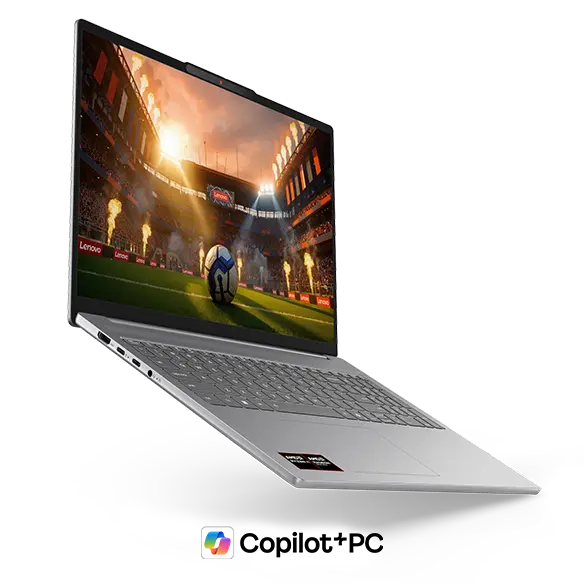 The Luna Grey finish gives the front panel a quietly sophisticated look
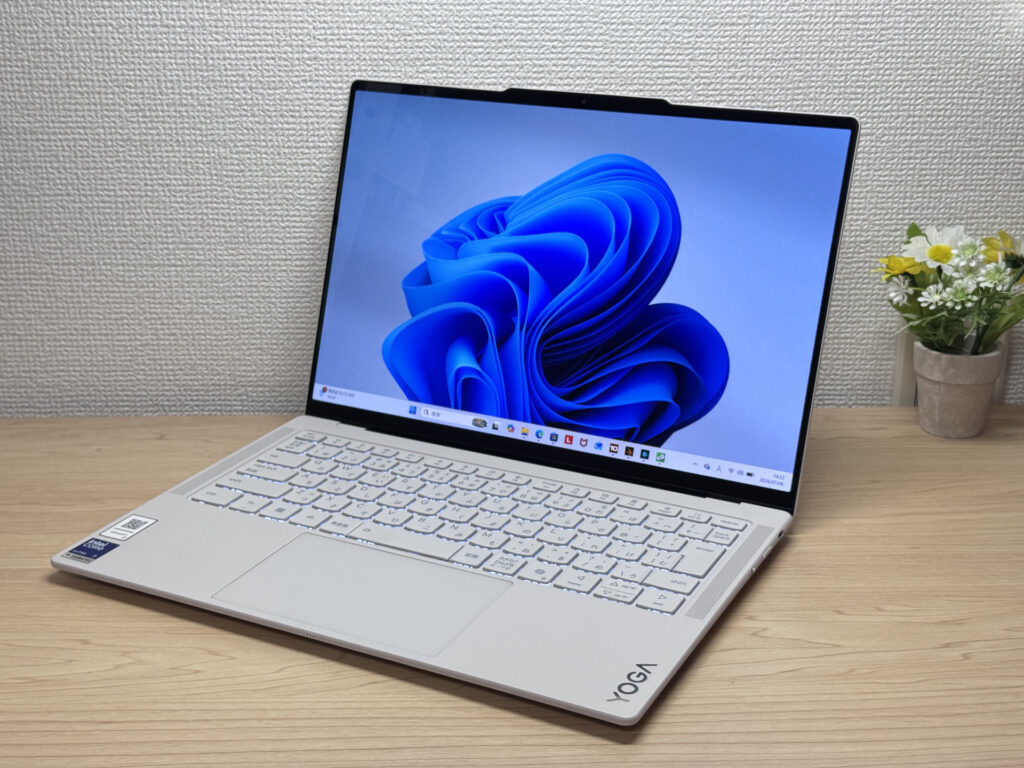
#2Lenovo Yoga Slim 7i Ultra Gen 11 Aura Edition
- ·You do creative work, like content creation or editing
- ·You're a professional who cares about premium build quality
- ·You're an intermediate-or-above user looking to step up to something nicer
- ·You want a great screen for watching movies and videos
- ·You're shopping on price above all else — this isn't the budget pick
- ·You need to connect a lot of peripherals at once without carrying a hub
Key Specs
- CPU
- Intel Core Ultra 7 355
- Display
- 14.0-inch 2880x1800 OLED touch
- RAM
- 32GB
- Weight
- 0.97 kg (2.15 lbs)
- Storage
- 1TB SSD
- Battery
- ~22.8h
Why We Picked It
Lenovo Yoga Slim 7i Ultra Gen 11 Aura Edition is a premium ultraportable that pulls off something rare: a 964g magnesium-aluminum body paired with a vivid OLED display. You're limited to USB-C ports and the price runs a bit high, but factor in the buttery-smooth 120Hz OLED panel and a pressure-sensitive haptic trackpad, and the balance of build quality, performance, and portability starts to make a lot of sense.
That silky magnesium-aluminum finish makes for a gorgeous front design!
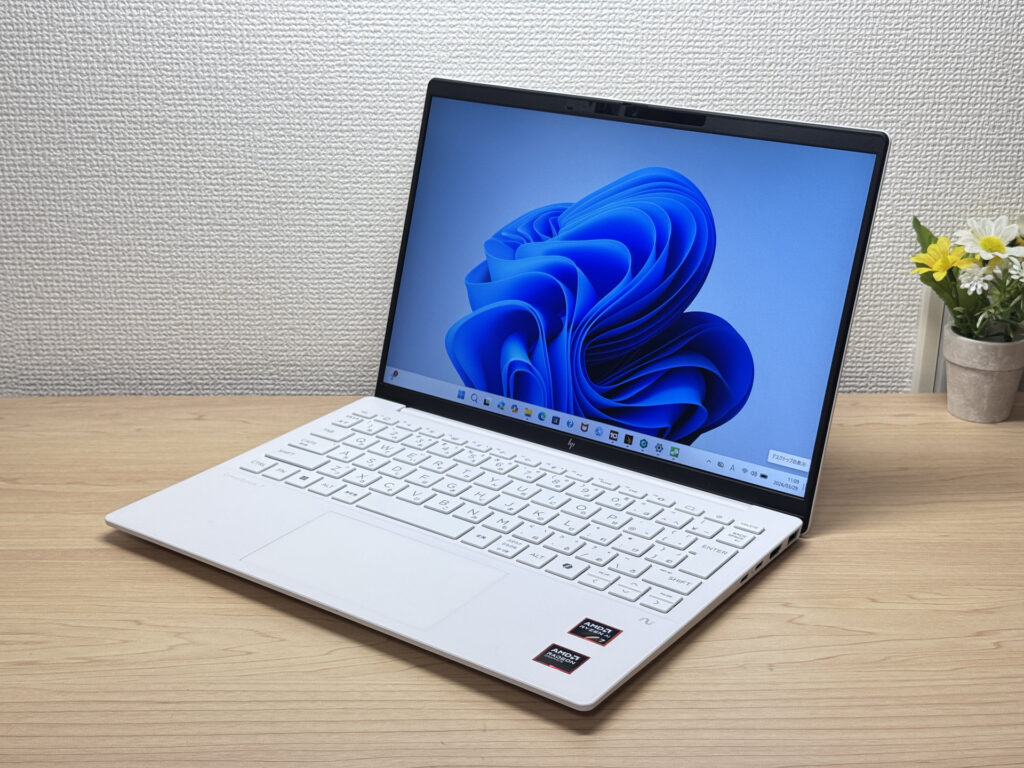
#3HP OmniBook 7 Aero 13-bg
- ·You carry your laptop everywhere and want something that doesn't weigh you down
- ·You need a solid machine for writing papers, browsing, and video calls
- ·You work from coffee shops, campus, or anywhere outside your desk
- ·You need serious gaming or video editing performance — this isn't built for that
- ·You spend long days away from an outlet and need all-day battery life
Key Specs
- CPU
- AMD Ryzen AI 7 350
- Display
- 13.3-inch 1920x1200 IPS
- RAM
- 16GB
- Weight
- 0.97 kg (2.14 lbs)
- Storage
- 1TB SSD
- Battery
- ~15.5h
Why We Picked It
The OmniBook 7 Aero 13-bg's headline feature is its weight: just 970g (about 2.1 lbs), light enough to toss in a backpack every morning without thinking about it. The Ceramic White finish turns heads at coffee shops and on campus — this is one of those laptops that actually looks good in public. Powered by the AMD Ryzen AI 7 350, it scored 6946 on PCMark 10 — solid horsepower for a thin-and-light. The IPS panel looks great too, handling everything from daily browsing to video calls without complaint.
The flip side: the lid is plastic, so don't expect a premium feel. The charger weighs 323g (~11 oz) — surprisingly heavy for such a light machine. Battery is 43 Wh, so plan for a plug if you're out all day. But if portability, performance, and looks matter to you in equal measure, this one genuinely delivers.
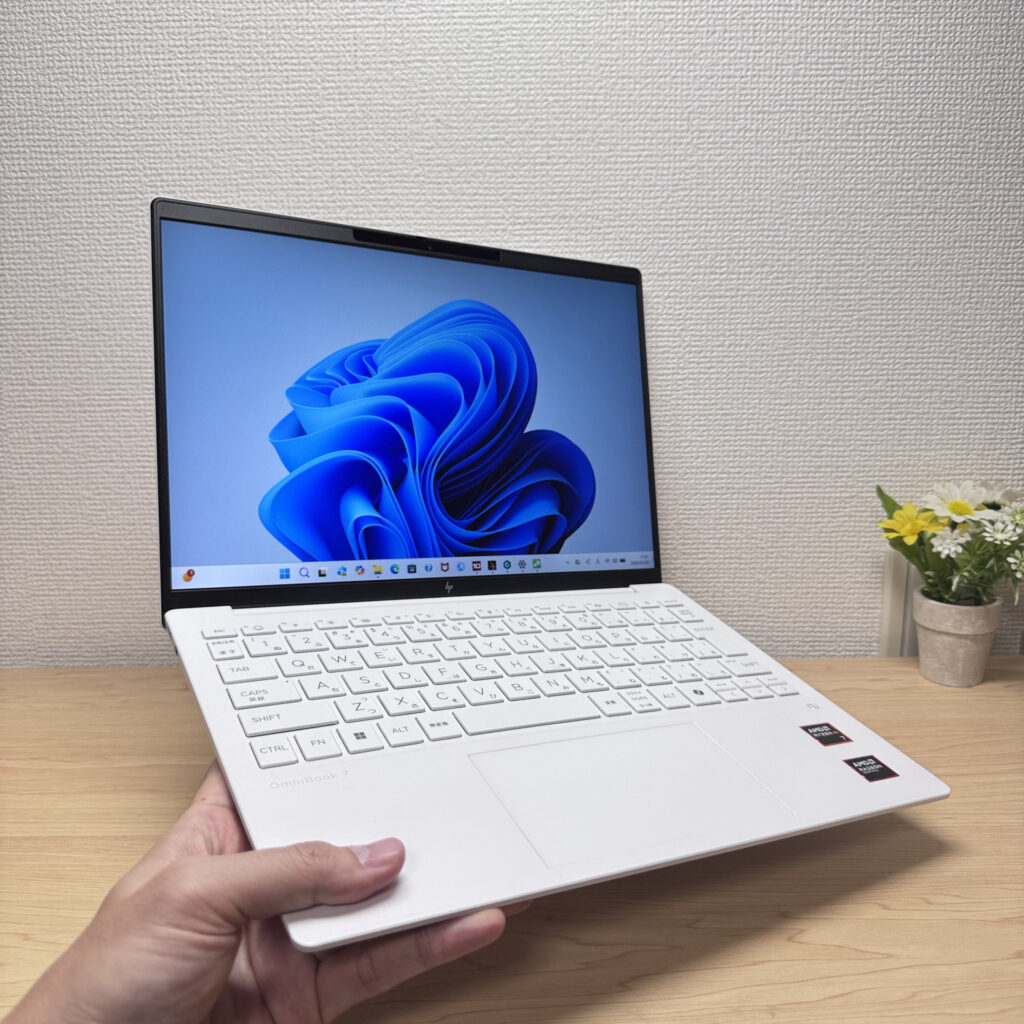 Light enough to carry in one hand with ease
More Recommended Models
If our TOP 3 didn't quite click, take a look here too. These are picked with the same criteria, so you won't go far wrong either.
A gorgeous OLED 2-in-1 that punches way above its price.
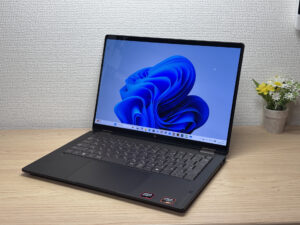
A 2-in-1 that flips into tablet mode, stylus included
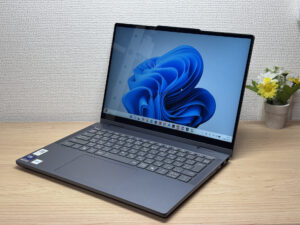
2.6 lbs with a 3K OLED — it's not cheap, and it doesn't pretend to be.
Spec Comparison
Compare specs of all 6 recommended models at a glance.
Note: This table is ordered by our editors' picks for this use case, not by ZippyScore.
| Model | Image | Stores | Highlights | ZippyScore | CPU | RAM | Storage | Display | Battery | Weight | Full Review |
|---|---|---|---|---|---|---|---|---|---|---|---|
|
🥇 Best Overall
Lenovo
IdeaPad Slim 5a Gen 11(16-inch AMD)
|
|
Amazon | 16-inch OLED meets ~1.69 kg (3.7 lbs) — big-screen mobility done right | Best 4.7/5 | AMD Ryzen AI 7 445 Passmark: 20,770 | 16GB | 512GB |
16.0"
1920x1200
IPS
|
~16.3h | 1.69 kg (3.73 lbs) | Full Review |
|
🥈 Best Balanced Pick
Lenovo
Yoga Slim 7i Ultra Gen 11 Aura Edition
|
|
Amazon | Stunning OLED in a featherlight 964g (2.1 lbs) body — this one's a total win. | 4.6/5 | Intel Core Ultra 7 355 Passmark: 20,954 | Best 32GB | Best 1TB |
Best 14.0"
2880x1800
OLED
|
~22.8h | 0.97 kg (2.15 lbs) | Full Review |
|
🥉 Best Value Pick
HP
OmniBook 7 Aero 13-bg
|
|
Amazon | Under 2.2 lbs and ready for daily carry — a well-balanced travel laptop | 4.5/5 | Best AMD Ryzen AI 7 350 Passmark: 24,959 | 16GB | Best 1TB |
13.3"
1920x1200
IPS
|
~15.5h | Best 0.97 kg (2.14 lbs) | Full Review |
|
HP
OmniBook X Flip 14-kc
|
|
Amazon | A gorgeous OLED 2-in-1 that punches way above its price. | 4.5/5 | AMD Ryzen AI 5 430 Passmark: 13,437 | 16GB | 512GB |
14.0"
1920x1200
OLED
|
Best ~24.0h | 1.40 kg (3.09 lbs) | Full Review |
|
Lenovo
IdeaPad 5i 2-in-1 Gen 11 (14-inch Intel)
|
|
Amazon | A 2-in-1 that flips into tablet mode, stylus included | 4.5/5 | Core Ultra 5 322 Passmark: 15,438 | 16GB | 512GB |
14.0"
1920x1200
IPS
|
~20.0h | 1.54 kg (3.40 lbs) | Full Review |
|
ASUS
Zenbook S 14 (UX5406SA)
|
|
Amazon | 2.6 lbs with a 3K OLED — it's not cheap, and it doesn't pretend to be. | 4.3/5 | Intel Core Ultra 7 258V Passmark: 18,961 | Best 32GB | Best 1TB |
14.0"
1920x1200
OLED
|
~23.3h | 1.20 kg (2.65 lbs) | — |
Frequently Asked Questions
Can I edit video on a laptop with only 8GB of RAM?
Do I need a dedicated GPU for video editing?
What video editing software do you recommend?
Mac or Windows — which is better for video editing?
Will a 512GB SSD fill up quickly with video files?
How much should I budget to avoid making a mistake?
Summary
Here's a quick recap of the conclusion from this article:
These are the models that meet those criteria:
- #1 Lenovo IdeaPad Slim 5a Gen 11(16-inch AMD)
- #2 Lenovo Yoga Slim 7i Ultra Gen 11 Aura Edition
- #3 HP OmniBook 7 Aero 13-bg
- #4 HP OmniBook X Flip 14-kc
- #5 Lenovo IdeaPad 5i 2-in-1 Gen 11 (14-inch Intel)
- #6 ASUS Zenbook S 14 (UX5406SA)
We hope you find the laptop that's right for you here.
Happy laptop hunting!
About the author
