
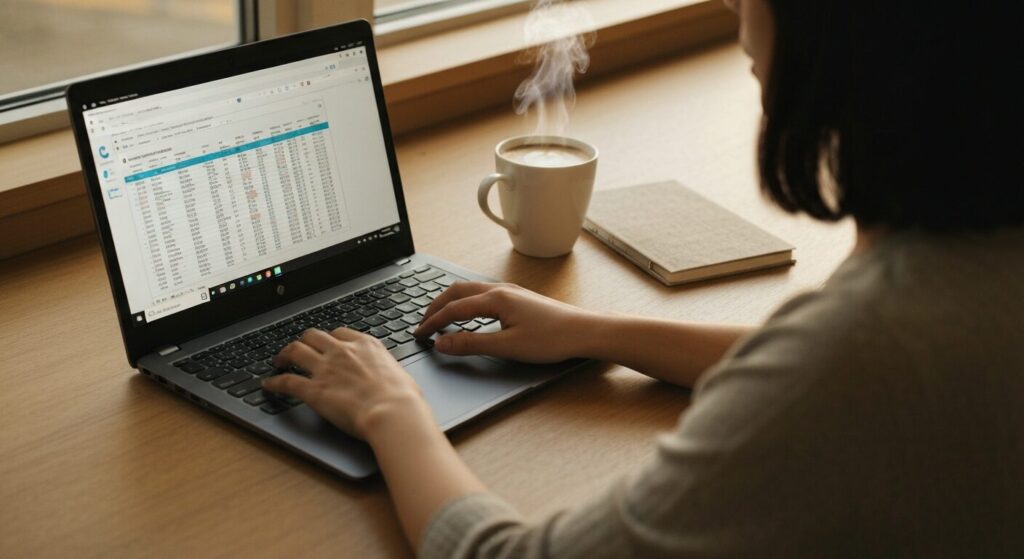
I finally need a laptop but have no idea where to start. I'm fine with my phone, but the second I start looking at laptops I'm hit with specs I've never heard of. Someone please help 😂
Hey, Takumi from ZippyLaptop here.
Picking your first laptop is genuinely confusing. I've been living and breathing PCs for years, so it feels like second nature to me — but if you're brand new to this stuff and suddenly need one, the spec sheets are a lot. CPUs, RAM, storage — it all starts to blur together pretty fast 😅.
And here's the scary part: going in blind usually means ending up with the wrong machine. Maybe you overspend on features you'll never use. Maybe you go too cheap and it's basically unusable. Maybe it's heavier than expected and you stop bringing it anywhere. All classic first-timer mistakes. And since we're talking about a purchase that can easily run $700–$1,000+, getting it wrong really stings.
So here's my take: when in doubt, ask someone who's done the homework 👍
I've reviewed over 100 laptops and helped a lot of people figure out what to buy. In this article, I'm sharing my top beginner laptop picks along with the key things to look for when choosing one. By the time you finish reading, you'll know exactly what specs matter and which laptops are worth your money.
Quick Answer
I'll get straight to the point.
For first-time buyers: aim for a 14-inch laptop with at least Core i5, 16GB RAM, and a 512GB SSD — and keep it under 1.4 kg (~3.1 lbs).
Based on the conclusion above, here are the 3 laptops I'd recommend first.
If you're stuck deciding, picking from this shortlist will rarely lead you wrong.
The rest of the article breaks down the differences and how to choose.
Our TOP 3 Picks
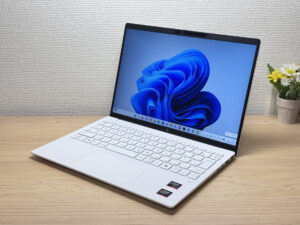
Under 2.2 lbs and ready for daily carry — a well-balanced travel laptop
Buying Guide
① Performance: Skip the overkill specs — you just need something that'll last a few years.
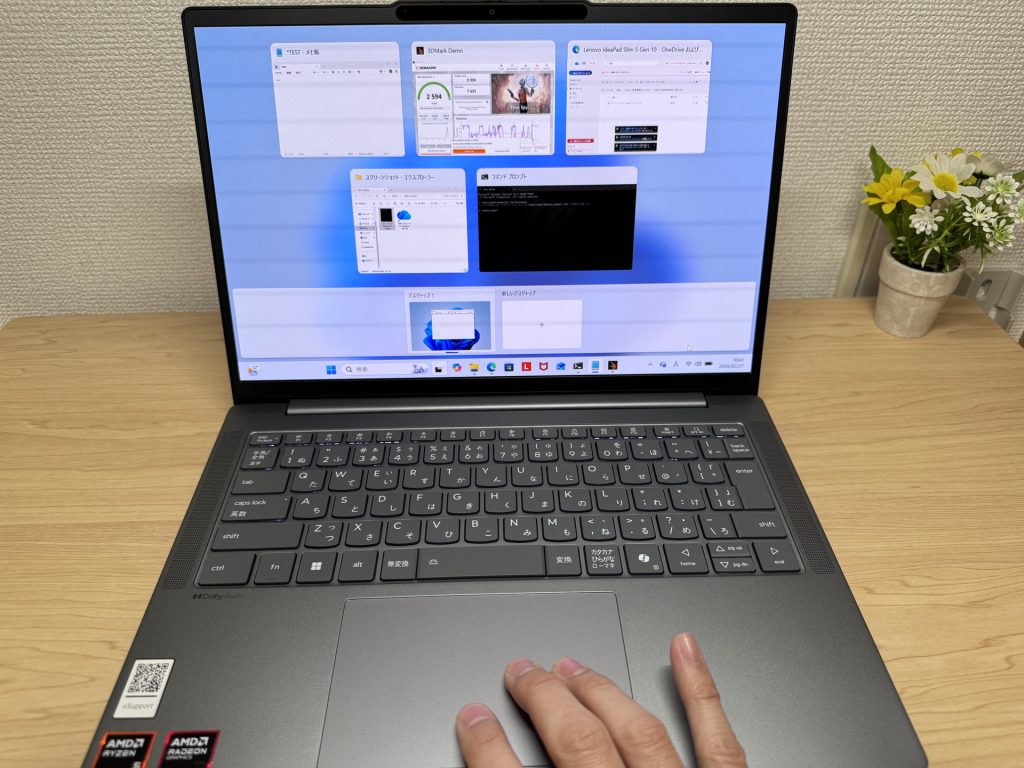 If you're new to laptops, get something that feels snappy — seriously.
A lot of beginners tell me they don't need anything fancy. And honestly, that's mostly true — there's no point buying a powerhouse right out of the gate.
But here's the flip side: go too cheap and you'll end up with something so sluggish you just stop using it. And in 2025, you really want a machine that can handle AI tools without choking. That's the sweet spot I'd aim for 😉.
Here's what I'd look for as a baseline:
- CPU: Intel Core i5 or higher / AMD Ryzen 5 or higher
- RAM: At least 16GB
- Storage: 512GB SSD or more
Hit these marks and you'll have a genuinely comfortable experience, even as a complete beginner 👌
Here's the quick reason: modern computers eat up RAM. You'll find yourself browsing with a dozen tabs open, chatting with an AI assistant, and jumping into a spreadsheet — all at the same time. Unlike your phone where you're basically always in one app, on a laptop you've got multiple windows running at once. Keep these three specs in check and you'll stay snappy now and set for several years down the road.
One more spec worth mentioning: the display. It's easy to overlook, but cheaper laptops still ship with TN panels sometimes. TN displays are genuinely rough on the eyes — so look for IPS, or better yet, OLED. Colors look way better and your eyes will thank you after a long session 👀.
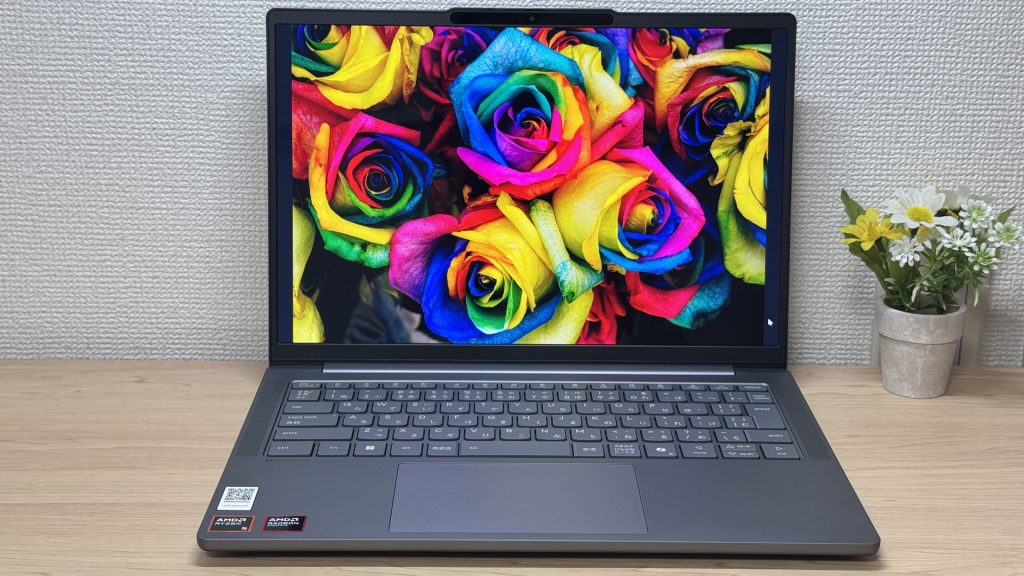 Display quality directly affects eye strain — don't overlook it.
② Price: Too cheap is bad. Too expensive is also bad.
I don't think most beginners go straight for the priciest option — but just in case: don't. Paying more doesn't always mean getting more.
The laptop world moves fast. The hot chip today is mid-tier in two years. So there's really no point in overpaying for specs you don't need yet. Get something well-priced and well-specced for right now — that's the smart play.
So: don't go too cheap, don't go overboard. Hit those spec minimums, keep the price reasonable. I know that sounds easier said than done — but that's exactly why I put this list together 🙆♂️. Everything I recommend here checks those boxes, so if you're stuck, just start here.
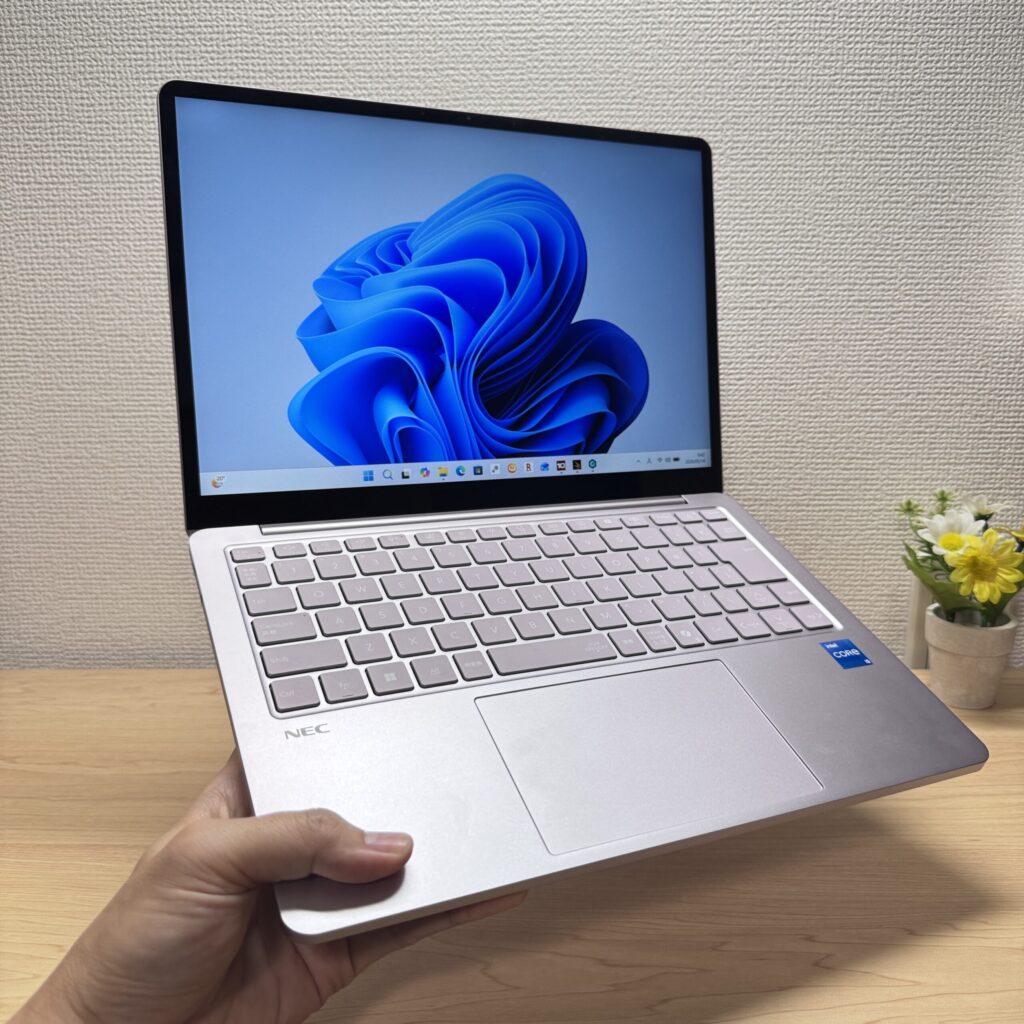 The right price matters as much as the right specs.
And where you buy matters too. Online is almost always cheaper.
Some people want to try before they buy at a retail store — which is fair. But retail stores have markup built in, and the sales reps aren't always steering you toward what's best for you. I've seen too many people walk out with something that wasn't the right fit.
For online, I'd go straight to the manufacturer's own store first. Official online stores tend to have solid pricing, run sales, and sometimes bundle in extras. Amazon can occasionally beat them, but the brand's site is usually worth checking first.
Save a little buying online, and put that cash toward accessories — a mouse, a USB drive, or a USB-C hub are things you'll probably end up wanting anyway. They add up, so it's nice to have some room in the budget.
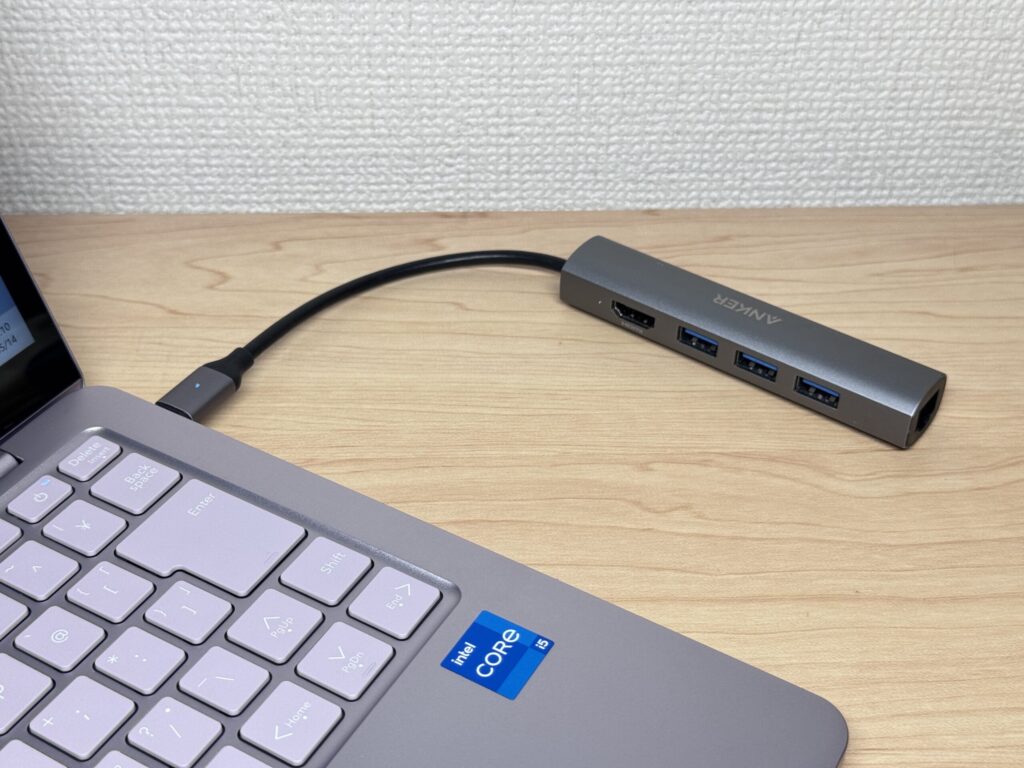 A compact USB-C hub like this one is super handy to have.
③ Usability: Lightweight and portable wins for beginners.
Last thing: usability. With phones, there's a pretty clear default recommendation. Laptops are trickier — the day-to-day experience can vary a lot depending on the model.
My recommendation for beginners: go for 14 inches and under 1.4 kg (~3.1 lbs). That combination tends to work really well for people just getting started.
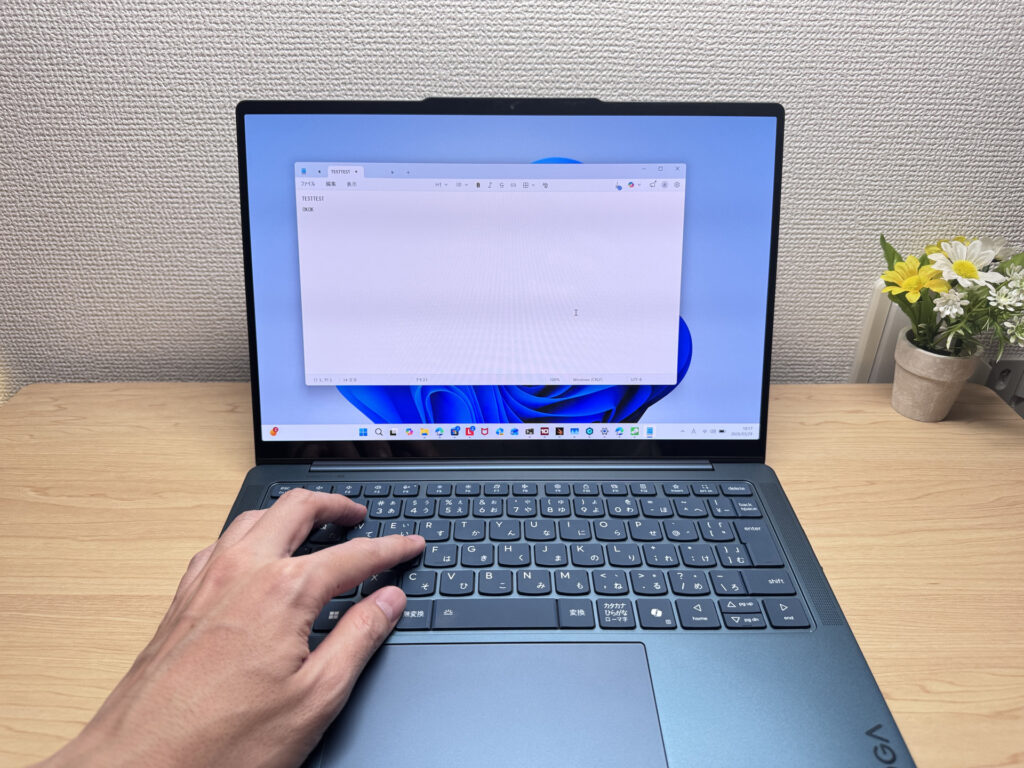 Big enough to work comfortably on, small enough to actually carry around.
A 13–14 inch screen isn't too cramped, and the laptop stays light enough that carrying it feels easy. Once you get into 15–16 inch territory, the screen is great, but picking it up every day starts to feel like a commitment. If you're buying a laptop, lean into the portability — 13–14 inches and under 1.4 kg (~3.1 lbs) is the sweet spot for most beginners.
Need more screen real estate? Just grab an external monitor. You can find decent ones pretty cheap on Amazon, and plugging in basically gives you a desktop setup at home.
That's exactly what I do. My daily driver is a lightweight laptop — at home it's docked with an external monitor, keyboard, and mouse. But when I head out, I just grab it and go.
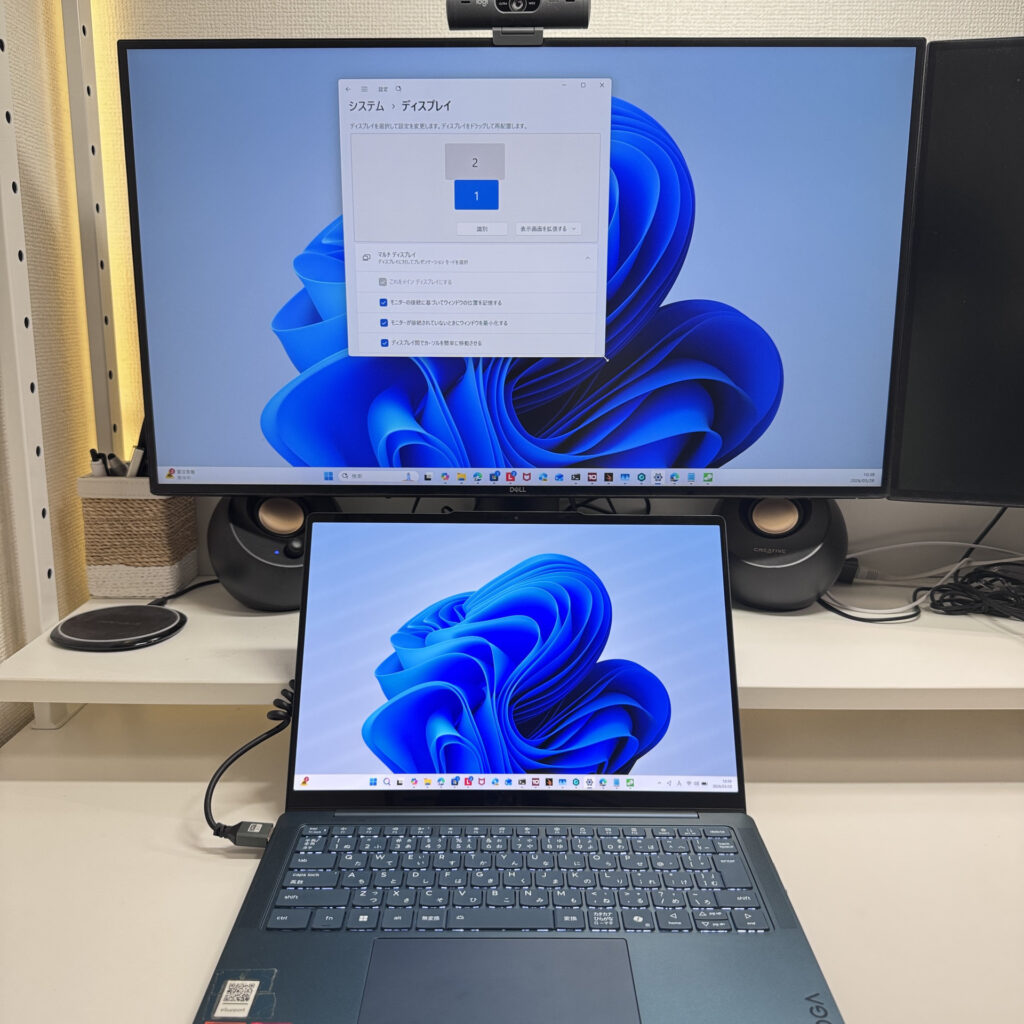 An external monitor at home or in the office is a serious productivity upgrade.
For most beginners, that size range is the way to go.
Those are the three things to keep in mind when picking your first laptop ⭕️.
The laptops in this article are handpicked to hit all those marks at a reasonable price. You're not going to go wrong with any of them 👍.
Our Picks
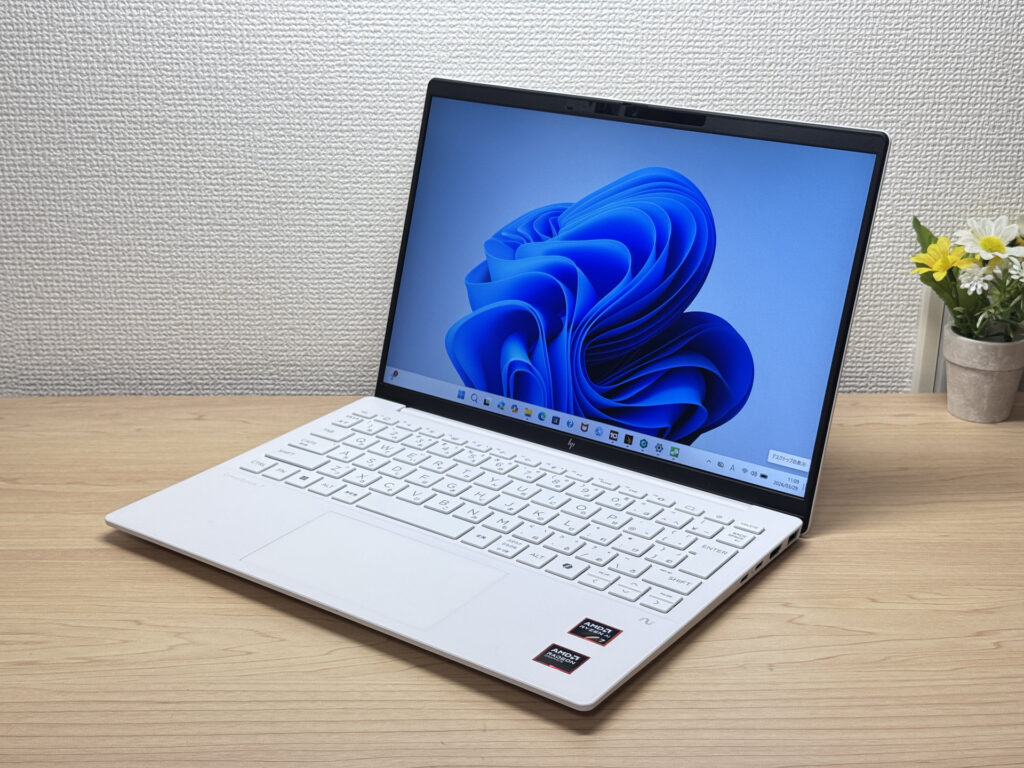
#1HP OmniBook 7 Aero 13-bg
- ·You carry your laptop everywhere and want something that doesn't weigh you down
- ·You need a solid machine for writing papers, browsing, and video calls
- ·You work from coffee shops, campus, or anywhere outside your desk
- ·You need serious gaming or video editing performance — this isn't built for that
- ·You spend long days away from an outlet and need all-day battery life
Key Specs
- CPU
- AMD Ryzen AI 7 350
- Display
- 13.3-inch 1920x1200 IPS
- RAM
- 16GB
- Weight
- 0.97 kg (2.14 lbs)
- Storage
- 1TB SSD
- Battery
- ~15.5h
Why We Picked It
The OmniBook 7 Aero 13-bg's headline feature is its weight: just 970g (about 2.1 lbs), light enough to toss in a backpack every morning without thinking about it. The Ceramic White finish turns heads at coffee shops and on campus — this is one of those laptops that actually looks good in public. Powered by the AMD Ryzen AI 7 350, it scored 6946 on PCMark 10 — solid horsepower for a thin-and-light. The IPS panel looks great too, handling everything from daily browsing to video calls without complaint.
The flip side: the lid is plastic, so don't expect a premium feel. The charger weighs 323g (~11 oz) — surprisingly heavy for such a light machine. Battery is 43 Wh, so plan for a plug if you're out all day. But if portability, performance, and looks matter to you in equal measure, this one genuinely delivers.
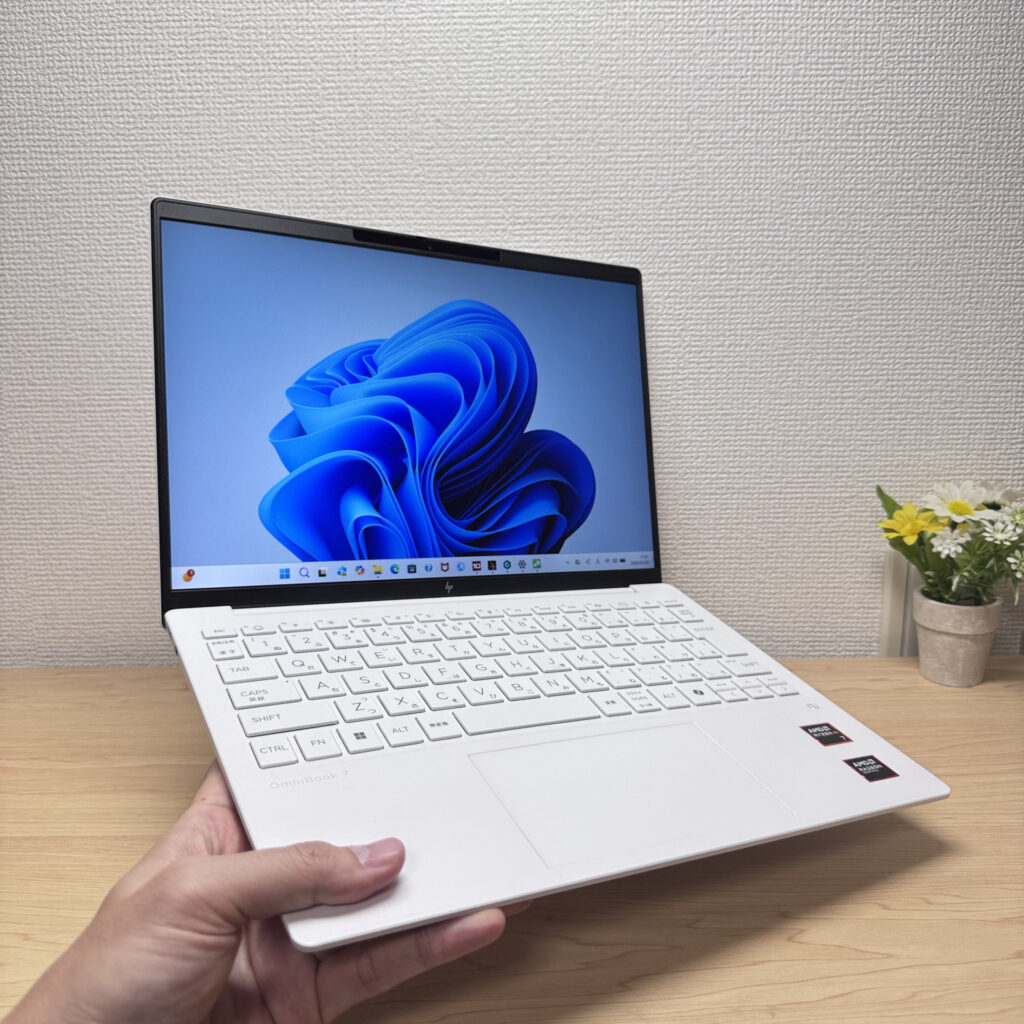 Light enough to carry in one hand with ease
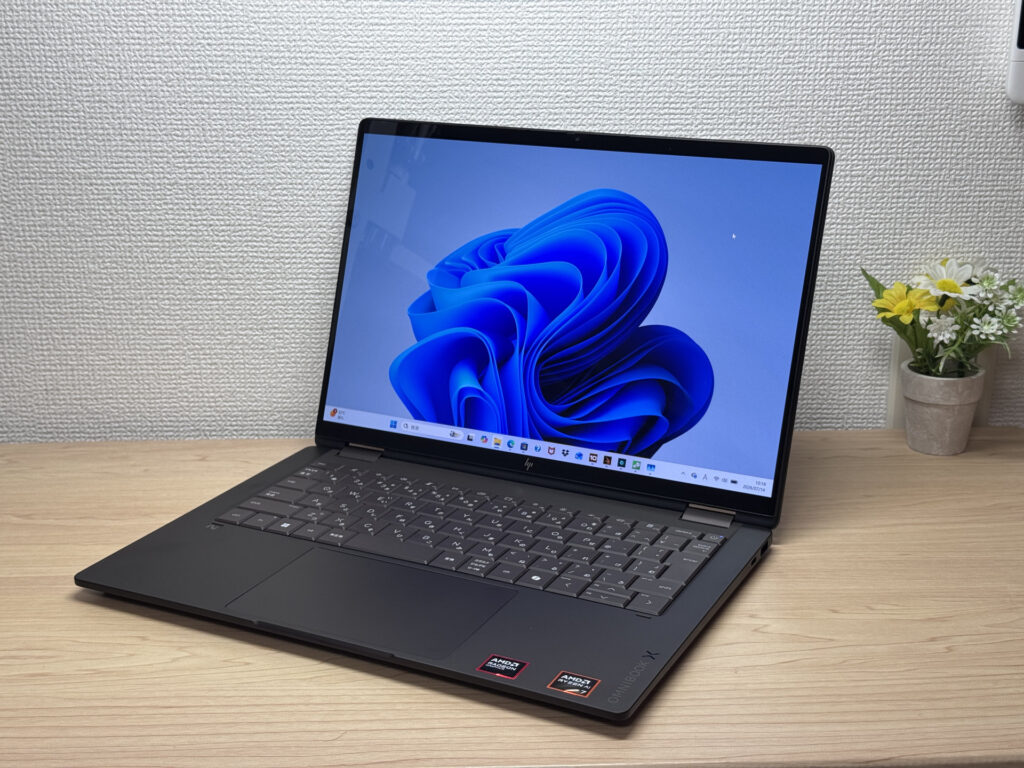
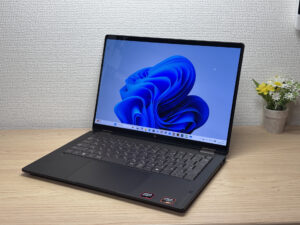
#2HP OmniBook X Flip 14-kc
- ·You want one device that works as both a laptop and a tablet
- ·You need something that handles papers, browsing, and multitasking smoothly
- ·You want a great screen and sound for watching videos and movies
- ·You're bothered by screen glare and want a matte display instead
- ·You need serious video editing power or heavyweight gaming — other options may serve you better
- ·Weight is your top priority and you're after something in the 1.2 kg (~2.6 lb) range
Key Specs
- CPU
- AMD Ryzen AI 5 430
- Display
- 14.0-inch 1920x1200 OLED touch
- RAM
- 16GB
- Weight
- 1.40 kg (3.09 lbs)
- Storage
- 512GB SSD
- Battery
- ~24.0h
Why We Picked It
The HP OmniBook X Flip 14 is a 14-inch 2-in-1 with a premium Deep Espresso finish and a gorgeous 2880×1800, 120Hz OLED display. It supports tablet mode and pen input, and with the AMD Ryzen AI 7 450 plus 32GB of RAM, it handles multitasking without breaking a sweat. The glossy screen does pick up some reflections, but given the build quality and expandability, it's still a solid value.
Premium build meets 2-in-1 versatility
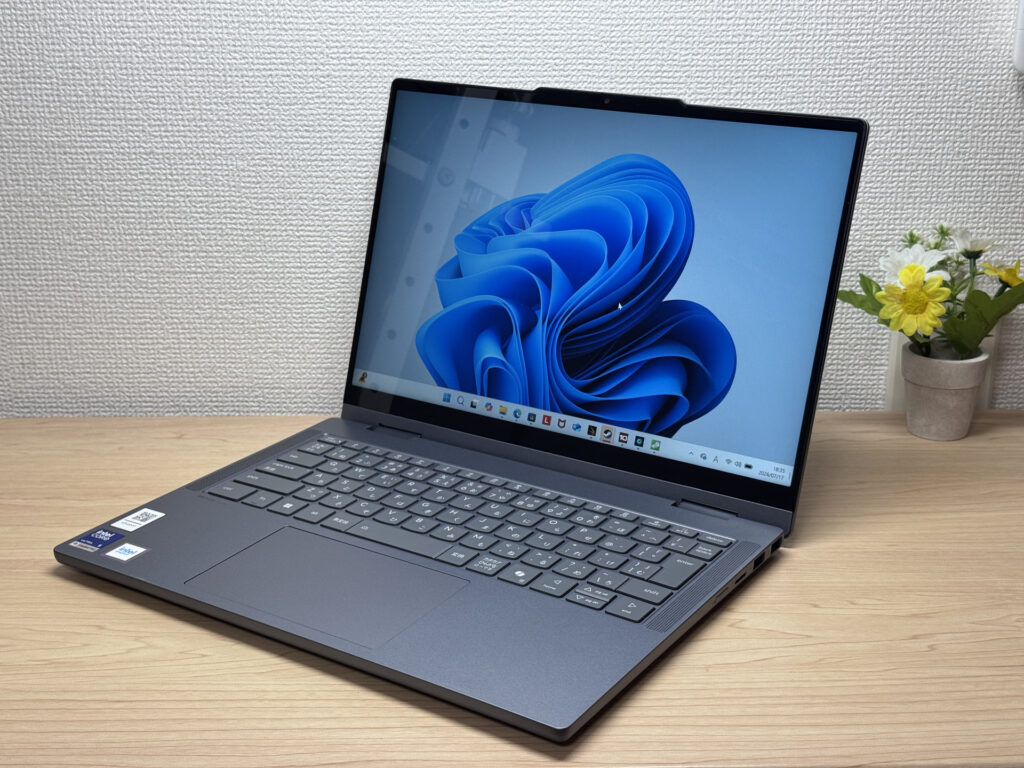
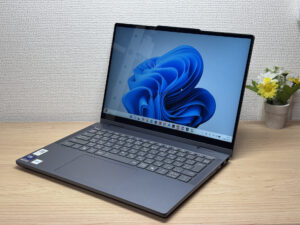
#3Lenovo IdeaPad 5i 2-in-1 Gen 11 (14-inch Intel)
- ·You want a laptop that handles reports and web browsing without breaking a sweat
- ·You don't want to worry about finding an outlet while you're out
- ·You're a student who wants to take handwritten notes in tablet mode with the stylus
- ·You want to pair it with an external monitor and keyboard for a mini desktop setup
- ·You're carrying it around every single day
- ·You're after serious gaming or video editing
- ·You want a machine built primarily for illustration or handwriting
Key Specs
- CPU
- Core Ultra 5 322
- Display
- 14.0-inch 1920x1200 IPS touch
- RAM
- 16GB
- Weight
- 1.54 kg (3.40 lbs)
- Storage
- 512GB SSD
- Battery
- ~20.0h
Why We Picked It
The IdeaPad 5i 2-in-1 Gen 11 (14-inch Intel) is a 14-inch 2-in-1 laptop with a 360° hinge and a bundled Lenovo Yoga Pen, giving you tablet and stylus input on top of regular laptop use. With an Intel Core Ultra 5 and 16GB of RAM, everyday tasks feel snappy, and a well-rounded port selection — two USB-A, HDMI, and two USB-C — makes hooking up peripherals easy. At 1.54 kg (~3.4 lbs) it runs a bit heavy, but it's hard to find a 2-in-1 this feature-packed at the price — the value here is hard to argue with.
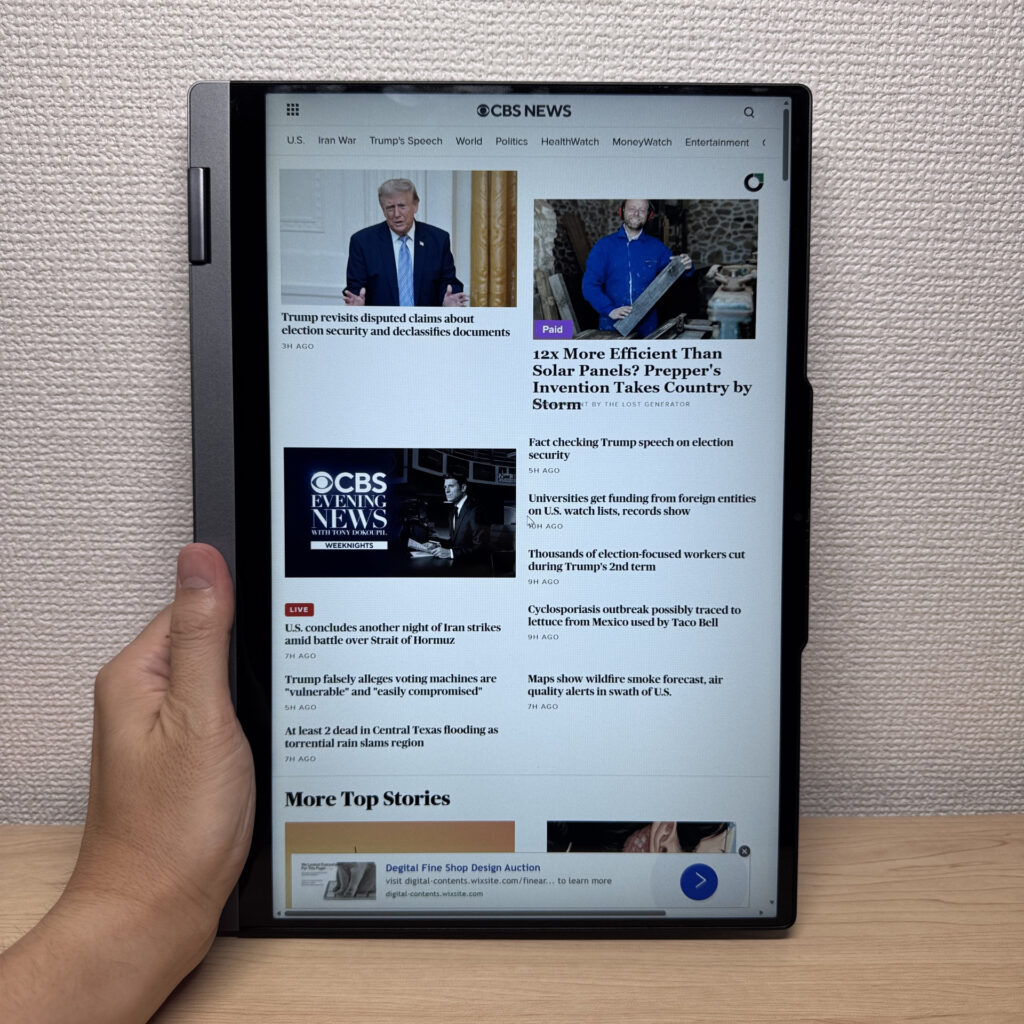 A 2-in-1 that flips into 4 modes, with solid build quality too
More Recommended Models
If our TOP 3 didn't quite click, take a look here too. These are picked with the same criteria, so you won't go far wrong either.
One 2-in-1 with a pen — handles work, notes, and everything in between.
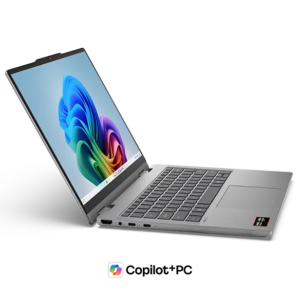
Current-gen power plus Copilot+ in a 14-inch you can actually afford.
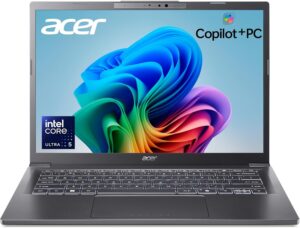
Just 0.98 kg (2.2 lbs) and a claimed 32 hours — a 14-inch that goes all-in on weight and battery.
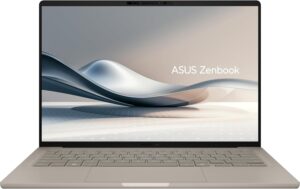
Spec Comparison
Compare specs of all 6 recommended models at a glance.
Note: This table is ordered by our editors' picks for this use case, not by ZippyScore.
| Model | Image | Stores | Highlights | ZippyScore | CPU | RAM | Storage | Display | Battery | Weight | Full Review |
|---|---|---|---|---|---|---|---|---|---|---|---|
|
🥇 Best Overall
HP
OmniBook 7 Aero 13-bg
|
|
Amazon | Under 2.2 lbs and ready for daily carry — a well-balanced travel laptop | Best 4.5/5 | Best AMD Ryzen AI 7 350 Passmark: 24,959 | 16GB | Best 1TB |
13.3"
1920x1200
IPS
|
~15.5h | Best 0.97 kg (2.14 lbs) | Full Review |
|
🥈 Best Balanced Pick
HP
OmniBook X Flip 14-kc
|
|
Amazon | A gorgeous OLED 2-in-1 that punches way above its price. | 4.5/5 | AMD Ryzen AI 5 430 Passmark: 13,437 | 16GB | 512GB |
14.0"
1920x1200
OLED
|
~24.0h | 1.40 kg (3.09 lbs) | Full Review |
|
🥉 Best Value Pick
Lenovo
IdeaPad 5i 2-in-1 Gen 11 (14-inch Intel)
|
|
Amazon | A 2-in-1 that flips into tablet mode, stylus included | 4.5/5 | Core Ultra 5 322 Passmark: 15,438 | 16GB | 512GB |
14.0"
1920x1200
IPS
|
~20.0h | 1.54 kg (3.40 lbs) | Full Review |
|
Lenovo
IdeaPad 5a 2-in-1 Gen 11 (14" AMD)
|
|
Amazon | One 2-in-1 with a pen — handles work, notes, and everything in between. | 4.4/5 | AMD Ryzen AI 5 430 Passmark: 13,437 | 16GB | 512GB |
14.0"
1920x1200
IPS
|
- | 1.54 kg (3.40 lbs) | Full Review |
|
Acer
Aspire 14 AI
|
|
Amazon | Current-gen power plus Copilot+ in a 14-inch you can actually afford. | 4.2/5 | Intel Core Ultra 5 226V Passmark: 18,095 | 16GB | 512GB |
14.0"
1920x1200
IPS
|
~22.0h | 1.41 kg (3.11 lbs) | — |
|
ASUS
Zenbook A14 (UX3407QA)
|
|
Amazon | Just 0.98 kg (2.2 lbs) and a claimed 32 hours — a 14-inch that goes all-in on weight and battery. | 4.1/5 | Snapdragon X X1-26-100 | 16GB | 512GB |
14.0"
1920x1200
OLED
|
Best ~32.0h | 0.98 kg (2.16 lbs) | — |
Frequently Asked Questions
Is 8GB of RAM enough?
What's the difference between 256GB and 512GB SSD?
Windows or Mac — which is better for beginners?
Are there good options under $700?
Do I need Microsoft Office right away?
Summary
Here's a quick recap of the conclusion from this article:
These are the models that meet those criteria:
- #1 HP OmniBook 7 Aero 13-bg
- #2 HP OmniBook X Flip 14-kc
- #3 Lenovo IdeaPad 5i 2-in-1 Gen 11 (14-inch Intel)
- #4 Lenovo IdeaPad 5a 2-in-1 Gen 11 (14" AMD)
- #5 Acer Aspire 14 AI
- #6 ASUS Zenbook A14 (UX3407QA)
We hope you find the laptop that's right for you here.
Happy laptop hunting!
About the author
