
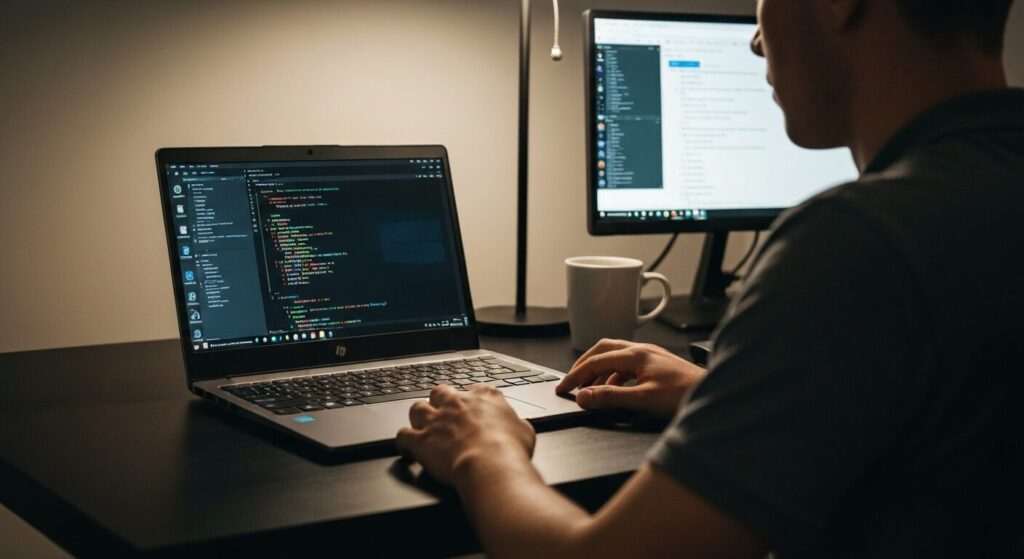
Which laptop is actually good for learning to code?
I want something that can handle programming without breaking the bank.
So many specs to compare — I don't even know where to start.
Hey everyone, Takumi from ZippyLaptop here.
If you've just started looking for a laptop for learning to code and found yourself completely lost — drowning in specs like "how much RAM do I need?" or "what CPU is fast enough?" — trust me, you're not alone. When you're new to programming, chances are you're also new to buying laptops for it, and that combo is genuinely confusing 😂.
In this article, I'm sharing 3 key things to look for when picking a laptop as a beginner programmer, based on 20+ years of coding experience and hands-on reviews of 100+ laptops. I'll walk you through my top picks.
Beyond just specs and price, I'm also covering the stuff beginners tend to overlook — the kind of tips that'll save you from buyer's remorse down the road.
Alright, let's get into it!
Quick Answer
I'll get straight to the point.
For beginner programmers: aim for 16GB RAM, a 14-inch display, and stay under $1,200 — that's the sweet spot.
Based on the conclusion above, here are the 3 laptops I'd recommend first.
If you're stuck deciding, picking from this shortlist will rarely lead you wrong.
The rest of the article breaks down the differences and how to choose.
Our TOP 3 Picks
One 2-in-1 with a pen — handles work, notes, and everything in between.
Buying Guide
1. Specs: 16GB RAM + IPS/OLED Display for a Comfortable Coding Setup
When shopping for a laptop to learn programming on, here's a baseline to start from:
- RAM: 16GB or more
- Display: IPS panel minimum, OLED if possible
- Keyboard: something that doesn't wear you out after a few hours of typing
RAM is the big one. Programming workflows tend to eat through memory fast — you've got your code editor, a browser with a dozen tabs, a terminal, your dev environment, and these days probably an AI coding assistant like Copilot or Claude Code running on top of all that. So steer clear of 8GB models if you can.
Back in the day, 8GB was enough to get by. But if you're starting fresh today, 16GB should be your floor, not your ceiling. 32GB is ideal, but 16GB will carry you comfortably through beginner-to-intermediate territory 👌.
The display matters more than most people expect. When you're staring at code for hours every day, screen quality directly affects how tired your eyes get and how well you focus 👀. A cheap TN panel will wreck your eyes faster than you think, so IPS is the minimum you should aim for. And if your budget can stretch to it, an OLED display makes text noticeably crisper and easier to read.
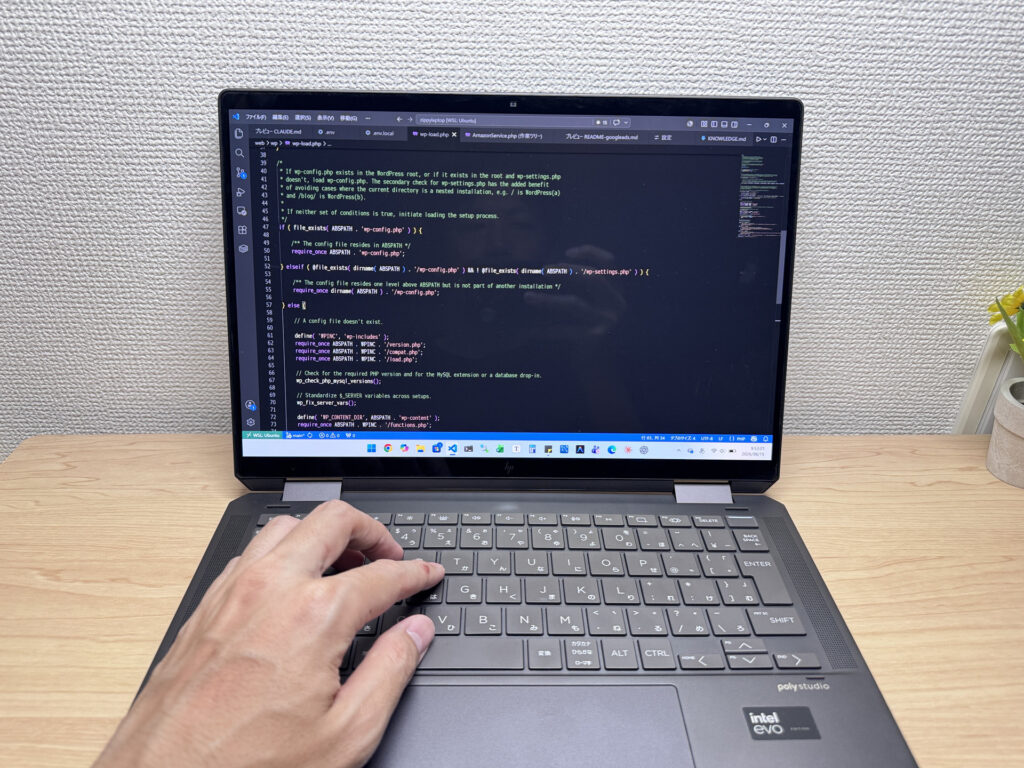 Personally, OLED makes source code so much easier to read — the contrast is just better.
And yeah, the keyboard matters too. Programming is mostly typing, so a weird or cramped layout will slow you down and frustrate you. Stick with a standard layout and you'll be fine.
Bottom line: for a beginner programming laptop, prioritize 16GB+ RAM, an IPS or OLED display, and a comfortable keyboard.
2. Usability: 14-inch + External Monitor Is the Best Setup
For a programming laptop, 13–14 inches is the sweet spot for screen size.
Go smaller and things get cramped fast — trying to run your editor and a browser side-by-side on a 12-inch screen is rough. Go bigger (15 inches and up) and you've got a great work surface, but the laptop gets heavier and bulkier, which is annoying when you're heading to a coffee shop, a study session, or class. And once you start coding, you'll be surprised how often you want to work somewhere other than your desk 😁.
A 14-inch hits the right balance — portable enough to throw in your backpack, but big enough to actually get work done. My recommended setup: use the laptop on its own when you're out, and plug into an external monitor at home for a much more comfortable experience. Programming means keeping a lot of windows open at once — your editor, a browser, a terminal, reference docs, ChatGPT — and more screen real estate translates directly to getting more done. Personally, I run a 27-inch 4K external monitor, and the difference in readability for code is huge.
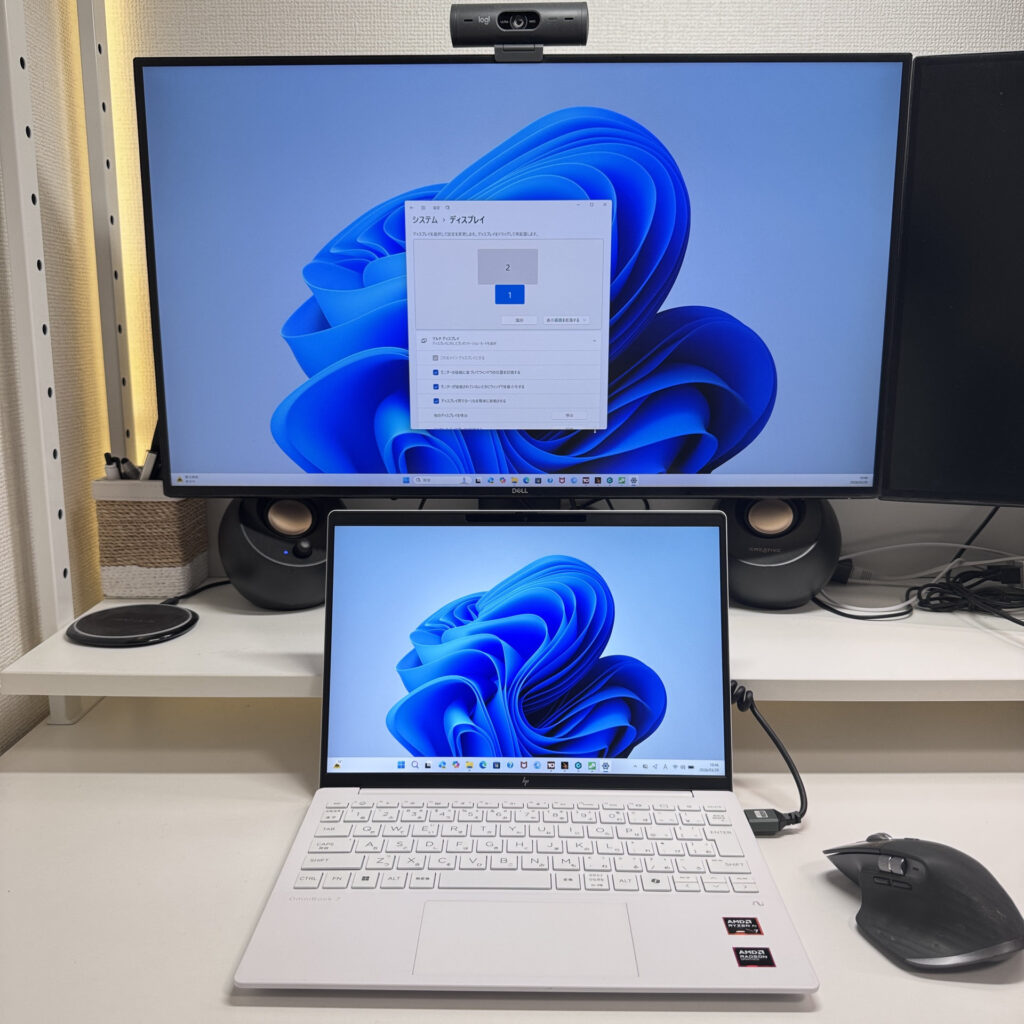 Even a 14-inch laptop becomes a powerhouse once you hook up an external display.
Throw in a Bluetooth keyboard and mouse, and your 14-inch laptop basically becomes a desktop. 14-inch on the go, full desktop setup at home — that combo gives you the best of both worlds.
As for 2-in-1 convertibles — they're handy for reading code and docs in tablet mode, but I'd say hold off on that for now. A regular clamshell is all you need when you're just getting started.
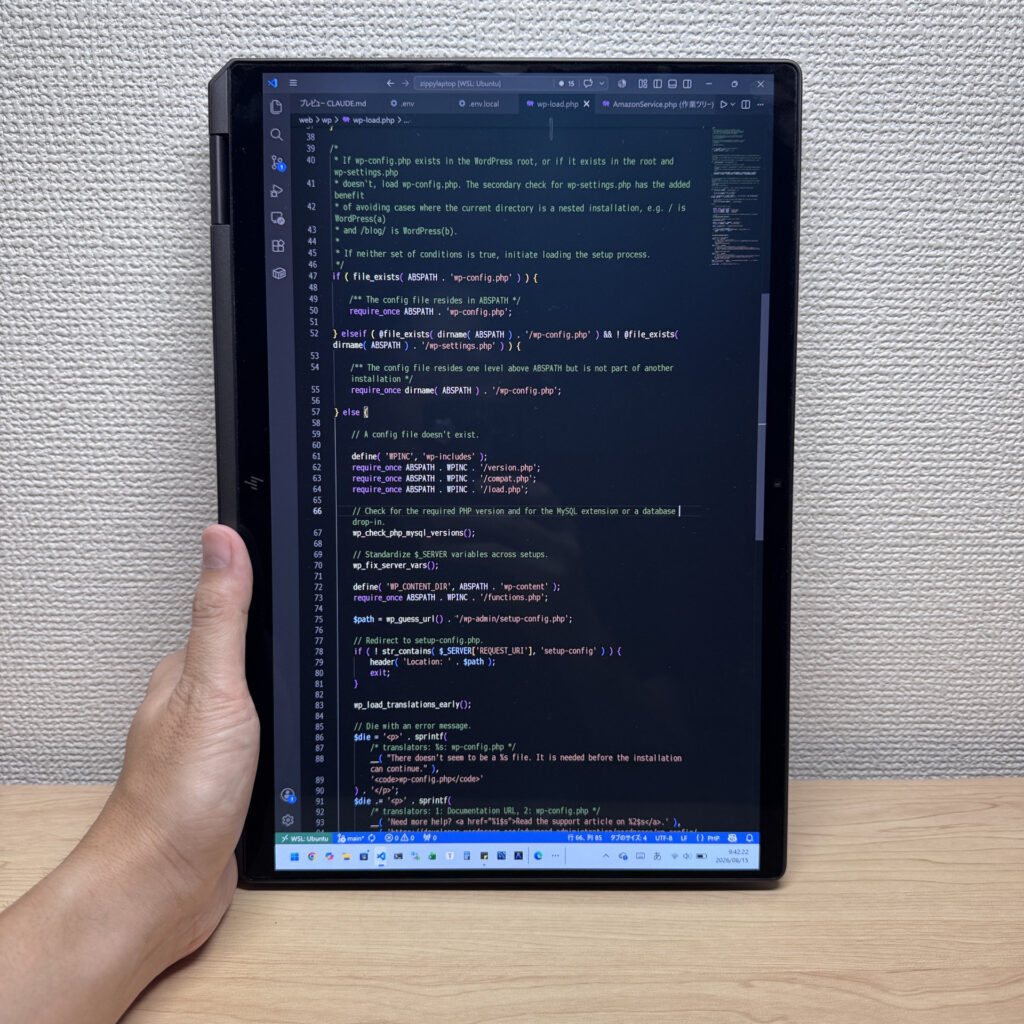 A 2-in-1 can be nice for kicking back and reading through code 😉
3. Budget: $1,200 Is a Good Target to Aim For
Programming laptops can sound expensive, but honestly $1,200 or under is a solid budget to work with.
There are more laptops than ever hitting that price range with 16GB RAM, IPS or OLED displays, and a 14-ish-inch form factor. For web development, Python, JavaScript, PHP, Java, or basic app projects, you won't hit any walls with a laptop in this range.
That said, don't just chase the lowest price. A machine with 8GB RAM, 256GB storage, a dim TN screen, and a mushy keyboard might look like a deal upfront, but you'll start running into frustrations sooner than you'd think. A low-to-mid-range spec setup will serve you well — most good options in this range will last 5+ years.
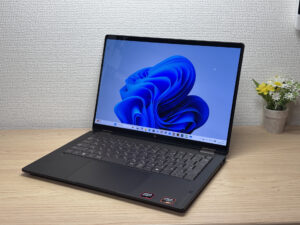
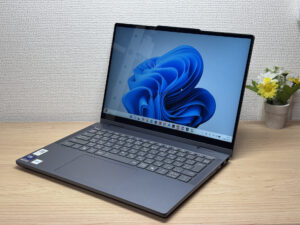
Here's a real-world comparison: on the left, a cheap used laptop — the screen is a bit dim, fonts don't render as sharply, and the trackpad feels cramped. On the right, a properly specced machine in a reasonable price range — noticeably better display brightness, color accuracy, and a much larger, smoother trackpad.
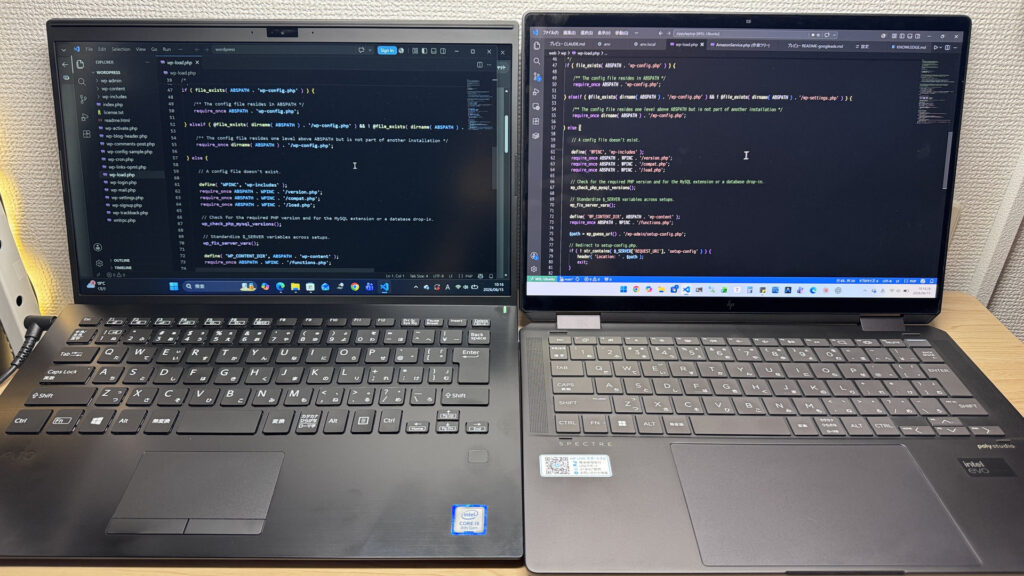 You get what you pay for. The better-specced machine on the right just makes working easier.
So even if you're trying to keep costs down, I'd set $800 as your floor. And if you can stretch a little, $1,200 or under is where the sweet spot lives — solid performance, a decent screen, and a comfortable typing experience all come together in that range.
You don't need to go flagship. But don't penny-pinch to the point where your setup slows you down. Get something with 16GB+ RAM, a good display, and a comfortable keyboard — and you'll be coding comfortably for years.
To recap: for a beginner programming laptop, 16GB+ RAM, IPS or OLED display, 14-inch form factor, external monitor capability, and a budget of $1,200 or under are the benchmarks to keep in mind ⭕️.
Starting with a laptop that has a little headroom goes a long way — your learning experience will be smoother, and honestly, you'll feel more attached to a machine that doesn't frustrate you 😉.
Up next, I'm breaking down my actual top picks that check all these boxes — worth a look 👍.
Our Picks
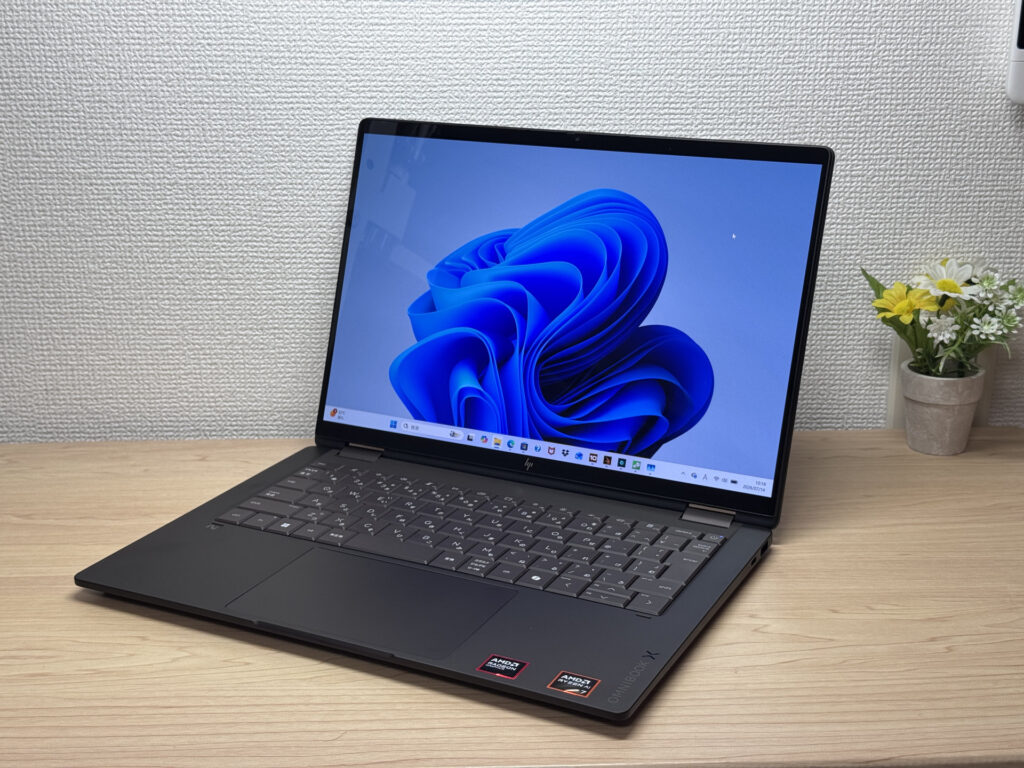
#1HP OmniBook X Flip 14-kc
- ·You want one device that works as both a laptop and a tablet
- ·You need something that handles papers, browsing, and multitasking smoothly
- ·You want a great screen and sound for watching videos and movies
- ·You're bothered by screen glare and want a matte display instead
- ·You need serious video editing power or heavyweight gaming — other options may serve you better
- ·Weight is your top priority and you're after something in the 1.2 kg (~2.6 lb) range
Key Specs
- CPU
- AMD Ryzen AI 5 430
- Display
- 14.0-inch 1920x1200 OLED touch
- RAM
- 16GB
- Weight
- 1.40 kg (3.09 lbs)
- Storage
- 512GB SSD
- Battery
- ~24.0h
Why We Picked It
The HP OmniBook X Flip 14 is a 14-inch 2-in-1 with a premium Deep Espresso finish and a gorgeous 2880×1800, 120Hz OLED display. It supports tablet mode and pen input, and with the AMD Ryzen AI 7 450 plus 32GB of RAM, it handles multitasking without breaking a sweat. The glossy screen does pick up some reflections, but given the build quality and expandability, it's still a solid value.
Premium build meets 2-in-1 versatility
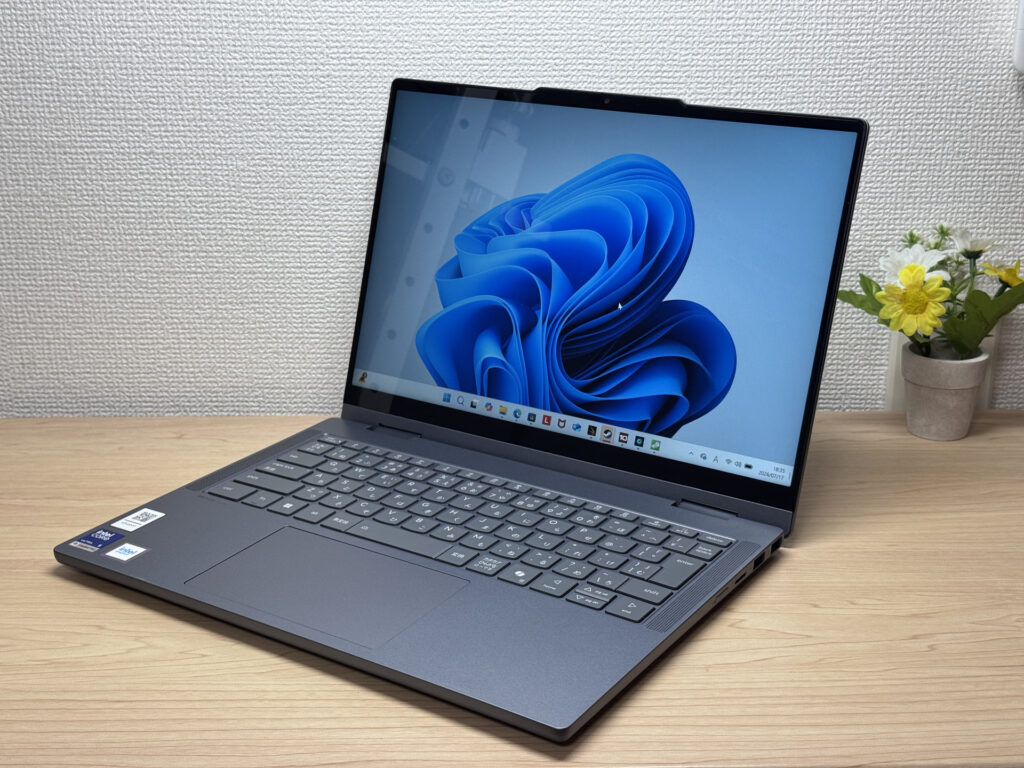
#2Lenovo IdeaPad 5i 2-in-1 Gen 11 (14-inch Intel)
- ·You want a laptop that handles reports and web browsing without breaking a sweat
- ·You don't want to worry about finding an outlet while you're out
- ·You're a student who wants to take handwritten notes in tablet mode with the stylus
- ·You want to pair it with an external monitor and keyboard for a mini desktop setup
- ·You're carrying it around every single day
- ·You're after serious gaming or video editing
- ·You want a machine built primarily for illustration or handwriting
Key Specs
- CPU
- Core Ultra 5 322
- Display
- 14.0-inch 1920x1200 IPS touch
- RAM
- 16GB
- Weight
- 1.54 kg (3.40 lbs)
- Storage
- 1TB SSD
- Battery
- ~20.0h
Why We Picked It
The IdeaPad 5i 2-in-1 Gen 11 (14-inch Intel) is a 14-inch 2-in-1 laptop with a 360° hinge and a bundled Lenovo Yoga Pen, giving you tablet and stylus input on top of regular laptop use. With an Intel Core Ultra 5 and 16GB of RAM, everyday tasks feel snappy, and a well-rounded port selection — two USB-A, HDMI, and two USB-C — makes hooking up peripherals easy. At 1.54 kg (~3.4 lbs) it runs a bit heavy, but it's hard to find a 2-in-1 this feature-packed at the price — the value here is hard to argue with.
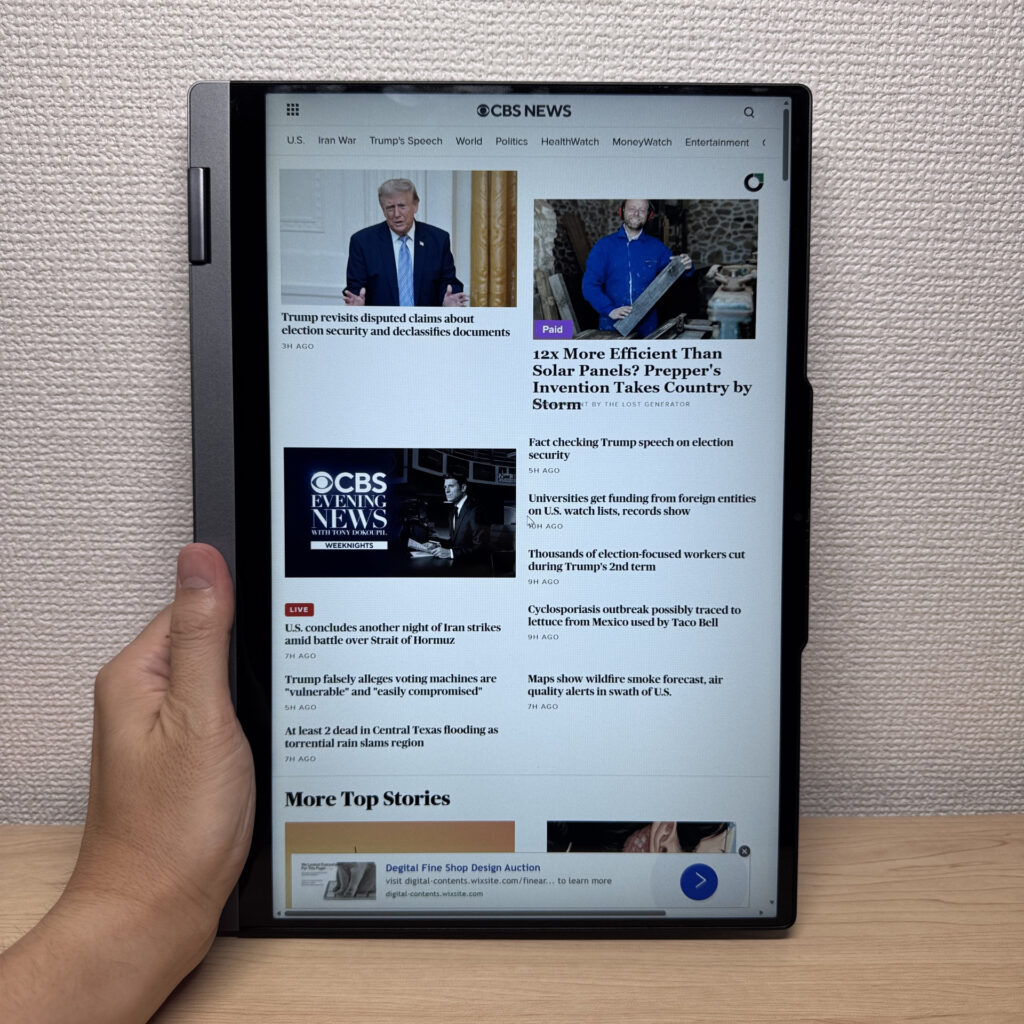 A 2-in-1 that flips into 4 modes, with solid build quality too
#3Lenovo IdeaPad 5a 2-in-1 Gen 11 (14" AMD)
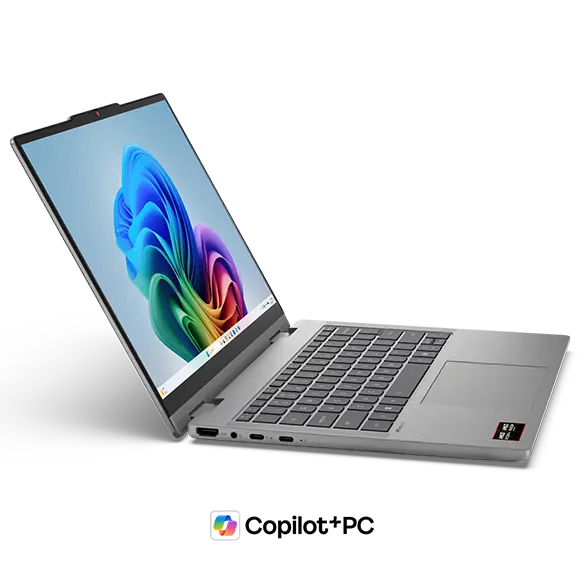
- ·You want to write papers, browse, and handle email without any lag
- ·You need to connect to a projector or external display without carrying adapters
- ·You annotate PDFs or take handwritten notes and want to do it digitally
- ·You want to log in fast without typing a password every time
- ·You're looking for an ultralight laptop to carry everywhere without thinking about weight
- ·You need serious gaming performance or professional-level video editing horsepower
Key Specs
- CPU
- AMD Ryzen AI 5 430
- Display
- 14.0-inch 1920x1200 IPS touch
- RAM
- 16GB
- Weight
- 1.54 kg (3.40 lbs)
- Storage
- 512GB SSD
- Battery
- -
Why We Picked It
The IdeaPad 5a 2-in-1 Gen 11 (14" AMD) is a 360-degree 2-in-1 laptop that comes bundled with a Lenovo Yoga Pen — so you get a full touchscreen convertible right out of the box. At 3.4 lbs (1.54 kg), it's portable enough to toss in a backpack and head to campus or the office, while still being versatile enough to handle everything from streaming to spreadsheets at home. Paired with 16GB DDR5 RAM and a latest-gen AMD processor, it handles multitasking without breaking a sweat — keep a dozen tabs open, run a few apps, no problem. Practical touches like a privacy shutter webcam with face unlock, plus a solid port lineup (USB-C, USB-A, HDMI — all on board), make it a genuinely useful everyday machine.
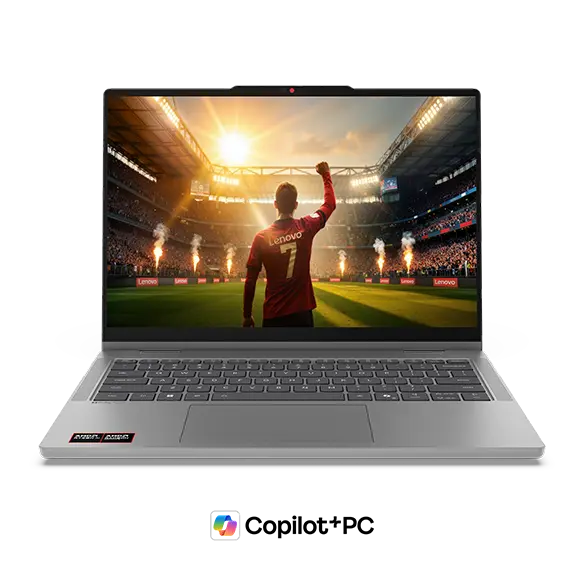 Luna Grey colorway — clean and understated
More Recommended Models
If our TOP 3 didn't quite click, take a look here too. These are picked with the same criteria, so you won't go far wrong either.
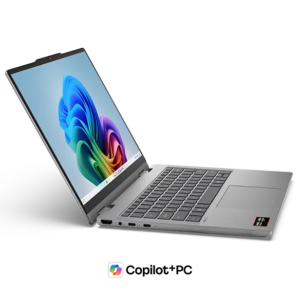
Current-gen power plus Copilot+ in a 14-inch you can actually afford.
OLED display, 2-in-1 versatility, and 32GB RAM — all under 3 lbs. Honestly, hard to beat at this price.
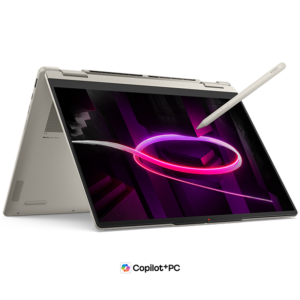
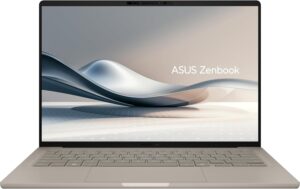
Just 0.98 kg (2.2 lbs) and a claimed 32 hours — a 14-inch that goes all-in on weight and battery.
Spec Comparison
Compare specs of all 6 recommended models at a glance.
Note: This table is ordered by our editors' picks for this use case, not by ZippyScore.
| Model | Image | Stores | Highlights | ZippyScore | CPU | RAM | Storage | Display | Battery | Weight | Full Review |
|---|---|---|---|---|---|---|---|---|---|---|---|
|
🥇 Best Overall
HP
OmniBook X Flip 14-kc
|
|
Amazon | A gorgeous OLED 2-in-1 that punches way above its price. | Best 4.5/5 | AMD Ryzen AI 5 430 Passmark: 13,437 | 16GB | 512GB |
14.0"
1920x1200
OLED
|
~24.0h | 1.40 kg (3.09 lbs) | Full Review |
|
🥈 Best Balanced Pick
Lenovo
IdeaPad 5i 2-in-1 Gen 11 (14-inch Intel)
|
|
Amazon | A 2-in-1 that flips into tablet mode, stylus included | 4.5/5 | Core Ultra 5 322 Passmark: 15,438 | 16GB | Best 1TB |
14.0"
1920x1200
IPS
|
~20.0h | 1.54 kg (3.40 lbs) | Full Review |
|
🥉 Best Value Pick
Lenovo
IdeaPad 5a 2-in-1 Gen 11 (14" AMD)
|
|
Amazon | One 2-in-1 with a pen — handles work, notes, and everything in between. | 4.4/5 | AMD Ryzen AI 5 430 Passmark: 13,437 | 16GB | 512GB |
14.0"
1920x1200
IPS
|
- | 1.54 kg (3.40 lbs) | Full Review |
|
Acer
Aspire 14 AI
|
|
Amazon | Current-gen power plus Copilot+ in a 14-inch you can actually afford. | 4.2/5 | Best Intel Core Ultra 5 226V Passmark: 18,095 | 16GB | 512GB |
14.0"
1920x1200
IPS
|
~22.0h | 1.41 kg (3.11 lbs) | — |
|
Lenovo
Yoga 7a 2-in-1 Gen 11 (14" AMD)
|
|
Amazon | OLED display, 2-in-1 versatility, and 32GB RAM — all under 3 lbs. Honestly, hard to beat at this price. | 4.1/5 | AMD Ryzen AI 5 430 Passmark: 13,437 | 16GB | Best 1TB |
14.0"
1920x1200
OLED
|
~26.0h | 1.38 kg (3.04 lbs) | Full Review |
|
ASUS
Zenbook A14 (UX3407QA)
|
|
Amazon | Just 0.98 kg (2.2 lbs) and a claimed 32 hours — a 14-inch that goes all-in on weight and battery. | 4.1/5 | Snapdragon X X1-26-100 | 16GB | 512GB |
14.0"
1920x1200
OLED
|
Best ~32.0h | Best 0.98 kg (2.16 lbs) | — |
Frequently Asked Questions
Is 8GB RAM really not enough?
Mac or Windows — which should I go with?
What screen size is best for programming?
How much should I budget?
Do I need Microsoft Office for programming?
Summary
Here's a quick recap of the conclusion from this article:
These are the models that meet those criteria:
- #1 HP OmniBook X Flip 14-kc
- #2 Lenovo IdeaPad 5i 2-in-1 Gen 11 (14-inch Intel)
- #3 Lenovo IdeaPad 5a 2-in-1 Gen 11 (14" AMD)
- #4 Acer Aspire 14 AI
- #5 Lenovo Yoga 7a 2-in-1 Gen 11 (14" AMD)
- #6 ASUS Zenbook A14 (UX3407QA)
We hope you find the laptop that's right for you here.
Happy laptop hunting!
About the author
