

I need a laptop but I haven't got the faintest idea what to buy. I'm perfectly fine with my phone, but when it comes to computers I don't even understand the terminology. Someone please help 😂
Hey — Takumi from ZippyLaptop here.
Choosing a laptop is genuinely confusing. I spend so much time around computers that it's second nature to me, but I know for anyone just starting out, the moment you begin looking things up you're hit with a wall of specs — CPUs, RAM, SSDs — until it all blurs into incomprehensible jargon.
And that's where things can go sideways. Buy without knowing what you're doing and you'll likely overspend, or end up with something so underpowered it struggles within a year. These aren't small purchases — we're usually talking well over £500 — so getting it wrong is genuinely frustrating.
My advice? Get a second opinion from someone who knows their stuff.
I've reviewed over 100 laptops and helped plenty of people figure out what to buy. In this guide, I'll walk you through how to choose a laptop as a beginner and share the models I'd actually recommend. By the end, you'll have a much clearer idea of what to prioritise — and what's actually worth your money.
Quick Answer
I'll get straight to the point.
For laptop beginners: aim for Core i5, 16GB RAM, and a 512GB SSD — and keep it to 14 inches and under 1.4 kg.
Based on the conclusion above, here are the 3 laptops I'd recommend first.
If you're stuck deciding, picking from this shortlist will rarely lead you wrong.
The rest of the article breaks down the differences and how to choose.
Our TOP 3 Picks
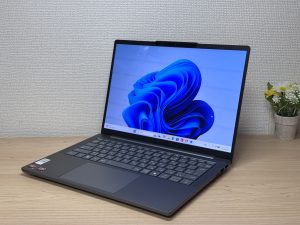
OLED brilliance at a fair price — handles work and media, wherever you are.
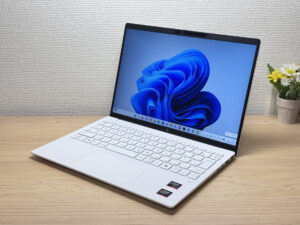
Under a kilo and ready for the daily commute — a well-rounded travel laptop
Buying Guide
① Performance: You don't need top-end specs — just enough to last a few years
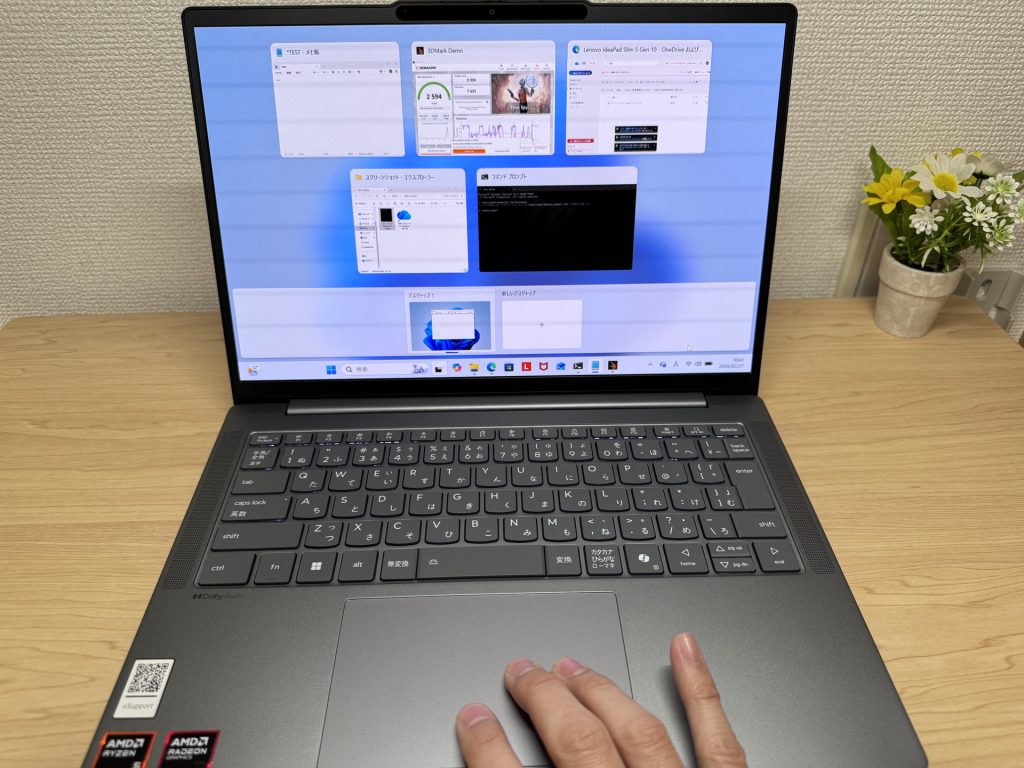 A laptop that runs smoothly is especially important for beginners
For beginners, "I don't need anything powerful" is something I hear all the time. And fair enough — if you're just getting started, jumping straight to a high-spec machine doesn't really make sense.
That said, going too far the other way is also a mistake. A laptop that's too cheap and underpowered will start to feel sluggish quickly — and if it can't keep up, you'll stop using it. With AI tools becoming genuinely useful day-to-day, having a machine that handles them without grinding is worth thinking about from the start.
Here's the rough spec baseline I'd suggest:
- CPU: Intel Core i5 or higher / AMD Ryzen 5 or higher
- Memory: At least 16GB
- Storage: SSD 512GB or more
Hit those marks and you'll have a genuinely comfortable experience, even as a first-time laptop user.
Here's why memory matters more than most people expect: modern computers multitask constantly. You'll have a browser open with several tabs, something from Microsoft 365 running, maybe an AI tool or a video call alongside. Unlike a phone — where you're typically doing one thing at a time — a laptop juggles all of that at once. 16GB of RAM means it can do so without stuttering, and you'll get several years of solid use out of it.
One more thing on performance: the display. It's easy to overlook, but cheaper laptops still sometimes ship with TN panels, which genuinely look poor. Look for IPS — or better yet, OLED — and you'll get much better colours, sharper readability, and noticeably less eye strain.
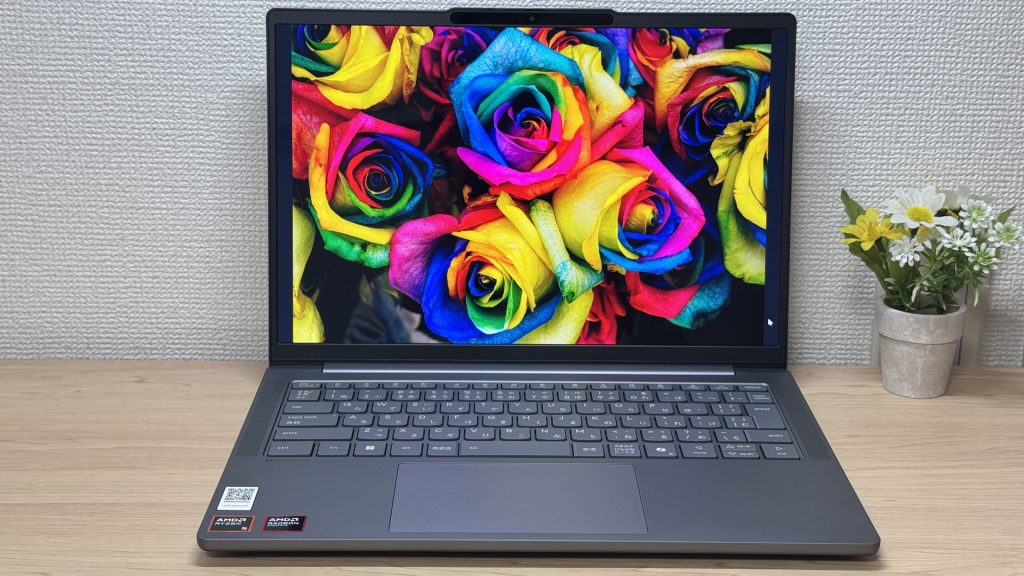 Display quality has a real impact on how comfortable it is to use day to day
② Price: Too expensive is wasteful. Too cheap is also a problem.
You probably weren't planning to go overboard on your first laptop — and that makes sense. But here's something worth knowing about how the laptop market works.
Tech moves fast. A chip that's top-of-the-range now will be mid-range in two or three years. So spending a fortune on the absolute best-specced machine today doesn't necessarily pay off. What makes more sense is finding something that hits the right performance-to-price sweet spot right now.
That means avoiding both extremes. The picks in this article cover the spec baseline above while remaining reasonably priced — so if you're unsure, start here.
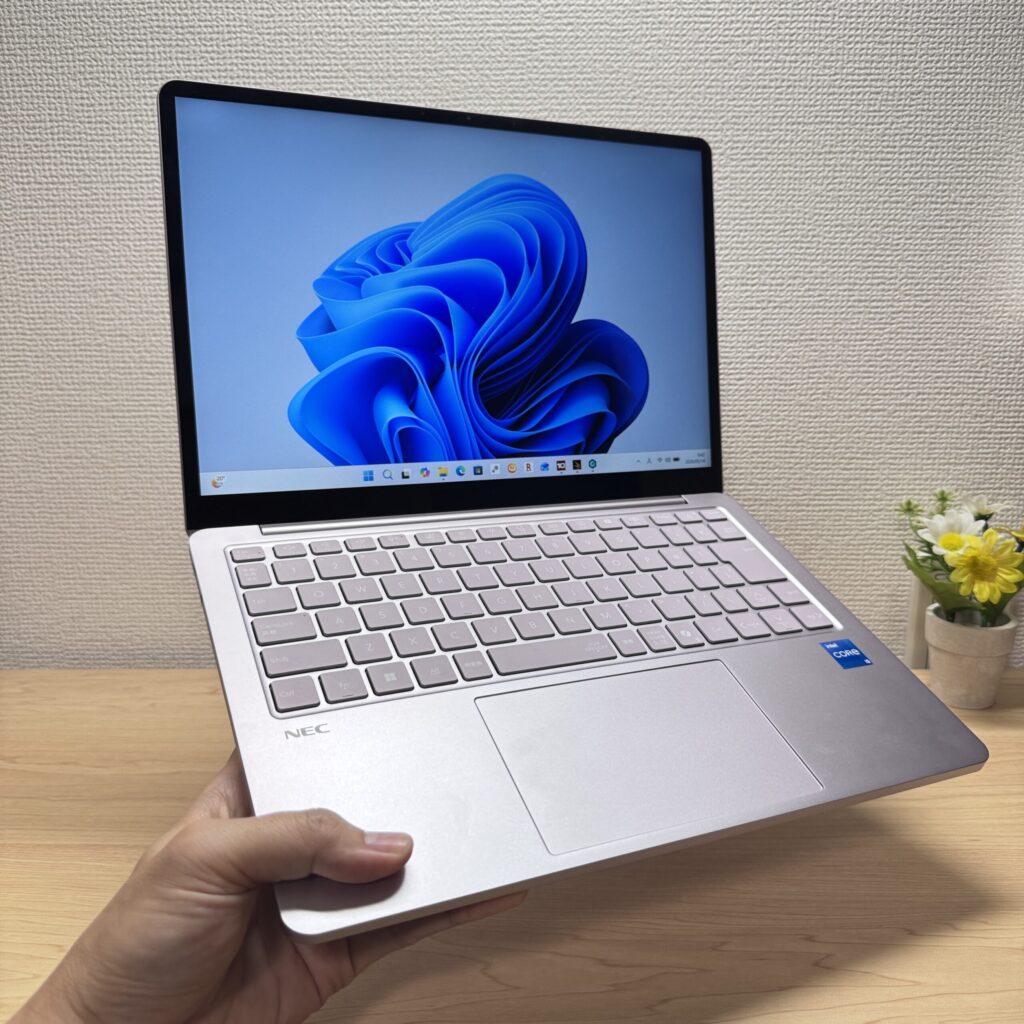 The right balance matters — not the cheapest, not the most expensive.
Where you buy matters too, and online generally wins on price.
Some people want to try a laptop in person before committing, which I understand — but electronics shops have margins to cover, and the prices reflect that. You can also end up being steered towards whatever the staff happen to be pushing that week.
For online buying, buying direct from the manufacturer is often the sweet spot. Official online stores frequently run sales and bundles, and without a retailer's margin on top, the prices can be surprisingly competitive. Amazon sometimes beats them, but manufacturer direct is usually the better starting point.
If you do save a bit by buying online, that's money you can put towards the extras: a mouse, USB stick, or USB-C hub. These things come in handy sooner than you'd expect.
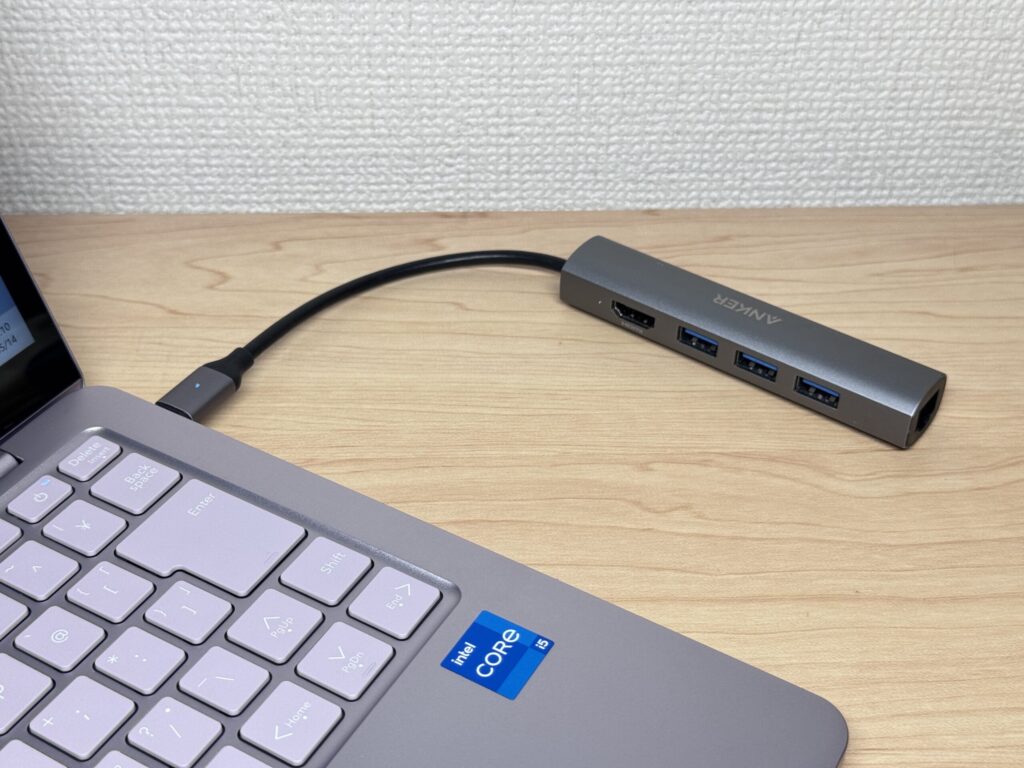 A small USB-C hub like this one is surprisingly useful to have around
③ Usability: A portable 14-inch model suits beginners well
Finally, usability. With phones, the choice is fairly simple. With laptops, it varies a lot between models — the day-to-day experience of using them can be quite different.
For beginners, I'd recommend something around 14 inches and under 1.4 kg. It's a combination that tends to work really well.
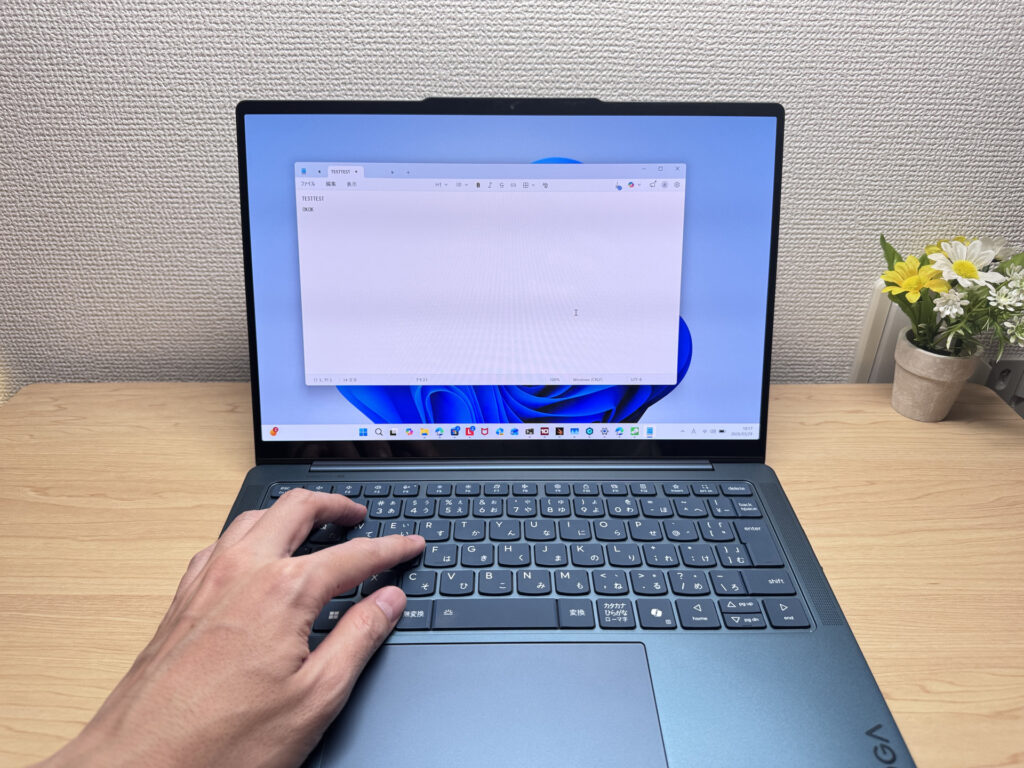 Big enough to work on comfortably, compact enough to carry around.
A 13–14 inch screen gives you plenty of space without feeling cramped, and the smaller form factor means it's genuinely easy to carry — to a café, a library, or the office. Go up to 15 or 16 inches and the display is bigger, but the weight and bulk become a nuisance when you're on the move. Sticking to 13–14 inches and under 1.4 kg keeps things practical.
If you want more screen space at home, the answer is an external monitor. They're not expensive — you can find decent ones on Amazon — and plugging one in instantly transforms your setup.
That's actually how I work: my main machine is a lightweight laptop, but at home I've got it connected to an external monitor with a keyboard and mouse. It works like a desktop when I'm at my desk, and the moment I need to head out, I just unplug and go.
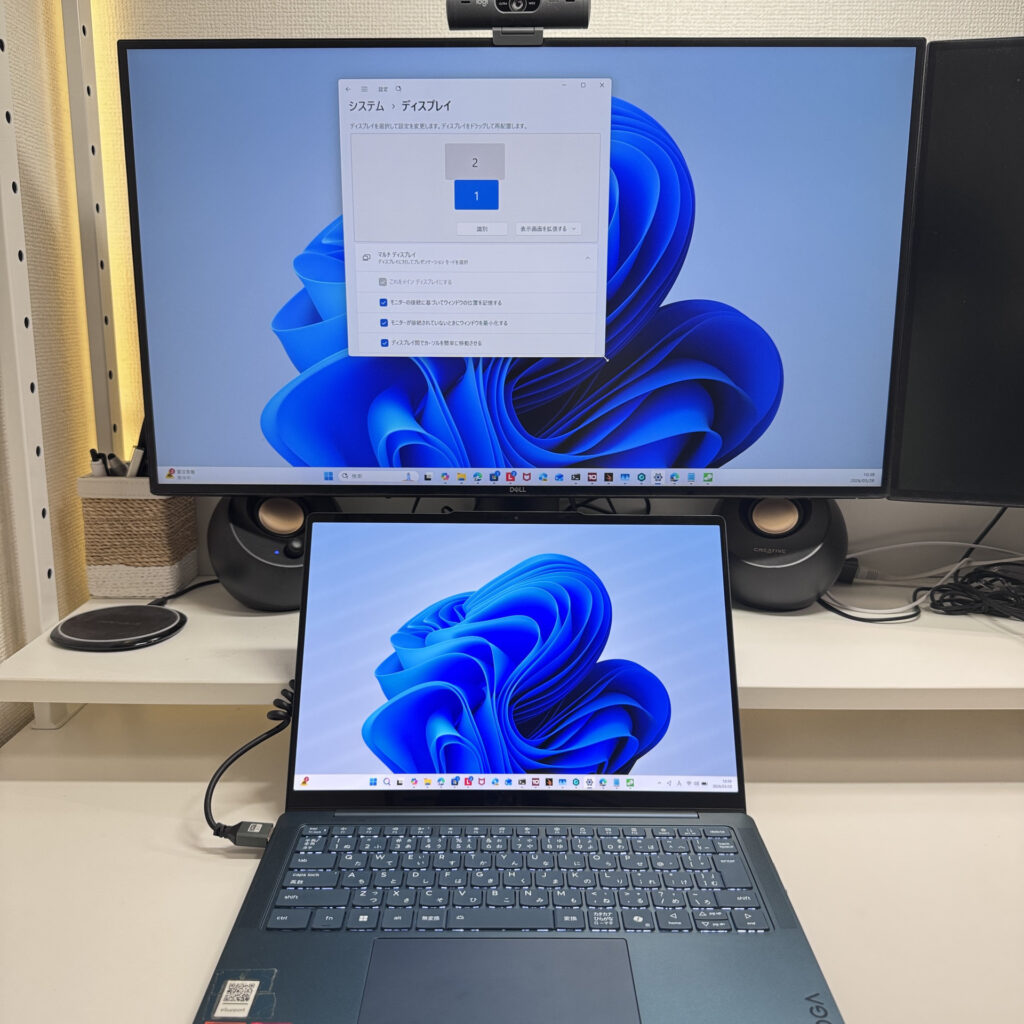 Pairing a lightweight laptop with an external monitor at home is a great setup for productivity
That's the size I'd steer most beginners towards.
Those are the three things I'd focus on when choosing your first laptop. The picks in this article are chosen with all of that in mind, so have a look — you're unlikely to go far wrong.
Our Picks
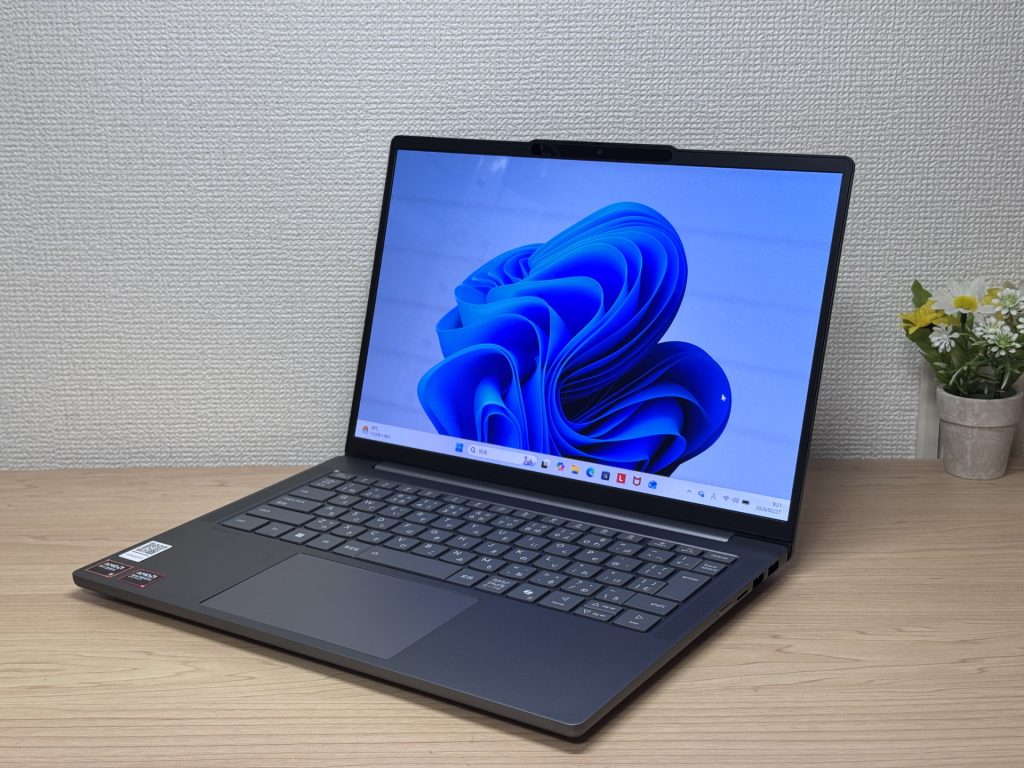
#1Lenovo IdeaPad Slim 5 Gen 10 (14-inch AMD)
- ·You carry your laptop to work or uni every day
- ·You want a great screen for films and streaming
- ·You need all-day battery life away from a power socket
- ·You need to connect up quickly in meetings or lectures
- ·Demanding gaming or heavy video editing is your primary use case
- ·You regularly do intensive tasks in quiet environments
Key Specs
- CPU
- AMD Ryzen AI 5
- Display
- 14.0-inch
- RAM
- 16GB
- Weight
- 1.39 kg (3.06 lbs)
- Storage
- 512GB SSD
- Battery
- ~19.8h
Why We Picked It
IdeaPad Slim 5 Gen 10 (14" AMD) is a 14-inch laptop that genuinely earns its value tag, largely down to that OLED display. At this price, the colour vibrancy and black depth are in a class of their own — great for streaming films or sorting through photos. A PCMark 10 score of 6,778, 16 GB of RAM, and a 60 Wh battery rated up to 19.8 hours round off a very compelling package.
That OLED really is something.
The glossy panel does pick up reflections — fair trade-off for that display quality, honestly. Ports are plentiful enough that you won't need a USB-C hub, which is always appreciated. A solid all-rounder for everyday use and lighter creative work.
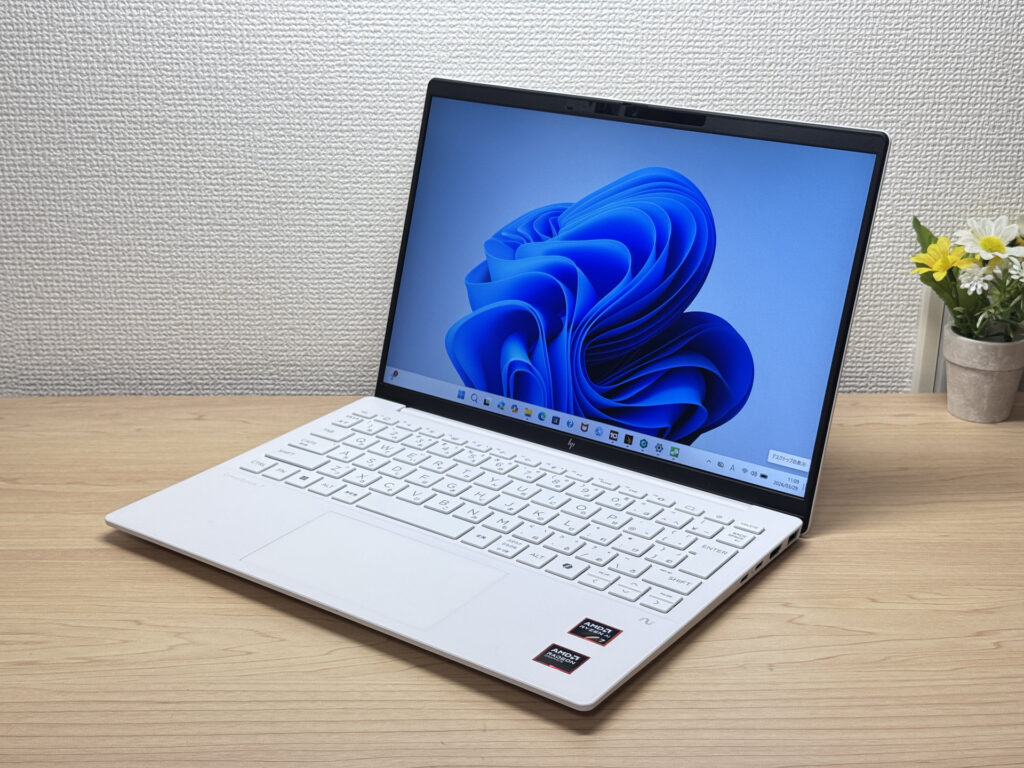
#2HP OmniBook 7 Aero 13-bg
- ·You carry your laptop everywhere and want something genuinely lightweight
- ·You want a solid machine for essays, browsing, and video calls
- ·You often work from cafés, lectures, or anywhere outside the office
- ·You need a machine for heavy gaming or video editing
- ·You're regularly away from a charger for long stretches
Key Specs
- CPU
- AMD Ryzen AI 7 350
- Display
- 13.3-inch 1920x1200 IPS
- RAM
- 16GB
- Weight
- 0.97 kg (2.14 lbs)
- Storage
- 1TB SSD
- Battery
- ~15.5h
Why We Picked It
The OmniBook 7 Aero 13-bg's standout feature is its weight: just 970g, genuinely light enough to carry around all day without really noticing it. The Ceramic White finish looks great — the kind of laptop you'd actually want to get out at a café or on campus. Powered by the AMD Ryzen AI 7 350, it scored 6946 on PCMark 10 — solid performance for a machine this light. The IPS display delivers good colour and handles everything from daily browsing to video calls without complaint.
The downsides are straightforward: the lid is plastic, so don't expect a premium feel. The charger weighs a chunky 323g — surprisingly heavy given how light the laptop is. Battery is 43 Wh, so you'll want a plug handy on longer days out. Still, if you want a good balance of portability, performance, and looks, this is a strong contender.
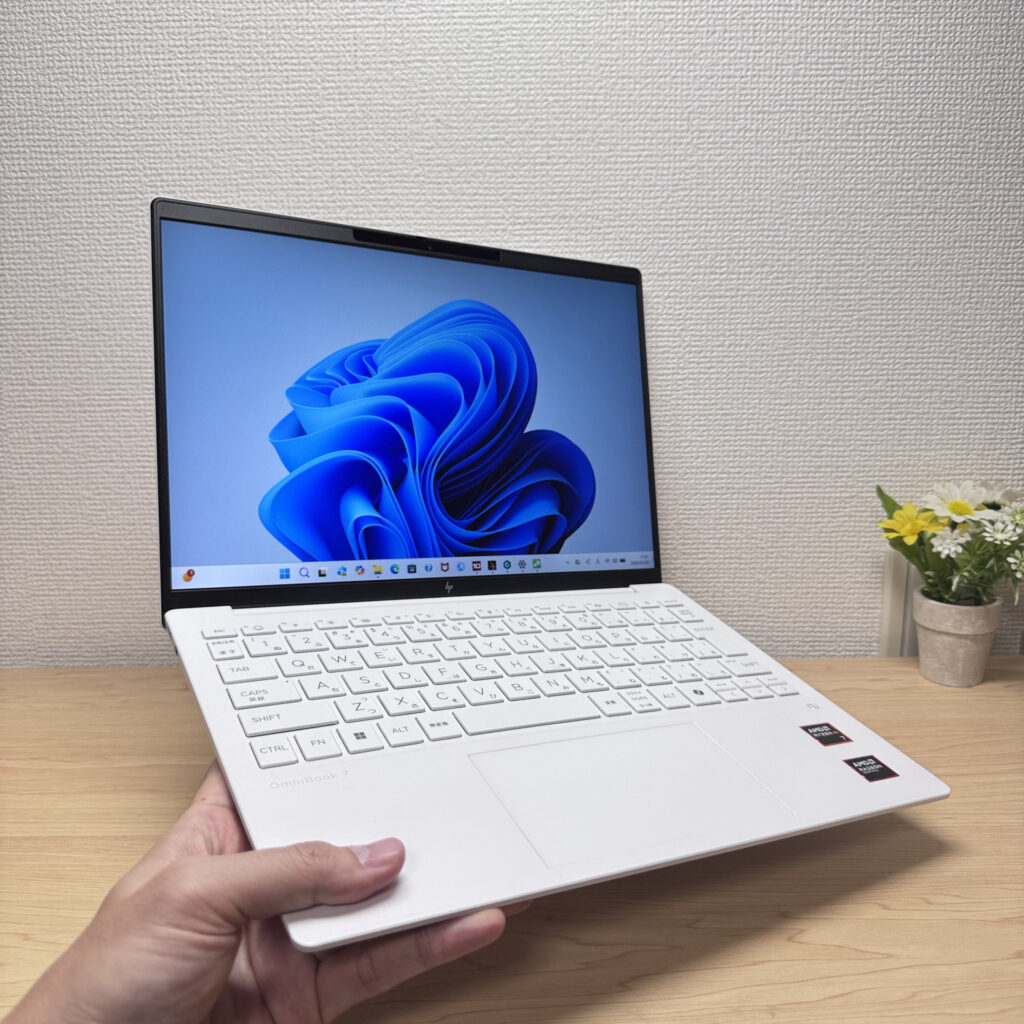 Light enough to carry in one hand with ease
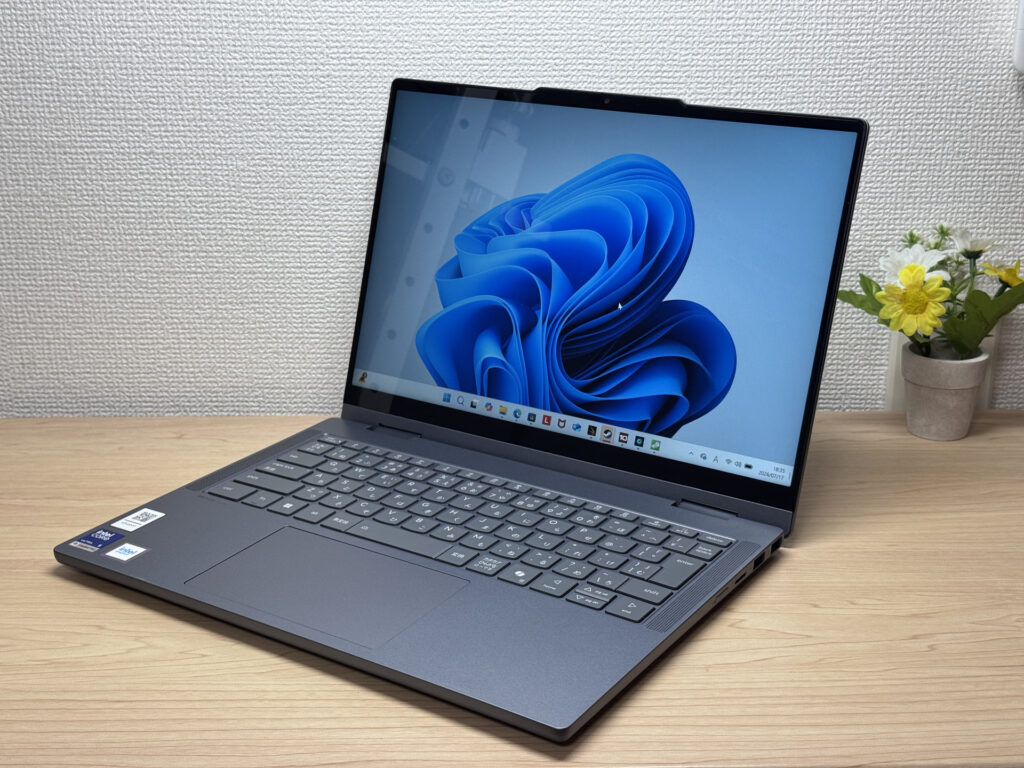
#3Lenovo IdeaPad 5i 2-in-1 Gen 11 (14-inch Intel)
- ·You want a laptop that handles reports and web browsing without breaking a sweat
- ·You don't want to worry about finding a socket while you're out
- ·You're a student who wants to take handwritten notes in tablet mode with the stylus
- ·You want to pair it with an external monitor and keyboard for a mini desktop setup
- ·You're carrying it around every single day
- ·You're after serious gaming or video editing
- ·You want a machine built primarily for illustration or handwriting
Key Specs
- CPU
- Core Ultra 5 322
- Display
- 14.0-inch 1920x1200 IPS touch
- RAM
- 16GB
- Weight
- 1.54 kg (3.40 lbs)
- Storage
- 512GB SSD
- Battery
- ~20.0h
Why We Picked It
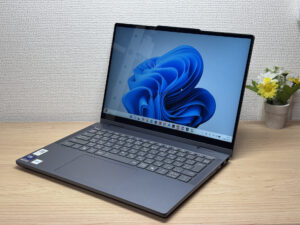
The IdeaPad 5i 2-in-1 Gen 11 (14-inch Intel) is a 14-inch 2-in-1 laptop with a 360° hinge and a bundled Lenovo Yoga Pen, giving you tablet and stylus input on top of regular laptop use. With an Intel Core Ultra 5 and 16GB of RAM, everyday tasks feel snappy, and a well-rounded port selection — two USB-A, HDMI, and two USB-C — makes hooking up peripherals easy. At 1.54kg (~3.4lbs) it runs a bit heavy, but it's hard to find a 2-in-1 this feature-packed at the price — the value here is hard to argue with.
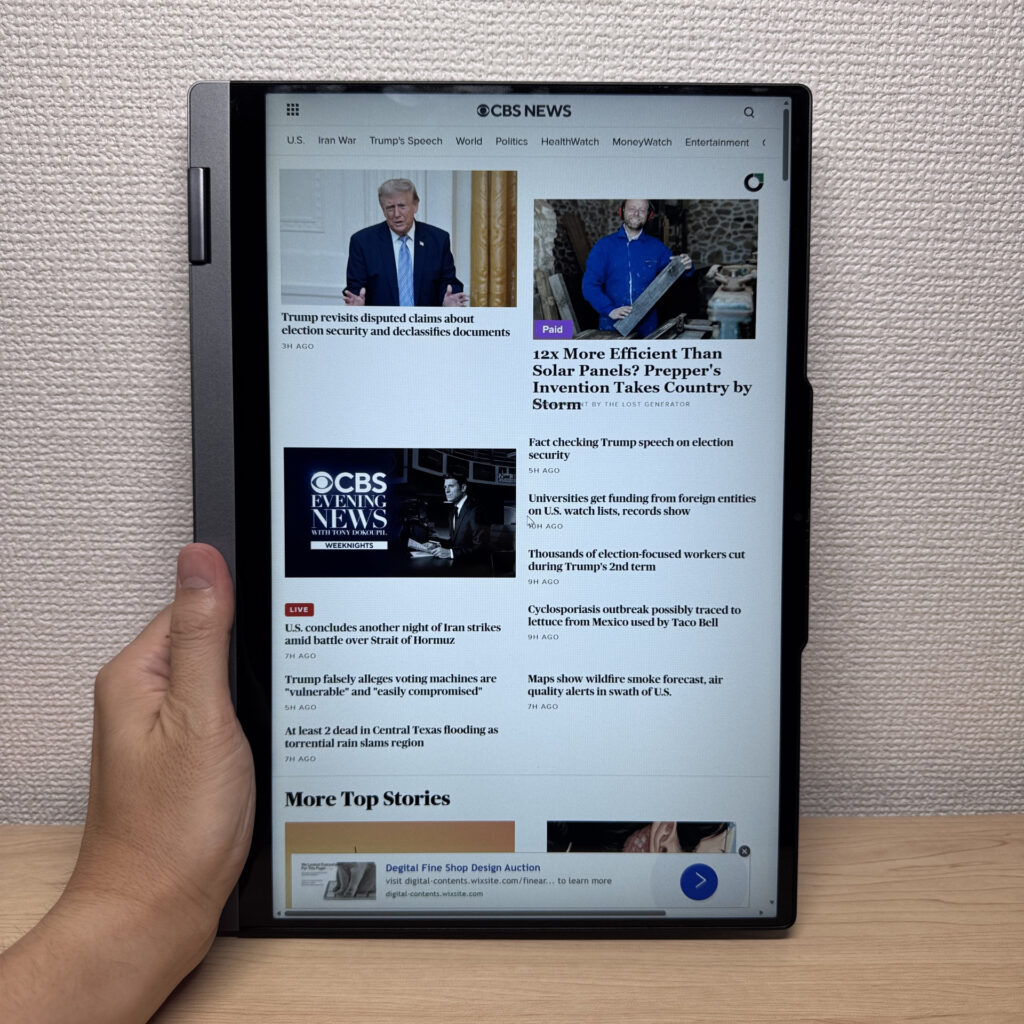 A 2-in-1 that flips into 4 modes, with solid build quality too
More Recommended Models
If our TOP 3 didn't quite click, take a look here too. These are picked with the same criteria, so you won't go far wrong either.
Under a kilo at 0.98 kg (2.2 lbs) and a claimed 32 hours — a 14-inch built around portability.
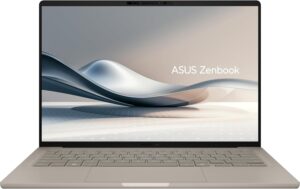
A 14-inch at roughly 1.3 kg (2.9 lbs) — current-gen power that's genuinely easy to carry.
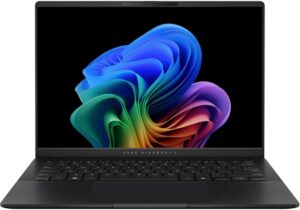
Battery that goes the distance and ports for days — a proper all-rounder in a 14-inch body.

Spec Comparison
Compare specs of all 6 recommended models at a glance.
Note: This table is ordered by our editors' picks for this use case, not by ZippyScore.
| Model | Image | Stores | Highlights | ZippyScore | CPU | RAM | Storage | Display | Battery | Weight | Full Review |
|---|---|---|---|---|---|---|---|---|---|---|---|
|
🥇 Best Overall
Lenovo
IdeaPad Slim 5 Gen 10 (14-inch AMD)
|
|
Amazon | OLED brilliance at a fair price — handles work and media, wherever you are. | Best 4.8/5 | AMD Ryzen AI 5 Passmark: 19,356 | 16GB | 512GB |
14.0"
|
~19.8h | 1.39 kg (3.06 lbs) | Full Review |
|
🥈 Best Balanced Pick
HP
OmniBook 7 Aero 13-bg
|
|
Amazon | Under a kilo and ready for the daily commute — a well-rounded travel laptop | 4.5/5 | Best AMD Ryzen AI 7 350 Passmark: 24,959 | 16GB | Best 1TB |
13.3"
1920x1200
IPS
|
~15.5h | Best 0.97 kg (2.14 lbs) | Full Review |
|
🥉 Best Value Pick
Lenovo
IdeaPad 5i 2-in-1 Gen 11 (14-inch Intel)
|
|
Amazon | A 2-in-1 that flips into tablet mode, stylus included | 4.5/5 | Core Ultra 5 322 Passmark: 15,438 | 16GB | 512GB |
14.0"
1920x1200
IPS
|
~20.0h | 1.54 kg (3.40 lbs) | Full Review |
|
ASUS
Zenbook A14 (UX3407QA)
|
|
Amazon | Under a kilo at 0.98 kg (2.2 lbs) and a claimed 32 hours — a 14-inch built around portability. | 4.1/5 | Snapdragon X X1-26-100 | 16GB | Best 1TB |
14.0"
1920x1200
OLED
|
Best ~32.0h | 0.98 kg (2.16 lbs) | — |
|
ASUS
Vivobook S 14 (S5406SA)
|
|
Amazon | A 14-inch at roughly 1.3 kg (2.9 lbs) — current-gen power that's genuinely easy to carry. | 4.1/5 | Intel Core Ultra 5 226V Passmark: 18,095 | 16GB | 512GB |
14.0"
1920x1200
OLED
|
~21.5h | 1.30 kg (2.87 lbs) | — |
|
HP
OmniBook 7 14-fr
|
|
Amazon | Battery that goes the distance and ports for days — a proper all-rounder in a 14-inch body. | 3.9/5 | Intel Core Ultra 7 255U Passmark: 17,866 | 16GB | Best 1TB |
14.0"
1920x1200
OLED
|
~20.0h | 1.41 kg (3.11 lbs) | Full Review |
Frequently Asked Questions
Is 8GB of RAM enough?
What's the difference between a 256GB and a 512GB SSD?
Windows or Mac — which is better for a first-time user?
Can I find something decent for £500 or under?
Do I need Microsoft Office straight away?
Summary
Here's a quick recap of the conclusion from this article:
These are the models that meet those criteria:
- #1 Lenovo IdeaPad Slim 5 Gen 10 (14-inch AMD)
- #2 HP OmniBook 7 Aero 13-bg
- #3 Lenovo IdeaPad 5i 2-in-1 Gen 11 (14-inch Intel)
- #4 ASUS Zenbook A14 (UX3407QA)
- #5 ASUS Vivobook S 14 (S5406SA)
- #6 HP OmniBook 7 14-fr
We hope you find the laptop that's right for you here.
Happy laptop hunting!
About the author
