
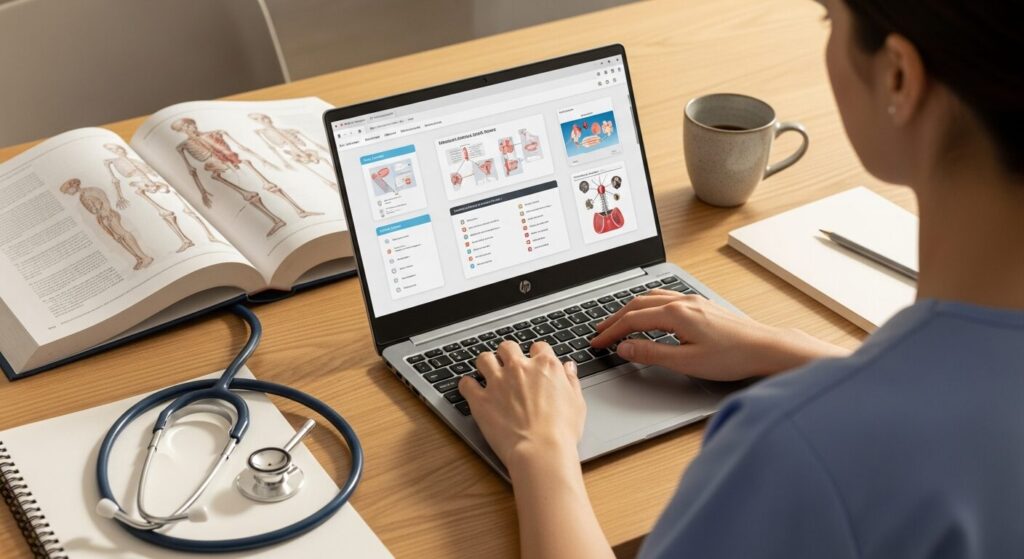
My school told me to sort out a laptop but I've got no clue what to pick... do nursing courses need special software? I don't want to overspend, but going too cheap and regretting it isn't great either. Someone just tell me the right answer 😂
Hey, it's Takumi from ZippyLaptop.
Picking a laptop as a nursing student is trickier than it looks 🤔. The moment you start searching, you're hit with a wall of CPU, RAM and SSD jargon, and it's easy to end up choosing something without really knowing what you actually need.
And here's the properly annoying part — buying blind usually goes wrong. You either get talked into an overpriced model, or you go too cheap and end up lugging around something heavy, and both are classic nursing-student pitfalls.
So let's bring in some proper expert advice 👍. I've been an engineer for over 20 years and reviewed 100+ laptops, and in this post I'll break down how to choose a laptop for nursing school around three things — specs, everyday usability and price — then show you laptops that tick those boxes.
By the end, you'll know exactly what to look for and which laptop to buy without any regrets. Let's get into it!
Quick Answer
I'll get straight to the point.
For nursing school, aim for 8GB+ RAM (16GB if you can), a 13–14 inch laptop around 1.2kg, and a budget under £1,000.
Based on the conclusion above, here are the 3 laptops I'd recommend first.
If you're stuck deciding, picking from this shortlist will rarely lead you wrong.
The rest of the article breaks down the differences and how to choose.
Our TOP 3 Picks
OLED brilliance at a fair price — handles work and media, wherever you are.
Under 1kg, genuinely cute design, solid specs — basically the perfect nursing school laptop.
Buying Guide
Specs: You Don't Need Anything Fancy — 8GB+ RAM and a 512GB SSD Is the Sweet Spot
Nursing students don't need a high-performance laptop. If you're just starting out and buy something way more powerful than you need, you'll never actually use it — so just aim for these numbers and you're sorted 👌
- CPU: Pretty much any recent chip is fine (pick anything featured in this post and you don't need to overthink it)
- RAM: 8GB minimum, 16GB if you want a bit of extra headroom
- Storage: 256GB minimum, 512GB is the safer bet if you want it to last
A common mistake here is grabbing the cheapest, lowest-spec model you can find and ending up with something that feels sluggish. That said, nursing students usually aren't doing heavy video editing or juggling dozens of windows at once. Most of your time will go on writing essays, looking things up in a browser, and the odd online lecture.
So 8GB of RAM is genuinely enough for that kind of workload, and it keeps the price down too 💰. Storage-wise, 256GB is fine since you're not shifting huge video files around, but bumping up to 512GB gives you peace of mind if you want this laptop to see you through uni and into your career. You really don't need to chase high specs — hit these numbers and you're set for years.
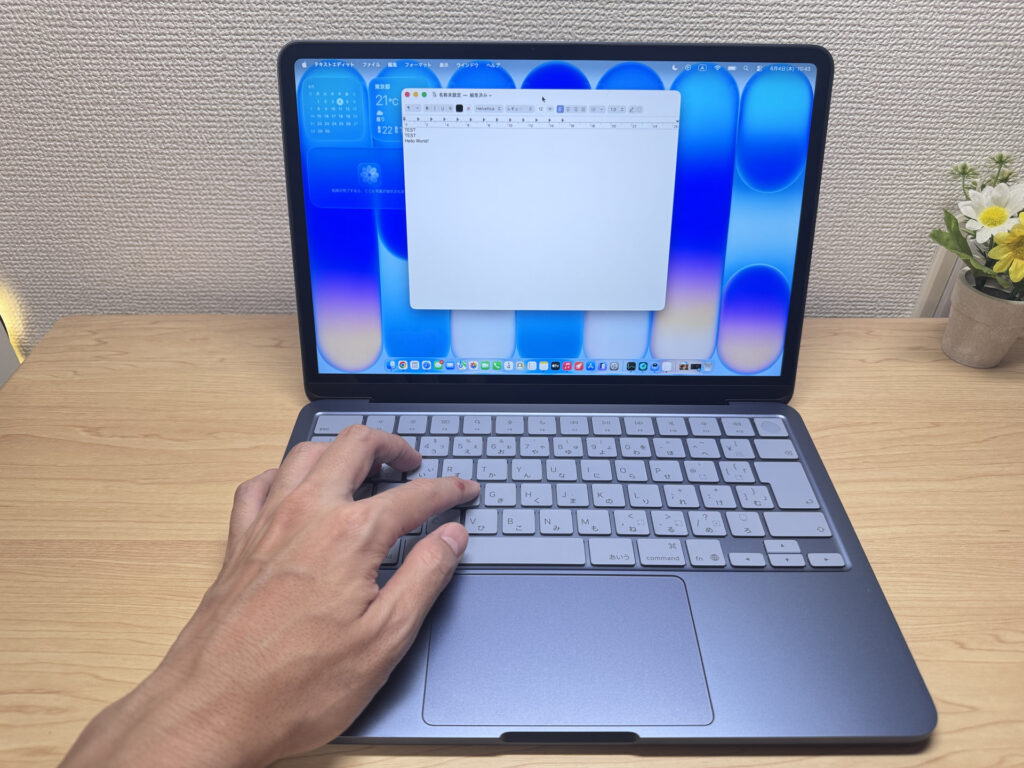 You don't need high specs for nursing school — just pick something easy to use 😉
Everyday Usability: Light Weight, All-Day Battery and USB-C Charging Make Life So Much Easier
For nursing students, weight should be your top priority. Aim for under 1.4kg with a 13–14 inch screen. You'll be carrying this laptop to lectures, placements and training constantly 🎒, so picking a heavy model means a shoulder-digging bag every single day — and you'll regret it.
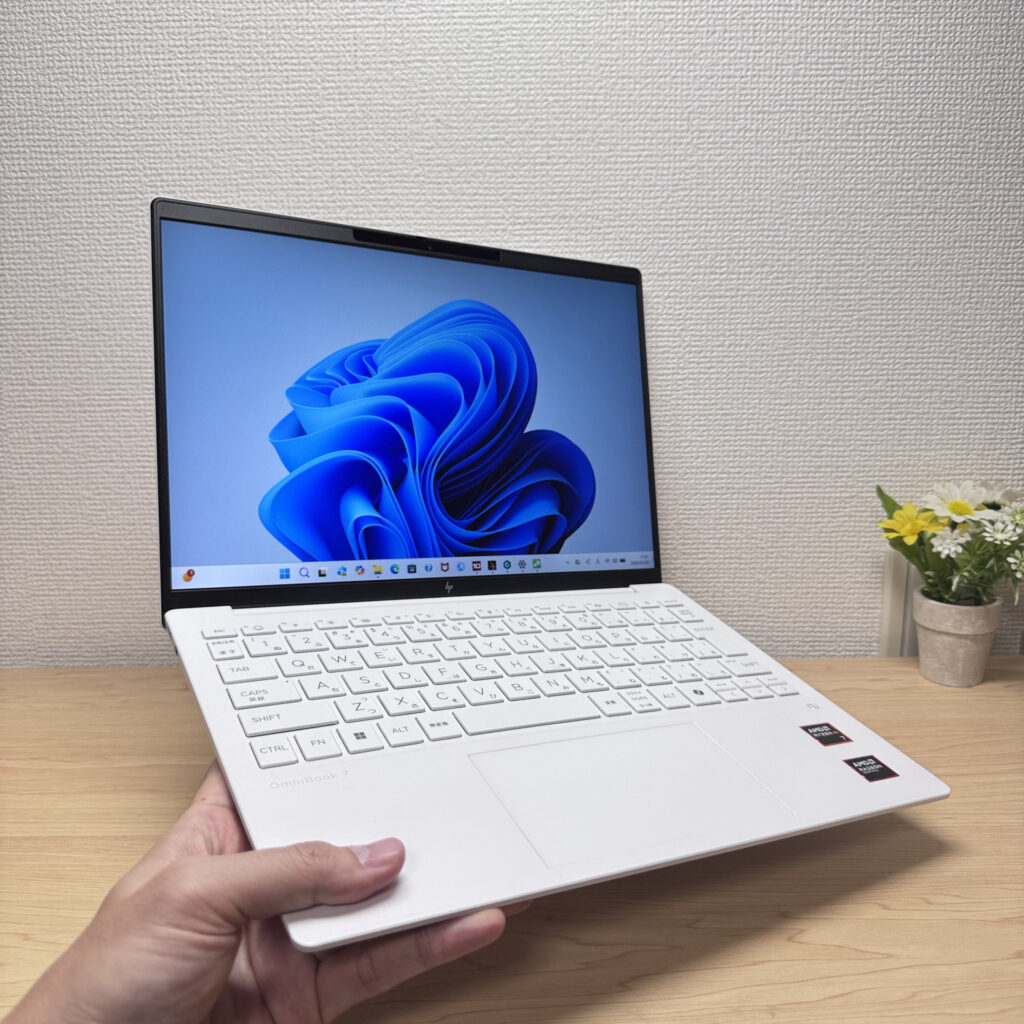 A 13–14 inch laptop is easy to carry and easy to use!
The other thing nursing students especially need to think about is battery life. On placement days or long lecture blocks, you'll often be without a socket for hours at a time. Aim for 10+ hours of battery life and you can go from morning to evening without ever hunting for a charger.
There's also something that quietly makes a big difference: USB-C charging. Manufacturer chargers are surprisingly heavy — your laptop's featherlight, then you add the charger and your bag suddenly weighs a tonne 😇. But if your laptop supports USB-C charging, you can swap in a small USB-C charger (the kind you'd buy for your phone) instead. That one swap makes a real difference to how much your bag weighs. Just make sure you get one rated 60W or higher for a laptop — that's the one thing to watch out for. A light laptop, all-day battery and a compact USB-C charger — get all three and your bag gets noticeably lighter for lectures and placements alike.
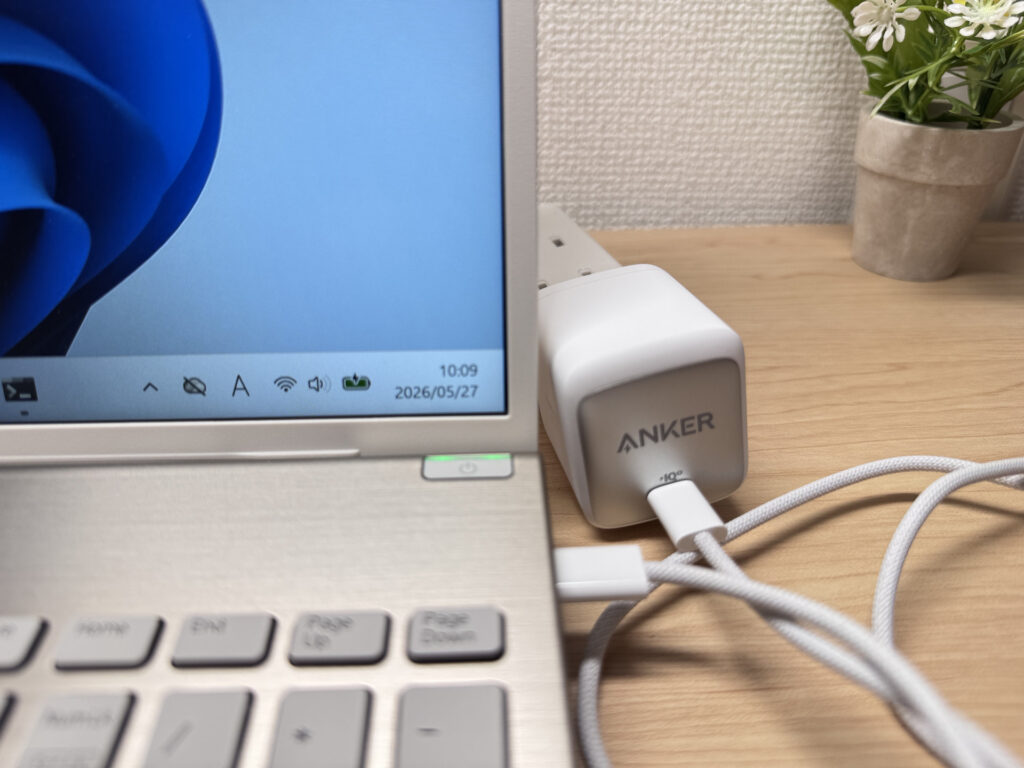 Go for a laptop that supports USB-C charging. This Anker USB-C charger weighs just 92g.
Price: An Entry-Level Model Is Plenty — Budget Around £700, Up to £1,000 Max
Since nursing students don't need high performance, an entry-level, beginner-friendly laptop is more than enough. Budget around £700, and up to £1,000 at most if you want to spend a bit more. That said, £700-range laptops usually come with some kind of trade-off — something's always cut to hit that price. If you can stretch to around £1,000, you'll land on a much more balanced machine.
And here's the bit to really pay attention to: laptops sold through your uni often come with a markup baked in. You can frequently find the exact same spec for less by buying direct from the manufacturer's online store. So don't just take your uni's recommendation at face value — take a few minutes to check prices online yourself 👀. A quick search can easily save you a decent chunk of change, and that's money you could put towards a compact charger or a mouse instead.
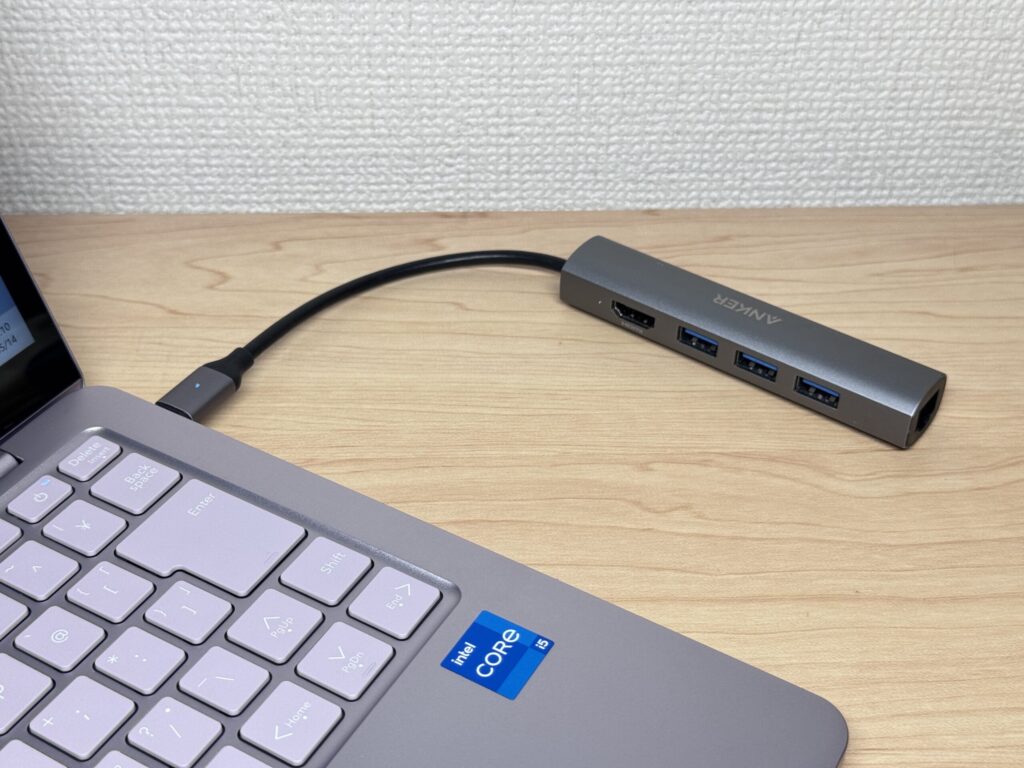 Handy accessories like a USB-C hub can make life easier too ✨
So those are the three things to think about when choosing a laptop for nursing school ⭕️.
In this post, I've picked out reasonably priced laptops that tick all of these boxes, so take a look below. Every one of these is a model I'd genuinely recommend 👍.
Our Picks
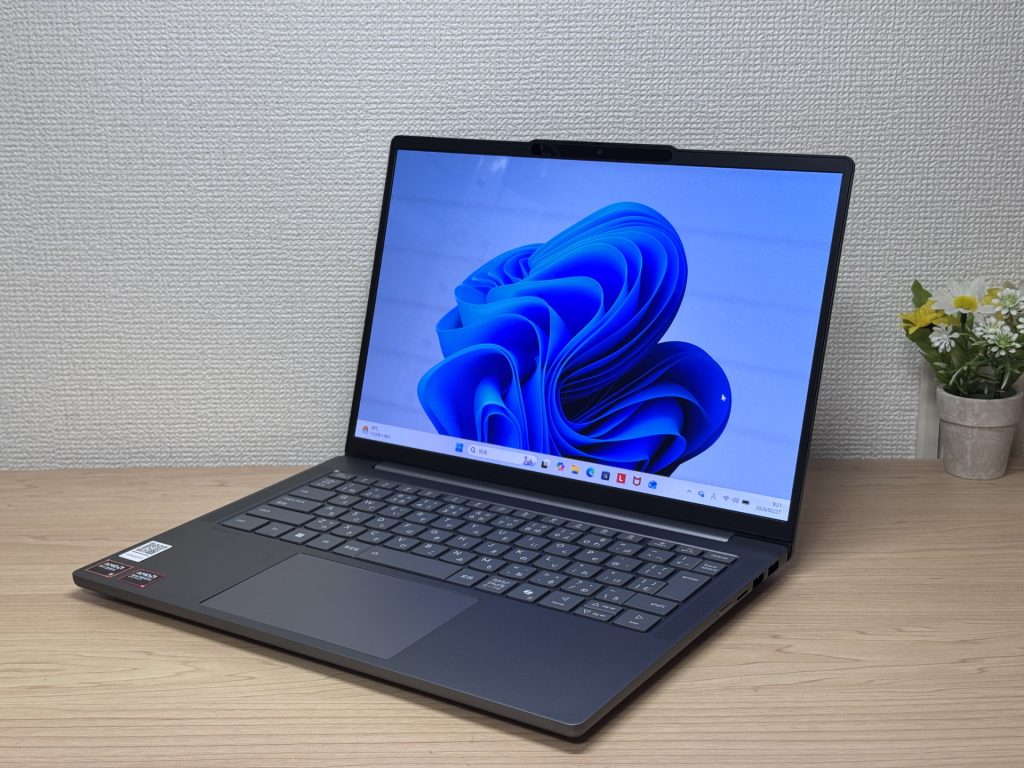
#1Lenovo IdeaPad Slim 5 Gen 10 (14-inch AMD)
- ·You carry your laptop to work or uni every day
- ·You want a great screen for films and streaming
- ·You need all-day battery life away from a power socket
- ·You need to connect up quickly in meetings or lectures
- ·Demanding gaming or heavy video editing is your primary use case
- ·You regularly do intensive tasks in quiet environments
Key Specs
- CPU
- AMD Ryzen AI 5
- Display
- 14.0-inch
- RAM
- 16GB
- Weight
- 1.39 kg (3.06 lbs)
- Storage
- 512GB SSD
- Battery
- ~19.8h
Why We Picked It
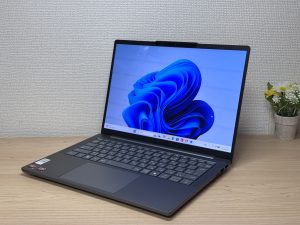
The biggest draw of the IdeaPad Slim 5 Gen 10 is that it packs an OLED display at a genuinely reasonable price. Most laptops still ship with IPS panels, and OLED is a clear step up in display quality. If you're a nursing student who spends a lot of time writing essays or reading textbook PDFs, a sharper screen makes the work more pleasant and easier on your eyes 👍.
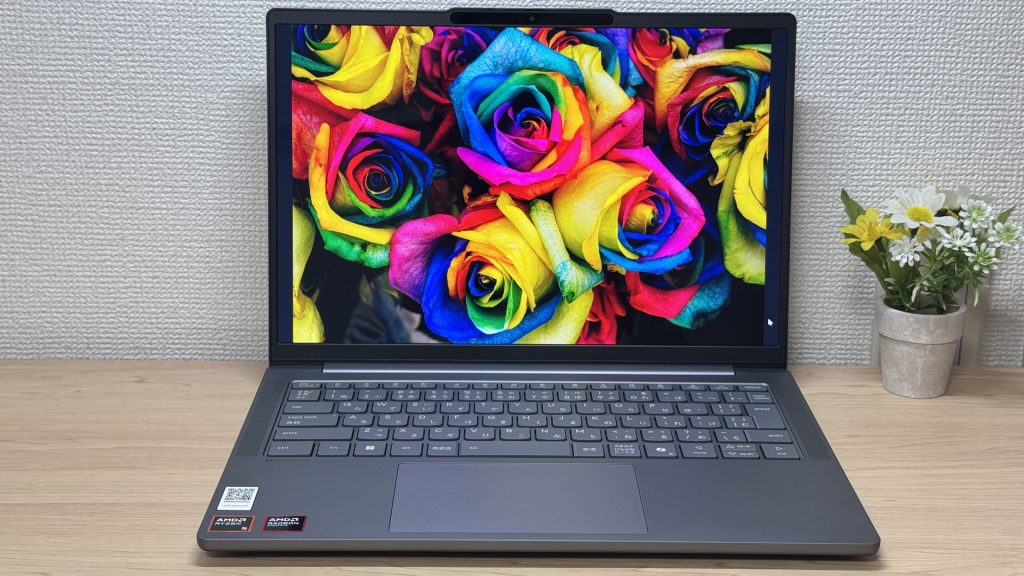 The screen is gorgeous, so it's great for watching things in your downtime too.
At 1.4kg, it's a touch heavier than some of the other options — that's the honest trade-off here — but for a laptop with an OLED display, this is a genuinely great deal. If you care about value and want a lovely screen, this is the one to go for 😊
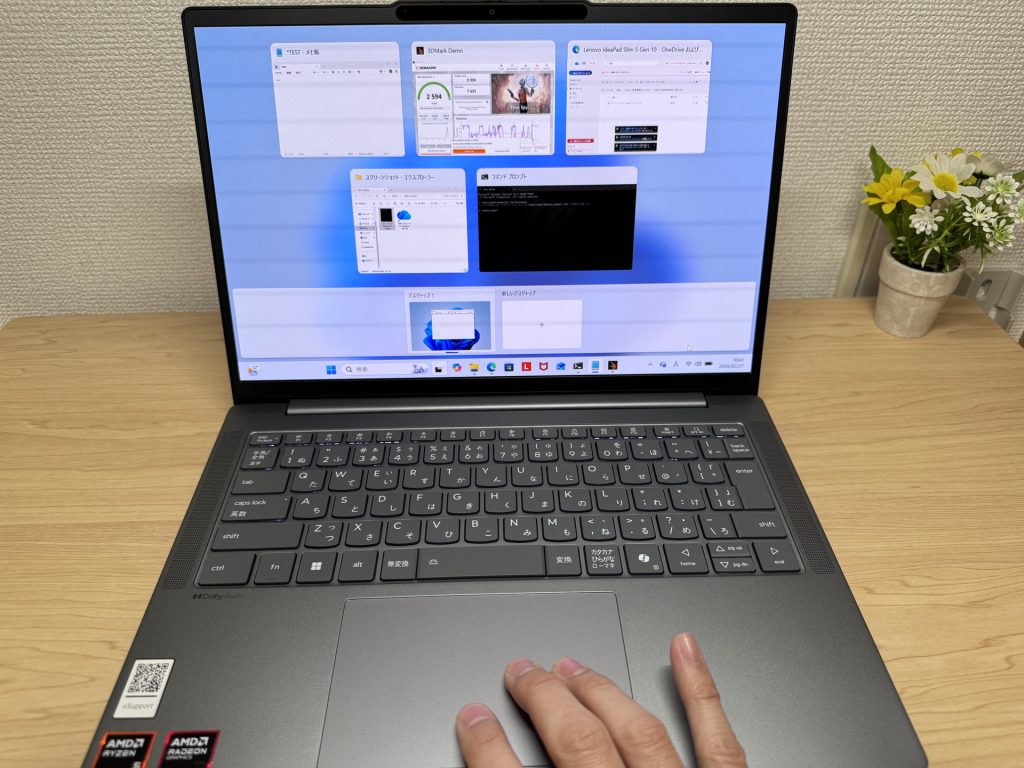 It's also pretty solid day-to-day, and it's been a huge hit with students.
#2Lenovo IdeaPad Slim 3 Gen 10 (14-inch AMD)
- ·You carry your laptop with you every day
- ·You want smooth browsing and document work
- ·You need to connect to an external monitor quickly in meetings or lectures
- ·You want to log in and get to work without any fuss
- ·Demanding gaming or heavy video editing is your primary use case
- ·You type heavily and care about keyboard quality
Key Specs
- CPU
- AMD Ryzen 5 8640HS
- Display
- 14.0-inch 1920x1200 IPS
- RAM
- 8GB
- Weight
- 1.39 kg (3.06 lbs)
- Storage
- 512GB SSD
- Battery
- ~17.0h
Why We Picked It
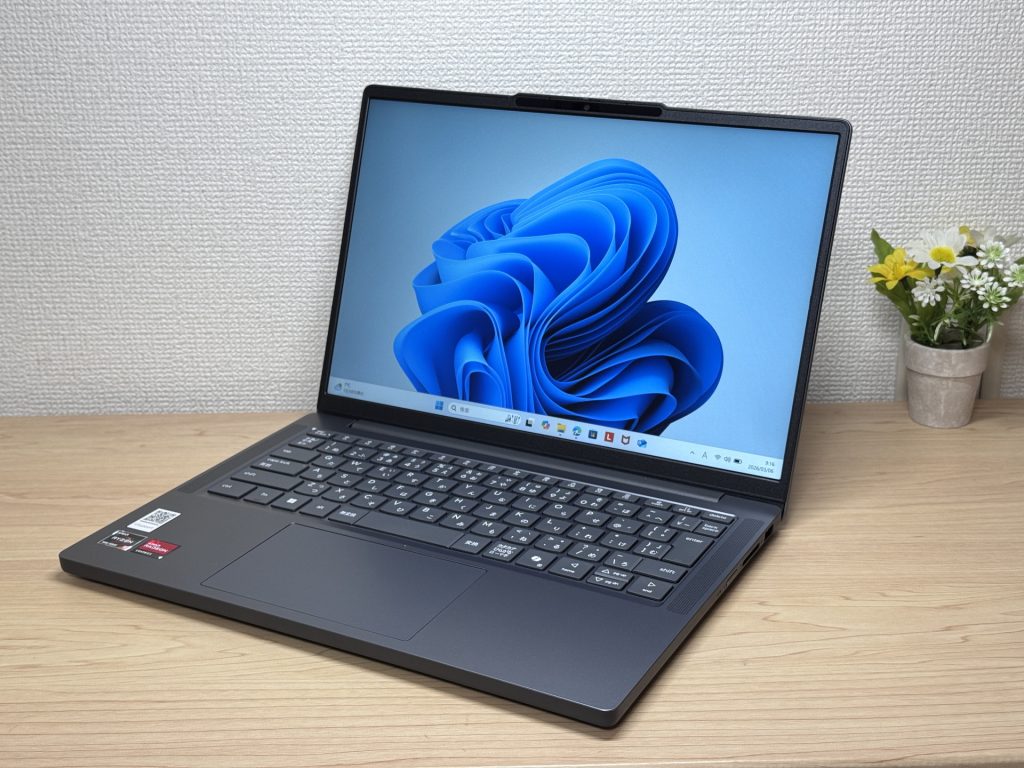
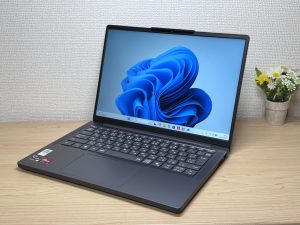
The biggest thing this laptop has going for it is, hands down, the price. It's genuinely hard to find another laptop with this spec at this price point.
As for the actual experience, the 14-inch screen is roomy and easy to work with, and the keyboard is comfortable to type on too. The IPS display is easy on the eyes, and the anti-glare finish cuts down on reflections, which helps with eye strain during long study sessions.
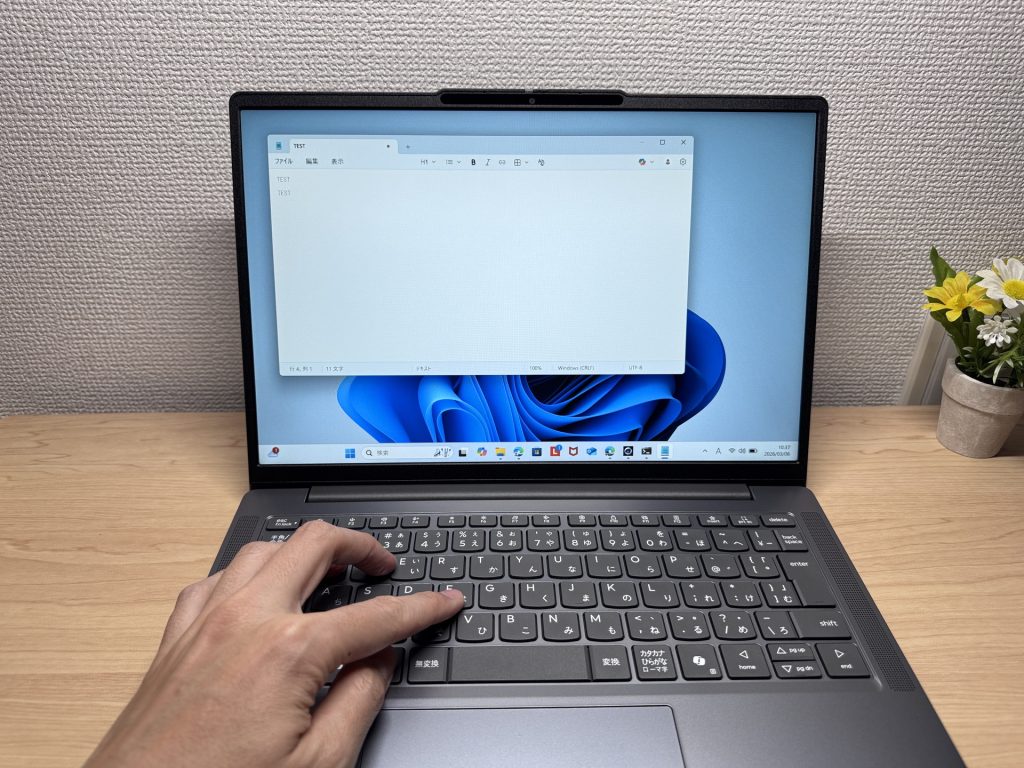 It's cheap, but it holds its own for everyday use.
If I had to point out downsides: at 1.4kg it's not the lightest option out there, and given the price, there's more plastic than you'd like, which can feel a bit cheap in places. But even accounting for that, this price is honestly borderline mad 😉. If you're a nursing student who cares about value above all else, this is the one I'd recommend first.
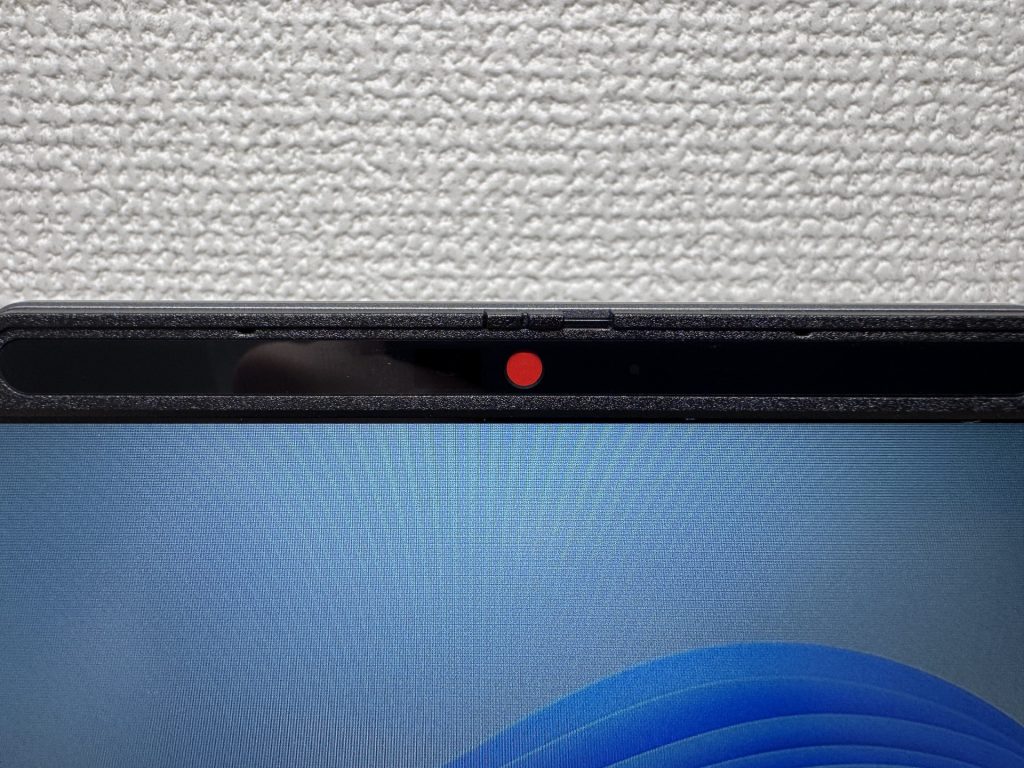 And at this price, having a privacy shutter on the webcam is a genuinely nice surprise.
#3HP OmniBook 7 Aero 13-bg
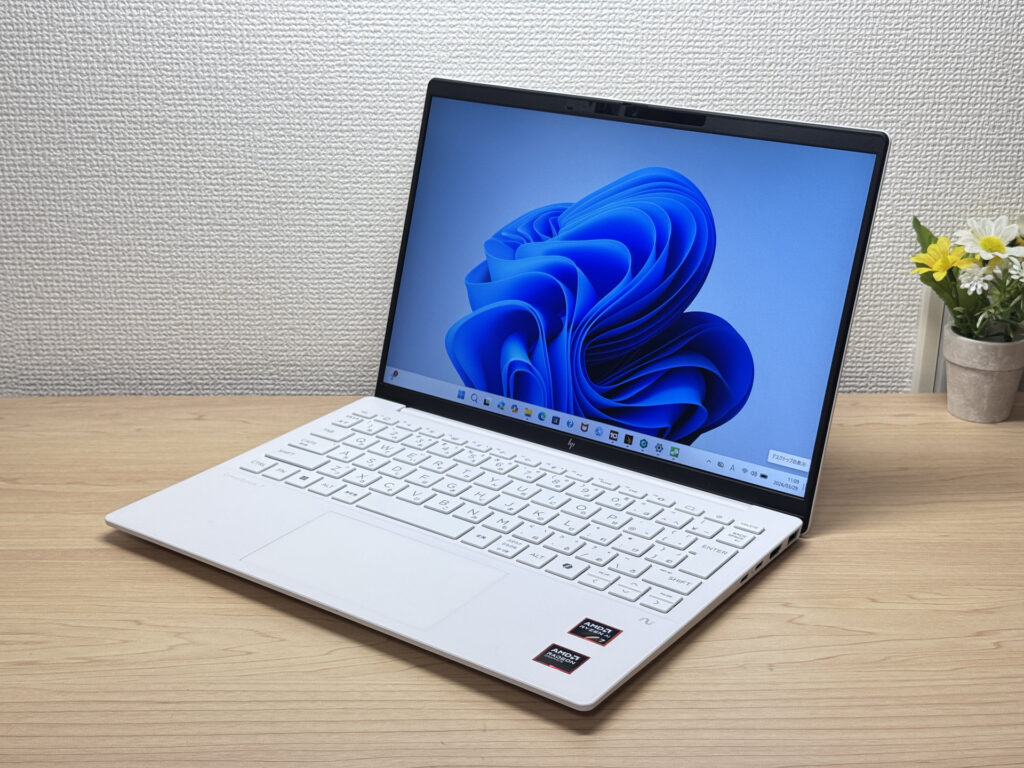
- ·You carry your laptop everywhere and want something genuinely lightweight
- ·You want a solid machine for essays, browsing, and video calls
- ·You often work from cafés, lectures, or anywhere outside the office
- ·You need a machine for heavy gaming or video editing
- ·You're regularly away from a charger for long stretches
Key Specs
- CPU
- AMD Ryzen AI 7 350
- Display
- 13.3-inch 1920x1200 IPS
- RAM
- 16GB
- Weight
- 0.97 kg (2.14 lbs)
- Storage
- 1TB SSD
- Battery
- ~15.5h
Why We Picked It
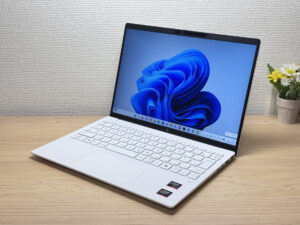
HP OmniBook 7 Aero 13-bg comes in at just 970g, making it a great match for nursing students who are carrying their laptop everywhere. Between the daily commute to uni and hauling your kit to placements, that kind of weight makes a real difference.
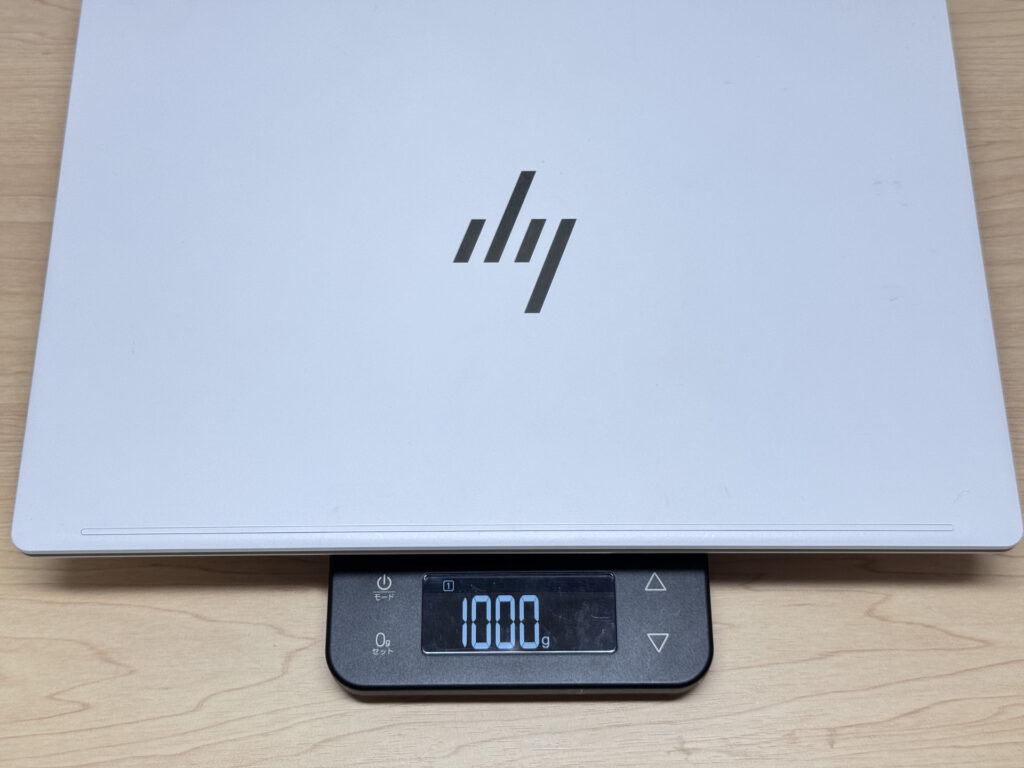 My own scales read 1000g, but even so, it's ridiculously light.
Design-wise, while most laptops stick to black, this one comes in "Glacier Silver Ceramic White", which gives it a genuinely lovely look 👍. It also supports facial recognition, so unlocking is quick and smooth. The specs hold up well too, so this is a laptop you can rely on for years to come 😊
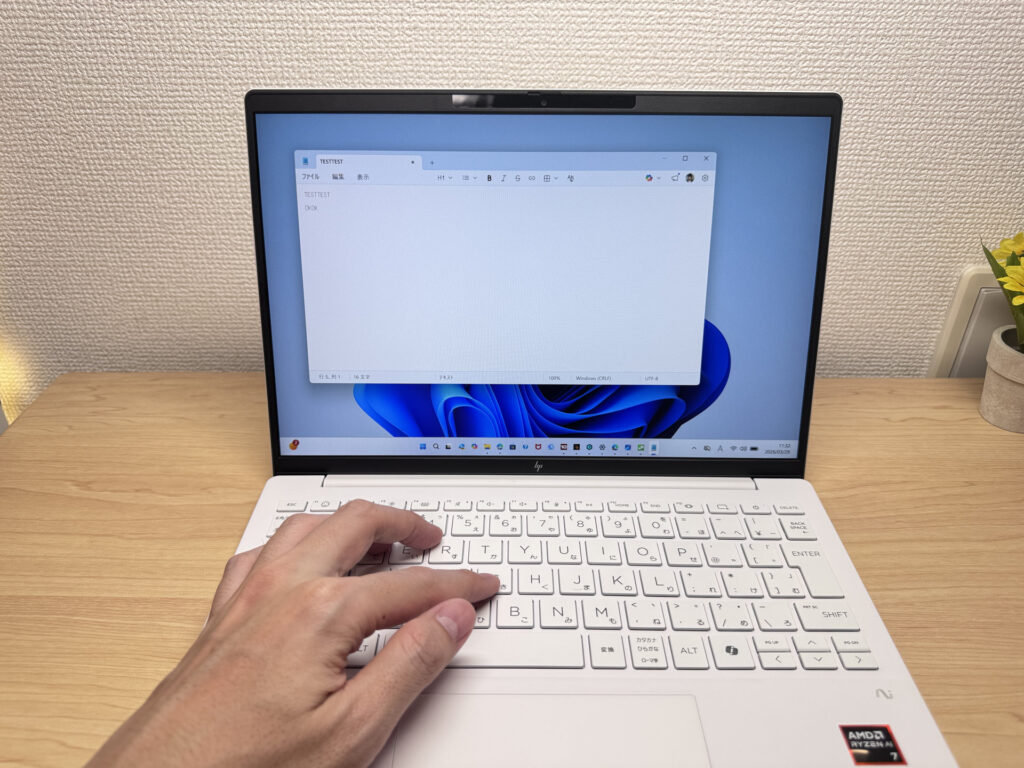 The white keyboard adds a really nice design touch too ✨
More Recommended Models
If our TOP 3 didn't quite click, take a look here too. These are picked with the same criteria, so you won't go far wrong either.
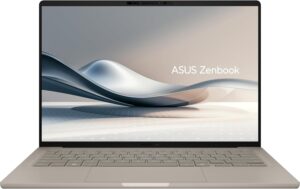
Under a kilo at 0.98 kg (2.2 lbs) and a claimed 32 hours — a 14-inch built around portability.
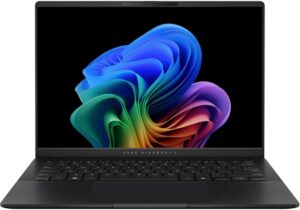
A 14-inch at roughly 1.3 kg (2.9 lbs) — current-gen power that's genuinely easy to carry.
Spec Comparison
Compare specs of all 5 recommended models at a glance.
Note: This table is ordered by our editors' picks for this use case, not by ZippyScore.
| Model | Image | Stores | Highlights | ZippyScore | CPU | RAM | Storage | Display | Battery | Weight | Full Review |
|---|---|---|---|---|---|---|---|---|---|---|---|
|
🥇 Best Overall
Lenovo
IdeaPad Slim 5 Gen 10 (14-inch AMD)
|
|
Amazon | OLED brilliance at a fair price — handles work and media, wherever you are. | Best 4.8/5 | AMD Ryzen AI 5 Passmark: 19,356 | Best 16GB | 512GB |
14.0"
|
~19.8h | 1.39 kg (3.06 lbs) | Full Review |
|
🥈 Best Balanced Pick
Lenovo
IdeaPad Slim 3 Gen 10 (14-inch AMD)
|
|
Amazon | The budget 14-inch that holds its own every single day. | 4.6/5 | AMD Ryzen 5 8640HS Passmark: 19,902 | 8GB | 512GB |
14.0"
1920x1200
IPS
|
~17.0h | 1.39 kg (3.06 lbs) | Full Review |
|
🥉 Best Value Pick
HP
OmniBook 7 Aero 13-bg
|
|
Amazon | Under 1kg, genuinely cute design, solid specs — basically the perfect nursing school laptop. | 4.5/5 | Best AMD Ryzen AI 7 350 Passmark: 24,959 | Best 16GB | Best 1TB |
13.3"
1920x1200
IPS
|
~15.5h | Best 0.97 kg (2.14 lbs) | Full Review |
|
ASUS
Zenbook A14 (UX3407QA)
|
|
Amazon | Under a kilo at 0.98 kg (2.2 lbs) and a claimed 32 hours — a 14-inch built around portability. | 4.1/5 | Snapdragon X X1-26-100 | Best 16GB | Best 1TB |
14.0"
1920x1200
OLED
|
Best ~32.0h | 0.98 kg (2.16 lbs) | — |
|
ASUS
Vivobook S 14 (S5406SA)
|
|
Amazon | A 14-inch at roughly 1.3 kg (2.9 lbs) — current-gen power that's genuinely easy to carry. | 4.1/5 | Intel Core Ultra 5 226V Passmark: 18,095 | Best 16GB | 512GB |
14.0"
1920x1200
OLED
|
~21.5h | 1.30 kg (2.87 lbs) | — |
Frequently Asked Questions
Is 8GB of RAM enough, or should I get 16GB?
How much storage do I actually need?
Mac or Windows — which should I get?
Is USB-C charging really that big a deal?
Should I just buy whatever laptop my uni recommends?
Summary
Here's a quick recap of the conclusion from this article:
These are the models that meet those criteria:
- #1 Lenovo IdeaPad Slim 5 Gen 10 (14-inch AMD)
- #2 Lenovo IdeaPad Slim 3 Gen 10 (14-inch AMD)
- #3 HP OmniBook 7 Aero 13-bg
- #4 ASUS Zenbook A14 (UX3407QA)
- #5 ASUS Vivobook S 14 (S5406SA)
We hope you find the laptop that's right for you here.
Happy laptop hunting!
About the author
