
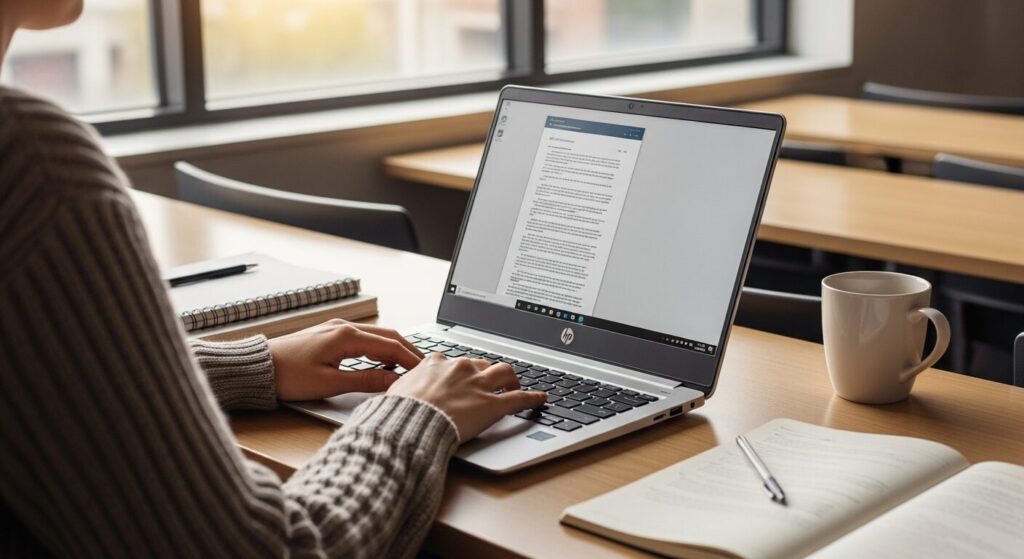
I'm starting college soon and apparently I need a laptop. But there's so much jargon and I have no idea what's right for me. I also really don't want to overspend. Someone just tell me what to get 😂
Hey, Takumi from ZippyLaptop here.
Picking a laptop for college is honestly one of the trickier purchases you'll make as a student 🤔
Even if you're perfectly comfortable on your phone, the moment you start shopping for a laptop, you're hit with CPUs, RAM, SSDs — and cutting through all that to find the right one is genuinely hard.
You could head to a big box store, but honestly? The staff there tend to push whatever's got the best margin, so I've never really trusted that route 😇
I've reviewed over 100 laptops and helped a lot of people figure out exactly what to buy. So here I'm going to share how to pick a laptop you won't regret after four years of college — plus my actual top picks 👍
By the end, you'll have a clear idea of what to look for as a college student.
Quick Answer
I'll get straight to the point.
For college students, the sweet spot is 16GB RAM, 13–14 inches, under 1.4 kg (~3.1 lbs), and 10+ hours of battery life — buy early before stock runs out.
Based on the conclusion above, here are the 3 laptops I'd recommend first.
If you're stuck deciding, picking from this shortlist will rarely lead you wrong.
The rest of the article breaks down the differences and how to choose.
Our TOP 3 Picks
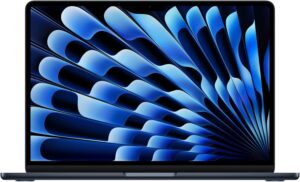
Performance, portability, and usability — the MacBook Air is the obvious pick for college.
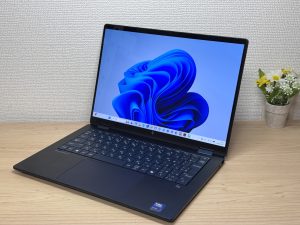
Write directly on the screen — a 2-in-1 that's genuinely useful for college life.
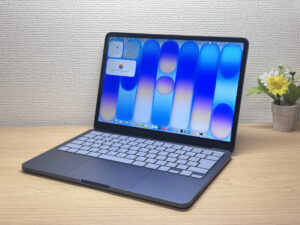
Full Apple quality at a lower price. More than enough for getting through college.
Buying Guide
1. Performance: pick specs that'll stay comfortable until graduation
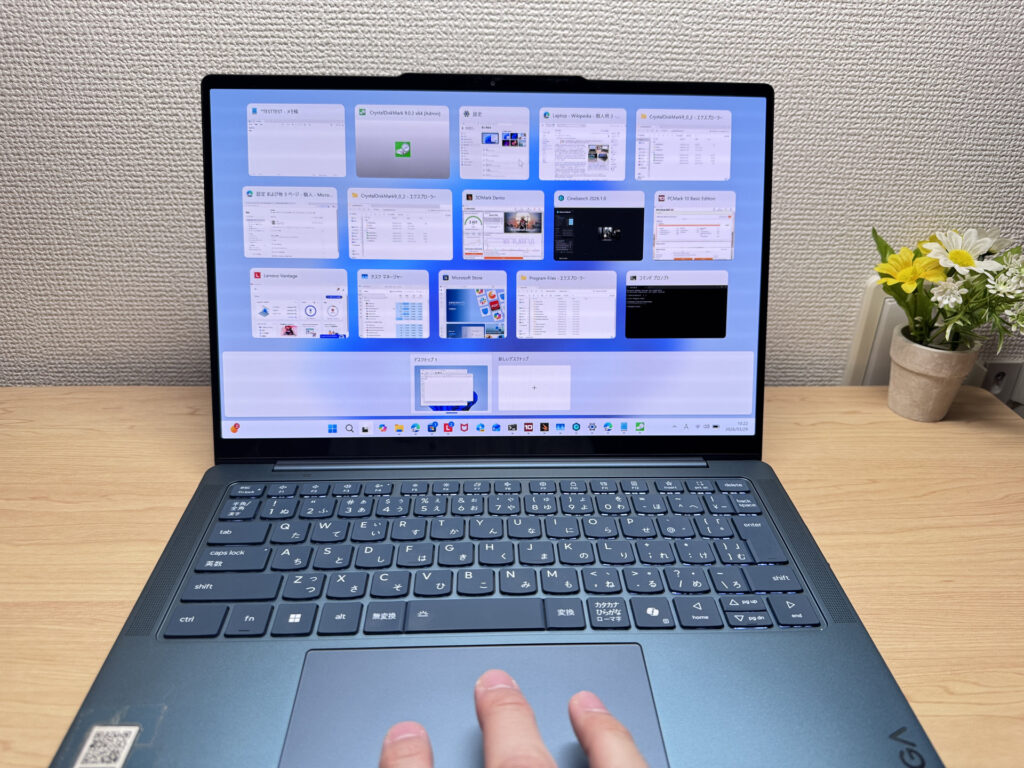 Pick a laptop with comfortable specs and your college years get a whole lot easier.
The number one rule for picking a college laptop: go with specs that'll still feel comfortable by the time you graduate. This is the one place you should never cut corners.
Specifically, nail these three and you're good 👌
- CPU: Intel Core i5 or AMD Ryzen 5 or better (for a Mac, M4 chip or newer)
- RAM: 16GB
- Storage: 512GB or more
Hit those numbers and everything stays snappy — writing papers, programming if that's your major, and even running AI tools alongside everything else. RAM matters a lot here, because modern apps are seriously hungry for it, which is exactly why 16GB is the line to hold.
One more thing worth a little extra attention: the display. Some cheap laptops still ship with TN panels, and do not, under any circumstances, get a TN panel. The viewing angles are terrible and they'll wear your eyes out fast. At a minimum, look for something that says IPS, or splurge on an OLED panel if your budget allows — either way your eyes will thank you after staring at it all day 👀
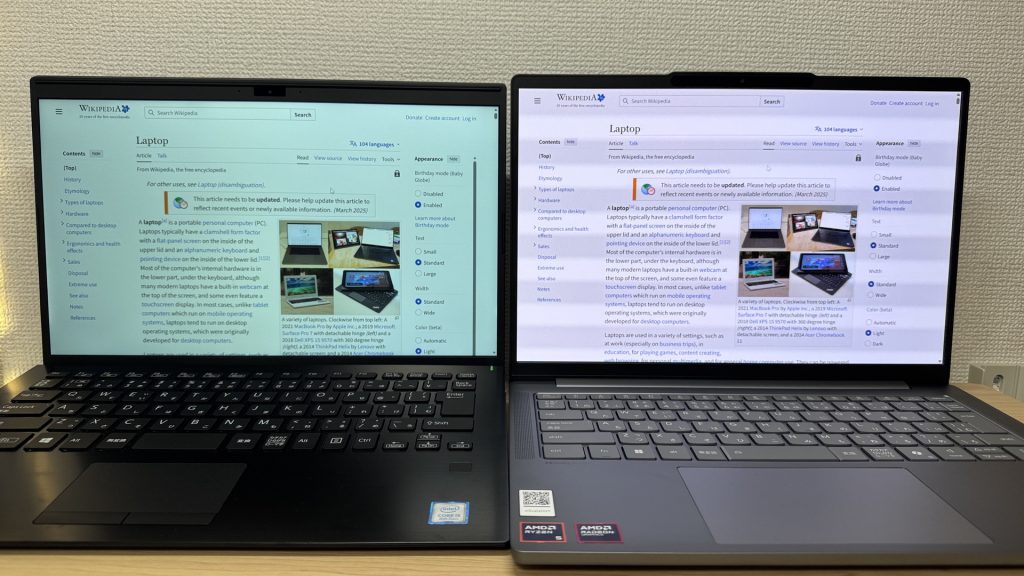 The laptop on the left has clearly off colors, and it's rough on the eyes.
Go the other way and skimp on specs, and you'll be stuck with a slow, frustrating machine — I've watched plenty of people give up after two years and rebuy, which ends up costing way more 😂
So for a college laptop, start by narrowing down to models that clear these specs.
2. Usability: go with something that won't get in your way
Next up, usability.
College students haul their laptops around way more than you'd think. Between classrooms, the library, coffee shops, work shifts, and home, it's getting tossed in a bag every single day.
So you really want something light and easy to carry. Specifically, 14 inches and under 1.4 kg (~3 lbs). Land in that range and carrying it around gets a lot more pleasant.
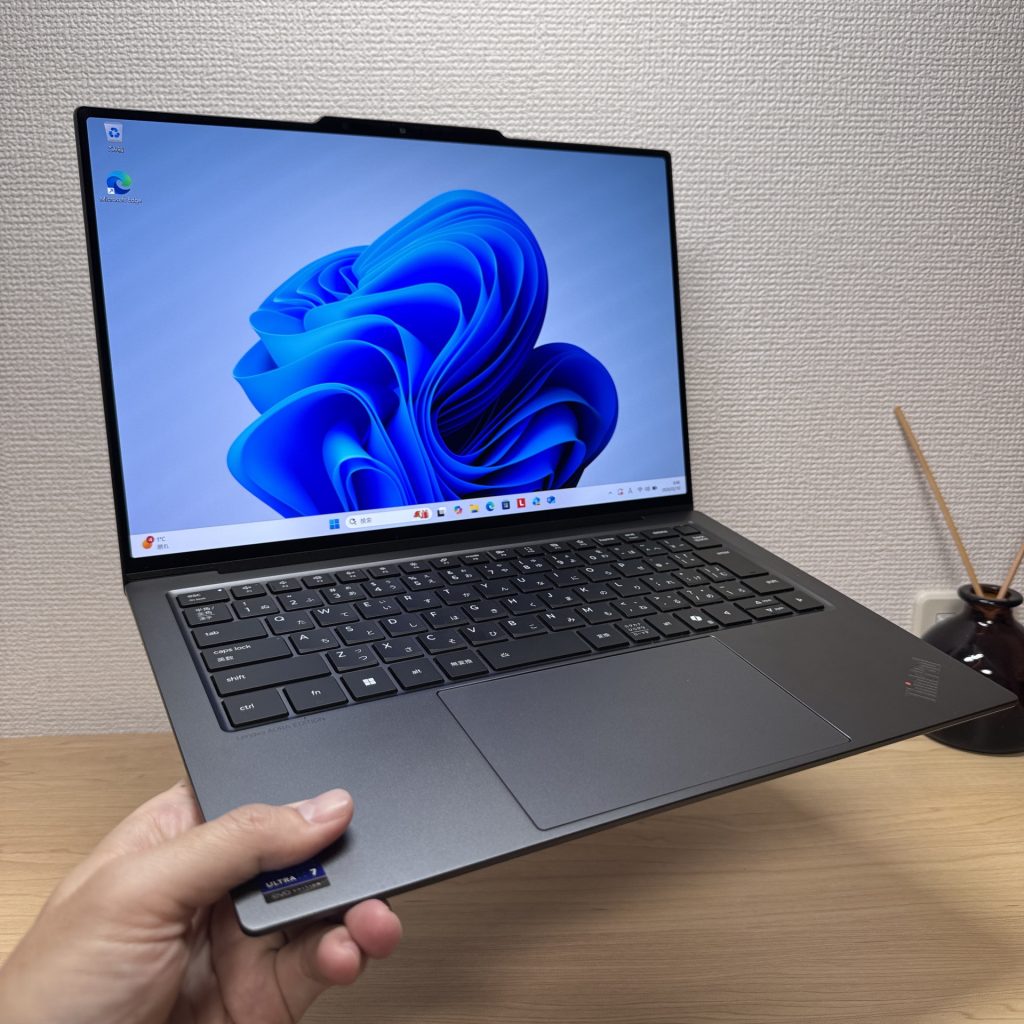 Light is right.
Next on the list: battery life. On campus, open outlets are honestly hit or miss. Sit in the back of a big lecture hall and there's no way an outlet is reaching you. So aim for a model that lasts 10+ hours on a charge.
It's even better if the laptop charges over USB-C. Small USB-C chargers are cheap these days, so toss one in your bag and you can top up anywhere. Seriously handy 👌 The bundled charger is often surprisingly bulky.
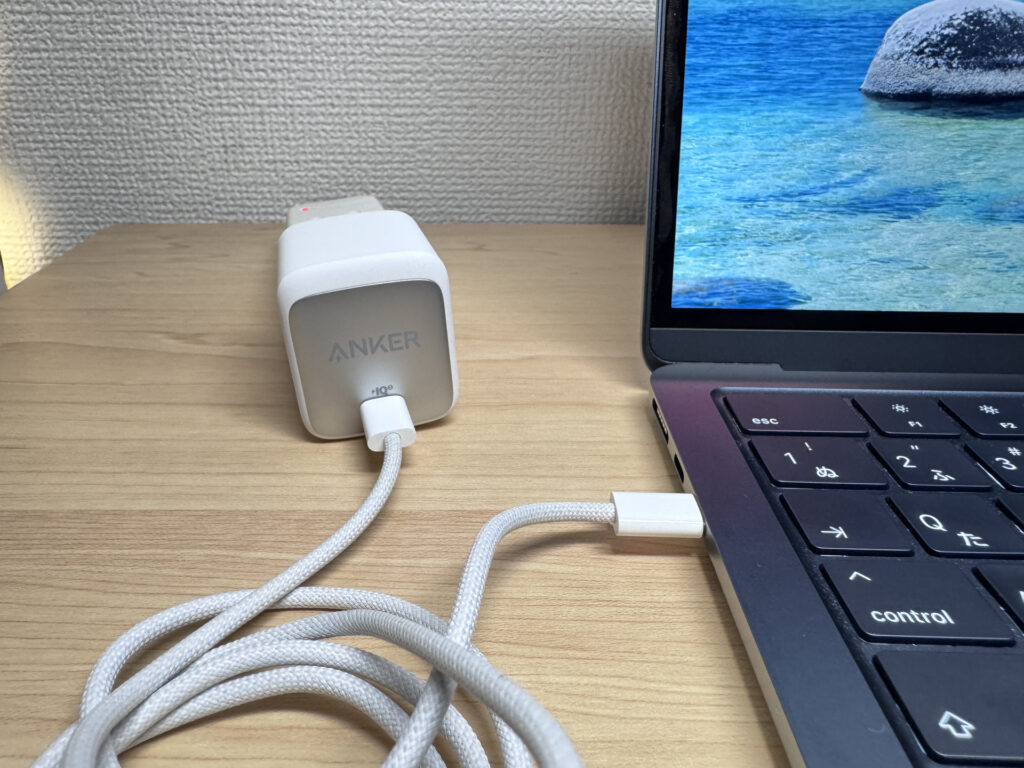 USB-C chargers like Anker's are ridiculously tiny.
Last one: typing.
There's no getting around how many papers you'll write in college, so a keyboard that feels good to type on is worth caring about.
From hands-on testing a ton of laptops for this site, here's what I've found: cheap models usually have mediocre key feel. On the flip side, you don't have to go crazy — once you're at a reasonable budget (over $1,000 or so), most laptops type genuinely well.
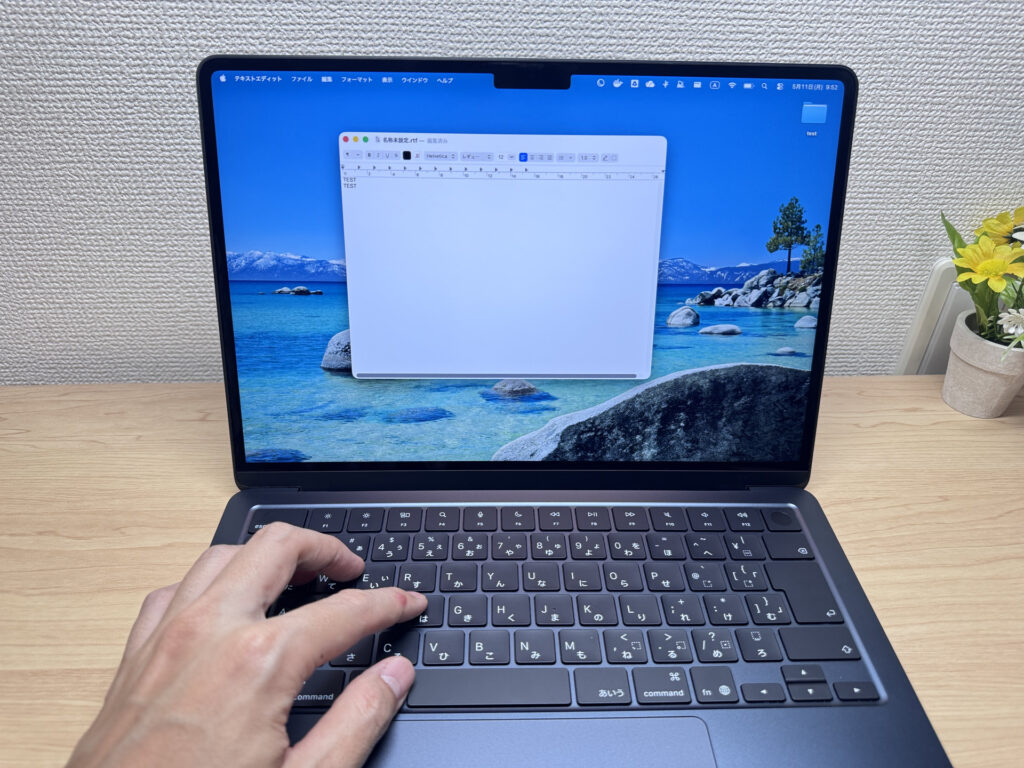 A good keyboard makes for good writing 😉
These days AI voice input means you're typing a little less than you used to, but even so the keyboard is worth caring about just a bit ⌨️
3. When to buy: the most overlooked part of all
Finally, timing. This one's actually a huge deal.
Incoming students all start school at the same time, so everyone starts laptop shopping at the same time too.
The chart below from Google Trends shows when college students search for laptops, and the spike right before the school year starts is unmistakable.
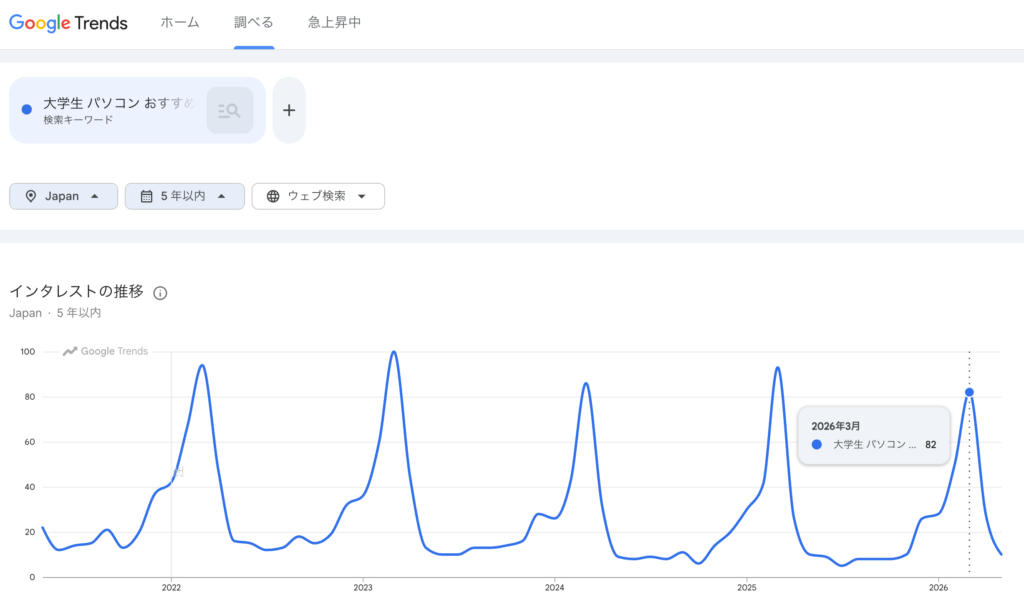 Everyone hunts for a college laptop at the exact same time!
What that means is there's a clear window when the cheap, good models go out of stock. Because everyone starts looking right before classes begin, a ton of people every year can't get the color or specs they actually wanted and end up settling for a pricier model 😂
So if you already know you're enrolling, buy your college laptop early.
There's a second perk to buying early: getting hands-on with the laptop before school starts means you get comfortable with it. A lot of younger folks are great with phones but surprisingly rusty on a computer, so building that edge now means you'll start the school year off smoothly 👍
So there you have it — nail these three things and your college laptop search is sorted.
- Performance: Core i5 / Ryzen 5 or better, 16GB RAM, 512GB+ storage, IPS display or better
- Usability: 14 inches, under 1.5 kg (~3.3 lbs), 10+ hours of battery, USB-C charging, good key feel
- Timing: buy early (so you don't get caught by stockouts)
Nail these three and you'll pick a laptop you won't regret for four years 👍
In this article I've rounded up reasonably priced picks that meet all of these, so go check them out. Choose from around these and you're unlikely to go wrong.
Our Picks
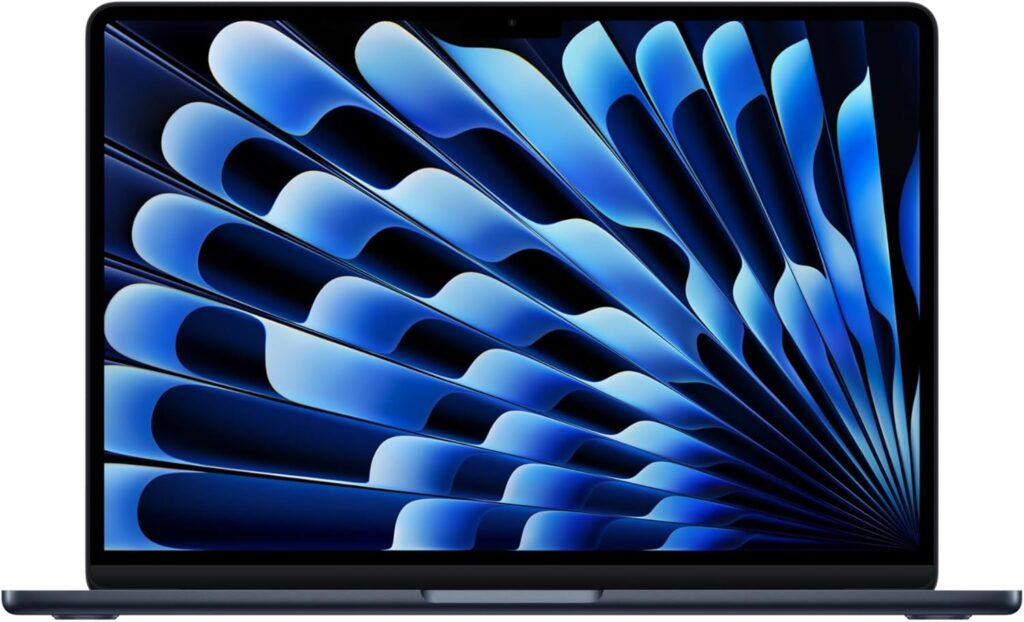
#1Apple MacBook Air (13-inch, M5, 2026)
- ·You're buying your first Mac
- ·You're upgrading from an M1 or M2 MacBook
- ·You want a silent, light laptop you can carry all day without a charger
- ·You want to run AI image generation or local LLMs on your Mac
- ·M4 users — no compelling reason to upgrade right now
- ·You plug in lots of peripherals without a hub and don't want to carry one
- ·You're buying primarily for Wi-Fi 7 speeds — check your router first
Key Specs
- CPU
- Apple M5
- Display
- 13.6-inch 2560x1664 IPS
- RAM
- 16GB
- Weight
- 1.23 kg (2.71 lbs)
- Storage
- 512GB SSD
- Battery
- ~18.0h
Why We Picked It
MacBook Air (13-inch, M5, 2026) is, honestly, one of the best laptops you can buy as a college student. macOS is clean and intuitive, so everyday stuff like writing papers, browsing, and using Office apps feels effortless — and depending on your major, it can handle programming and other heavier workloads without breaking a sweat. The all-around versatility is the real selling point here.
I actually use this MacBook Air as my daily driver, and I run everything through it — coding, development work, video editing — all on one machine. Zero complaints. What I personally love most is the fanless design: total silence, which honestly makes it way easier to stay focused. On top of that, battery life goes up to 18 hours, and combined with macOS's efficient power management, you can comfortably use it all day without hunting for an outlet.
The one downside? You only get two USB-C ports, so expandability is limited — but a USB-C hub fixes that completely. Even accounting for that, this is the best companion you can take through four years of college.
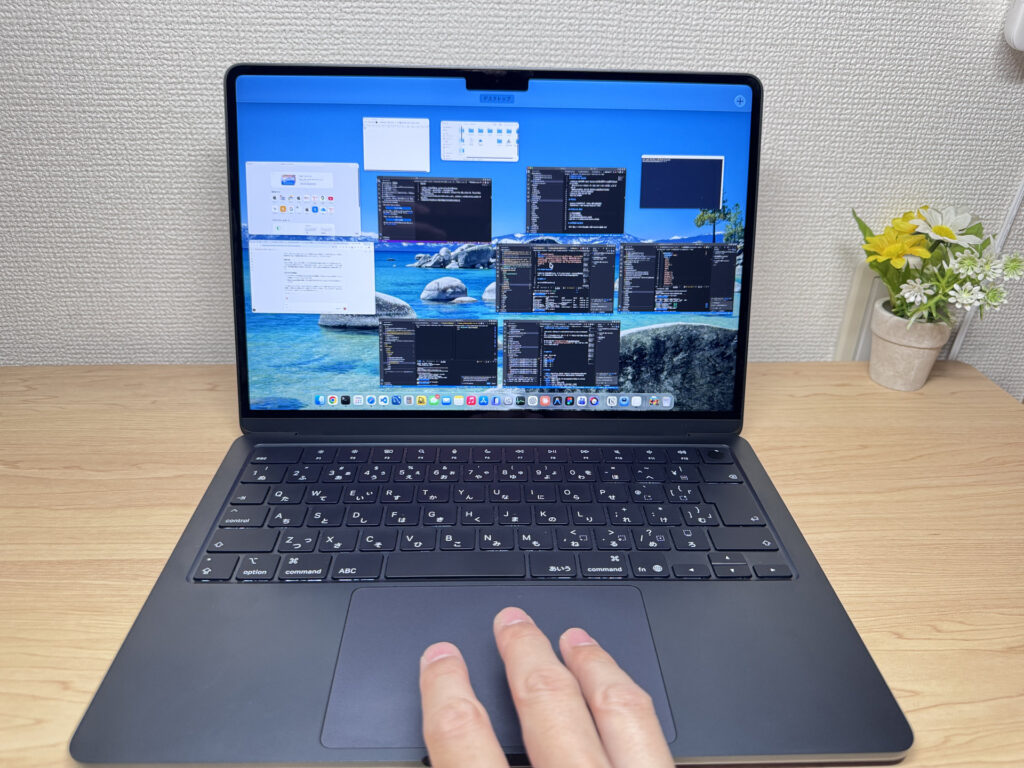 When you factor in performance, usability, and portability, the MacBook Air is the classic choice for college students.
#2HP OmniBook X Flip 14-fm
- ·You carry your laptop to class or work every day and weight actually matters
- ·You want an OLED screen for movies, YouTube, and photo editing
- ·You want to get through the day without worrying about battery
- ·You need to plug into monitors or projectors without carrying a bag of dongles
- ·Heavy gaming or serious video editing is your main use case
- ·You work in dead-quiet environments — the fans are noticeable when the CPU is pushed
Key Specs
- CPU
- Intel Core Ultra 7 256V
- Display
- 14.0-inch 1920x1200 IPS touch
- RAM
- 16GB
- Weight
- 1.39 kg (3.06 lbs)
- Storage
- 512GB SSD
- Battery
- ~17.5h
Why We Picked It
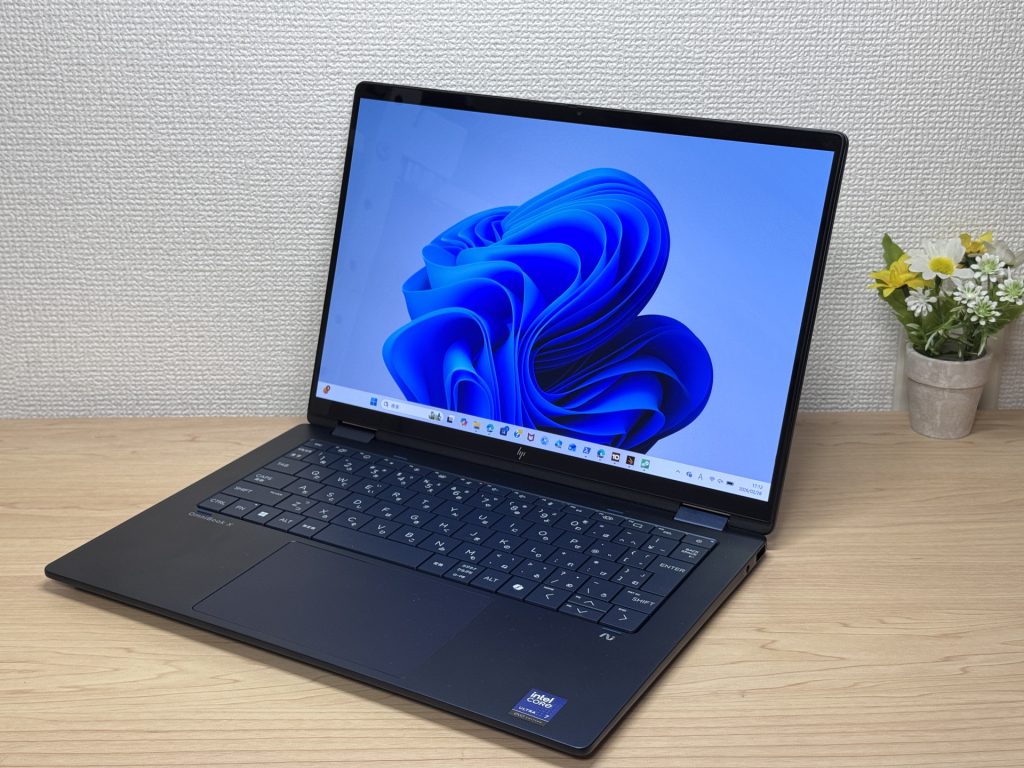
HP OmniBook X Flip 14-fm is a genuinely unique laptop because the 2-in-1 design lets you write directly on the display. Typing on a keyboard is obviously great, but being able to handwrite notes right on the screen is surprisingly intuitive — even if you're new to laptops. Unlike the MacBook, this one supports touch input, which makes it feel more natural to use right out of the box.
The OLED display is vibrant and sharp — it just looks good. I personally find OLED easier on the eyes during long sessions, so if you're spending hours on papers or studying, that matters. Battery life hits 17.5 hours, and the port selection is solid, which gives it a leg up on the MacBook Air in terms of expandability. The one honest downside: the glossy screen can pick up reflections from overhead lighting, which can be annoying depending on where you're sitting. Still, if you want a laptop that handles classes, papers, and remote lectures all in one package, this is a strong pick.
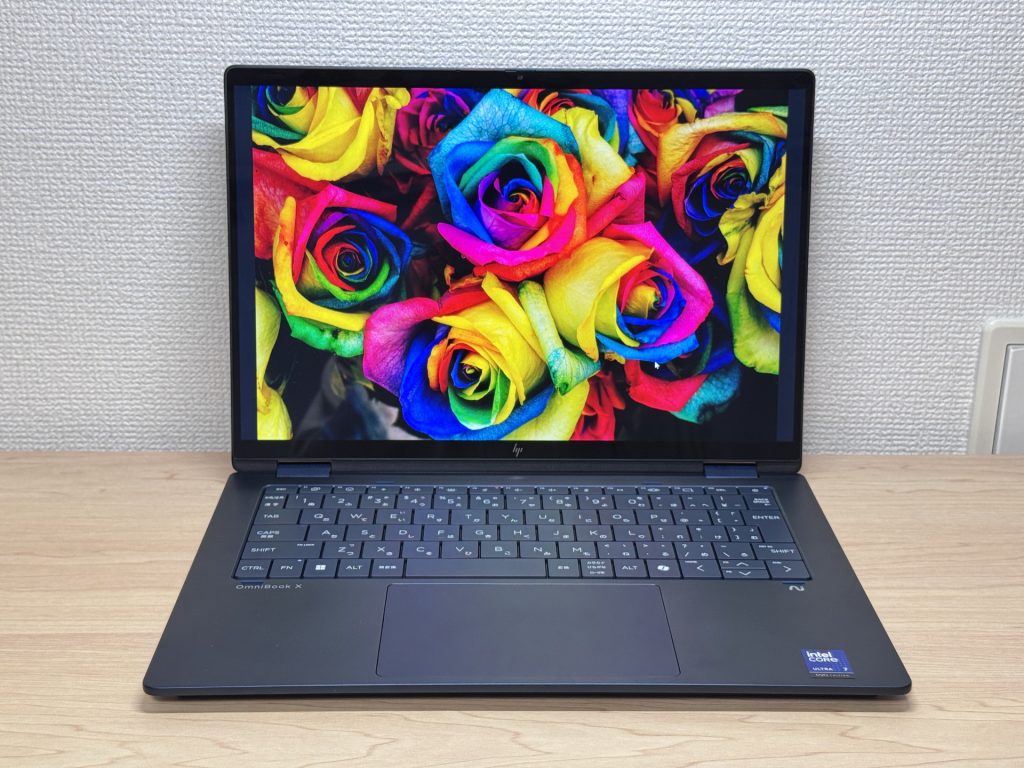 The OLED display has stunning color reproduction. Great for watching videos on your own time too.
#3Apple MacBook Neo
- ·First-time laptop buyers or total beginners
- ·People who mostly browse the web, check email, or work in spreadsheets and docs
- ·Anyone who wants Apple quality without spending MacBook Air money
- ·People switching to Mac for the first time
- ·Heavy gamers or video editors — this chip isn't built for that kind of workload
- ·People with lots of USB-A peripherals who don't want to deal with a hub
Key Specs
- CPU
- Apple A18 Pro
- Display
- 13.0-inch 2408x1506 IPS
- RAM
- 8GB
- Weight
- 1.23 kg (2.71 lbs)
- Storage
- 256GB SSD
- Battery
- ~16.0h
Why We Picked It
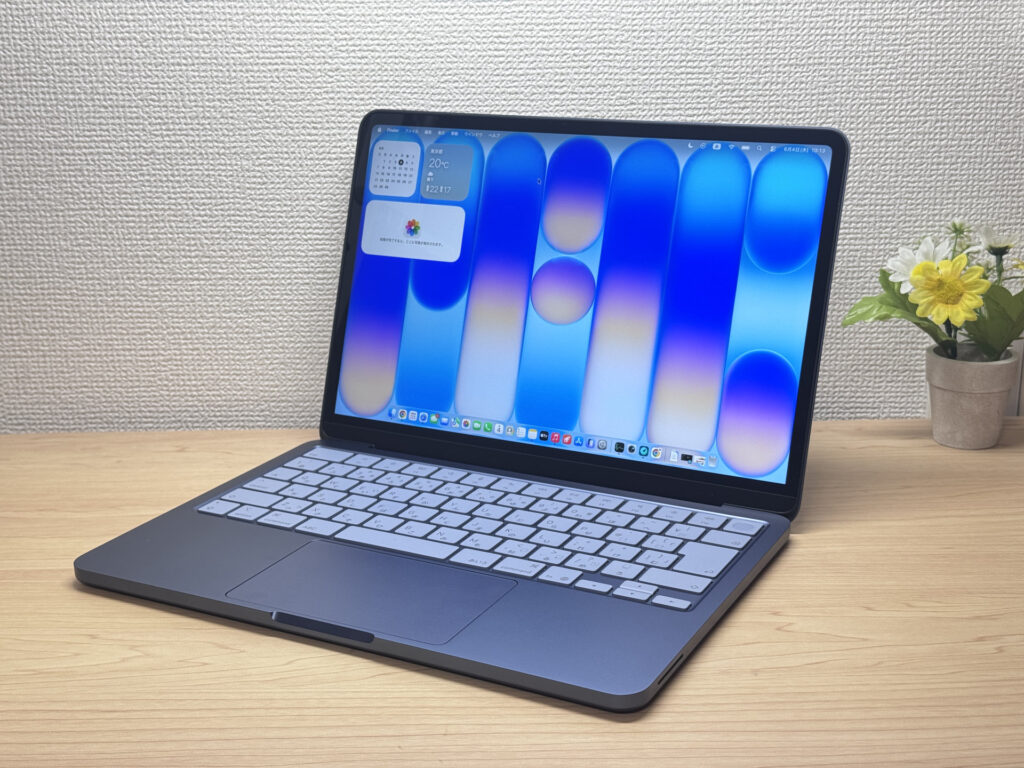
MacBook Neo is a bit of a special case. I generally recommend 16 GB of RAM for college students, but after actually using this one, I was surprised — 8 GB and it still feels snappy. For typical college use like writing papers, joining remote classes, and watching videos, it handles everything just fine. And the biggest draw is the price: you get genuine Apple build quality without the MacBook Air price tag. If you don't want a cheap, flimsy laptop but also don't want to spend as much, this hits that sweet spot.
If your goal is to get solid use out of it for four years without overspending, MacBook Neo is honestly a legit option. The display looks great, the trackpad is surprisingly good — I say surprisingly because I used one myself and was impressed — and the keyboard feels comfortable to type on. Easy recommendation for college students.
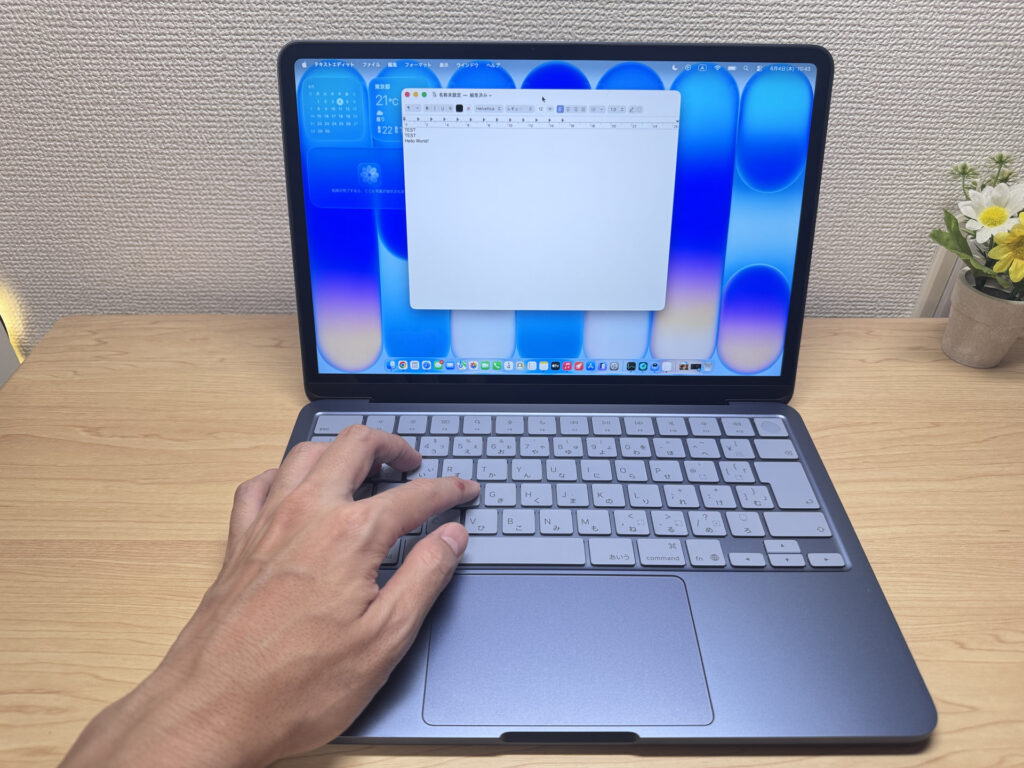 MacBook Neo shares its CPU with the iPhone 16, but macOS optimization keeps it running totally smooth.
More Recommended Models
If our TOP 3 didn't quite click, take a look here too. These are picked with the same criteria, so you won't go far wrong either.
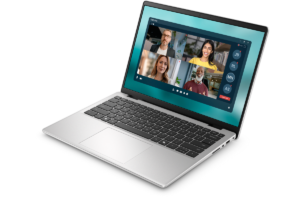
Solid entry-level 14-inch with good bang for your buck — just don't expect to forget it's in your bag.
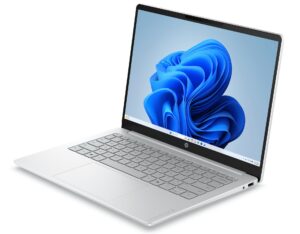
45-hour battery in a 14-inch — a true all-day road warrior.
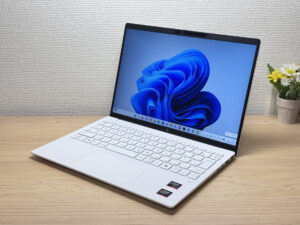
Under 2.2 lbs and ready for daily carry — a well-balanced travel laptop
Spec Comparison
Compare specs of all 6 recommended models at a glance.
Note: This table is ordered by our editors' picks for this use case, not by ZippyScore.
| Model | Image | Stores | Highlights | ZippyScore | CPU | RAM | Storage | Display | Battery | Weight | Full Review |
|---|---|---|---|---|---|---|---|---|---|---|---|
|
🥇 Best Overall
Apple
MacBook Air (13-inch, M5, 2026)
|
|
Amazon | Performance, portability, and usability — the MacBook Air is the obvious pick for college. | 4.0/5 | Best Apple M5 Passmark: 57,701 | Best 16GB | 512GB |
13.6"
2560x1664
IPS
|
~18.0h | 1.23 kg (2.71 lbs) | Full Review |
|
🥈 Best Balanced Pick
HP
OmniBook X Flip 14-fm
|
|
Amazon | Write directly on the screen — a 2-in-1 that's genuinely useful for college life. | 4.0/5 | Intel Core Ultra 7 256V Passmark: 19,556 | Best 16GB | 512GB |
14.0"
1920x1200
IPS
|
~17.5h | 1.39 kg (3.06 lbs) | Full Review |
|
🥉 Best Value Pick
Apple
MacBook Neo
|
|
Amazon | Full Apple quality at a lower price. More than enough for getting through college. | 4.3/5 | Apple A18 Pro Passmark: 12,849 | 8GB | 256GB |
13.0"
2408x1506
IPS
|
~16.0h | 1.23 kg (2.71 lbs) | Full Review |
|
Dell
Dell 14 (DC14250, 2025)
|
|
Amazon | Solid entry-level 14-inch with good bang for your buck — just don't expect to forget it's in your bag. | 3.2/5 | Intel Core 5 120U Passmark: 15,544 | Best 16GB | 512GB |
14.0"
1920x1200
|
- | 1.54 kg (3.40 lbs) | Full Review |
|
HP
HP OmniBook 3 14-hz
|
|
Amazon | 45-hour battery in a 14-inch — a true all-day road warrior. | 3.8/5 | Snapdragon X X1-26-100 | 8GB | 256GB |
14.0"
1920x1200
IPS
|
Best ~45.0h | 1.42 kg (3.13 lbs) | Full Review |
|
HP
OmniBook 7 Aero 13-bg
|
|
Amazon | Under 2.2 lbs and ready for daily carry — a well-balanced travel laptop | Best 4.5/5 | AMD Ryzen AI 7 350 Passmark: 24,959 | Best 16GB | Best 1TB |
13.3"
1920x1200
IPS
|
~15.5h | Best 0.97 kg (2.14 lbs) | Full Review |
Frequently Asked Questions
Is 8GB of RAM okay, or do I really need 16GB?
What screen size is best for college students?
Should I get a Mac or a Windows laptop?
Do I need to buy Microsoft Office?
How much should I budget for a college laptop?
Summary
Here's a quick recap of the conclusion from this article:
These are the models that meet those criteria:
- #1 Apple MacBook Air (13-inch, M5, 2026)
- #2 HP OmniBook X Flip 14-fm
- #3 Apple MacBook Neo
- #4 Dell 14 (DC14250, 2025)
- #5 HP OmniBook 3 14-hz
- #6 HP OmniBook 7 Aero 13-bg
We hope you find the laptop that's right for you here.
Happy laptop hunting!
About the author
