ZippyScore
ZippyScore is a proprietary rating based on 6 criteria: performance, portability, display, battery, value, and connectivity.
See rating criteria
- Performance: CPU / GPU performance
- Portability: Screen size & weight
- Display: Panel type, aspect ratio & refresh rate
- Battery: Rated battery life
- Value: Specs-to-price balance
- Connectivity: Port types & count
Pros & Cons
Pros
- At around 1.15 kg, it’s light enough to carry every day without it feeling like a burden
- 16 GB+ of RAM keeps multitasking smooth
- Large battery means you can work all day without hunting for a socket
- Plentiful ports mean no USB-C hub needed
- 16:10 display gives more vertical workspace — noticeably less scrolling
Cons
- Integrated graphics aren’t suited to demanding games or serious video editing
- Speaker bass is on the light side — may disappoint those who care about audio quality
Specs Summary
| Weight | 1.14 kg (2.54 lbs) |
|---|---|
| Ports | USB-C × 2 (10Gbps/PD/Video out), USB-A × 2 (5Gbps), HDMI × 1, microSD × 1, Headphone jack × 1 |
| Biometrics | Face Recognition |
| Battery | Up to 23.9 h (Capacity: 54 Wh) |
| Dimensions | Approx. 295.6 × 207.0 × 14.3 mm (W × D × H) |
| Wi-Fi | Wi-Fi 6E |
| Bluetooth | Bluetooth 5.3 |
Configurations vary by retailer, region, and availability.
Hands-on Review
Here’s a closer look at the IdeaPad Slim 5 Light Gen 10(13.3" AMD). This is the configuration I tested:
| Spec | Review unit |
|---|---|
| CPU | AMD Ryzen 7 7735HS |
| Memory | 16 GB |
| Storage | 512 GB SSD |
| Display | 13.3-inch IPS (1920×1200, 60 Hz) |
| Graphics | AMD Radeon 680M |
| Colour | Cloud Grey |
※ Specs may vary depending on region and retailer.
Design
The review unit came in Cloud Grey — well-built, calm, and professional-looking. The slim silhouette stands out straight away; this one clearly earns the ‘Light’ name.
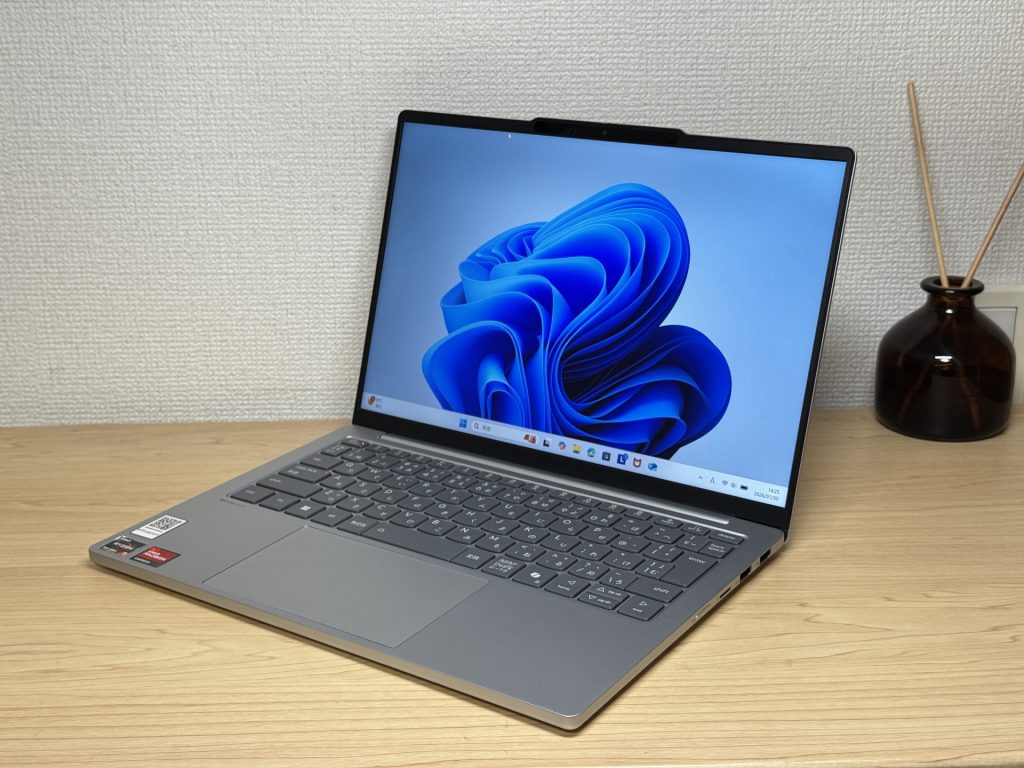 Cloud Grey — stylish, clean front profile
The back panel feels solid for the price — there’s a premium quality to it, and the material doesn’t pick up fingerprints. Useful, given how often you’re handling it every day.
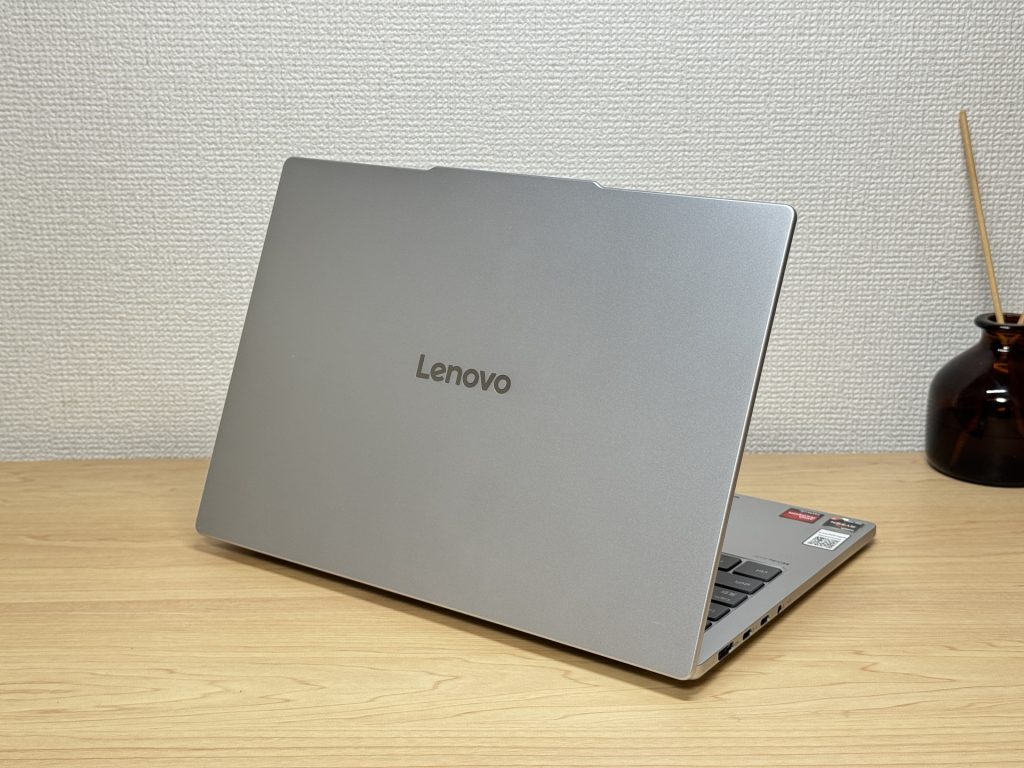 Back panel material resists fingerprints
The thinness is genuinely notable. It slides in and out of a bag with ease — the kind of machine you can grab and go without a second thought.
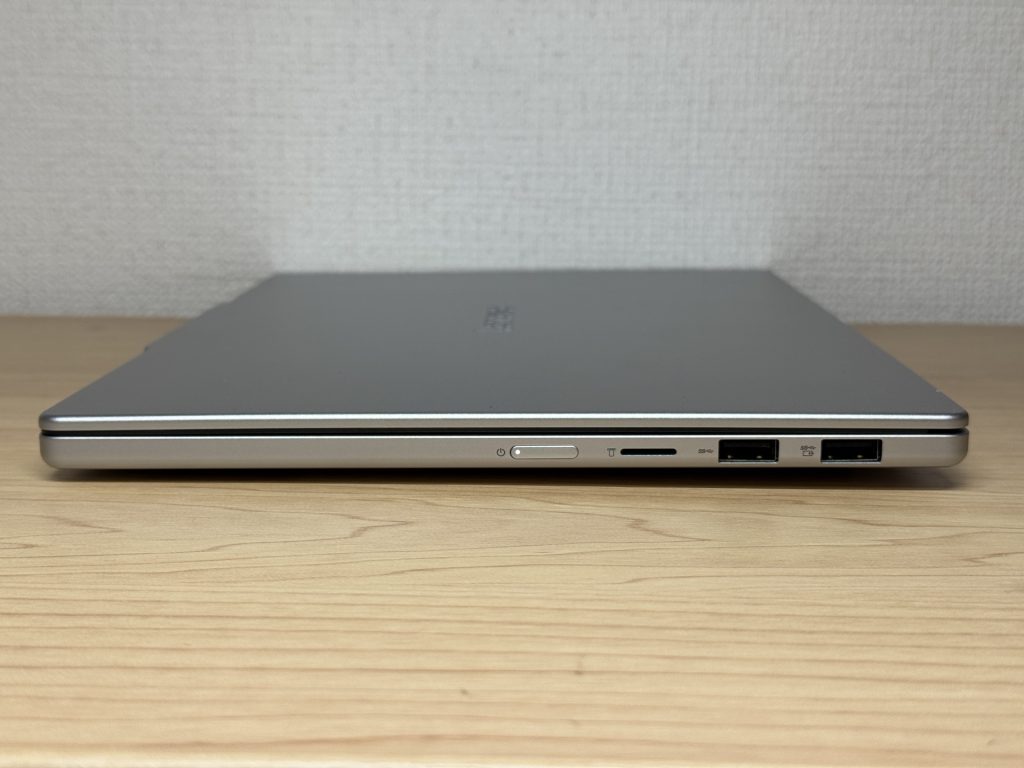 Impressively slim profile
The rubber feet on the base grip well. No creeping across the desk during typing, which lets you stay focused and in the zone.
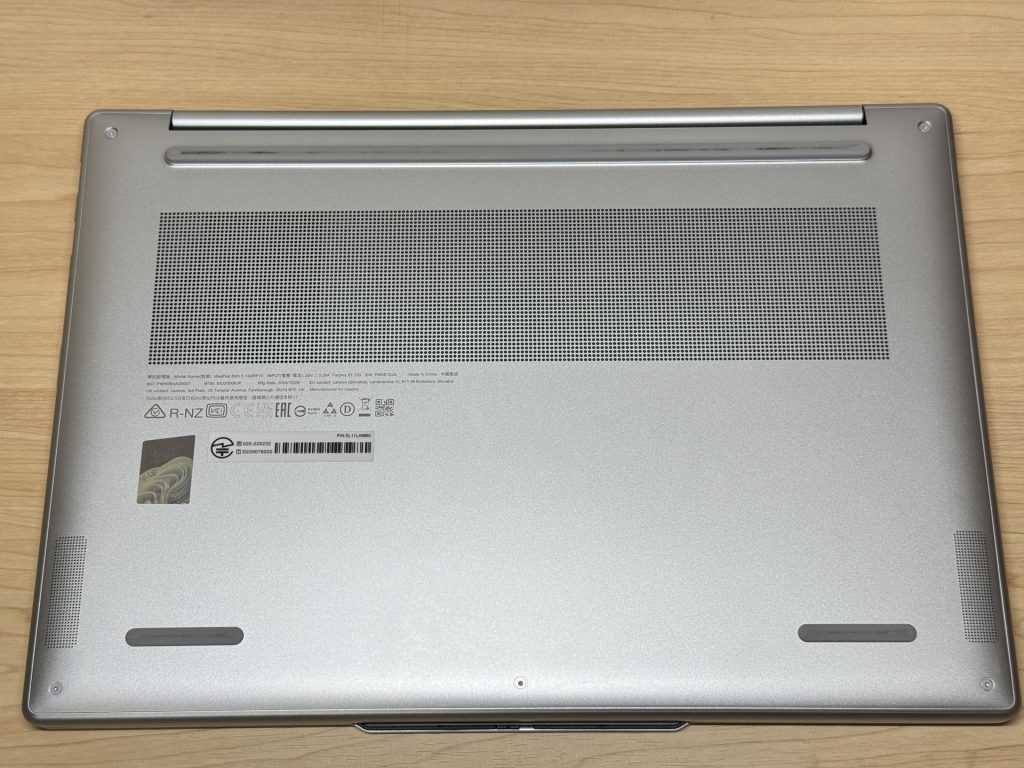 Rubber feet grip effectively
The slight webcam bump means the lid opens with one finger — no nail-biting, no fuss. A small detail that matters every single morning.
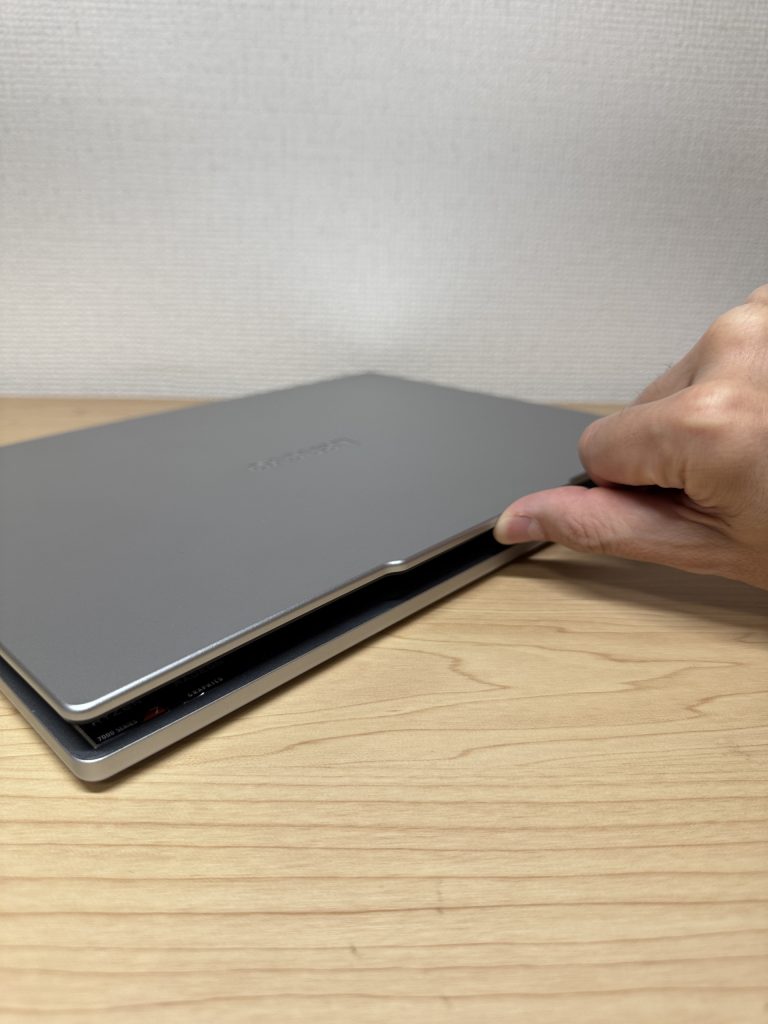 Lid opens smoothly with one finger
Portability
True to the ‘Light’ name, the measured weight is around 1.1 kg — you feel the difference the moment you pick it up. This is a machine you’ll bring with you without a second thought.
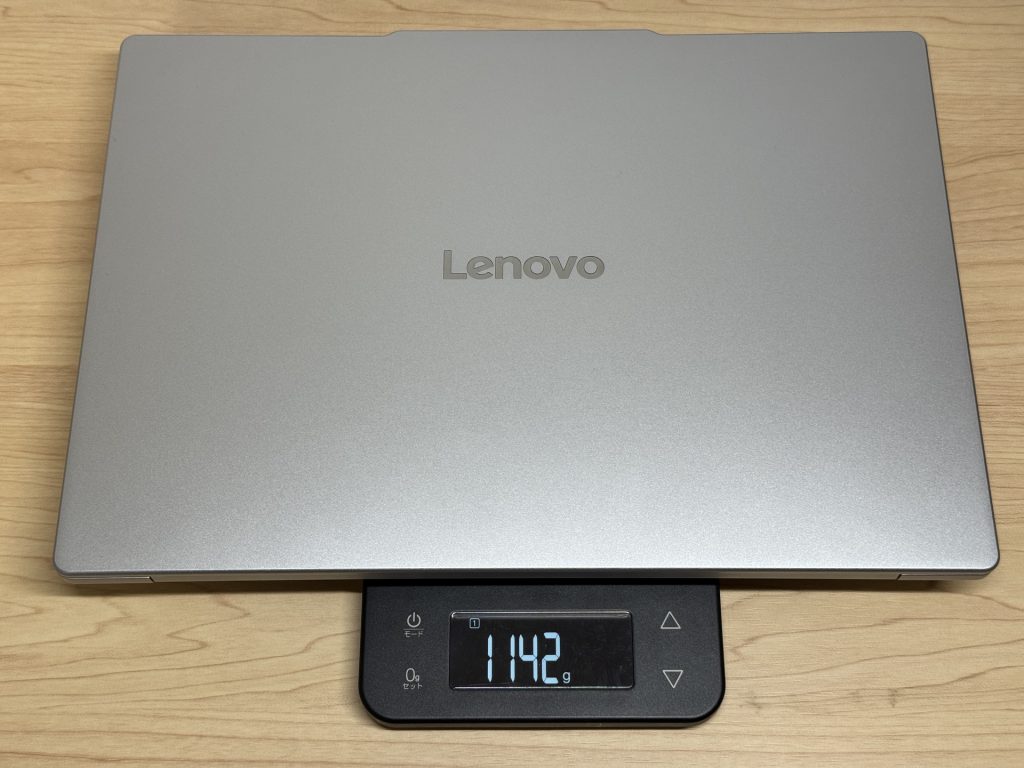 Around 1.1 kg body weight
The charger weighs 175 g — light for a charger. The mains plug doesn’t fold flat, which is a minor gripe. That said, USB-C charging is supported, so a compact Anker USB-C charger makes everything even more portable.
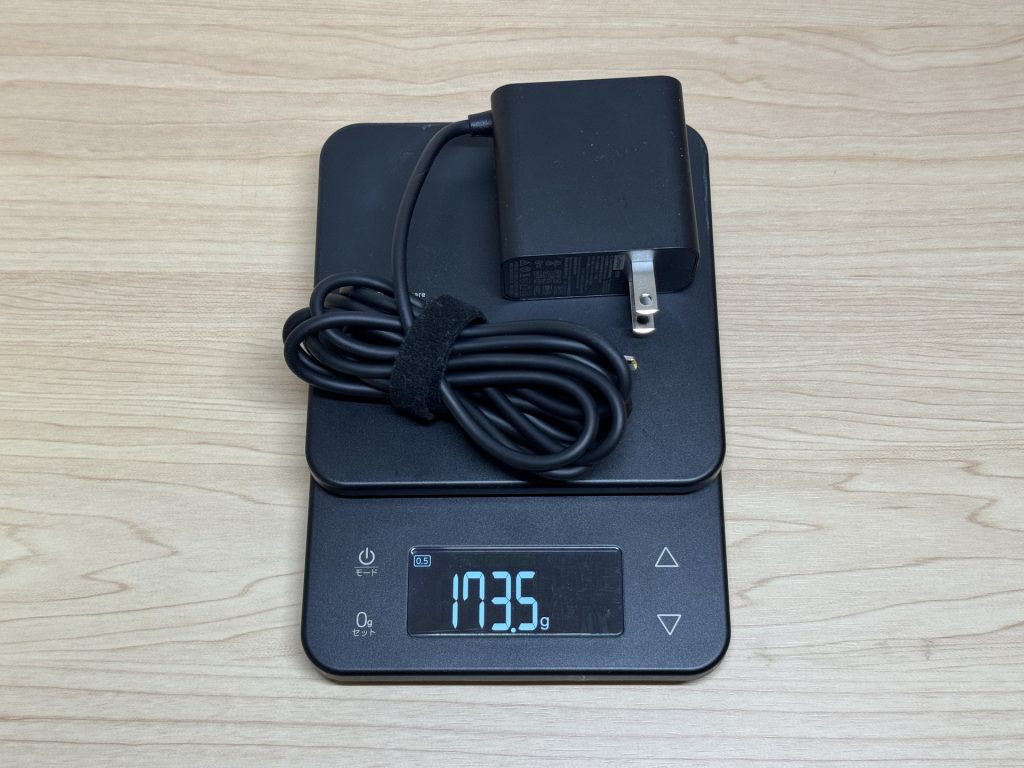 Charger measured at 175 g
One-handed carry is genuinely comfortable. The usual ‘it’s 13 inches, but somehow still awkward one-handed’ complaint simply doesn’t apply here.
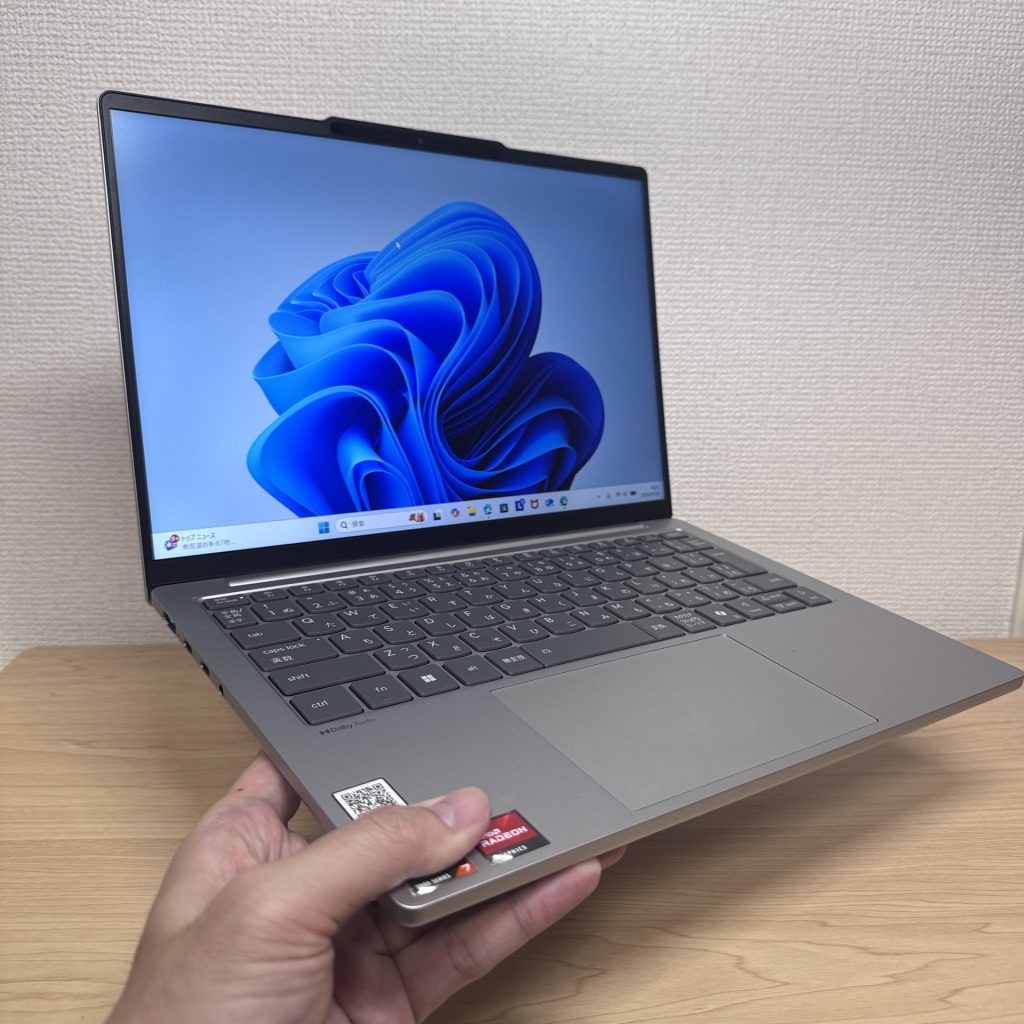 Comfortable one-handed carry
Display Quality
IPS panel with good colour reproduction. Everyday web browsing, video watching, document work — all look fine. It’s not the deep, inky OLED experience, but for daily tasks it’s perfectly satisfying.
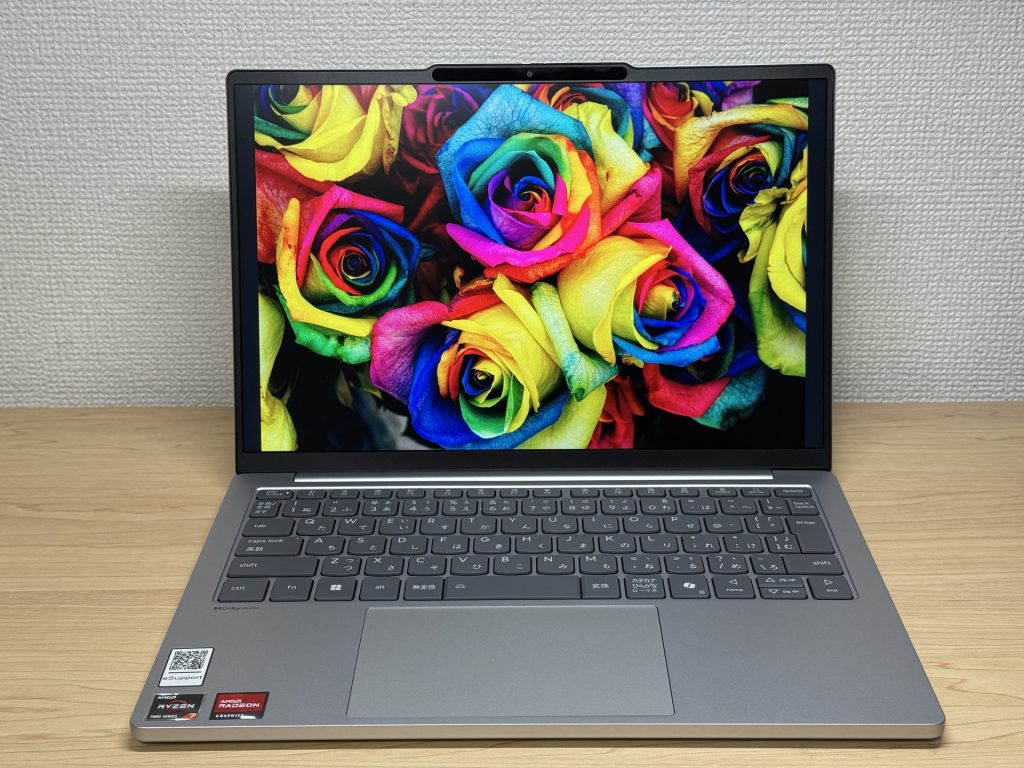 Good colour from the IPS panel
Viewing angles are wide — tilt it, share the screen, the colours stay consistent.
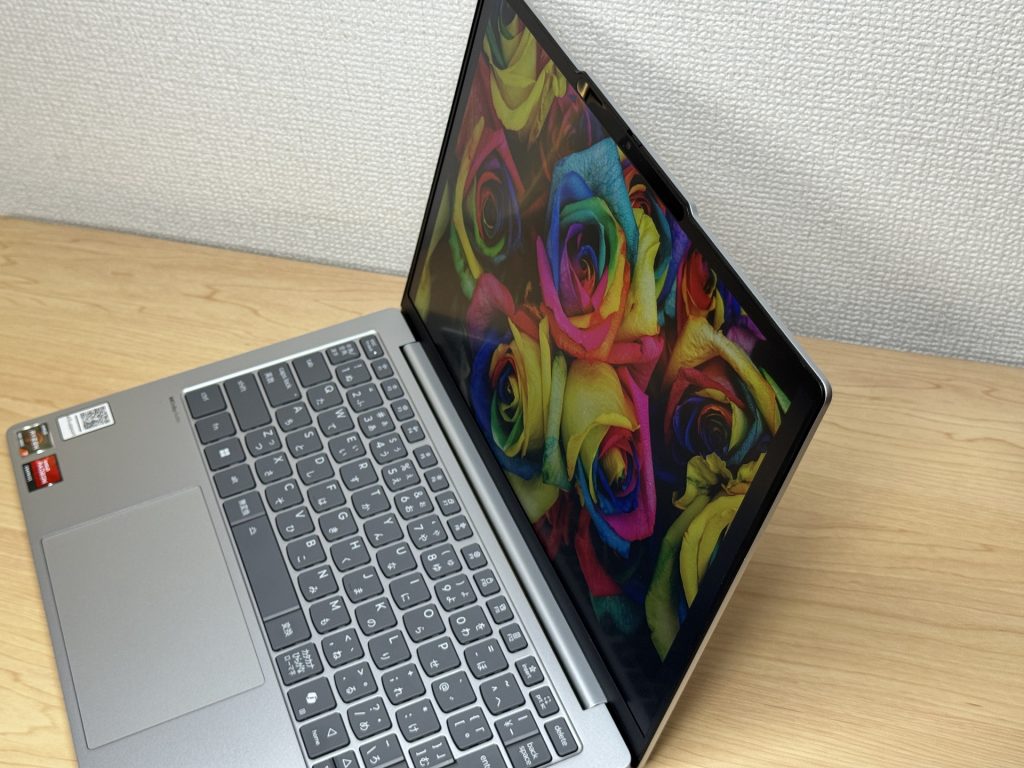 Consistent colour from any angle
Slim bezels and a 16:10 aspect ratio are both practical wins. The extra vertical space cuts down on scrolling through documents and pages — one of those things you only properly miss when you go back to 16:9.
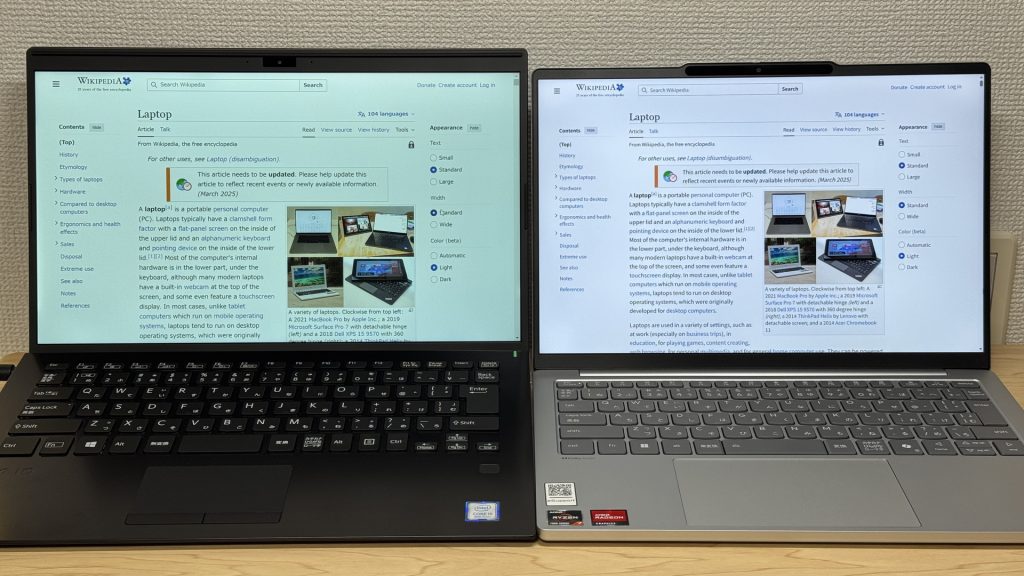 Slim bezels, 16:10 aspect ratio
Keyboard Feel
The layout is standard and familiar — no surprises or awkward key relocations. You’ll be typing comfortably from day one.
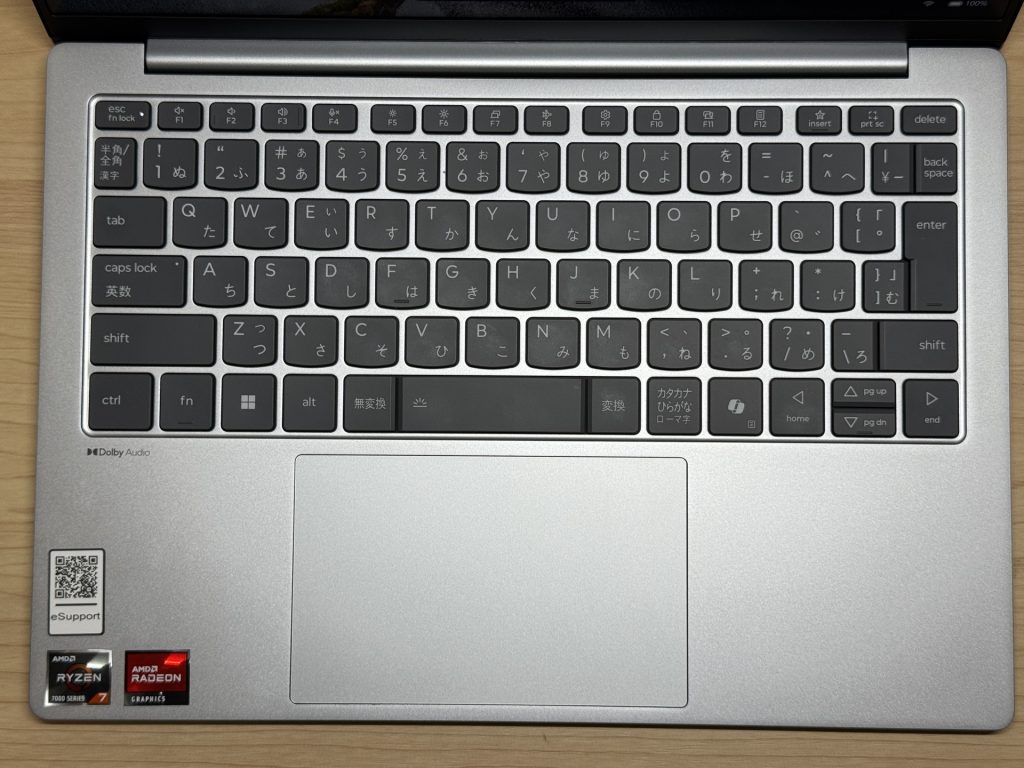 Standard, easy-to-adapt layout
The typing feel is better than you might expect from a slim machine. There’s a satisfying solidity to it — less plasticky clatter than typical ultra-thin laptops. Long writing sessions don’t leave your fingers feeling punished.
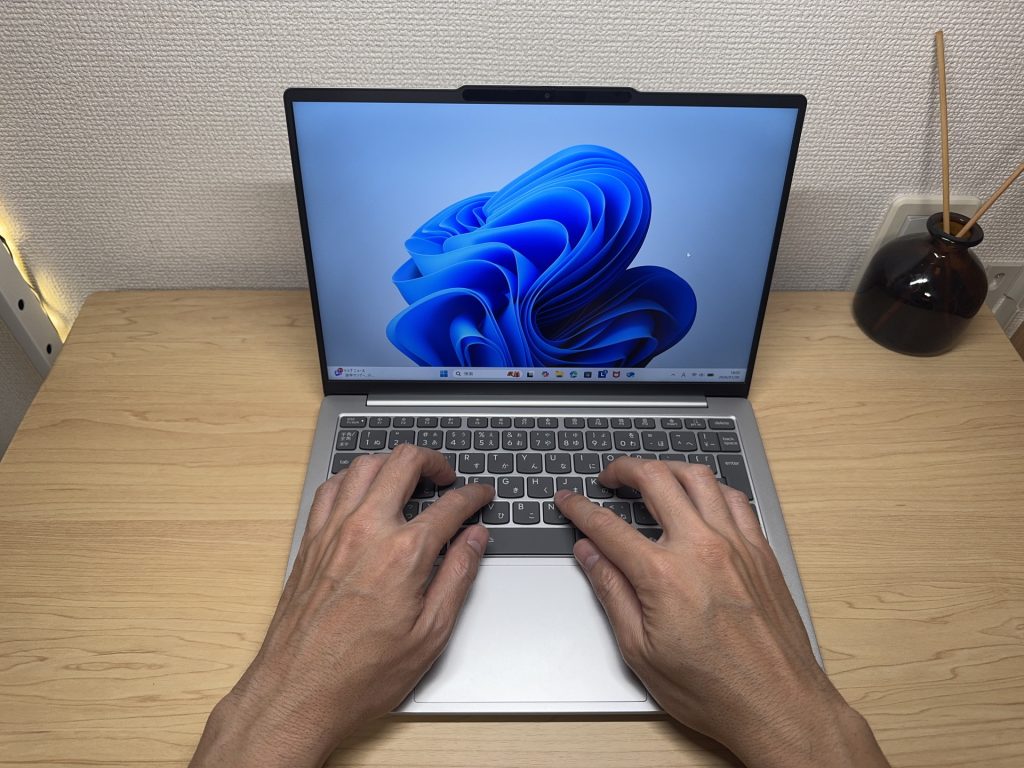 Solid, comfortable typing feel
Trackpad
The trackpad glides very well. Going mouse-free on the road or in a meeting is no hardship — it tracks smoothly and responds reliably.
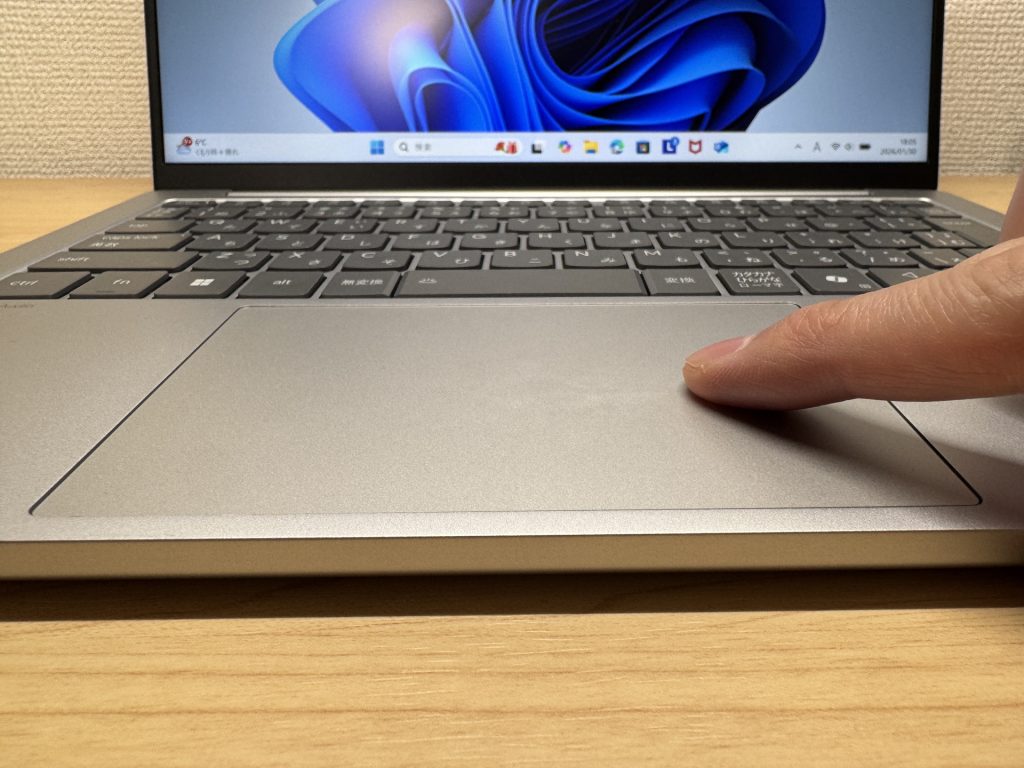 Smooth, responsive trackpad
Performance
PCMark 10 overall score: 6,312. Comfortable headroom for work, study, and video calls. Multiple apps open, browser tabs piling up — it handles the day without complaint.
| Total Score | Rating | What it feels like in real use |
|---|---|---|
| ~4,000 | Bare minimum | Web browsing and simple tasks work, but multitasking or many tabs feels sluggish. |
| 4,000–5,000 | Light use | Daily tasks are doable, but running multiple apps means waiting around. |
| 5,000–6,500 | Comfortable (mainstream) This PC | Handles most work without stress — fine for office, school, video calls. |
| 6,500–8,000 | High performance | Plenty of headroom. Light photo editing and programming feel snappy. |
| 8,000+ | Very high performance | Tackles video editing and heavy workloads. Long-lasting performance. |
*PCMark 10 reflects overall comfort. Actual feel depends on CPU, RAM, and SSD speed.
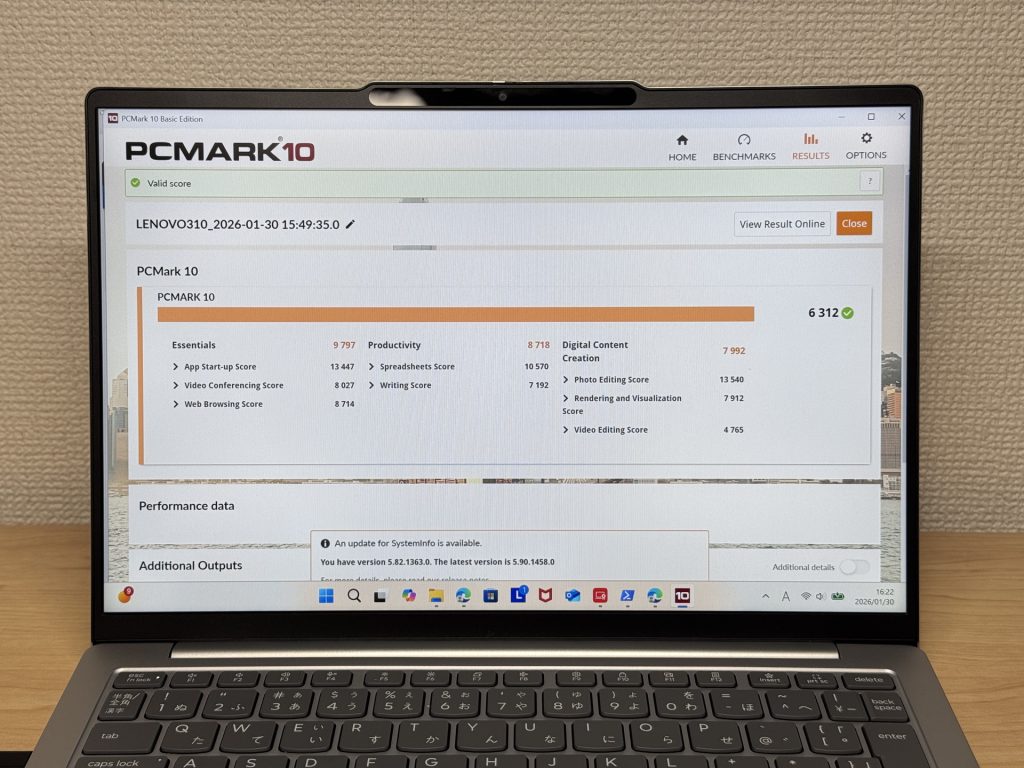 PCMark 10 score: 6,312 — comfortable daily performance
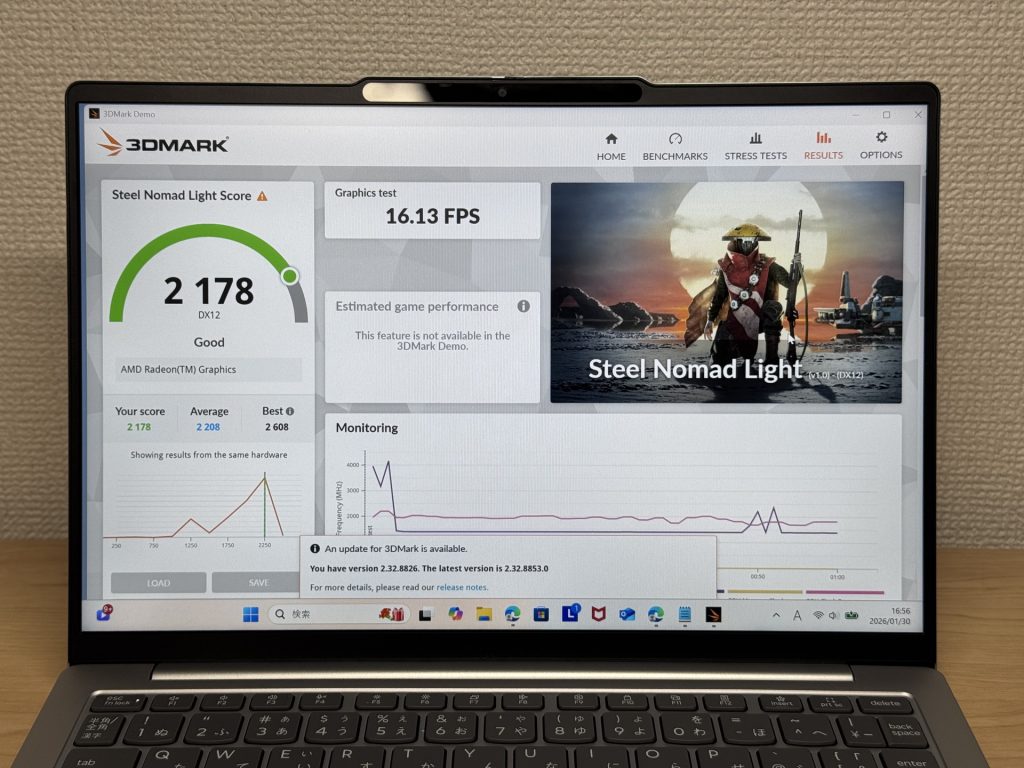
3DMark Steel Nomad Light: 2,178 (Good). Respectable for integrated graphics, though demanding 3D games and intensive video editing aren’t this machine’s territory. Business and everyday use is the sweet spot.
| Score | Rating | What it feels like in real use |
|---|---|---|
| Up to 400 | Bare minimum | 3D performance is quite limited. Not really suited for gaming. |
| 400–900 | Light 3D | Lighter games and low-load 3D processing work. |
| 900–1,500 | Average (mainstream) | Standard for integrated GPUs. Light to medium games playable with right settings. |
| 1,500–2,200 | High performance This PC | Strong for an integrated GPU. Games and 3D work feel comfortable. |
| 2,200+ | Very high performance | Top-tier 3D performance for thin laptops. Real graphics headroom. |
*3DMark Steel Nomad Light targets thin laptops and integrated GPUs. Score range differs from Time Spy, so direct comparison isn't valid.
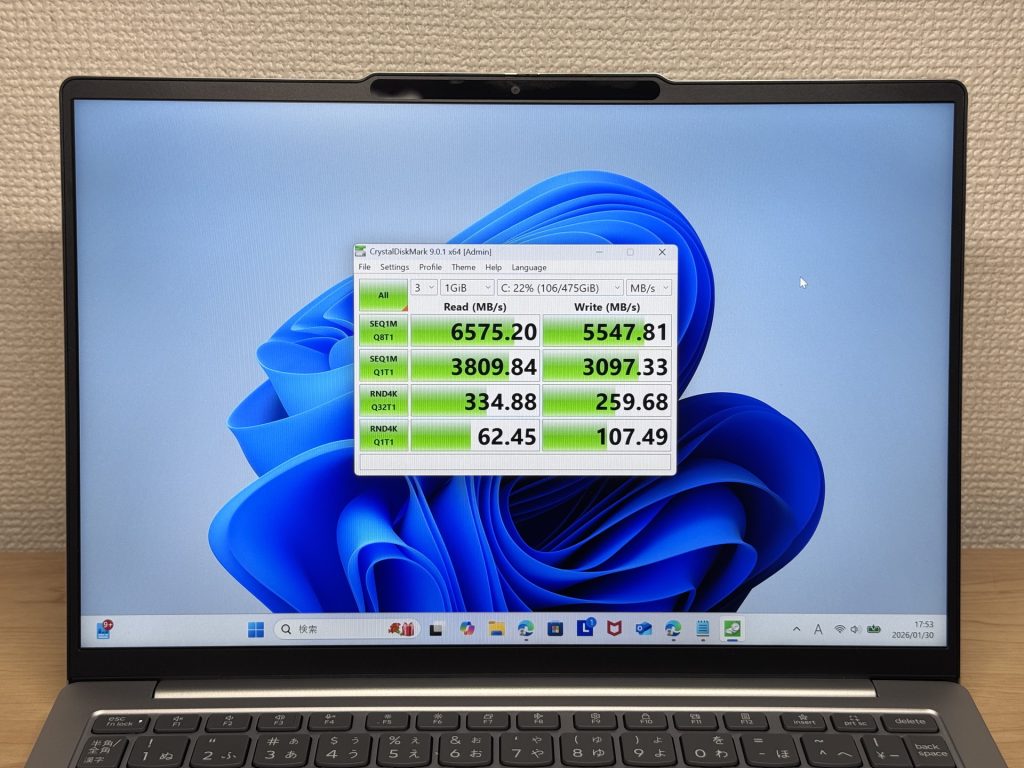
SSD speeds: Read 6,575 MB/s, Write 5,547 MB/s — fast. App launches and file transfers feel snappy.
| Score | Rating | What it feels like in real use |
|---|---|---|
| Up to 600 MB/s | Bare minimum | Faster than HDD, but slow for modern SSDs. App launches feel slightly slow. |
| 600–1,500 MB/s | Average | Fine for daily use, though loading is noticeably slower than top-tier SSDs. |
| 1,500–3,500 MB/s | Comfortable (mainstream) | App launches and file loading feel smooth. No real complaints in daily use. |
| 3,500–5,500 MB/s | Fast | Loads large data and apps quickly. Definitely upper-tier SSD speed. |
| 5,500+ MB/s | Very fast This PC | High-end NVMe territory. Heavy data work without waiting. |
*CrystalDiskMark measures SSD speed. It mainly affects app launch and file loading speed, not overall PC performance.
Battery Life
Battery rating: Very long
54 Wh battery, rated at 23.9 hours. The Ryzen 7 H-series chip draws reasonable power, but the Light-series efficiency design and the IPS 60 Hz display keep consumption in check. Getting through a full working day away from a socket is very achievable — on lighter tasks you might stretch further.
As always, brightness and workload affect real-world figures. Under heavy processing or maximum brightness, the number comes down. On everyday light-to-medium tasks, though, battery anxiety is essentially gone. The standard charger is USB-C, so a compact option keeps the bag light too.
Fan Noise & Heat
At idle, it’s almost entirely silent. Quiet café, library, focused session — no fan noise to break your concentration.
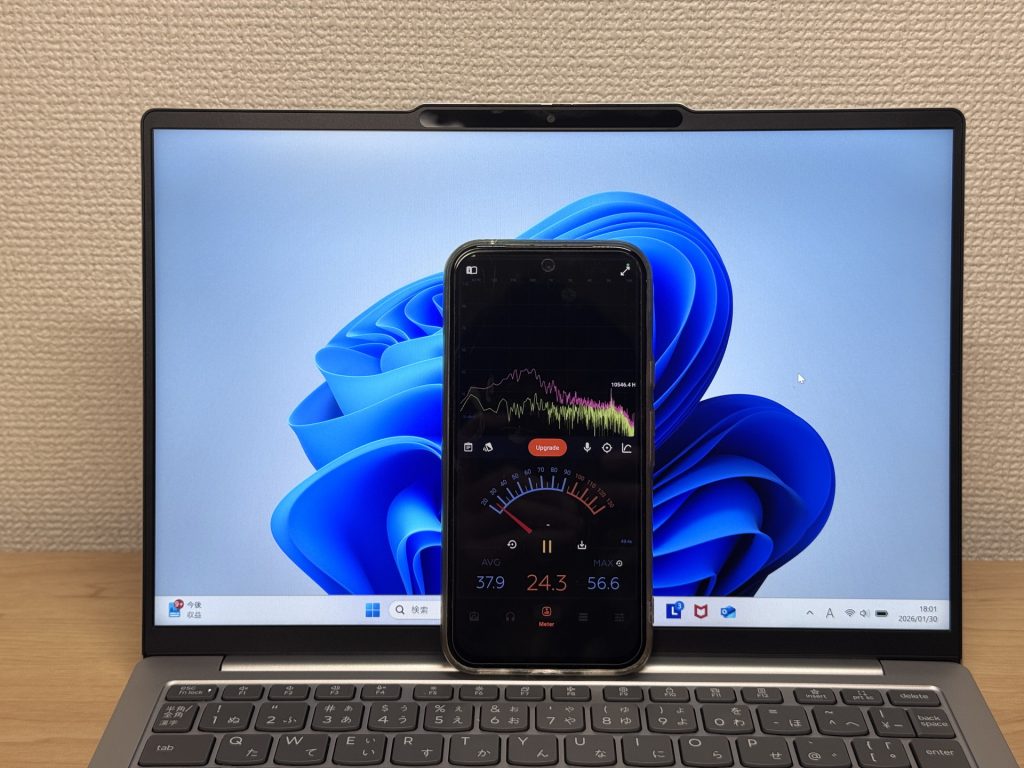 Near-silent at idle
Under load, the fan does spin up — that’s it doing its job. It cools when needed and stays quiet the rest of the time.
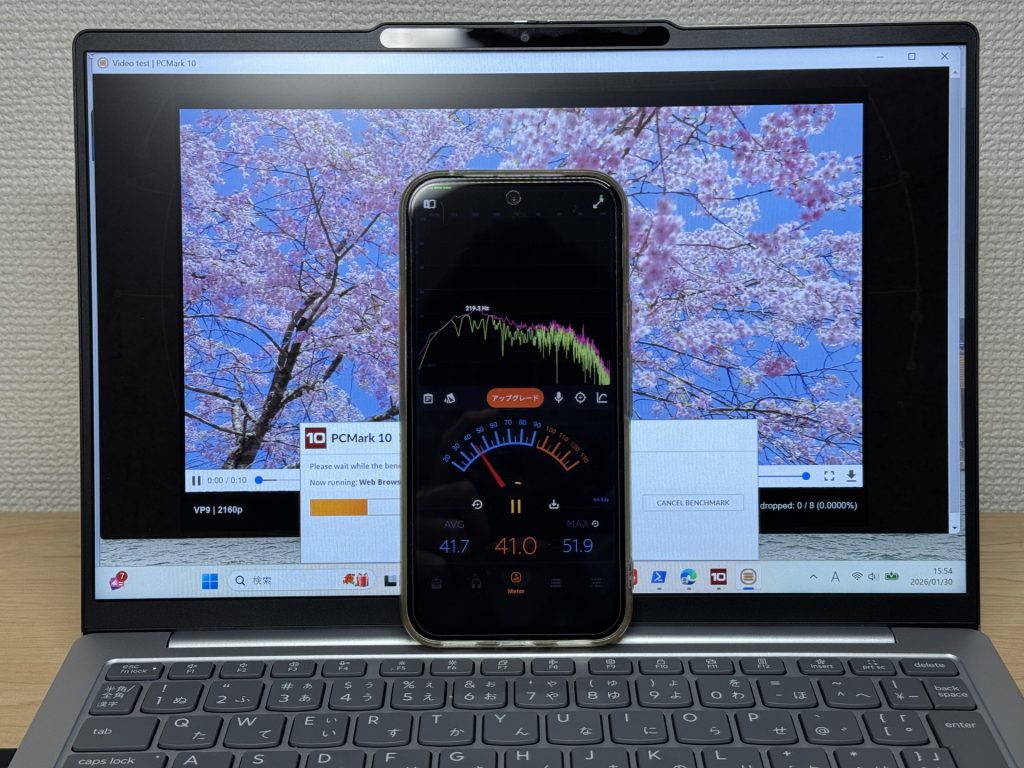 Active cooling under load
The exhaust is at the rear, so warm air doesn’t blow across your hands or your mouse. During long desk sessions, that comfort detail really does add up.
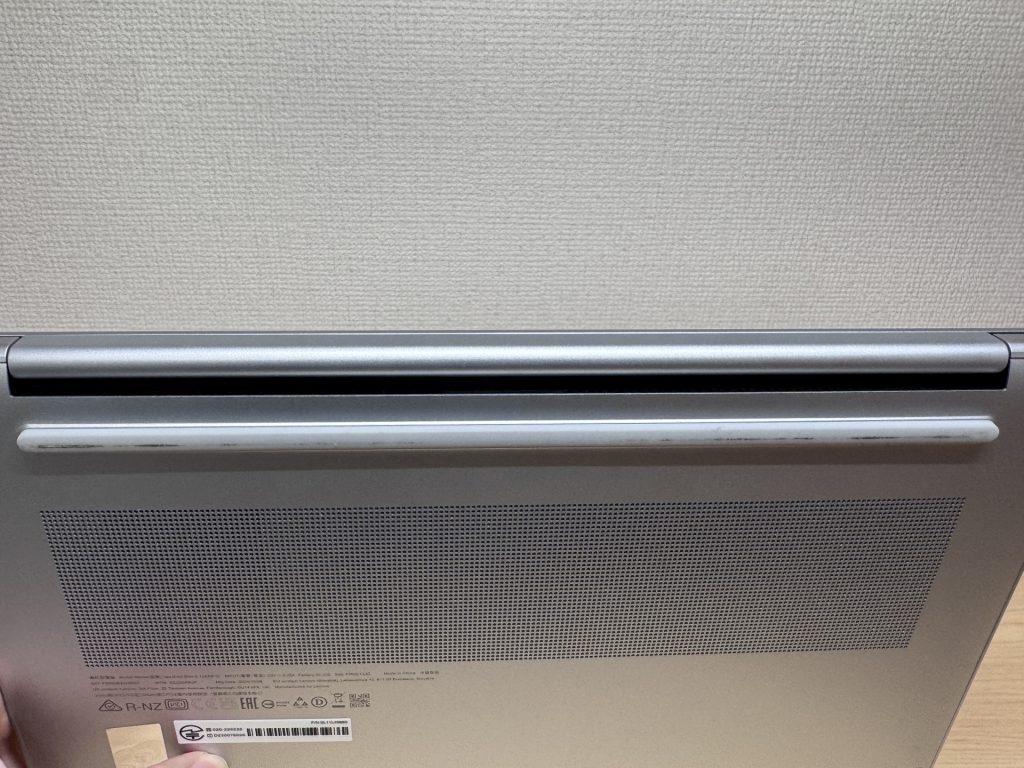 Rear exhaust keeps hands comfortable
Ports
Excellent for a slim machine: USB-C × 2 (Power Delivery + DisplayPort Alt Mode), USB-A × 2, HDMI × 1, microSD slot, 3.5 mm audio jack. Running out of ports is rarely a concern.
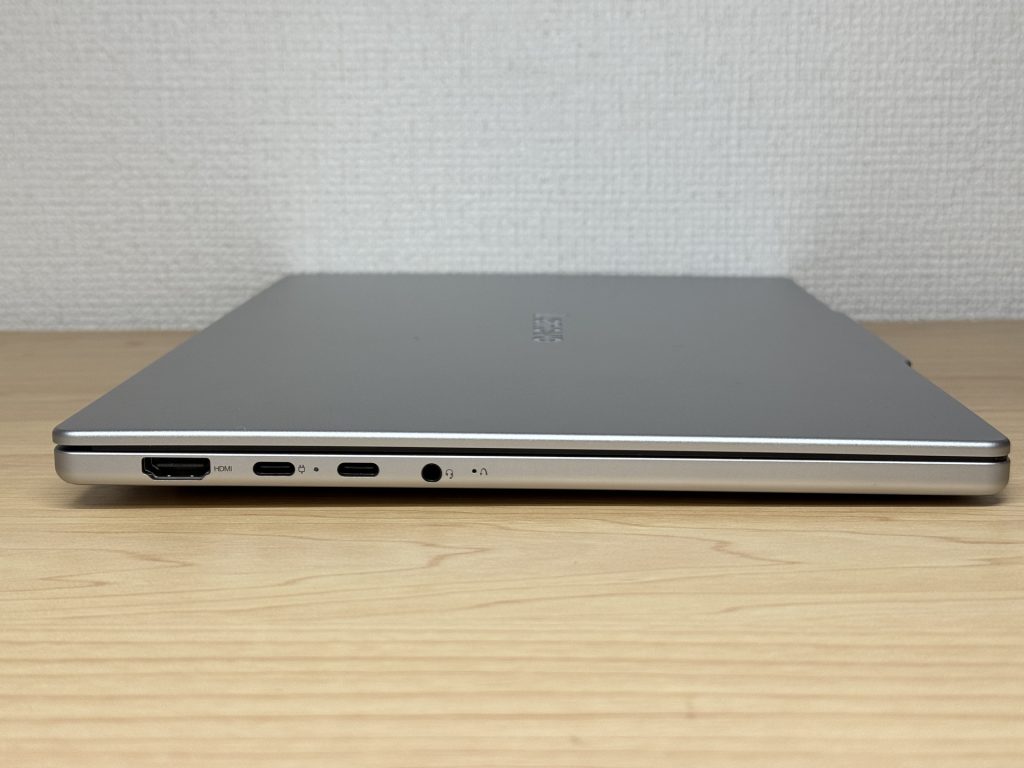 Well-stocked left-side ports
 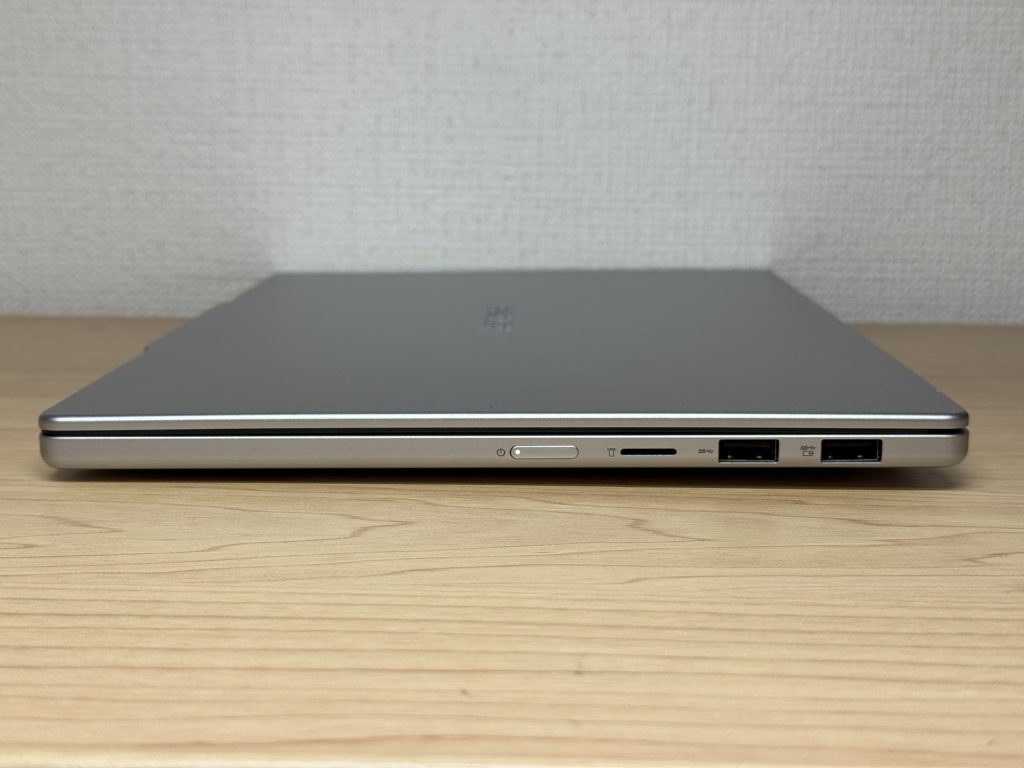 Right-side ports
4K monitor output via HDMI works without any adapters needed.
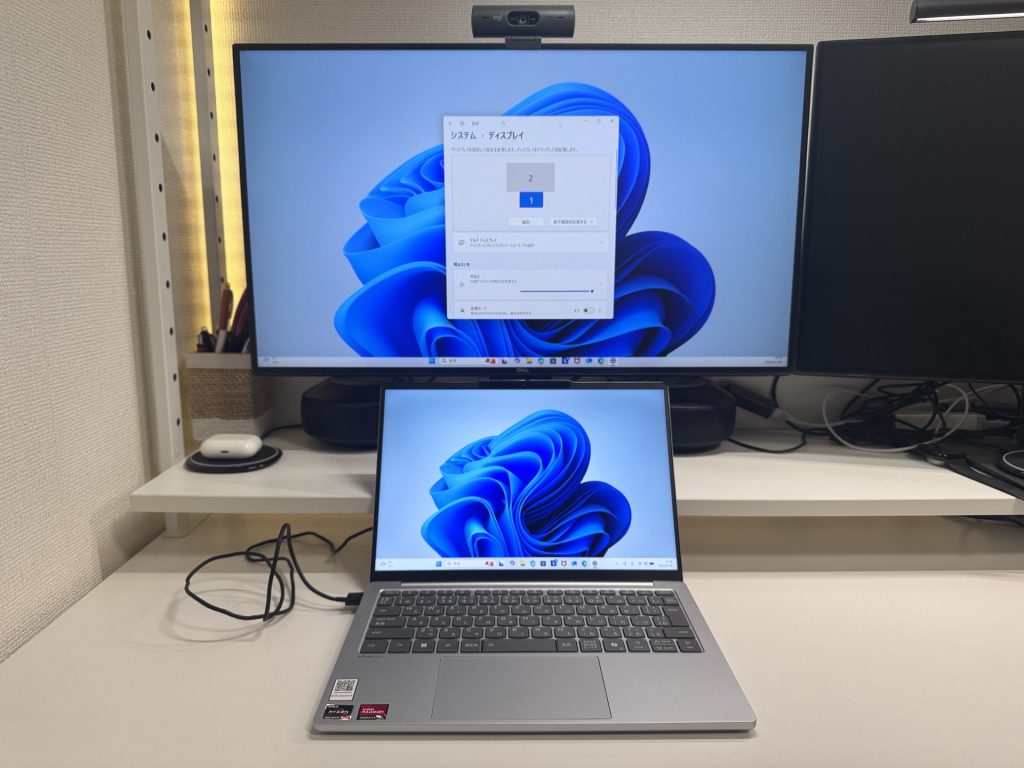 4K output via HDMI
Dual 4K output via USB-C is also possible — great for a full desk setup with multiple monitors.
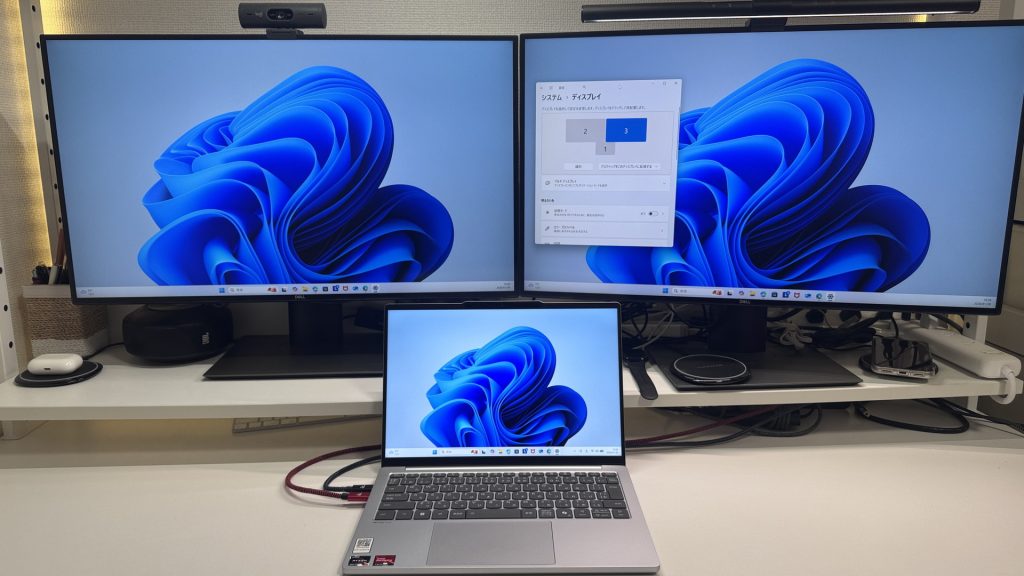 Dual 4K output via USB-C
The microSD slot does leave the card protruding a bit — probably best not to leave it inserted while carrying the laptop around.
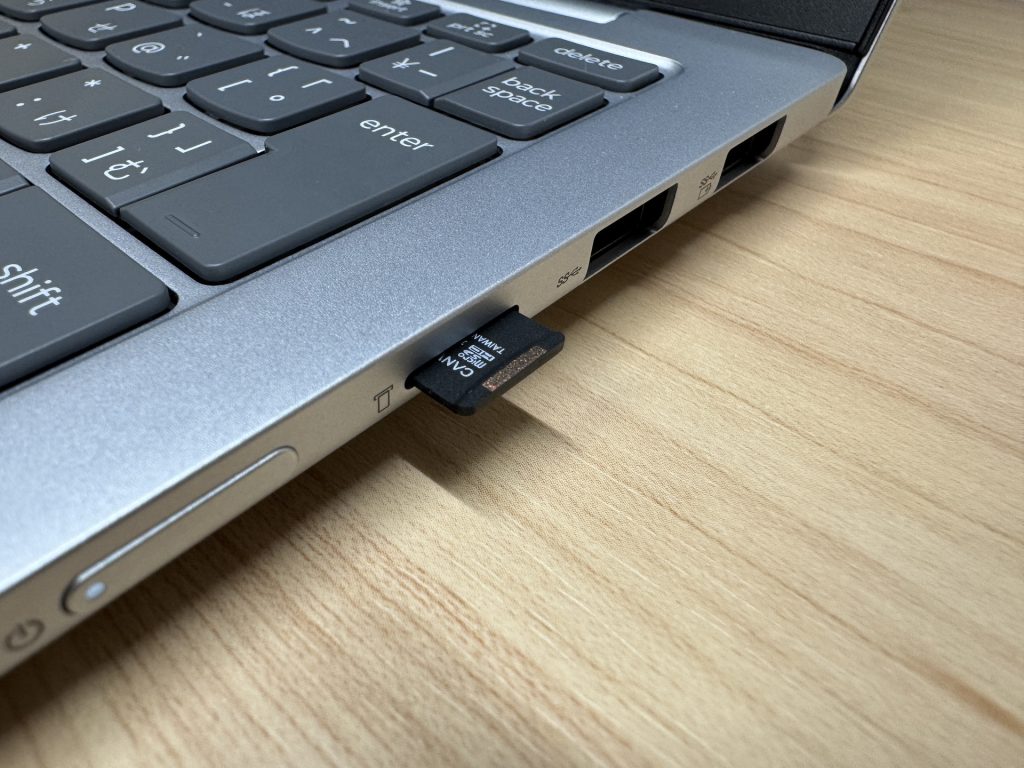 microSD card protrudes when inserted
Webcam
Webcam quality is standard and natural-looking. Online meetings are perfectly fine — no one’s going to flag the picture quality.
 Standard natural webcam image
Physical privacy shutter is a genuine convenience. Slide it shut and you know for certain the camera is off — no software toggle ambiguity.
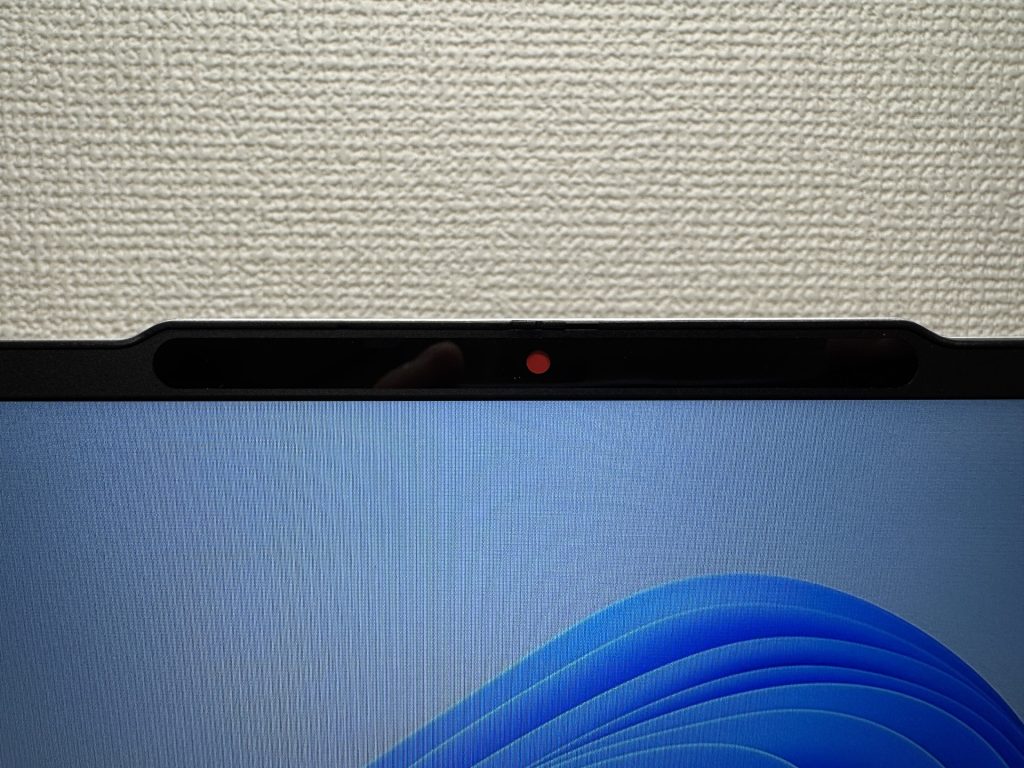 Physical shutter for certain privacy
Speaker Quality
Honest assessment: the bass is light. BGM, notifications, and video calls are all fine. For music with serious low end, earphones or headphones are the better choice. Not a dealbreaker for the target use case — just worth knowing before you buy.
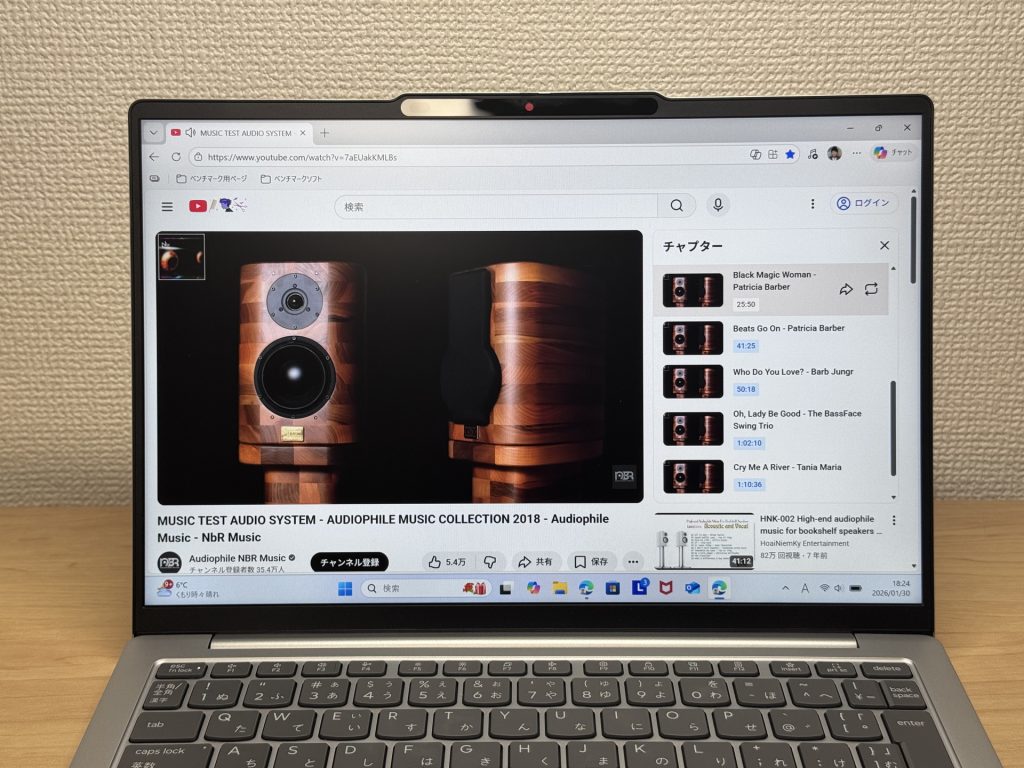 Bass-light speaker — earphones recommended for music
Verdict
Around 1.1 kg and a 23.9-hour battery rating make this one of the more compelling daily carry options at this size. Port selection is unusually generous for a slim machine, and performance is solid for work and study. Speakers are bass-light, and demanding gaming or video editing is out of scope. For mobile users who want light weight, long battery, and proper ports in one package — this is well worth a look.
✅ Great for
- People who carry their laptop every single day
- Anyone who wants to work all day without looking for a socket
- Those who want smooth document work and web browsing
- Anyone who needs to connect quickly in meetings or lectures
⚠️ Worth noting
- Not the right pick for demanding gaming or heavy video editing
- Speaker bass is light — and those prioritising OLED display quality should look elsewhere
Ultra-light with marathon battery life — the 13-inch mobile workhorse.
Where to Buy
* Prices may vary. Please check each store for the latest price and availability.
About the author