ZippyScore
ZippyScore is a proprietary rating based on 6 criteria: performance, portability, display, battery, value, and connectivity.
See rating criteria
- Performance: CPU / GPU performance
- Portability: Screen size & weight
- Display: Panel type, aspect ratio & refresh rate
- Battery: Rated battery life
- Value: Specs-to-price balance
- Connectivity: Port types & count
Pros & Cons
Pros
- Manufacturer-rated ~45-hour battery makes it easy to use anywhere without hunting for a socket
- ARM-based Snapdragon X is power-efficient and stays snappy for everyday tasks
- 16:10 taller IPS screen gives you more room to work and is easy on the eyes
- Good port selection with USB-C, USB-A and HDMI, so you rarely need a dongle
- Facial recognition and a privacy shutter mean instant logins and peace of mind for the camera
Cons
- As an ARM Windows machine, some peripherals like older printers may not have drivers yet
- Not well suited to heavy video editing or serious gaming
- At about 1.42 kg (2.5 lbs) it's standard for a 14-inch, not especially light
Specs Summary
| OS | Windows 11 Home |
|---|---|
| CPU | Snapdragon X X1-26-100 |
| RAM | 16GB |
| Storage | 256GB |
| Display | 14" IPS (Anti-glare) 1920x1200 (16:10) |
| Weight | 1.42 kg (3.13 lbs) |
| Ports | USB-C × 2 (10Gbps/PD/Video out), USB-A × 2 (5Gbps), HDMI × 1 (ver.2.1), Headphone jack × 1 |
| GPU | Qualcomm Adreno GPU |
| Biometrics | Face Recognition |
| Battery | Up to 45 h (Capacity: 60 Wh) |
| Camera | 2.1 MP |
| Dimensions | Approx. 314.4 × 226.1 × 14.7 mm (W × D × H) |
| Wi-Fi | Wi-Fi 6E |
| Bluetooth | Bluetooth 5.3 |
| Color | Nouvelle silver |
Configurations vary by retailer, region, and availability.
Feature Review
Design
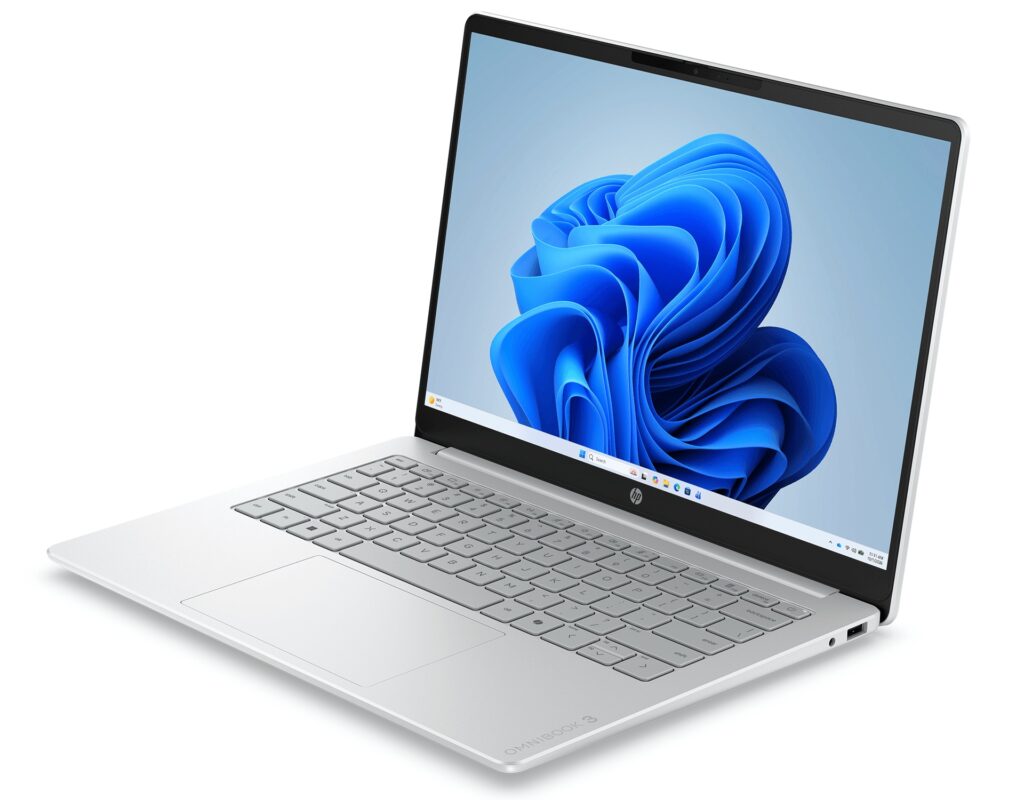
The HP OmniBook 3 14-hz comes in Glacier Silver. It's an understated silver that won't look out of place in a café or the office — just a standard, sensible 14-inch laptop. The OmniBook 3 range sits at the entry level to begin with, so it's an easy pick if value matters to you.
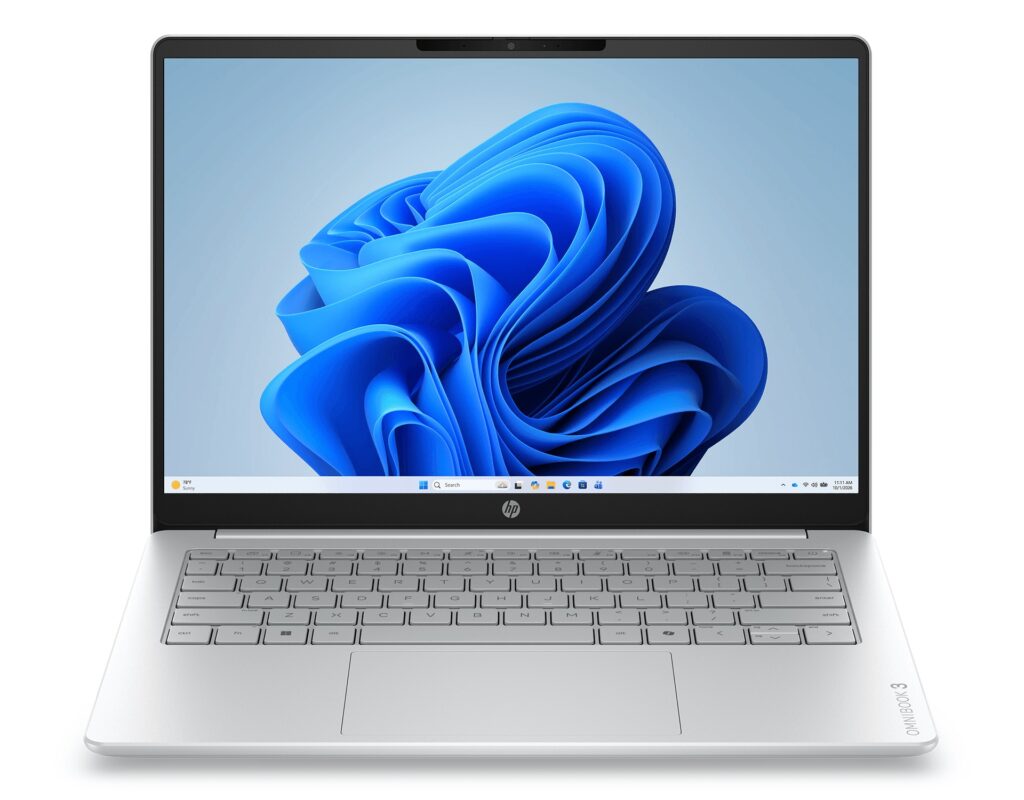 A simple front that fits in anywhere
At 14.7 mm it's on the slim side, so it slips into a bag without any fuss. The lid keeps the logo nicely low-key too, which I rather like.
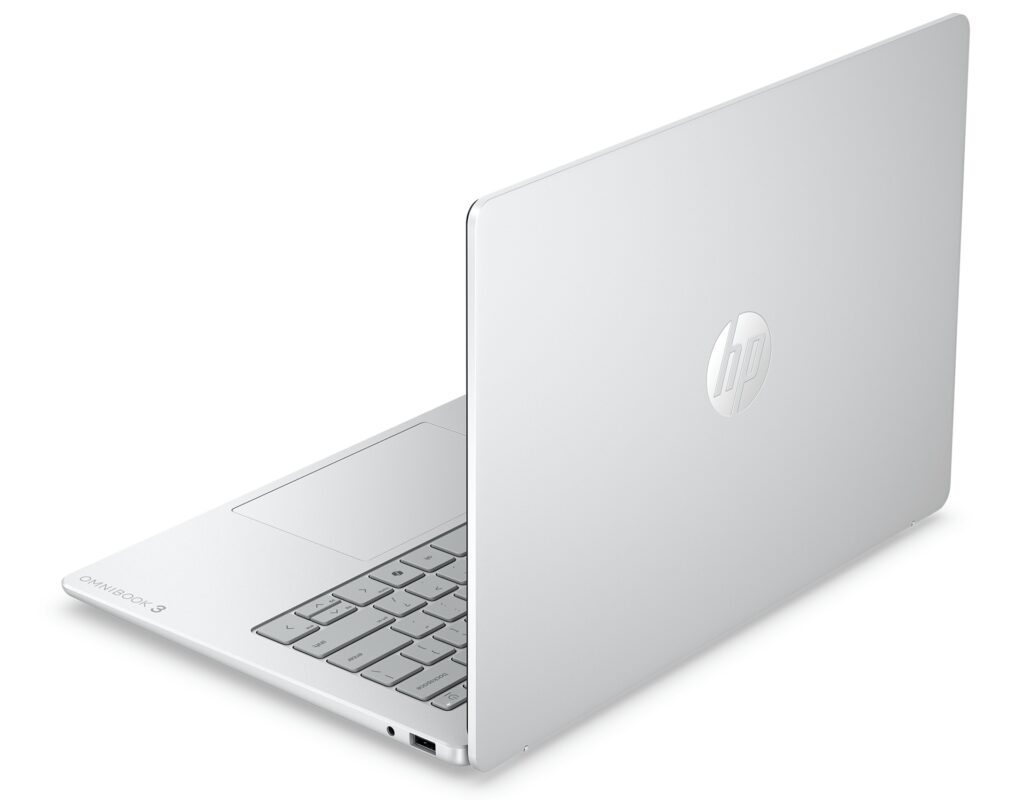 A clean, tidy lid
Portability
It weighs about 1.42 kg (2.5 lbs). Not featherweight on paper, but pretty standard for a 14-incher, and light enough that popping it in your everyday bag for lectures or work feels perfectly fine. The 14.7 mm profile means it doesn't take up much room in your bag either — a small but genuinely welcome touch.
Display quality
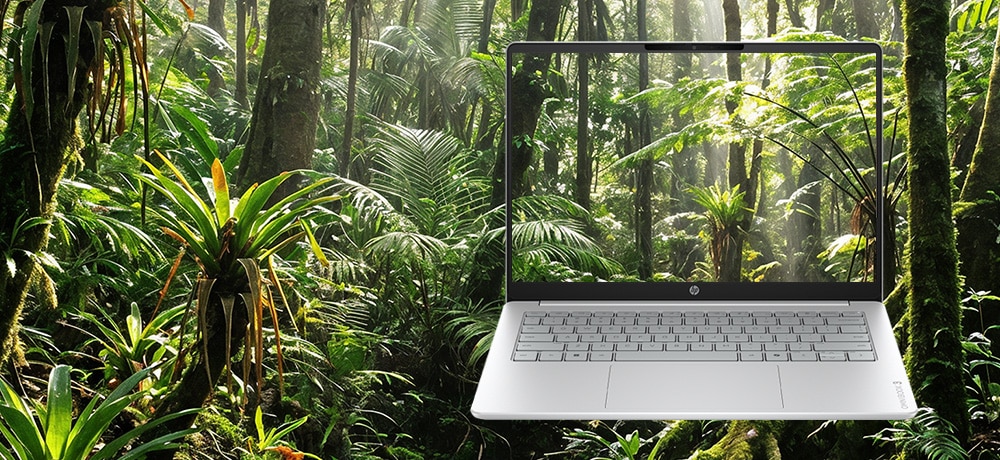
It's a 14-inch IPS panel, so you can expect nice, accurate colour. IPS holds up well at an angle without the colours washing out, which helps when a few of you are huddled round the screen. And the aspect ratio is 16:10 — that bit of extra vertical room means less scrolling on web pages and more of your document visible at once.
 Honest colour, the way IPS does it
Keyboard
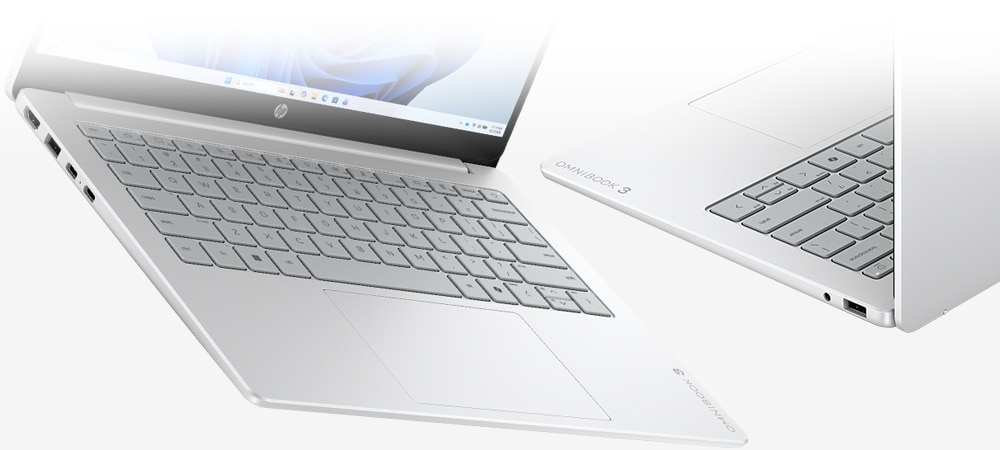
Being a global model, it avoids the odd key layouts you often get on budget machines and gives you a clean, sensible arrangement instead. Good to see.
 A key layout that's no trouble for everyday typing
Performance
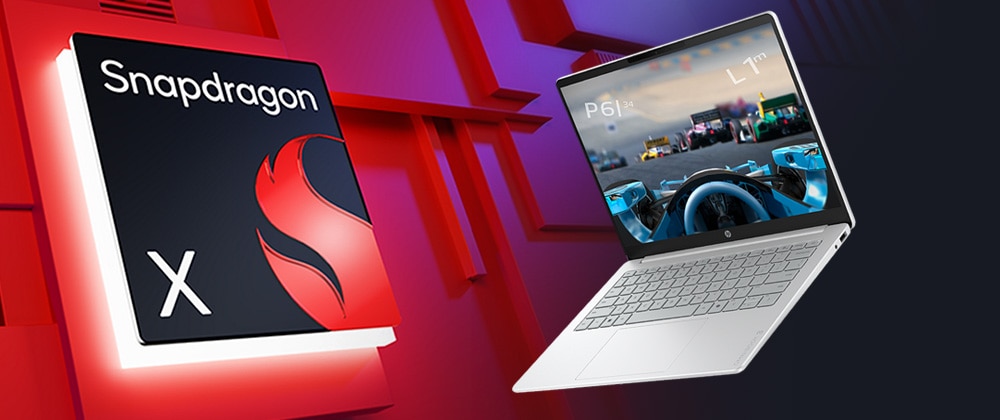
This is the headline feature. The processor is a Snapdragon X1-26-100, an ARM-based CPU. It's the same ARM family that powers your phone, so power efficiency is excellent — and that's exactly what feeds the marathon battery life I'll get to shortly. PassMark multi-thread comes in around 16,426, so for web browsing, coursework and video calls it has more than enough to stay snappy.
 The Snapdragon X1-26-100's score
| Score | Rating | What it feels like in real use |
|---|---|---|
| Up to 5,500 | Tight on headroom | Hiccups during multitasking; comfort takes a hit. Daily use feels constrained. |
| 5,500–8,000 | Daily use | Web, Office, remote work — handles them without issue. |
| 8,000–12,500 | Comfortable (standard) | Daily PC tasks with real headroom. Light video editing and casual games work. |
| 12,500–20,000 | High performance (mainstream) This PC | Multitasking feels good. Heavier work and 3D games are workable. |
| 20,000–40,000 | Very high performance | Comfortable even for demanding work and gaming. |
| 40,000+ | Exceptional | Plenty of headroom for creative work and heavy loads. Long-lasting performance. |
*PassMark CPU Mark measures multi-threaded CPU performance. Some variance is normal between runs even with the same CPU.
That said, I'll be straight about the ARM caveat. Some peripherals, like older printers, still don't have ARM Windows drivers, so they may not connect. ARM came to Windows later, so manufacturer support is still catching up in places. Even so, as of 2026 the Windows emulation layer and app compatibility have come on a long way, and for everyday use it's in good shape compared with the early ARM days. So for those new to PCs, or uni students who aren't plugging in exotic peripherals, it's a solid match.
Battery life
Battery rating: very long
This is the laptop's big weapon. Pair a 60 Wh battery with a power-efficient ARM CPU and HP rates it at a staggering ~45 hours. You won't hit that figure in real life, but the whole "a Windows machine you don't have to babysit" angle is a strong one. If you're out and about a lot, or you find yourself fighting for sockets in the café or library, it's a great match. It charges over USB-C too, so pop a small USB-C charger in your bag and you're travelling light.
Connectivity
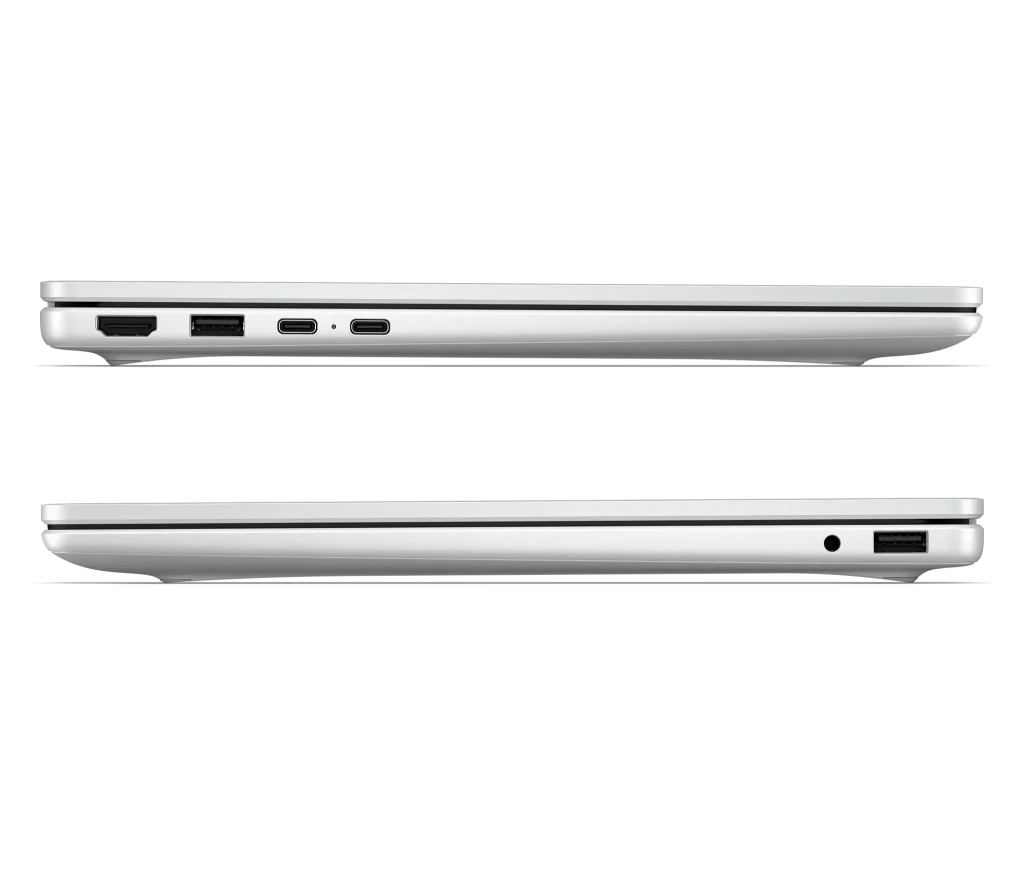
For this size and price, the port selection is genuinely good. Two USB-C ports with video out and charging, two USB-A, plus HDMI 2.1 — the basics are all here. Plenty of recent 14-inchers go USB-C only, so having USB-A and HDMI means you can plug in your mouse or an external monitor without hunting for a dongle. That's a real everyday win.
 Plenty of connectivity for the price
Webcam
The built-in webcam is a ~2 MP FHD shooter, so your face should come through clearly on video calls and online lectures. It has a privacy shutter too, so you can physically cover the lens when you're not using it. That's honestly reassuring.
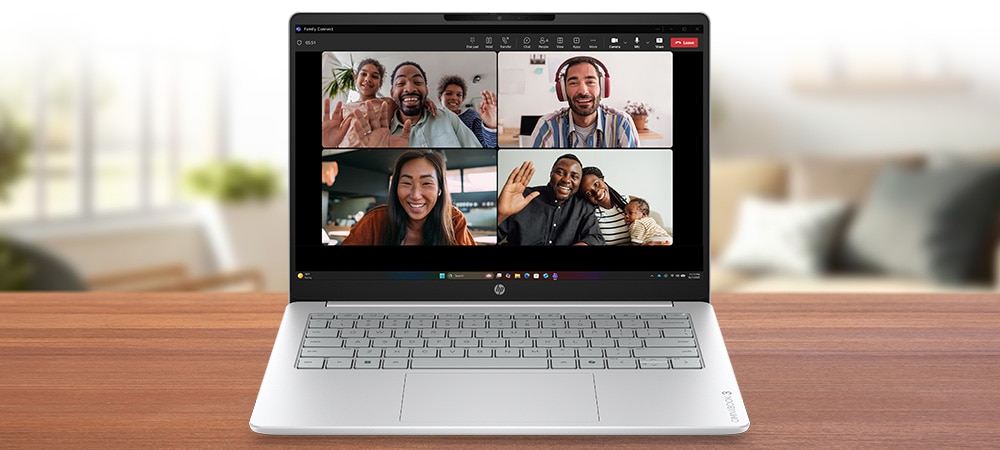 Your face comes through clearly on video calls
Security
For security, it supports facial recognition. Just face the camera and it unlocks in a snap — skipping the password makes logging in instant, which is a quietly nice convenience.
Price
The appeal here is getting this sort of marathon battery at this price. Snapdragon X endurance, an IPS 16:10 display and a full set of ports for this money makes for a pretty easy value call.
Final thoughts
The HP OmniBook 3 14-hz is a 14-inch laptop whose biggest weapon is the marathon battery life from its ARM-based Snapdragon X. You'll want to keep an eye on the driver situation for some peripherals like older printers, but if you stick to everyday use you'll get the full benefit. For uni students who want to stay off the charger out and about, or professionals always on the move, I'd say it's a great standard pick.
A sidekick with 45-hour-class battery
Where to Buy
* Prices may vary. Please check each store for the latest price and availability.
About the author