ZippyScore
ZippyScore is a proprietary rating based on 6 criteria: performance, portability, display, battery, value, and connectivity.
See rating criteria
- Performance: CPU / GPU performance
- Portability: Screen size & weight
- Display: Panel type, aspect ratio & refresh rate
- Battery: Rated battery life
- Value: Specs-to-price balance
- Connectivity: Port types & count
Pros & Cons
Pros
- Storage starts at 512GB — a welcome change on a Mac where you can't add more later
- At 1.23 kg and 11.3 mm thin, it's a comfortable daily carry
- Completely fanless — silent in libraries, cafés, and quiet offices
- M5 delivers meaningful AI and GPU gains, plus roughly double the SSD read speeds
- 12MP webcam makes a noticeable difference on video calls
Cons
- Only two Thunderbolt 4 ports — a hub is pretty much essential if you use multiple peripherals
- Everyday performance is barely distinguishable from M4 for most tasks
- Wi-Fi 7 is only useful if your router supports it
Specs Summary
| OS | macOS |
|---|---|
| CPU | Apple M5 (PassMark: 57,701) |
| RAM | 16GB / 24GB |
| Storage | 512GB / 1TB |
| Display | 13.6" IPS 2560x1664 (3:2) |
| Weight | 1.23 kg (2.71 lbs) |
| Ports | USB-C × 2 (Thunderbolt 4/40Gbps/PD/Video out), Headphone jack × 1 |
| GPU | Apple M5 8-core GPU Apple M5 10-core GPU |
| Biometrics | Fingerprint |
| Battery | Up to 18 h (Capacity: 54 Wh) |
| Camera | 12.0 MP |
| Dimensions | Approx. 304.1 × 215.0 × 11.3 mm (W × D × H) |
| Wi-Fi | Wi-Fi 7 |
| Bluetooth | Bluetooth 6 |
| Color | Midnight / Silver |
Configurations vary by retailer, region, and availability.
Feature Review
Design
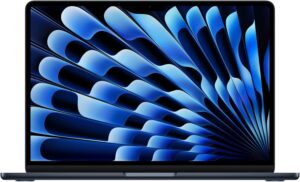
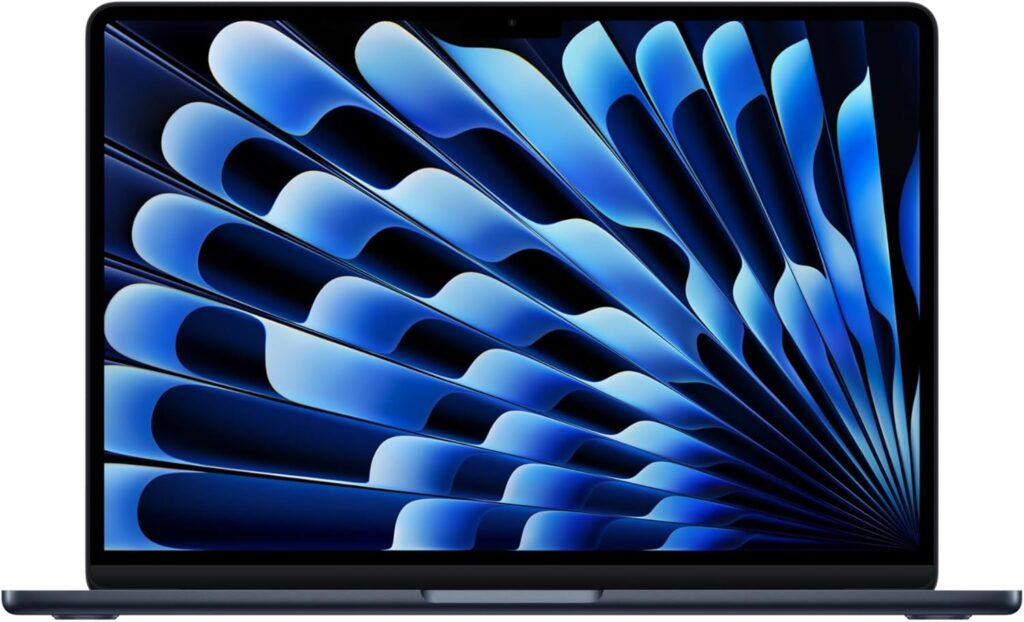
The MacBook Air (13-inch, M5, 2026) is visually identical to the M4 — same colours, same chassis at 304.1 × 215.0 × 11.3 mm. The understated colourways including Starlight look good whether you're in a lecture hall or a boardroom, and at just 11.3 mm, it fits into a rucksack without taking up any real space. The all-aluminium unibody build gives it a quality feel that's hard to fault.
 All-aluminium unibody build
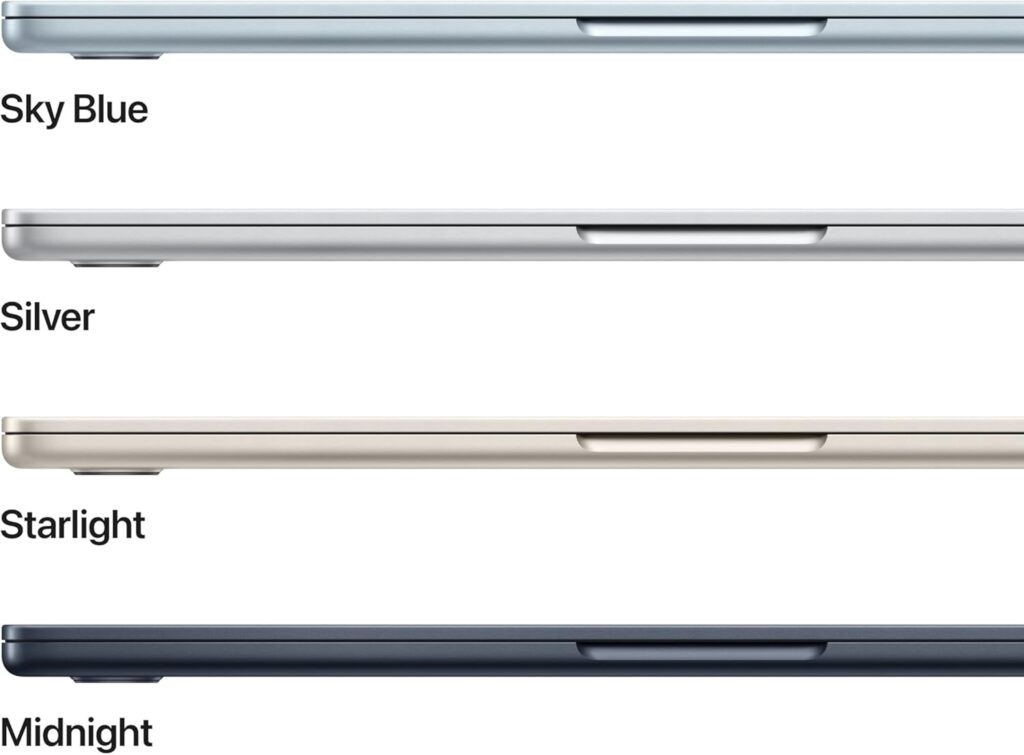 11.3 mm thin profile
 Slim enough to slip into any bag
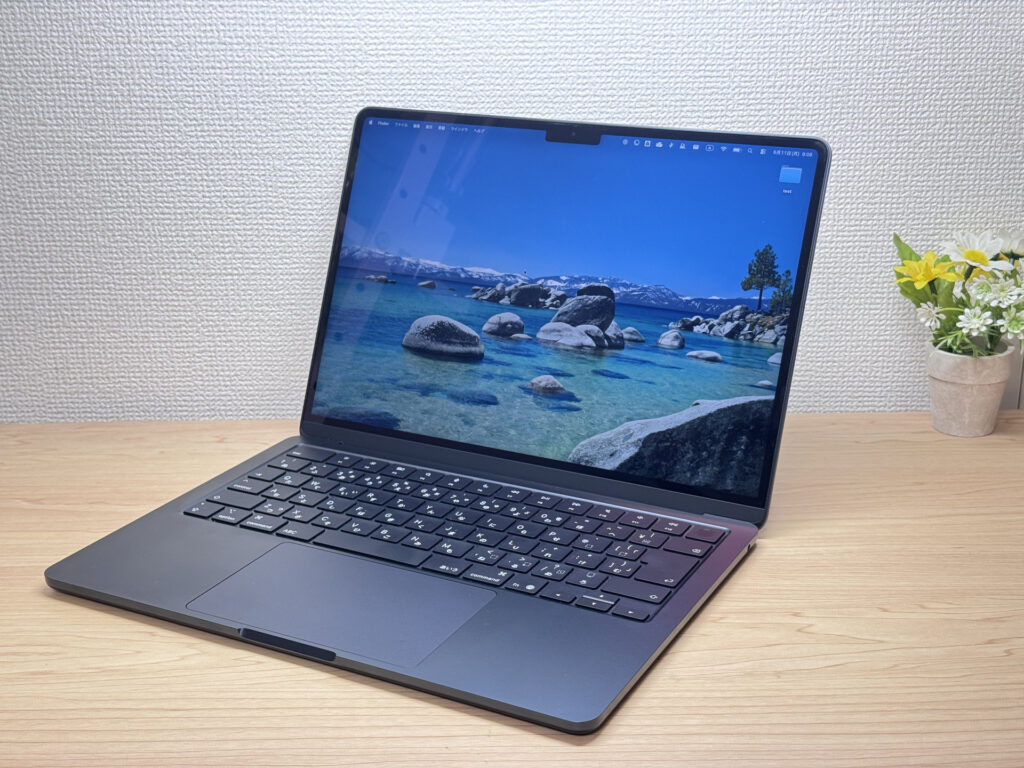 I'm on M4 so there's no real reason for me to upgrade — but I'd be lying if I said I didn't want one. 😂
Portability
At 1.23 kg, it's not featherlight, but for a 13.6-inch laptop, 1.23 kg is well within comfortable daily carry territory. Combined with the slim profile, it's the sort of machine you barely notice in your bag. Fair to say it's well suited for uni students or commuters who need something reliable from morning to evening.
 Easy to carry with one hand
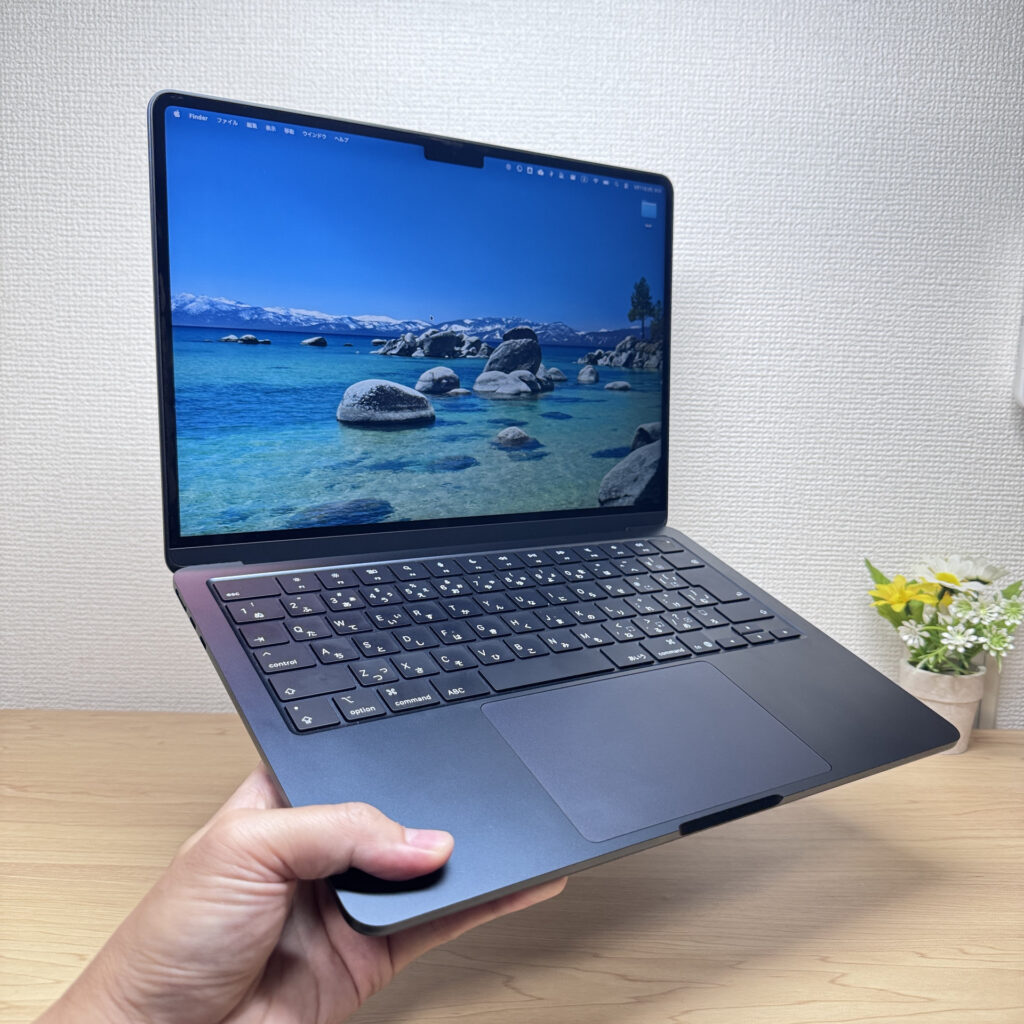 This is the M4, but the Air is genuinely easy to hold one-handed.
Display Quality
The 13.6-inch Liquid Retina panel has a slightly taller aspect ratio than most laptops, which means more content fits on screen when reading web pages or documents — less scrolling, more context. One billion colours, sharp contrast, and colour accuracy that's genuinely impressive at this price. For photos and web browsing, the display quality is one of the Air's best arguments.
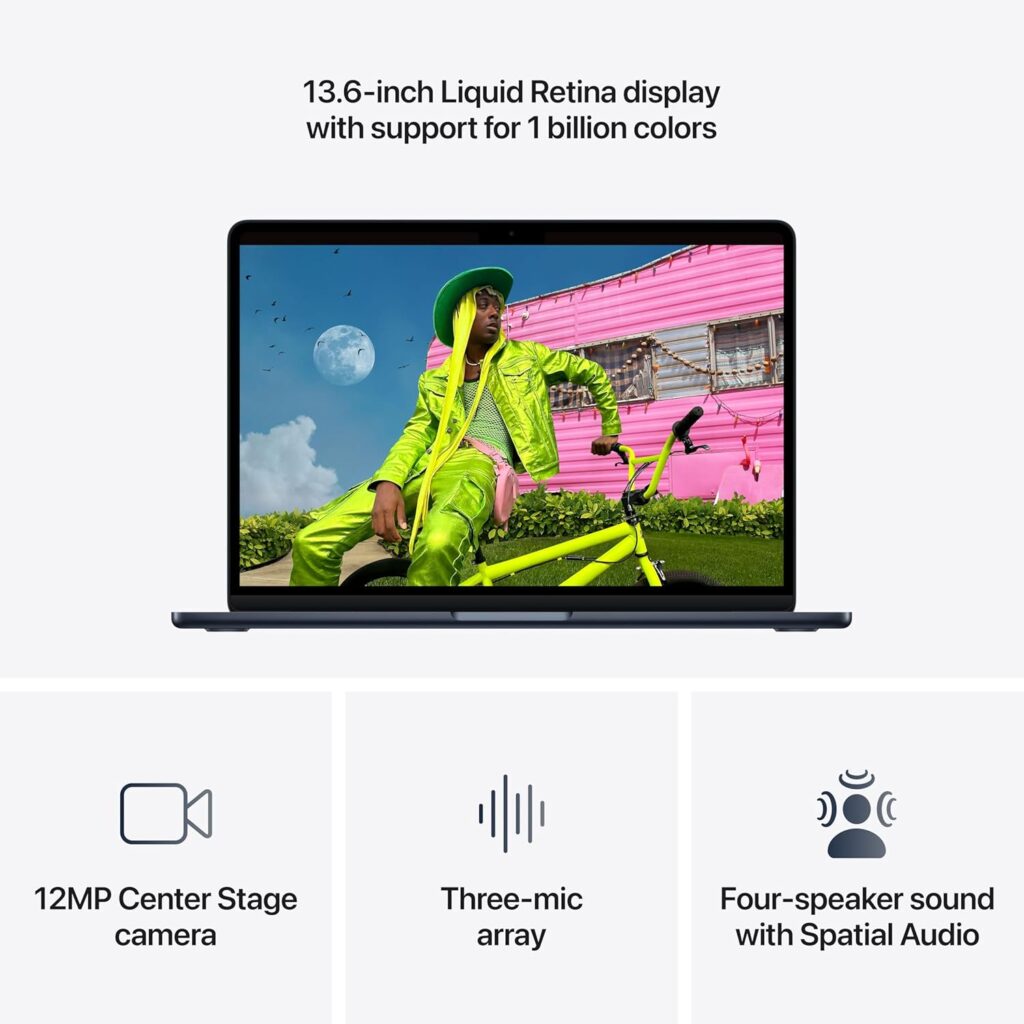 One billion colours, vibrant and accurate
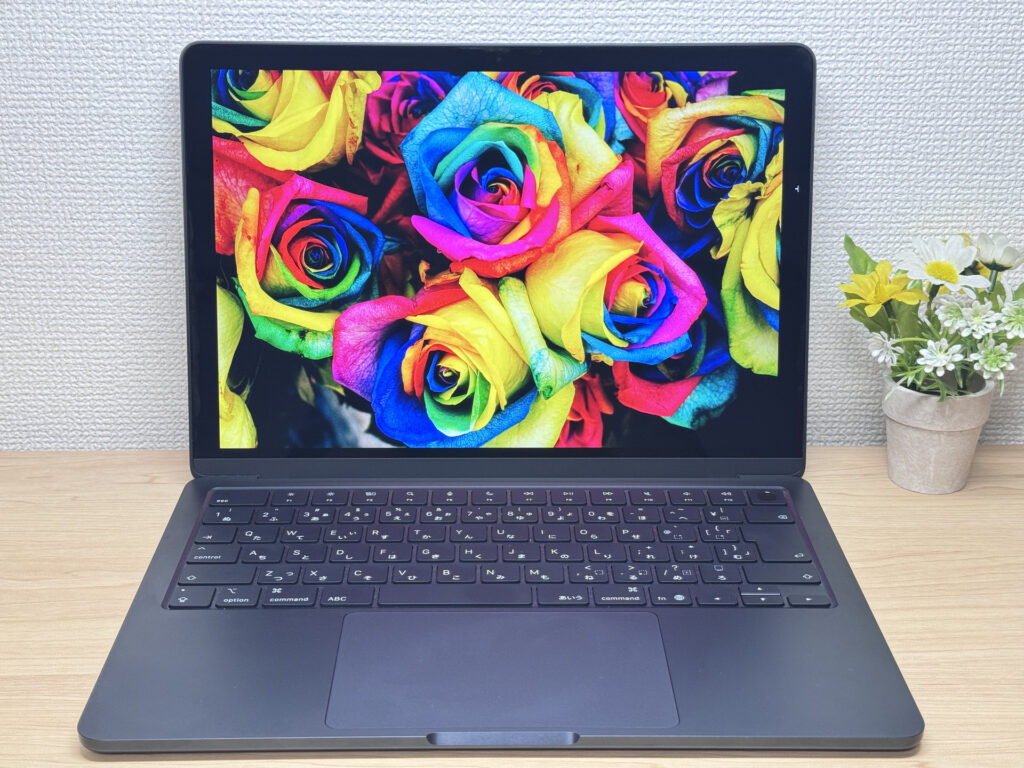 Even on M4 the display is already as good as it needs to be.
Keyboard
Sensible key layout — no oddly placed keys like you sometimes see on budget Windows laptops. The power button doubles as Touch ID, so unlocking is just a single tap. Backlit keys mean typing in low light isn't an issue. Personally, I find the MacBook Air keyboard a touch too smooth for my taste — feels a bit slippery — though it's clearly a matter of preference.
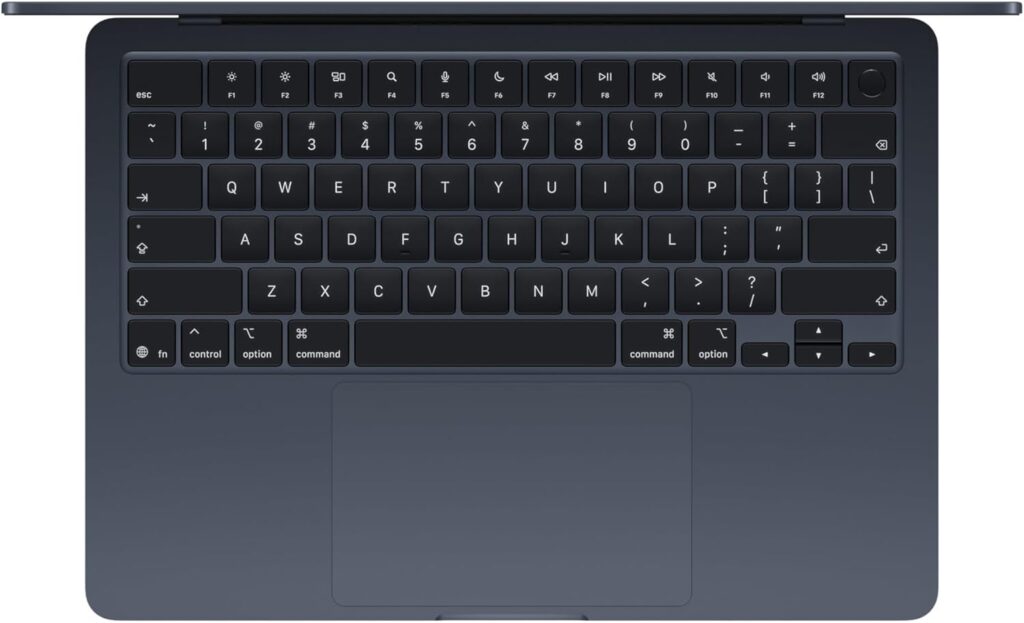 Power button with integrated Touch ID
Performance
The M5 upgrades the CPU, GPU, and Neural Engine. For everyday tasks — web browsing, emails, spreadsheets — the difference from M4 is honestly pretty minimal. Where the M5 earns its stripes is AI image generation and running local LLMs; the next-gen GPU and Neural Accelerators handle those workloads considerably better. SSD read speeds have roughly doubled too, which helps when transferring large files for photo or video work.
 M5 chip — built for AI tasks
On RAM: 16GB is fine for most users, including uni students. 24GB is worth considering if you do programming or tend to keep lots of tabs and apps open. 32GB is really for virtual machines or serious video editing.
Battery Life
Battery rating: long
The 54Wh battery and Apple Silicon efficiency make for a combination that lasts longer than the raw capacity would suggest. Apple quotes up to 18 hours, and with the fanless design keeping power draw low, that's not a wildly optimistic claim. Realistically, you can leave the charger at home for a full working day.
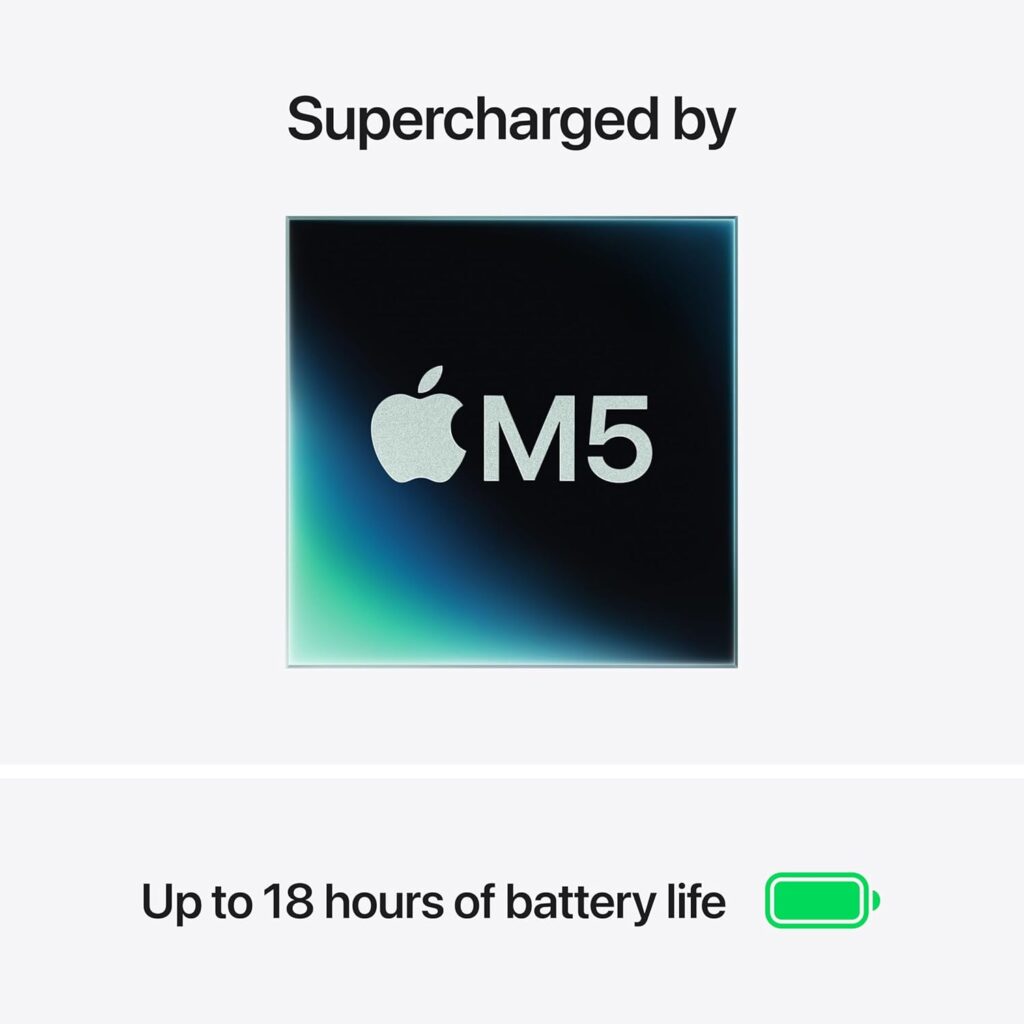 All-day battery life
Fan Noise & Heat
Fanless design — silent, always. No fan spin-up in the library, café, or a quiet office. Just silence. It's one of those things you don't fully appreciate until you've used it for a week and then gone back to a fan-cooled machine.
Ports & Connectivity
Two Thunderbolt 4 ports on the left, 3.5 mm headphone jack on the right, MagSafe charging. With only two USB-C ports, you'll likely need a hub if you're connecting more than one thing at once. Not a dealbreaker — a decent USB-C hub sorts it, and you can drive up to two external displays. Wi-Fi 7 and Bluetooth 6 are on board, though Wi-Fi 7 only matters if your router supports it.
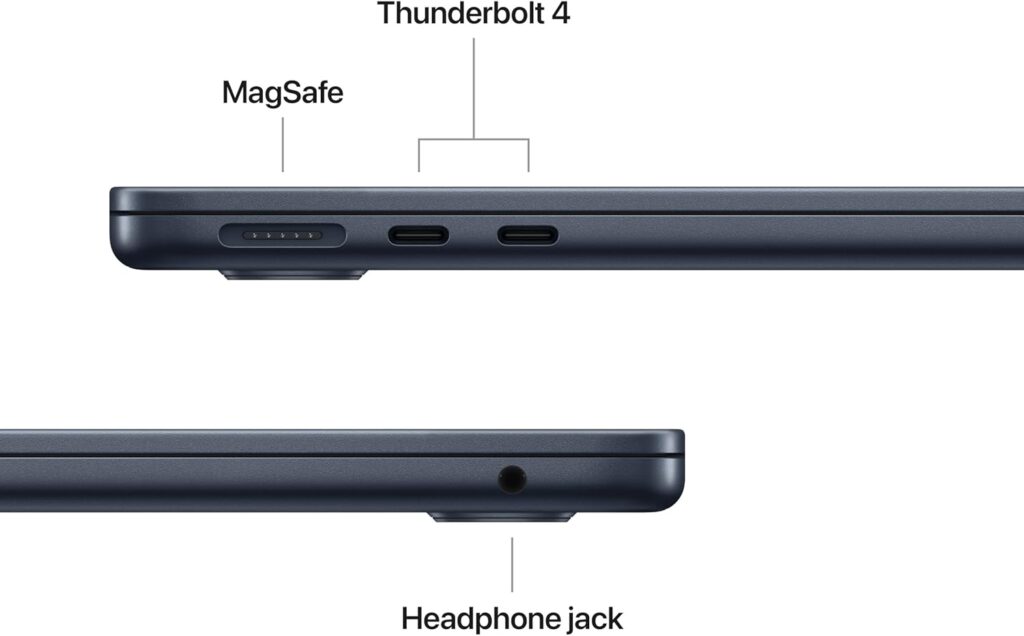 Two Thunderbolt 4 ports on the left
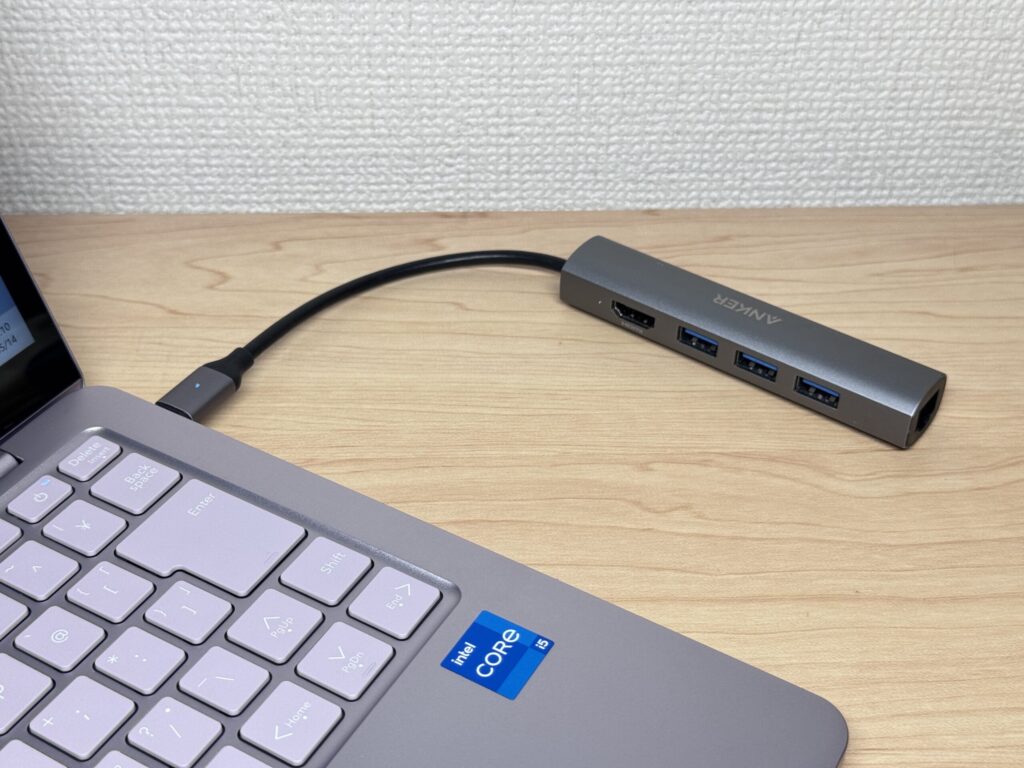 A compact USB-C hub covers most scenarios — and they're not expensive.
Webcam
12MP Centre Stage camera. 12 megapixels is genuinely good for video calls — you'll actually look presentable on screen, which is more than you can say for a lot of Windows laptops. Centre Stage keeps you framed automatically, and Desk View lets you flip to a top-down view of your desk for meetings.
Security
Touch ID built into the power button — one fingerprint to boot and log in. No typing your password every time you open the lid. It's a small thing, but it adds up.
Price
For the performance, build quality, and macOS, £1,299.00 is fair. Having 512GB baked in from the start — on a machine where you can't upgrade it later — makes the value case fairly compelling. Wi-Fi 7 and Bluetooth 6 are welcome extras, though Wi-Fi 7 is only useful if your home router is up to it.
Verdict
The MacBook Air (13-inch, M5, 2026) refines the M4 in all the right places: 512GB storage as standard, faster SSD, better AI and GPU performance, Wi-Fi 7. M4 owners have no urgent reason to upgrade, but for M1 or M2 users or anyone buying their first Mac, this is genuinely one of the easier recommendations to make.
The fanless MacBook Air — light, quiet, dependable.
Where to Buy
* Prices may vary. Please check each store for the latest price and availability.
About the author