ZippyScore
ZippyScore is a proprietary rating based on 6 criteria: performance, portability, display, battery, value, and connectivity.
See rating criteria
- Performance: CPU / GPU performance
- Portability: Screen size & weight
- Display: Panel type, aspect ratio & refresh rate
- Battery: Rated battery life
- Value: Specs-to-price balance
- Connectivity: Port types & count
Pros & Cons
Pros
- Storage starts at 512GB — a real relief on a Mac where you can't upgrade later
- At 1.23 kg (~2.7 lbs) and 11.3 mm thin, it's a comfortable daily carry
- Completely fanless — dead silent in libraries, coffee shops, or anywhere else
- M5 brings meaningful AI and GPU gains, plus roughly 2x faster SSD reads
- 12MP webcam makes you look noticeably better on video calls
Cons
- Only two Thunderbolt 4 ports — you'll want a USB-C hub if you use multiple peripherals
- Everyday performance feels nearly identical to M4 for most tasks
- Wi-Fi 7 is only useful if your router supports it
Specs Summary
| OS | macOS |
|---|---|
| CPU | Apple M5 (PassMark: 57,701) |
| RAM | 16GB / 24GB |
| Storage | 512GB / 1TB |
| Display | 13.6" IPS 2560x1664 (3:2) |
| Weight | 1.23 kg (2.71 lbs) |
| Ports | USB-C × 2 (Thunderbolt 4/40Gbps/PD/Video out), Headphone jack × 1 |
| GPU | Apple M5 8-core GPU Apple M5 Apple M5 10-core GPU |
| Biometrics | Fingerprint |
| Battery | Up to 18 h (Capacity: 54 Wh) |
| Camera | 12.0 MP |
| Dimensions | Approx. 304.1 × 215.0 × 11.3 mm (W × D × H) |
| Wi-Fi | Wi-Fi 7 |
| Bluetooth | Bluetooth 6 |
| Color | Midnight / Sky Blue / Silver |
Configurations vary by retailer, region, and availability.
Feature Review
Design
The MacBook Air (13-inch, M5, 2026) looks essentially identical to the M4 — same colorways, same chassis dimensions at 304.1 × 215.0 × 11.3 mm. The muted tones including Starlight look good anywhere, and at just 11.3 mm thin, it slides into a bag like it was made for it. The all-aluminum unibody build gives it that premium feel that's hard to find at this price.
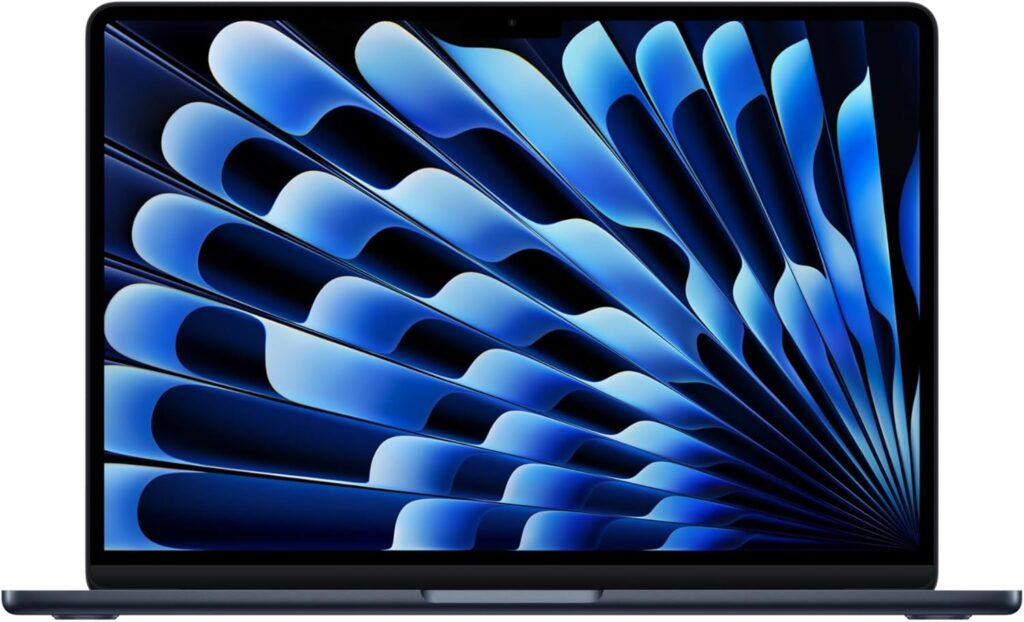 All-aluminum unibody build
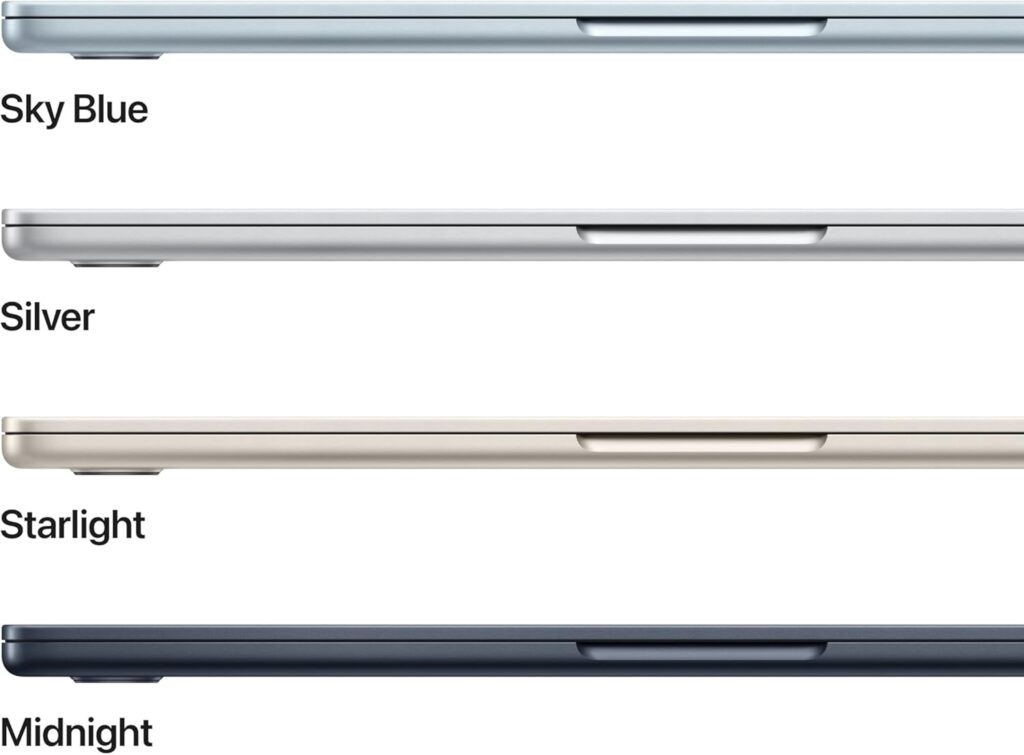 11.3 mm thin profile
 Slim enough to toss in any bag
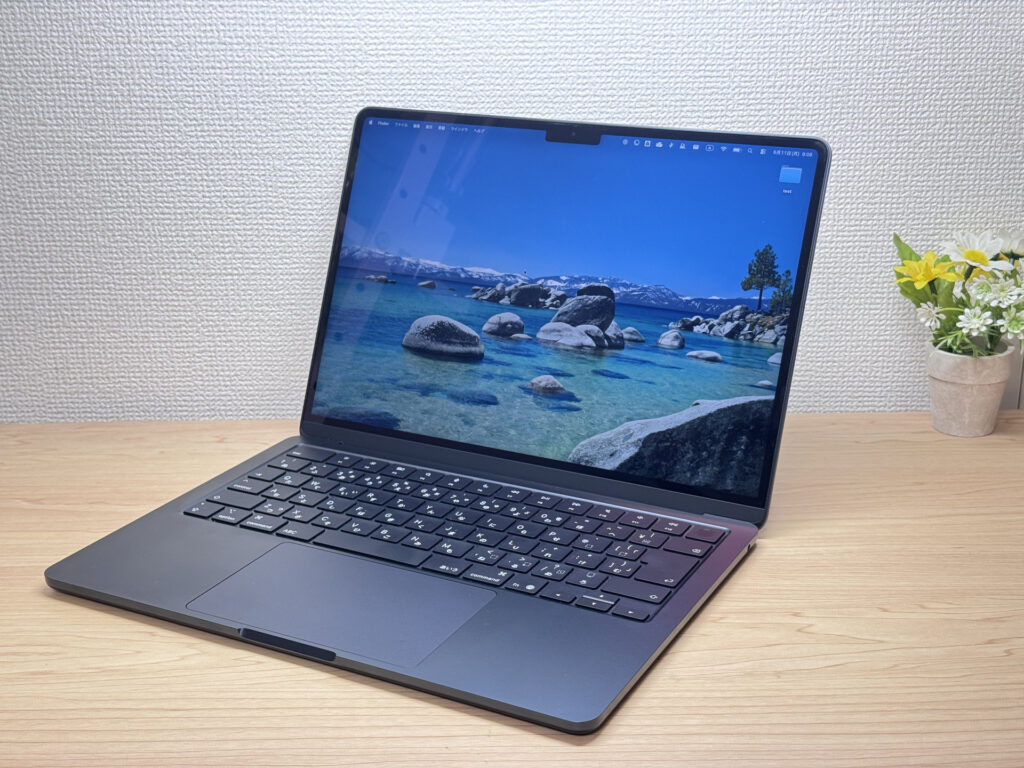 I'm on M4 so I don't need to upgrade — but I still want one. 😂
Portability
At 1.23 kg (~2.7 lbs), it's not the lightest laptop in existence, but for a 13.6-inch machine, 2.7 lbs is firmly in the "throw it in your backpack and forget about it" category. Pair that with the slim profile and you've got something that works just as well balanced on your lap as it does at a desk. Great daily driver for commuters and college students alike.
 Easy to carry with one hand
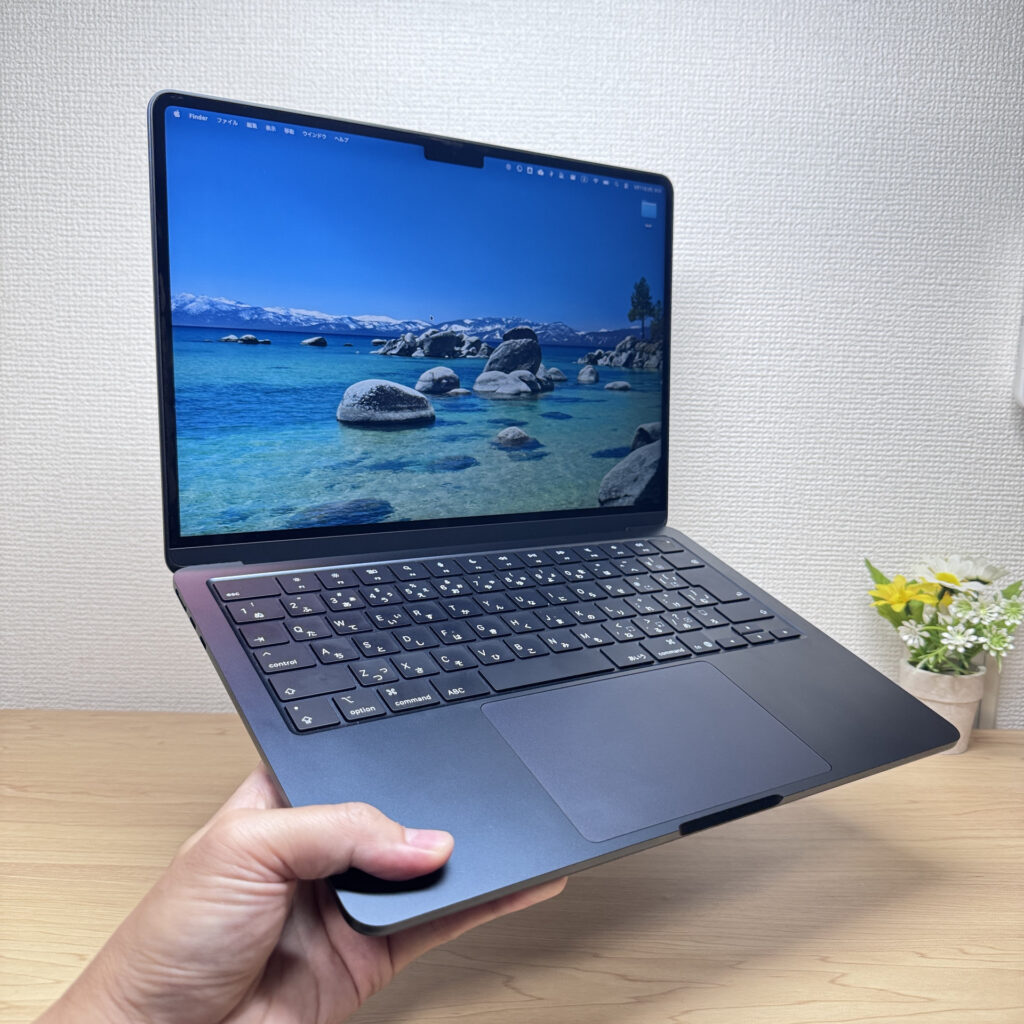 This is the M4, but the Air is genuinely one of the easiest one-handed carries out there.
Display Quality
The 13.6-inch Liquid Retina display has a taller-than-usual 3:2-ish aspect ratio, which means you see more content vertically when scrolling through websites or documents — less scrolling, more reading. One billion colors, punchy contrast, great color accuracy. Photos and web browsing look noticeably better than on most laptops in this class. Honestly, the display is one of the Air's secret weapons.
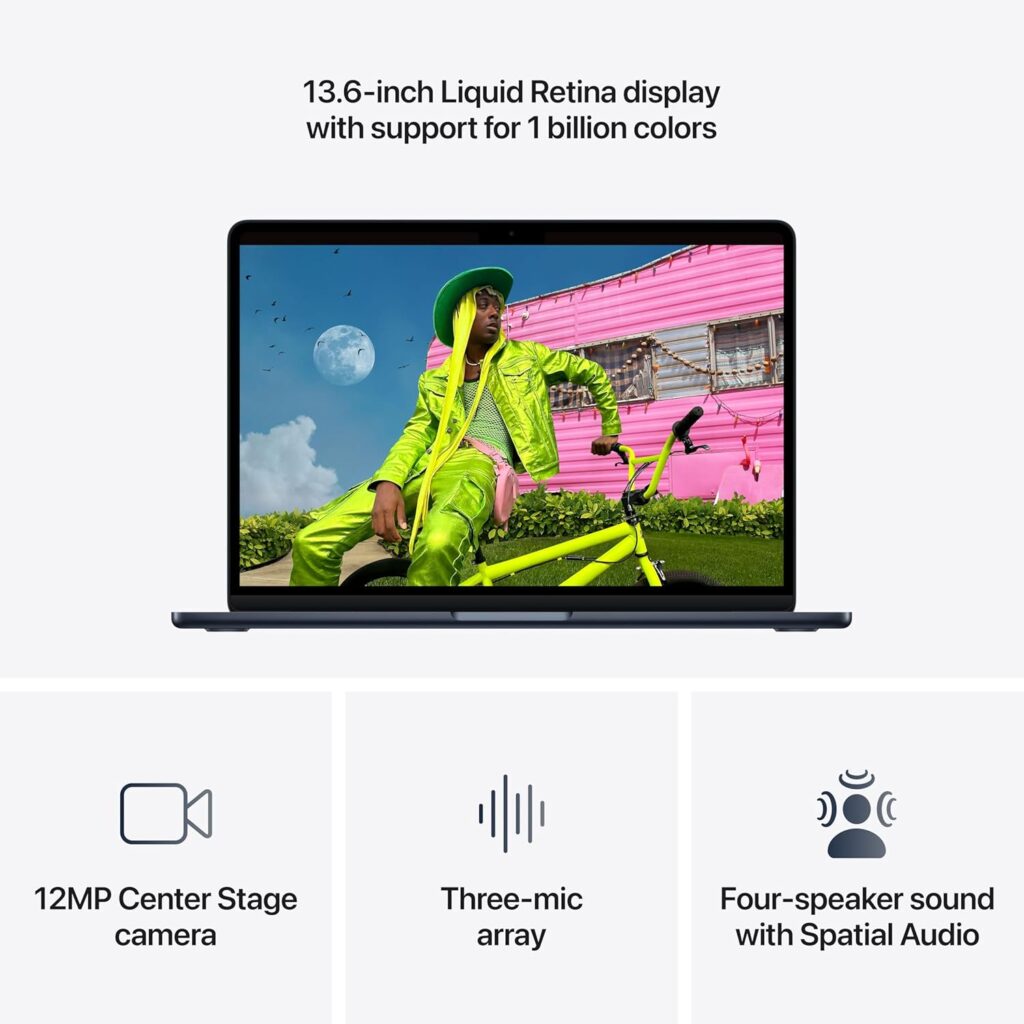 One billion colors, vivid and accurate
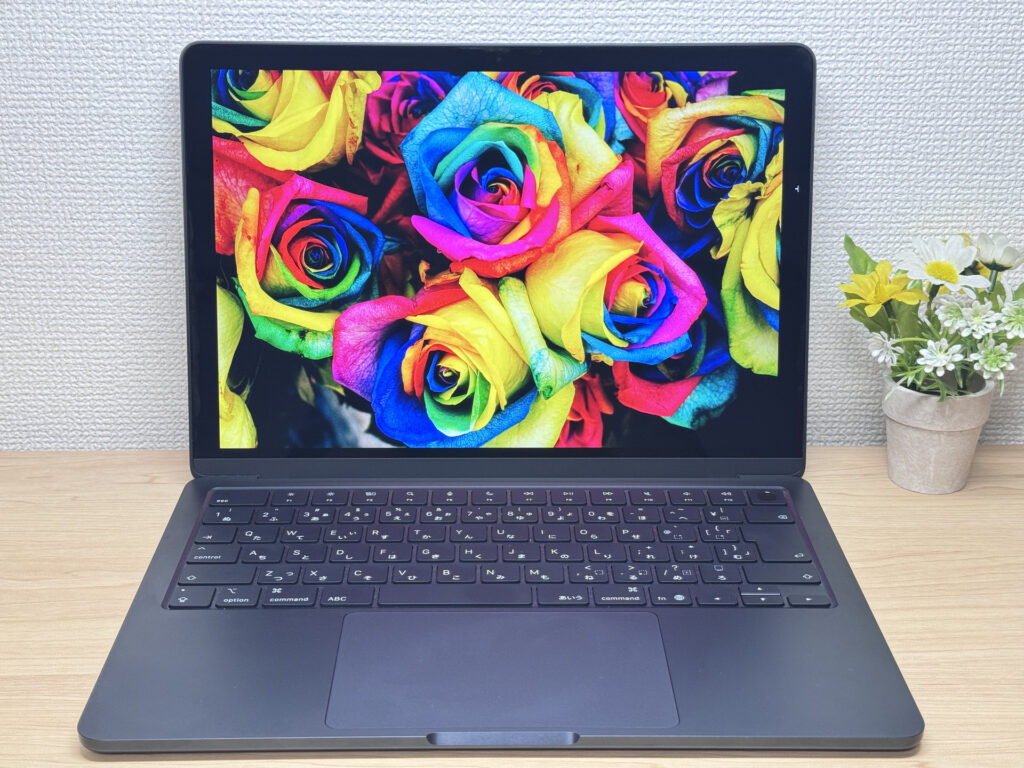 Even on the M4 the display is already dialed in.
Keyboard
The keyboard layout is clean — no weird key placement you sometimes find on budget PCs. The power button doubles as Touch ID, so you go from closed lid to logged in with one finger. Backlit keys make it easy to type in a dark coffee shop or on a late-night flight. That said — personal take here — the MacBook Air keyboard feels a bit slippery to me. It's not my favorite feel, though I know plenty of people who love it.
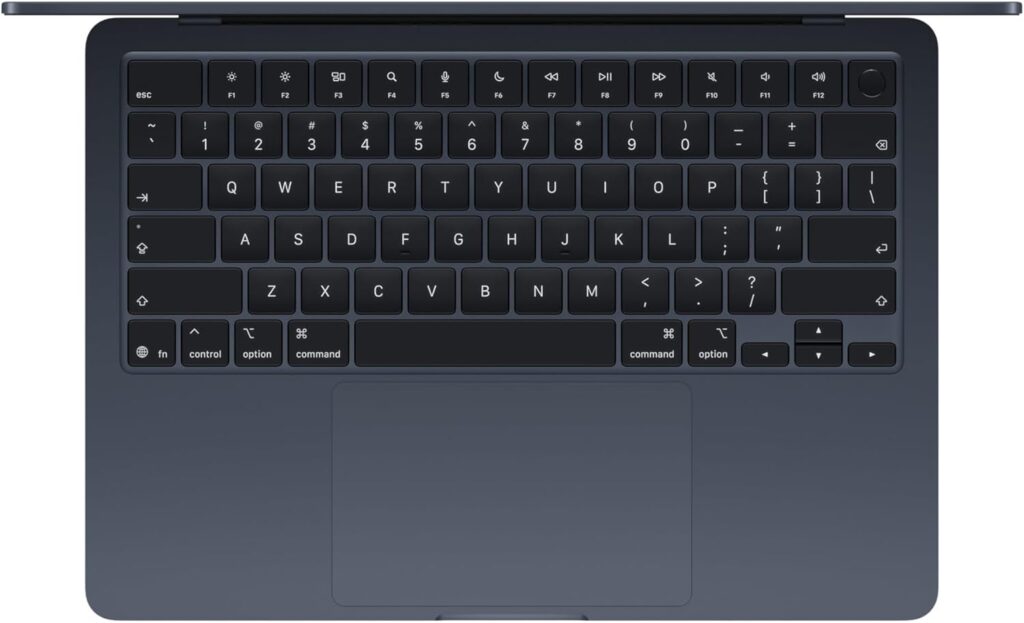 Power button with integrated Touch ID
Performance
The M5 chip upgrades the CPU, GPU, and Neural Engine across the board. That said, for everyday tasks — browsing, writing, streaming — you'd be hard pressed to feel a difference from M4. Where the M5 really earns its keep is AI image generation and running local LLMs; the next-gen GPU and Neural Accelerators handle that stuff noticeably better. SSD read speeds have roughly doubled too, so if you're moving big files from external storage for photo or video work, you'll feel it.
 M5 chip — built for AI workloads
On RAM: 16GB is plenty for most users and college students. Step up to 24GB if you're doing programming or keeping a lot of apps open simultaneously. 32GB is for people running virtual machines or doing serious video editing.
Battery Life
Battery rating: long
The 54Wh battery paired with Apple Silicon's efficiency means it runs longer than the specs alone suggest. Apple claims up to 18 hours, and with the fanless design keeping power draw low, that number isn't far off in real use. You can realistically leave your charger at home for a full day.
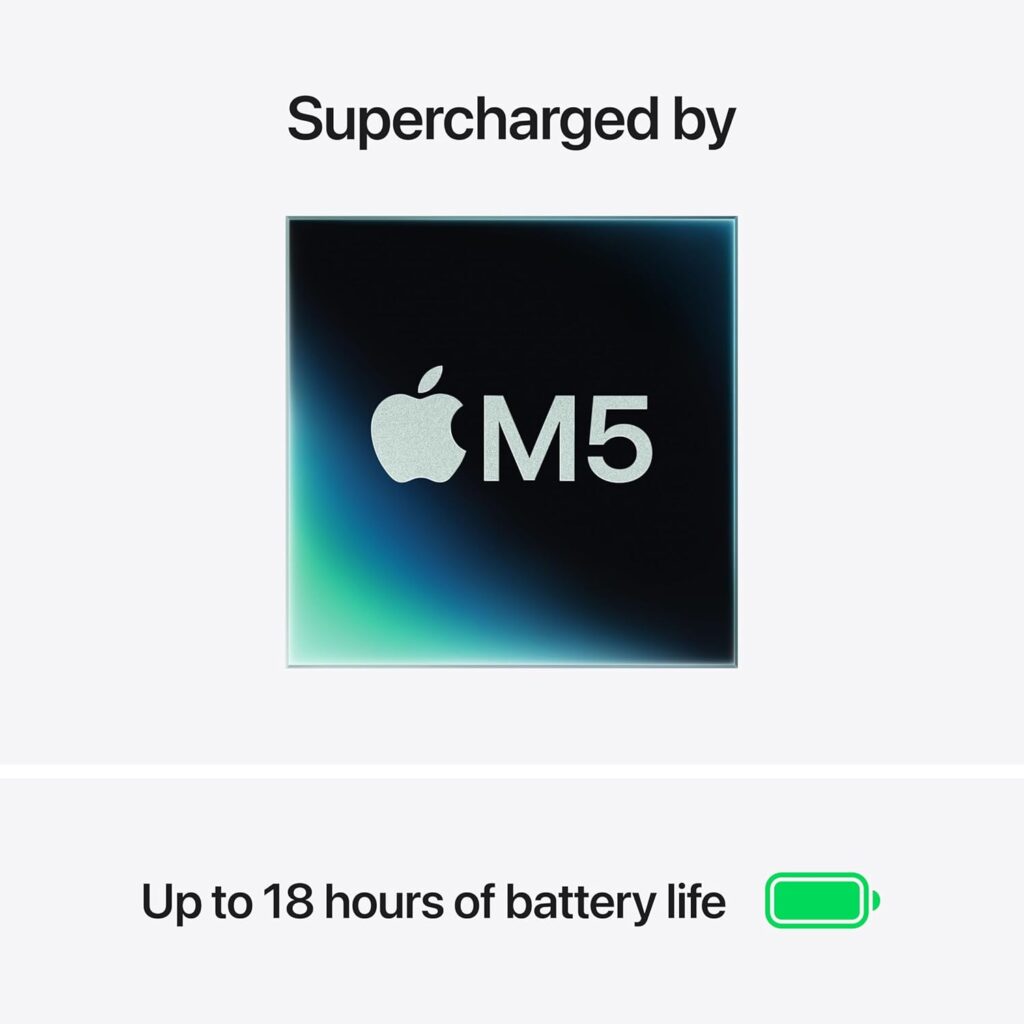 All-day battery you can actually count on
Fan Noise & Heat
Fanless — so zero noise, always. Whether you're in the library, a coffee shop, or a quiet office, there's no fan spinning up to break the silence. Honestly, once you get used to fanless, it's really hard to go back. It's one of those things that sounds minor until you've lived with it.
Ports & Connectivity
Two Thunderbolt 4 ports on the left, headphone jack on the right, MagSafe charging port. With only two USB-C ports, you'll pretty much need a hub if you're connecting more than one peripheral. Not a dealbreaker — a good USB-C hub handles the expansion just fine, and you can drive up to two external displays via USB-C. Wi-Fi 7 and Bluetooth 6 are on board too, though Wi-Fi 7 only makes a difference if your router supports it.
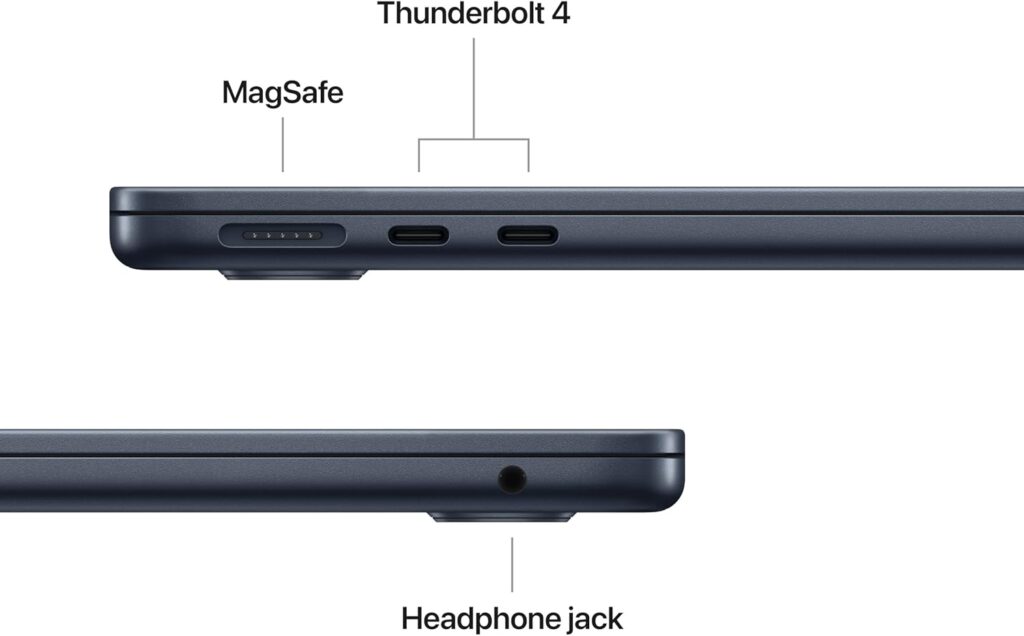 Two Thunderbolt 4 ports on the left side
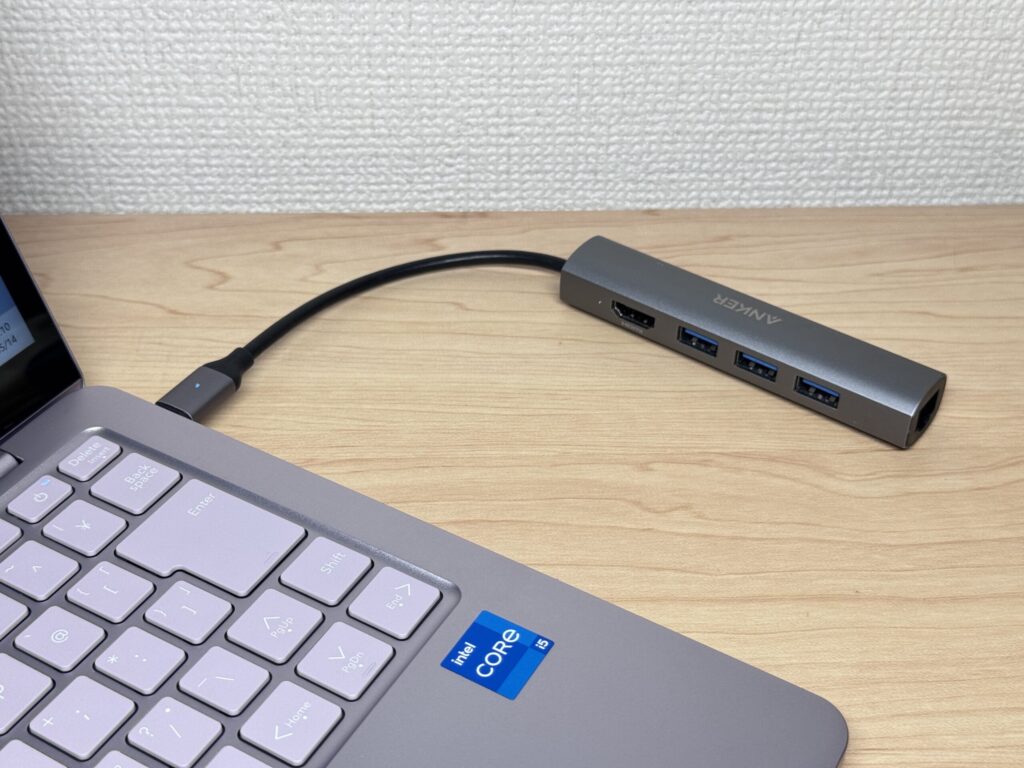 A decent USB-C hub covers most needs — and compact ones are pretty affordable these days.
Webcam
12MP Center Stage camera. At 12 megapixels, you'll actually look decent on video calls — not the blurry mess you get on a lot of Windows laptops. Center Stage keeps you in frame automatically as you move, and Desk View lets you flip to a top-down shot of your desk. Nice bonus for anyone doing remote meetings.
Security
Touch ID via the power button. Boot to logged-in with a single fingerprint tap — no typing your password every time you open the lid. Small thing, but it adds up over the course of a day.
Price
For what you get — M5 performance, macOS, and a fanless aluminum build — $1,299.00 feels fair. Knowing the 512GB storage is baked in from day one (and can't be upgraded later) makes the value proposition feel even more solid. Wi-Fi 7 and Bluetooth 6 are nice to have, though you'll only benefit from Wi-Fi 7 if your home router supports it — don't let that be the reason you buy.
Verdict
The MacBook Air (13-inch, M5, 2026) takes everything that was already great about the M4 and makes it a little better: 512GB storage out of the box, faster SSD, stronger AI and GPU performance, Wi-Fi 7. M4 users don't need to rush — but if you're coming from M1 or M2, or buying your first Mac, this is genuinely one of the easiest recommendations I can make.
The MacBook Air at its best — light, quiet, and ready for anything.
Where to Buy
* Prices may vary. Please check each store for the latest price and availability.
Where this laptop ranks


About the author